Find your way into a game.
One familiar game can lead to different community projects. Compare what each version offers, then open the setup guide or project page that fits you.
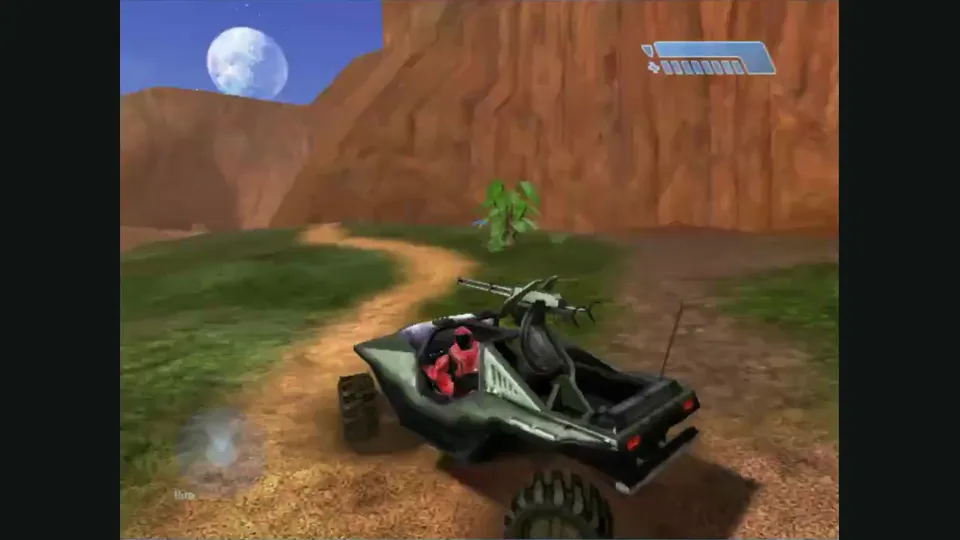
Halo: Combat Evolved
Choose Hynes for a desktop browser and private invites, HCEMobile for touch controls, or OpenCE for native installation with your own Xbox disc image.
- Browser with a mouse
Direct XISO import, desktop bindings and private map-and-mode invite rooms.
- Phone controls
Editable touch layouts, home-screen installation and per-copy save export.
- Native desktop play
Windows and Linux releases with disc import and documented local split-screen campaign.
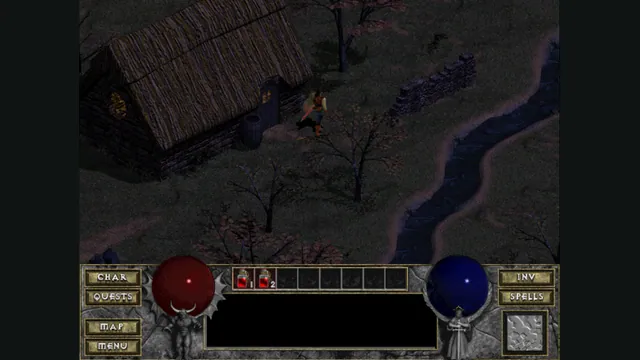
Diablo
Try a hosted Diablo demo, import DIABDAT.MPQ for the retail game, or use native DevilutionX for Hellfire and its controller scheme.
- Browser with save controls
Clear demo and retail choices plus documented save import, export and storage recovery.
- Earlier browser client
The original DiabloWeb host offers shareware and retail MPQ import, including its documented phone route.
- Native with Hellfire
A separate port with expansion-data support and a documented controller scheme.
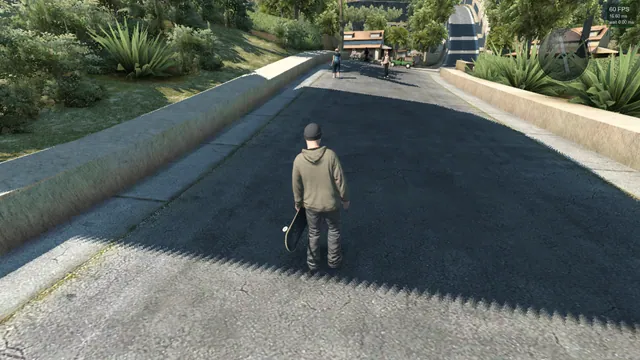
Skate
Start with Skate3Recomp for desktop disc import, use the phone-specific ports for mobile installation, and reserve the browser fan game for already converted data.
- Desktop disc installer
A release-based ISO installer and controller input; Windows is the maintainer’s most-tested platform.
- Prepared-data browser experiment
Connect a compatible converted copy through Game Server; the public launcher supplies no converter.
- Android installation
The native app can extract your own disc image and Title Update 3 on the phone.
- Skating rewrite
A gamepad-led Windows experiment for tricks and maps, with unfinished original-game parity.
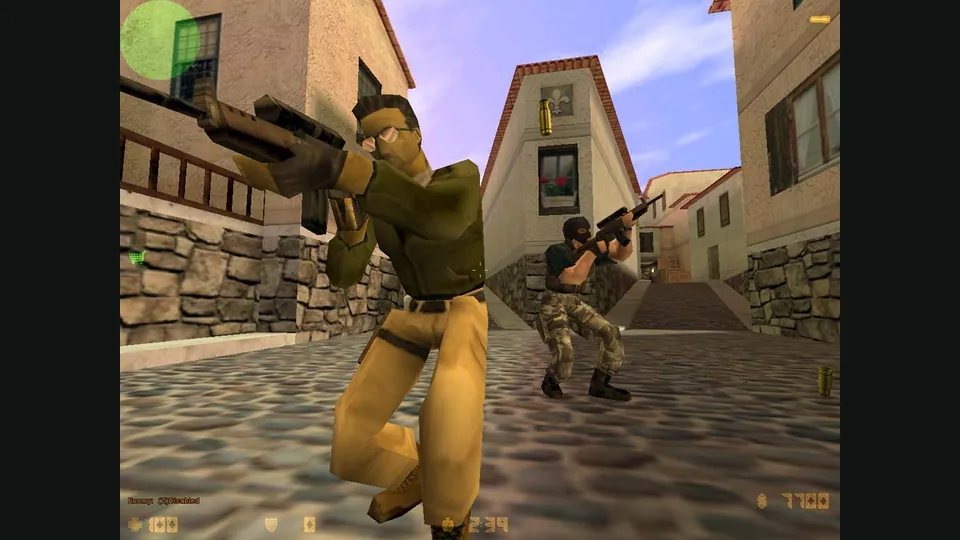
Counter-Strike
Choose CSJS for a 1.6 match, WebXash for your own files and compatible server, or the separate bunnyhop and surf games for timed movement.
- Quick team match
A live server list, optional voice and explicit desktop/phone input avoid manual file and server preparation.
- Your files and server
Import your own valve/cstrike folders and connect to a known WebSocket-compatible server.
- Bunnyhop time trials
Source-style hopping, selectable movement styles and records for desktop keyboard-and-mouse play.
- Surf practice
Solo ramps, route viewing and repeatable practice positions before chasing a timed finish.

Doom
Classic WAD play, shared browser sessions and Doom 3 have different engines and file requirements.
- Classic Doom in a browser
Choose owned WADs, shareware or Freedoom, with a documented touch layout.
- Keep the original DOS behavior
A native port for compatible classic content, old demos and saves.
- Try the Doom 3 demo
A desktop browser route into the later game without a retail-data setup.
- Play owned original Doom 3
Use original 1.3.1 data in a native port; BFG Edition files do not fit.
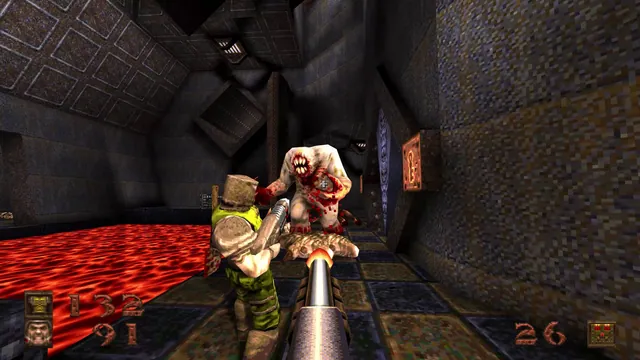
Quake
Pick the first-game campaign, QuakeWorld, Quake II multiplayer or Quake III arenas before choosing a client.
- Start with the campaign
Try the first episode, then add your registered PAK for more content.
- Join first-Quake multiplayer
Pieter’s FTE host offers the QuakeWorld route for up to eight players.
- Play Quake II multiplayer
A separate FTE session for the later game, also advertised for eight players.
- Choose an arena or phone match
Q3JS combines a server list with documented touch controls and demo data.
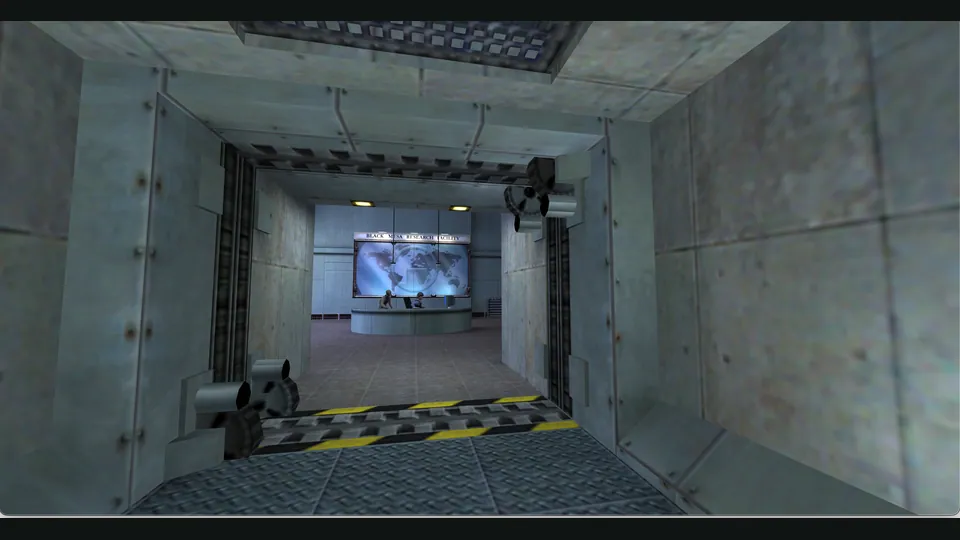
Half-Life
Compare two Xash browser frontends by owned-file preparation, storage and server setup.
- Use your installation and export saves
The folder/ZIP frontend includes a save manager for Half-Life and supported mods.
- Choose data and storage manually
The older em-xash launcher exposes local ZIP, server-data and filesystem options.
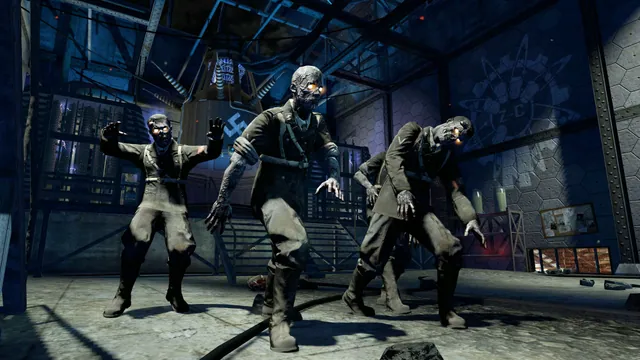
Call of Duty
Browser Zombies, COD4’s Steam-file campaign and native console ports serve different sessions.
- Choose BO1 Zombies rules
Select Classic or Counter-Strike guns before a solo or lobby session.
- Invite a small co-op group
A separate desktop fan remake with a two-to-four-player invitation flow.
- Play the original COD4 campaign
Import your own Steam files for the story and Mile High Club.
- Use the 2009 console edition natively
Choose the Windows/Linux controller route with matching owned Xbox 360 data.
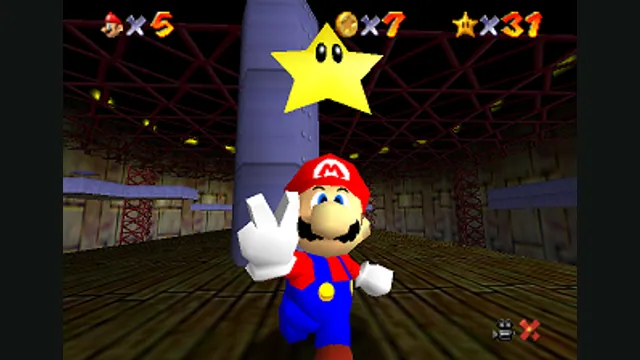
Mario platformers
Choose native SM64 co-op, experimental Wonder or Galaxy builds, or a Mario mod for a game you already own.
- SM64 with friends
Native online co-op synchronizes enemies and events, with public or private CoopNet rooms.
- Galaxy on iPhone or iPad
Build a personal native app with touch and controller input; bring the supported USA Wii image.
- Follow an early Wonder build
Source-build the Switch 1.0.0 project if you want to explore its experimental early-course progress.
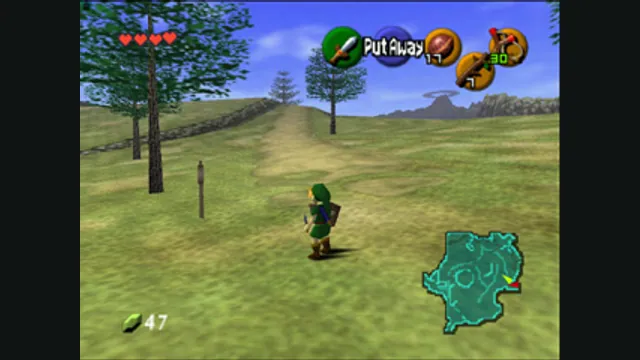
Zelda adventures
Match the Nintendo 64 adventures and later Zelda editions to their own native project, game data and control setup.
- Ocarina of Time
Ship of Harkinian offers native packages with ROM validation and configurable controls.
- Majora’s Mask
Zelda64Recomp imports the North American ROM and adds optional dual-stick camera and autosave.
- The Switch Link’s Awakening
LAS Recomp offers vanilla or randomizer play from your own version 1.0.0 files, with beta limitations.
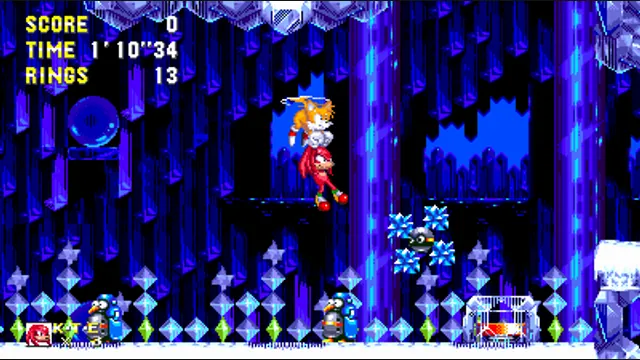
Sonic games
Separate Sonic 3’s web beta from Mania’s native setup and the desktop or Android editions of Unleashed Recompiled.
- Sonic 3 in a web app
The official A.I.R. web beta imports a compatible ROM and offers save-file exports.
- Unleashed on a computer
Use the native Windows/Linux installer with your supported Xbox 360 game and title update.
- Unleashed with Android touch
This experimental fork adds editable touch controls and its own in-app file importer.
- Mania and native mods
Use supported Mania or Plus assets with the RSDK project’s built-in mod loader.
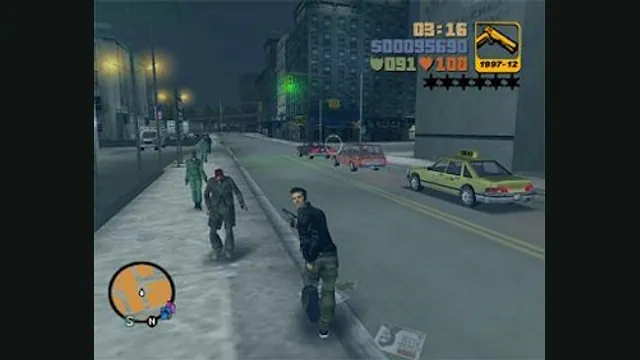
Grand Theft Auto
Compare GTA III’s separately maintained web host with native Liberty City Stories and the experimental Theft4 app for GTA IV.
- GTA III in a desktop browser
WASM Arcade documents re3-based play, keyboard/gamepad input and local save exports; launch includes advertising.
- Liberty City Stories
A native route for the supported PSP US v1.05 edition, with configurable keyboard, mouse and controller input.
- GTA IV on Apple mobile
An experimental signed iOS/iPadOS app using the exact Xbox 360 base and TU8, with a save-export workflow.
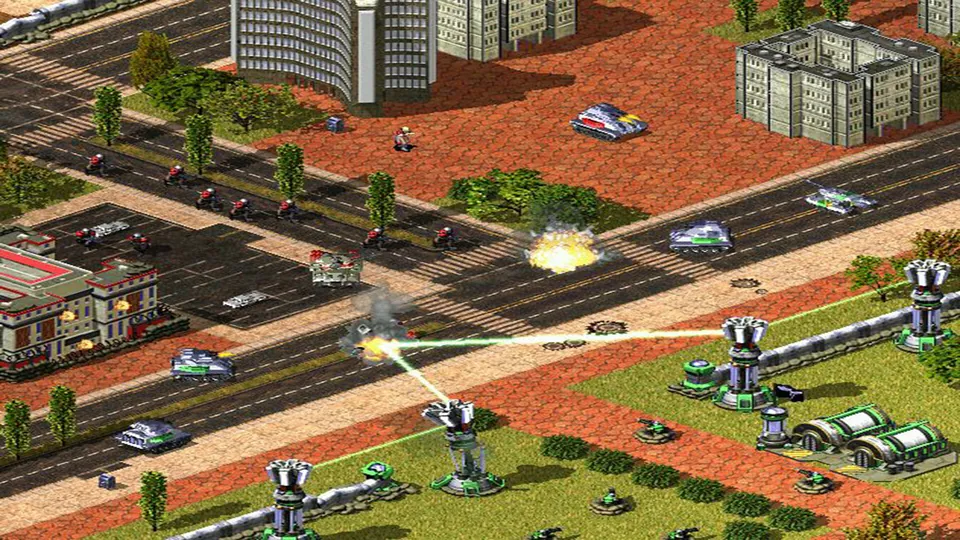
Command & Conquer
Choose Red Alert 2 multiplayer, an owned Zero Hour installation, or OpenRA’s revised earlier games.
- Red Alert 2 in a browser
Chrono Divide offers browser multiplayer with classic or modern command controls.
- Use your Zero Hour installation
GeneralsX Web reads your installed game through a WebGPU browser.
- Install revised classic RTS games
OpenRA provides its own Tiberian Dawn, Red Alert and Dune 2000 rulesets.
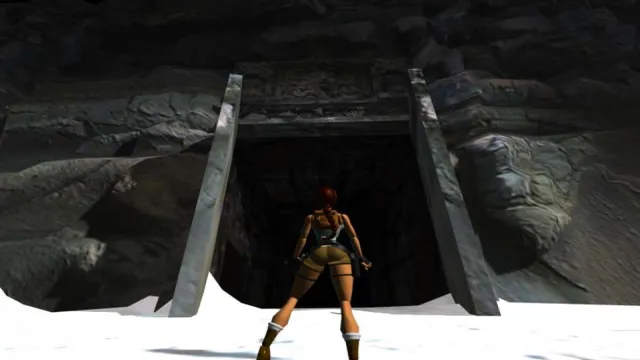
Tomb Raider
Try OpenLara’s hosted demo or prepare owned Tomb Raider I–III files for TRX.
- Try a browser demo
OpenLara’s creator links a WebGL build with a demo level.
- Play your owned adventures
TRX runs the first three games with configurable controls and presentation.
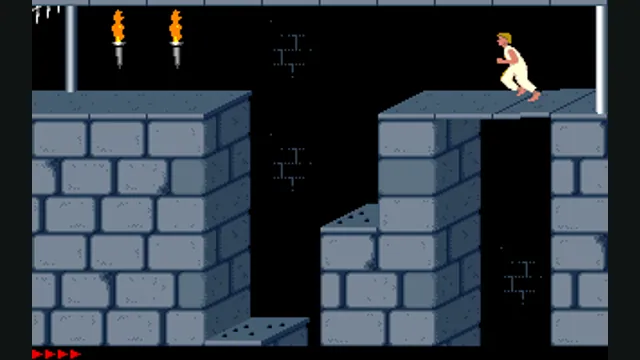
Prince of Persia
Choose PrinceJS for browser and touch play, or SDLPoP for native practice tools and saves.
- Start in a browser
PrinceJS documents keyboard, controller and touch input with progress carried in a URL.
- Practice with native quicksaves
SDLPoP adds exact-state saves and replays to a DOS-based native port.
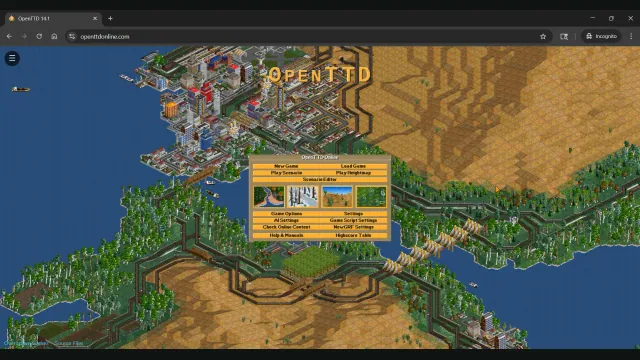
Transport Tycoon / OpenTTD
Build with OpenTTD’s free base sets, choosing a browser host or native desktop workflow.
- Build in a browser
Owen Gerke’s host bundles free assets and provides save import and export.
- Install native OpenTTD
The upstream desktop application offers local files and documented multiplayer.