Command & Conquer: choose Chrono Divide, GeneralsX or OpenRA
Start with the game you want: Red Alert 2, Generals Zero Hour and OpenRA’s earlier Westwood games have different armies, rules and setup.
By Playable · Written
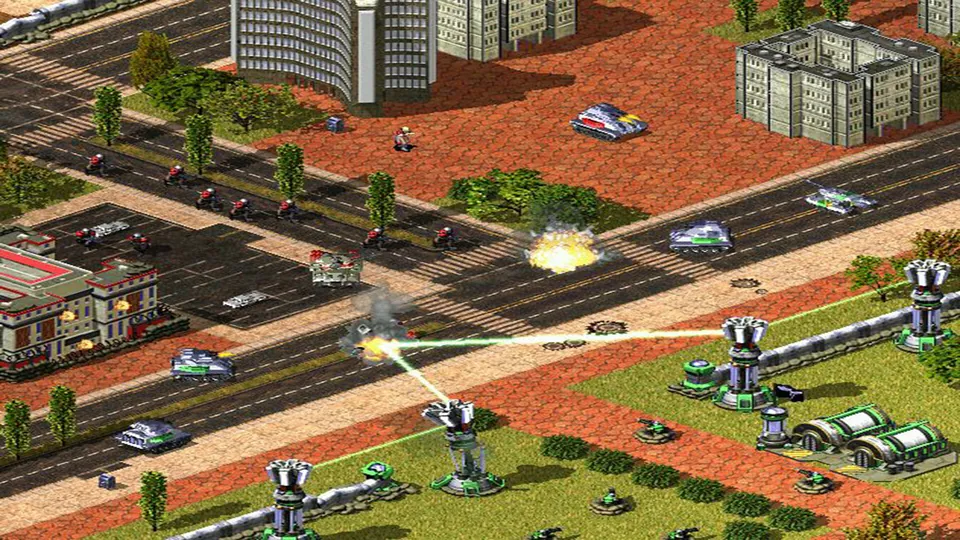
Choose the game first
Choose the battlefield before choosing the engine. Chrono Divide recreates vanilla Red Alert 2 for browser play. GeneralsX Web runs Generals: Zero Hour using your installation. OpenRA is an installed collection with its own interpretations of earlier Westwood games.
Swipe or scroll to compare all columns →
| Project | Choose it for | Prepare first |
|---|---|---|
| Chrono Divide | Red Alert 2 multiplayer in a browserA beta aiming for vanilla-engine feature parity. | A supported browser; complete the client's game-data setup. |
| GeneralsX Web | The later 3D Zero Hour gameThe creator describes complete-game scope. | Your installed Zero Hour copy and a WebGPU browser. |
| OpenRA | Revised Tiberian Dawn, Red Alert or Dune 2000 rulesOpenRA's Red Alert is the first game, not Red Alert 2. | A Windows, macOS or Linux release and its first-run asset setup. |
All three ask you to manage an economy while commanding units. The choice changes the armies and rules you learn, not merely the way the same executable launches. Agree on the project with friends before installing anything.
Start Red Alert 2 in Chrono Divide
Use Play Beta on Chrono Divide's site, complete the client setup, and choose classic left-click or modern right-click commands before a match. The creator documents multiplayer, original maps and replays. Its vanilla Red Alert 2 goal does not make this a complete Yuri's Revenge package.
For a local import, use your original Red Alert 2 installation's MIX files. The project's storage guide identifies ra2.mix, multi.mix and language.mix; Zero Hour's BIG archives are a different format. The client supports drag-and-drop and archives with a single nested directory.
Keep file import separate from account setup. The client notes describe a global account with regional nicknames; an existing nickname can be linked from the nickname screen. In Quick Match, use Invite Player… for a party.
Replays let you revisit a match; they are not a save from which to resume commanding. If an import fails silently or Quick Match stays unavailable after visiting the ladder, the 0.84.1 notes specifically address those problems. Reload to pick up the current client before repeating the same failed step.
Bring Zero Hour to GeneralsX
Choose GeneralsX Web when you specifically want Zero Hour's USA, China and GLA armies. The creator's requirements call for your installed Steam, EA app or disc copy. An unopened installer, a Red Alert 2 folder or a renamed archive is not that installation.
- Open generals.wasm.ltd over HTTPS in a WebGPU-capable Chrome or Edge browser.
- Point the launcher at your installed Zero Hour directory. The engine reads its
.bigarchives from your disk as needed. - Enter the game's own menus; Esc opens its original pause menu.
The project targets the complete game and distributes no game assets. Its documented multiplayer uses a WebSocket relay and a shared link for players on your network. Arrange that LAN setup explicitly; Chrono Divide invitations and OpenRA servers belong to other games.
Install an OpenRA mod
OpenRA is the choice for a modern interpretation of earlier RTS games: production queues, attack-move, stances, fog of war and ongoing balance changes. Its three official mods are Tiberian Dawn, Red Alert and Dune 2000. Tiberian Sun remains a separate development effort.
- Choose Release on the OpenRA download page for ordinary online play. Playtest is a separate preview channel.
- Install the package for your computer and open the desired mod. On Linux, the official AppImages are supplied per mod.
- Let that mod download its original assets or copy them from your discs when prompted. Then choose the left-click or right-click control scheme you prefer.
For friends who cannot join one another, compare both the mod and release channel. A Red Alert match and a Tiberian Dawn match use different rules even inside OpenRA. Replays and observers help you study those rules after a match.
Match the device to the session
Chrono Divide advertises phone and tablet access, but also gives a minimum display size of 1024×768, 4 GB RAM and a 64-bit browser. That is a reason to prefer a roomy screen for its battlefield and sidebar. Its own performance advice favors the other listed browsers over Firefox.
Plan GeneralsX around a desktop with access to your installed files and WebGPU. OpenRA's supported downloads are desktop applications. If your only device is a phone, these two routes do not provide the same documented mobile starting point as Chrono Divide.
Keep saves, replays and accounts with the project that created them. For a different kind of strategy session, the OpenTTD comparison explains a browser route with explicit save-file transfers to a native application.
Project reading
See the creators’ setup instructions and feature guides.
Red Alert 2 publisher screenshot. Original-game reference; not a Chrono Divide capture.
Image credits ↗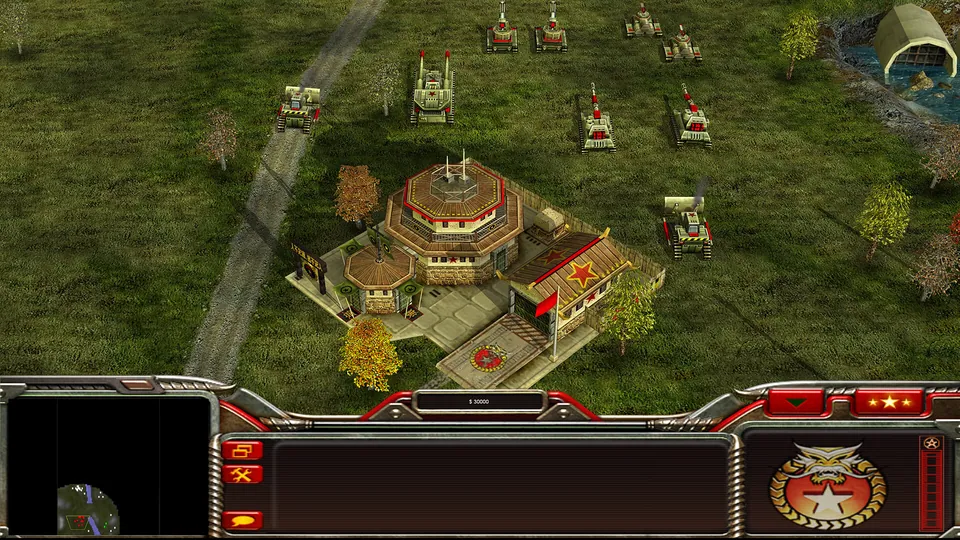
Generals Zero Hour publisher screenshot. Original-game reference; not a GeneralsX capture.
Image credits ↗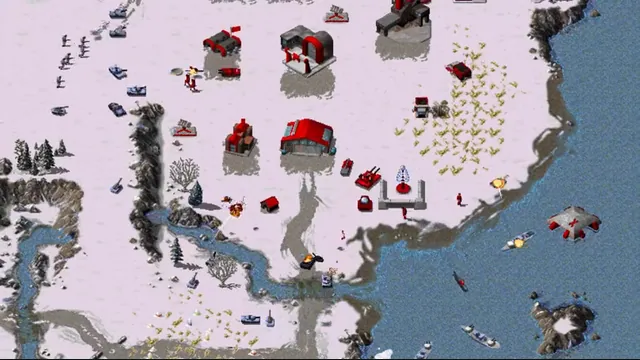
OpenRA creator footage still showing its Red Alert ruleset. Other included rulesets have different units and settings.
Image credits ↗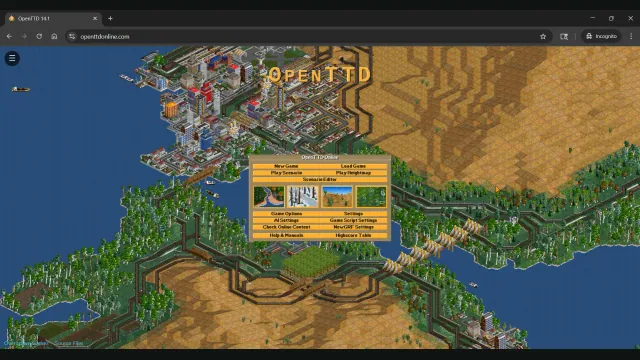
OpenTTD in a browser or on desktop: start a route and move your saves
OpenTTD Online offers a browser session with free assets and save transfers. Native OpenTTD adds the upstream desktop file and multiplayer workflow.
Read guide : Choose browser or native OpenTTDProject image · credits
Port, recompilation, decompilation or emulator: what can you actually play?
The project label explains how a game was adapted. The Play, Download or Build route tells you what you can do with it today. Check both before choosing a version.
Read guide : Understand the project labelsProject image · credits