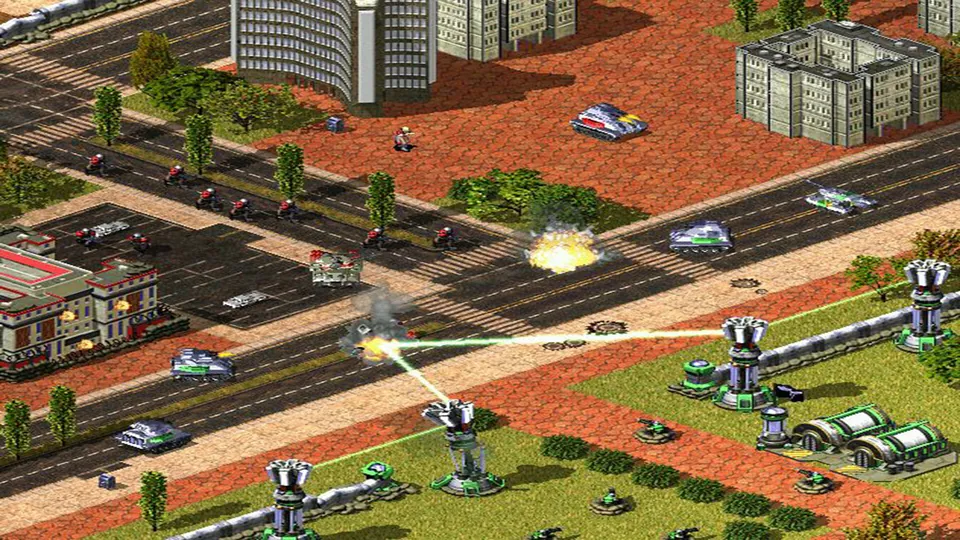
Red Alert 2 publisher screenshot. Original-game reference; not a Chrono Divide capture.
Image credits ↗Generals Zero Hour in a WebGPU browser, using your own installed game files.
 PlayYour game files required
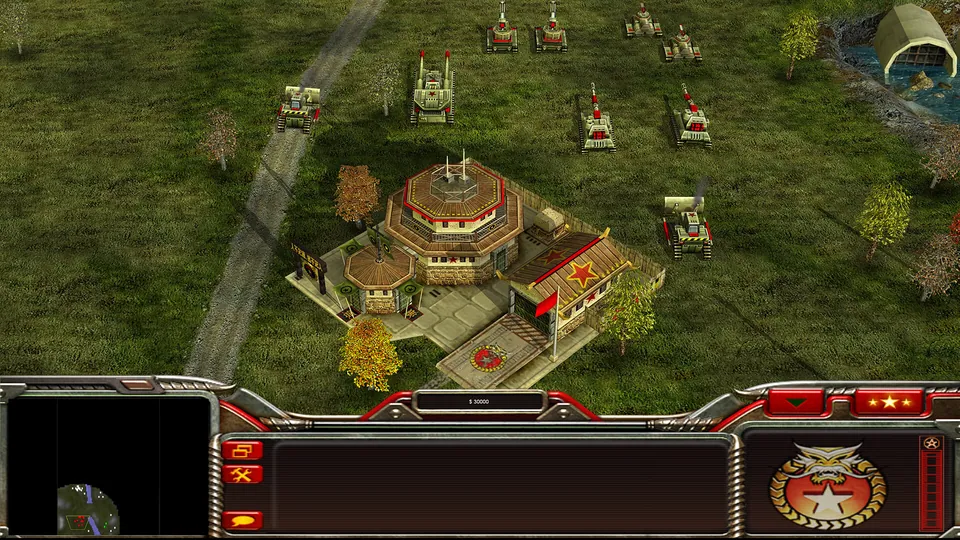
Generals Zero Hour publisher screenshot. Original-game reference; not a GeneralsX capture.
Command & Conquer: Generals Zero Hour © Electronic Arts. This website is not endorsed by or affiliated with EA or its licensors.
Source & attribution ↗View image ↗GeneralsX Web runs Command & Conquer: Generals Zero Hour through a WebGPU browser build. Point it at your own installed copy; it reads the game’s .big archives and documents LAN multiplayer through a browser relay.
Choose Red Alert 2 multiplayer, an owned Zero Hour installation, or OpenRA’s revised earlier games.
Read Command & Conquer guideChrono Divide offers browser multiplayer with classic or modern command controls.
OpenRA provides its own Tiberian Dawn, Red Alert and Dune 2000 rulesets.
Zero Hour expands Command & Conquer: Generals around the USA, China and GLA, adding commanders and units that encourage different battlefield plans. The original expansion includes fifteen missions and nine commanders to face. Its additions range from China's electronic countermeasures tank to the GLA Battle Bus and the USA's Spectre gunship.
Those differences are part of the strategy game's appeal: choosing a commander changes the tools around which you build an army. The publisher's expansion description provides the original-game context; the web project's requirements determine how you can run that game here.
GeneralsX Web adapts the source-based GeneralsX engine to the browser. The creator targets the complete Zero Hour game and retains its original menus, loading screens and pause behavior.
It reads the game's BIG archives on demand from your own installation. Game assets are not bundled with the web engine, so opening the site alone does not provide Zero Hour.
Use your installed Zero Hour files from Steam, the EA app or disc. Point the launcher at that installation rather than an unopened installer. The documented browser requirements are WebGPU, with Chrome or Edge recommended, and a secure HTTPS connection. Escape opens the game's own pause menu.
The project documents LAN multiplayer through a WebSocket relay and a shareable link for players on your network. Plan around that arrangement rather than assuming a public matchmaking service. The browser build and the project's native macOS reference build are separate launches, even though they come from the same source tree.
Provide your own installed Generals Zero Hour copy from Steam, EA app or disc. The browser reads its .big archives from the selected installation; the project does not supply game assets.
Creator-reported · Project guideOpen the HTTPS host in a WebGPU browser and point the page at your installed Zero Hour folder.
Creator-reported · Project guideThe creator specifies a WebGPU browser such as Chrome or Edge. The threaded build also needs a secure context for SharedArrayBuffer; use HTTPS or localhost when self-hosting.
Creator-reported · Project guideEscape opens the original game’s pause menu.
Creator-reported · Project guideThe project documents LAN multiplayer through a WebSocket relay and a shareable link for players on your network.
Creator-reported · Project guideLanding-page review only; no campaign or compatibility test.
Creator-reported · Project guideRed Alert 2 publisher screenshot. Original-game reference; not a Chrono Divide capture.
Image credits ↗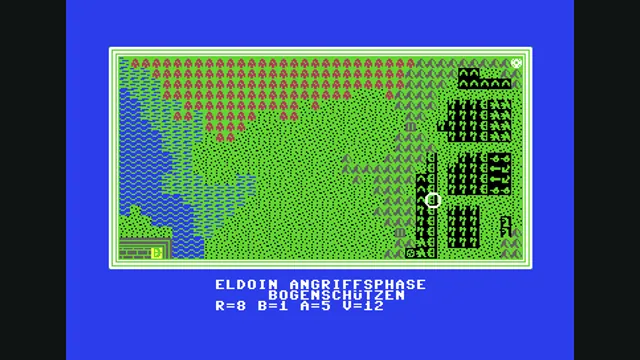
Weltendämmerung creator demonstration, gameplay frame 4 of the supplied GIF; served as a static still.
Image credits ↗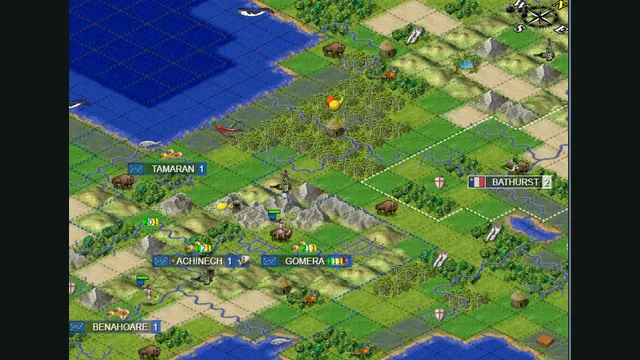
Map excerpt from the Freeciv-web community server’s published 2021 screenshot. It illustrates the project, not a current session or compatibility test.
Image credits ↗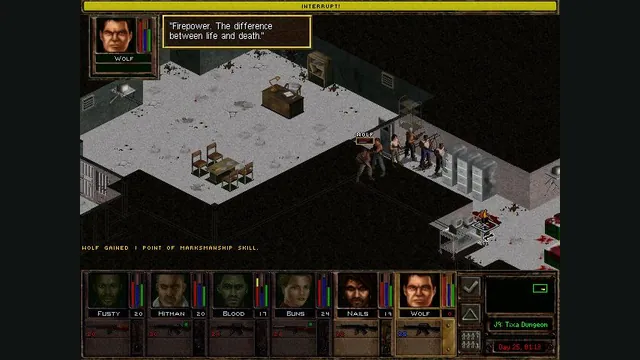
Jagged Alliance 2 Gold publisher screenshot reference; not a capture of the browser port.
Image credits ↗JA2 Gold’s tactical campaign through Stracciatella, using your own Data folder.