A good game.
The right version.
Explore familiar worlds, find a new genre, or choose the controls and setup that work for you.
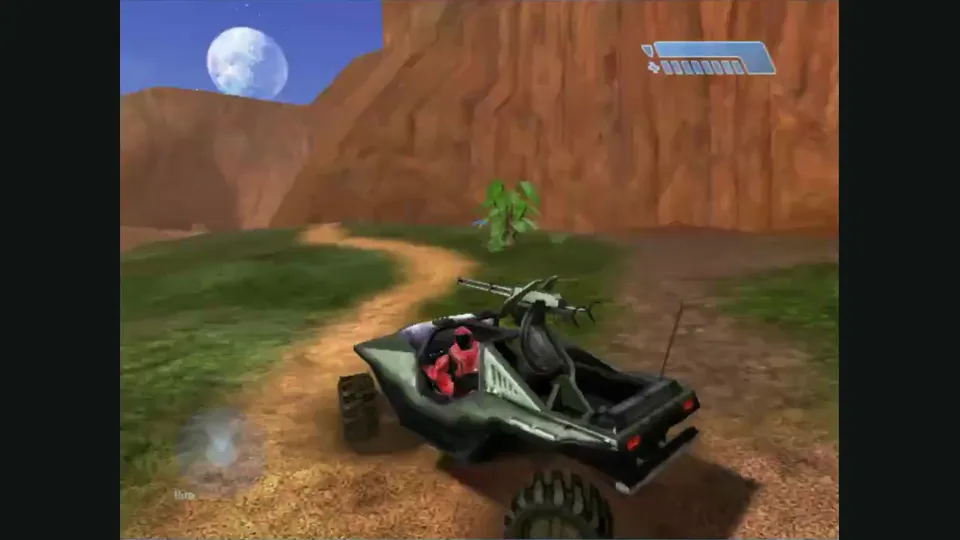
Halo: Combat Evolved
The same ring, different ways in. Choose the implementation first: file formats, controls and multiplayer belong to that project.
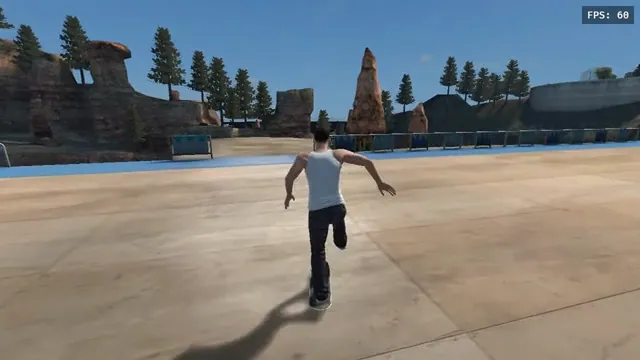
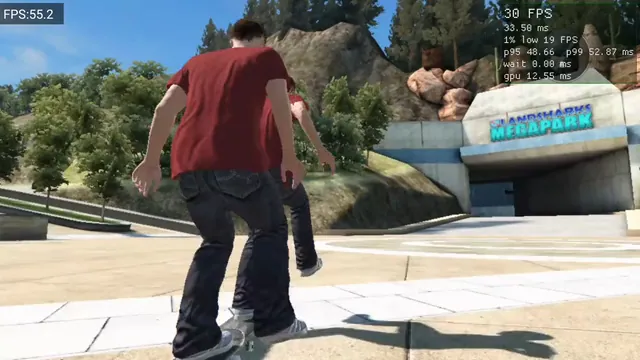
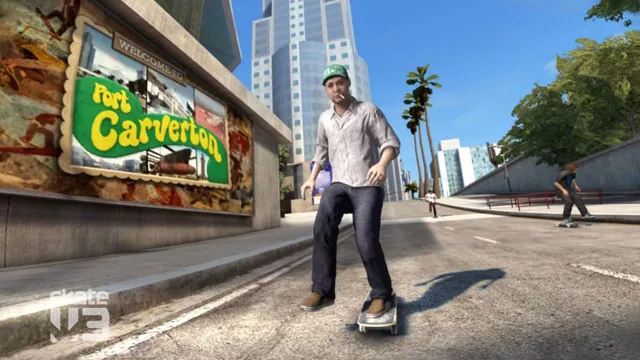
Skate 3 versions
A browser fan game, a native port and a skating mod offer different experiences. Start with the platform and game-file requirements that fit your setup.
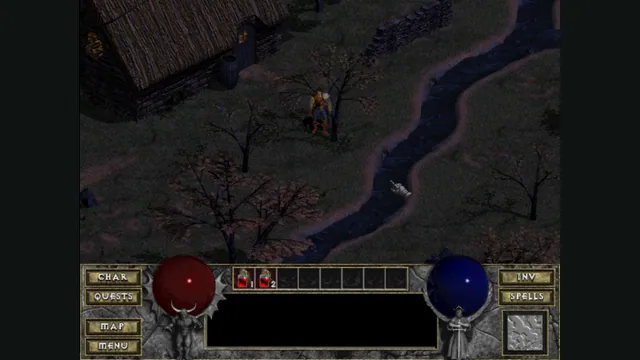
Diablo versions
A browser demo is a useful first step into Tristram. For more content, check the exact data files and save options of the version you choose.

Doom & Quake
Start with a demo, load your own WAD, or choose an arena. The engine family alone does not tell you which game data or server you need.
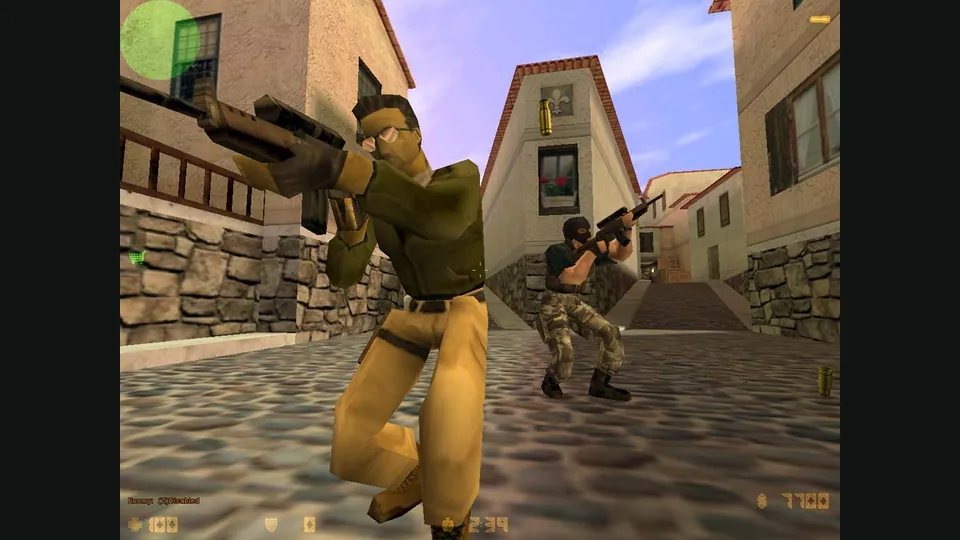
Browser shooters
A quick match, a classic campaign or a WAD to explore. Check the game’s entry requirements before jumping into the action.
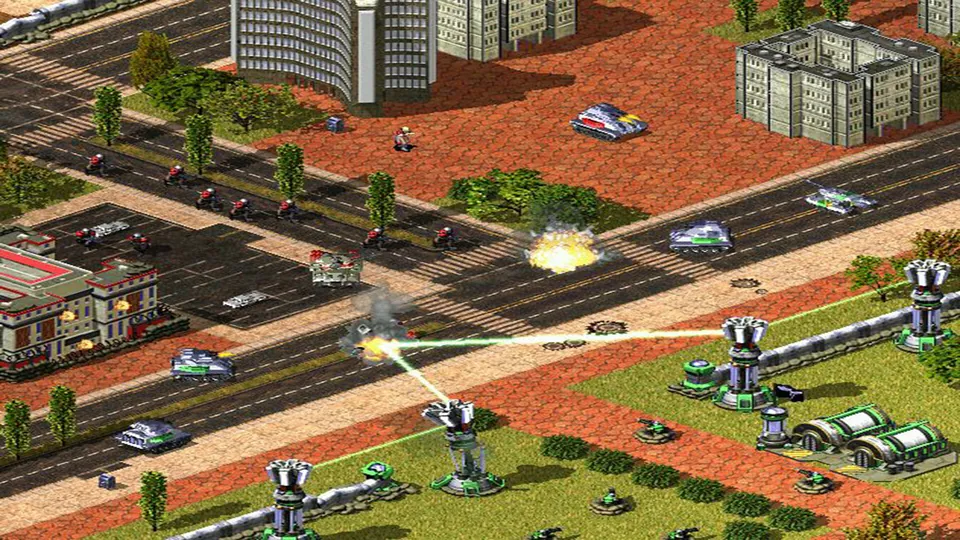
Browser strategy
Build a base, manage a civilization or take turns with a squad. Choose a hosted start or a project that uses your own game files.
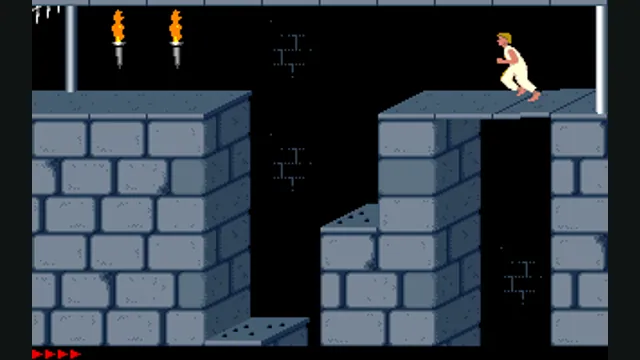
Browser platformers
From precise palace jumps to a fresh cave run, these platformers have different controls and content requirements.
Touch & mobile
A phone browser changes the controls as much as the screen. Start with documented mobile options, then check the limits of the exact build.
Controller play
Connect your controller, open a game, then check its mappings. Support for one project does not establish every controller or browser combination.
Multiplayer
Choose a server, join a lobby or share a screen. Each game explains its own connection steps and whether play is local or online.
Android ports
These are installed ports, with their own setup and game-data requirements. A browser listing is a different route.
Apple game projects
These projects need local preparation, and some require a Mac build or signing. Read the specific setup guide before collecting your own game files.