Diablo: try a demo, then bring your game
A browser demo is a useful first step into Tristram. For more content, check the exact data files and save options of the version you choose.
Browser versions
Both projects offer a demo or a route using your own Diablo files. Their controls and save tools differ.
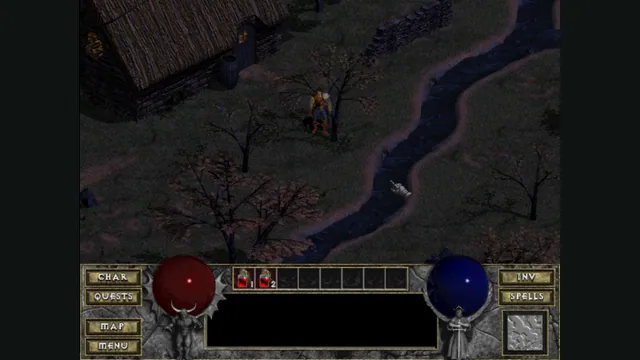
DiabloWeb browser capture in Tristram using the freely supplied shareware demo.
Image credits ↗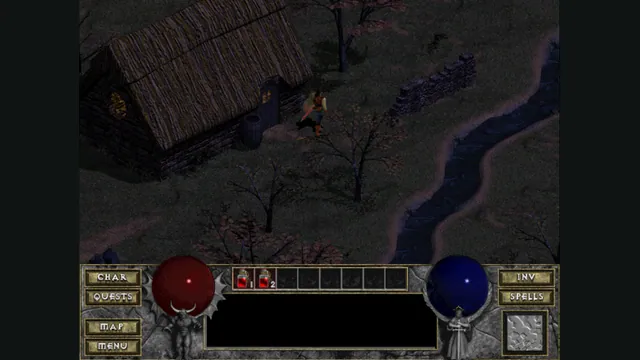
Diablo Web by JohnImril creator screenshot.
Image credits ↗A modernized client with shareware, MPQ import and save export.
Native alternative
DevilutionX runs on your device and supports Diablo and Hellfire with the required game data.
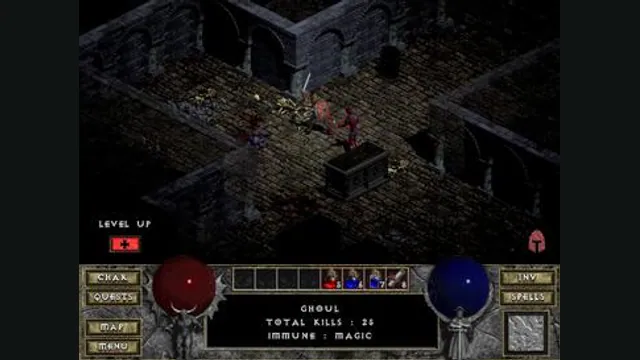
Diablo gameplay reference; not a browser or DevilutionX capture, and not a Hellfire scene.
Image credits ↗A maintained Diablo and Hellfire port with a shareware option.
Scroll to compare every column →
| Project | Where it runs | Getting started |
|---|---|---|
| DiabloDiabloWeb | Browser | Demo or your own game files Setup & version details |
| DiabloDiablo Web by JohnImril | Browser | Demo or your own game files Setup & version details |
| Diablo & HellfireDevilutionX | Install / setup | Your own game files Setup & version details |
Diablo browser versions: choose a demo, retail game or Hellfire
Try the original Diablo with a hosted demo, use your own MPQ for the retail game, or choose native DevilutionX for Hellfire and a controller-focused setup.
Read guide : Choose your Diablo versionProject image · creditsBack up browser game saves and check the restored game
Save inside the game, export a separate backup, then import and load it before removing the original. Confirm the restored character, map or level inside the game.
Read guide : Back up your browser savesProject image · credits