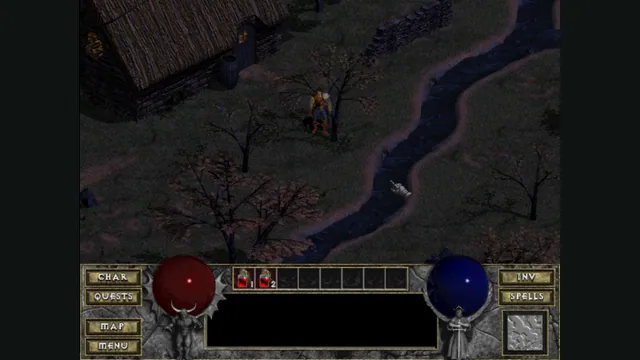
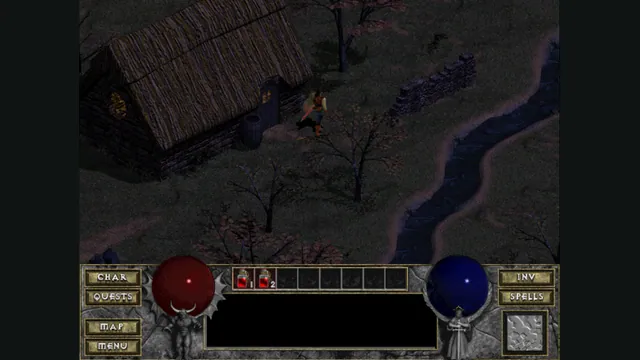
DiabloWeb browser capture in Tristram using the freely supplied shareware demo.
Image credits ↗A modernized client with shareware, MPQ import and save export.
 PlayDemo or your game files
Diablo Web by JohnImril creator screenshot.
Diablo game imagery remains copyright its respective rights holders. Screenshot published by Nikita Maksimov / Diablo Web by JohnImril.
Source & attribution ↗View image ↗Nikita Maksimov’s React/TypeScript client builds on earlier Diablo WebAssembly work and adds runtime, storage and save-management features. It is a distinct maintained client, not a second count for a mirror of DiabloWeb.
Try a hosted Diablo demo, import DIABDAT.MPQ for the retail game, or use native DevilutionX for Hellfire and its controller scheme.
Read Diablo guideThe original DiabloWeb host offers shareware and retail MPQ import, including its documented phone route.
A separate port with expansion-data support and a documented controller scheme.
The original Diablo sends its hero into the dungeons beneath Tristram, combining real-time fighting, equipment and magic with the search for better loot. Warrior, Rogue and Sorcerer provide different starting approaches to that descent. The town and dungeon form the rhythm of the adventure: prepare, venture deeper, then return with what you have found.
That is the original game's structure. A browser client's modern interface does not turn Diablo into a different sequel or automatically include an expansion.
JohnImril's Diablo Web modernizes the browser client around the existing Devilution-based WebAssembly runtime and d07RiV's earlier DiabloWeb work. Choose Play Free Demo for limited shareware content, or Load Your MPQ for your own DIABDAT.MPQ. Dropping that archive onto the start screen is also supported.
Keep one game tab or installed-app window open. If Game already open appears, finish saving in the other window, close it and choose Try Again. Returning to its menu does not release storage. Do not clear browser data to fix this message.
Manage Saves exports local saves before a browser or device change. If that menu has not appeared yet, drop a .sv file onto the start screen for the first import. There is no cloud-save service.
Use keyboard and mouse for the best experience; touch controls still need improvement. The browser must support Web Locks and run in a secure context to open save storage. Online multiplayer remains experimental, so choose this client for its documented local play and save-management workflow.
Play Free Demo uses shareware; Load Your MPQ needs DIABDAT.MPQ from your own Diablo copy.
Creator-reported · Project guideChoose the demo or import your retail archive.
Requires WebAssembly, Web Workers, IndexedDB and Web Locks in a secure context. Touch input needs improvement; keyboard/mouse is preferred.
Creator-reported · Project guideKeyboard/mouse is preferred. Touch controls exist but remain limited.
Creator-reported · Project guideOnline multiplayer is explicitly experimental and not finished support for ordinary play.
Creator-reported · Project guideSaves use this browser profile’s IndexedDB. Manage Saves exports them; for a first import, drop a .sv file on the start screen. Manage Saves then appears for further imports. There is no cloud-save service.
Creator-reported · Project guideGame already open means another tab or installed app is using the saves: save there, close it, then choose Try Again. For loading errors use Reload and Try Again when offered, preserving browser data.
Creator-reported · Project guideMade possible by Nikita Maksimov · d07RiV.
DiabloWeb browser capture in Tristram using the freely supplied shareware demo.
Image credits ↗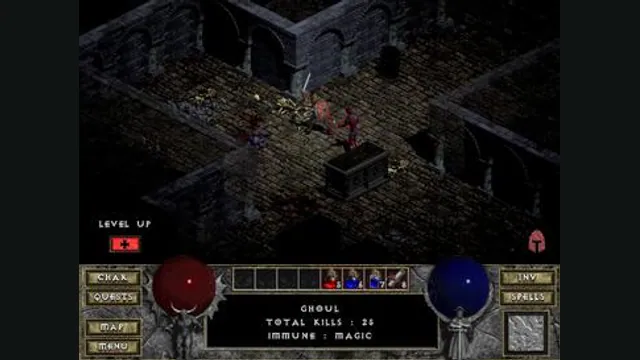
Diablo gameplay reference; not a browser or DevilutionX capture, and not a Hellfire scene.
Image credits ↗A maintained Diablo and Hellfire port with a shareware option.
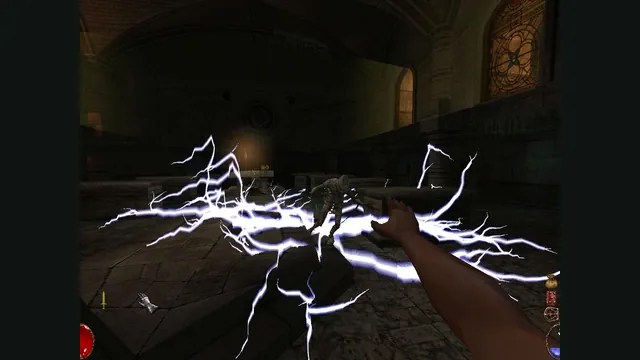
Arx Fatalis gameplay reference; not a capture of the linked project.
Image credits ↗An Arx Libertatis web demo with local saves and the original interaction scheme.
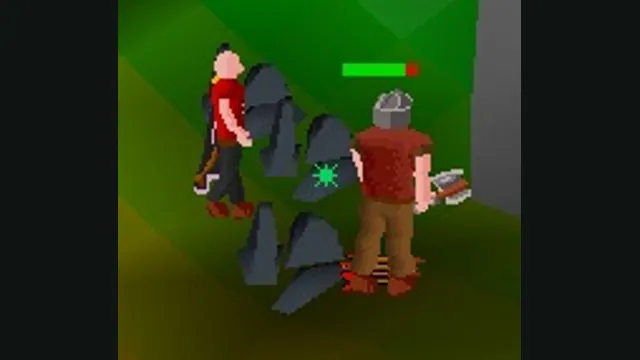
RuneScape Classic original-game screenshot reference; not a capture of the linked project.
Image credits ↗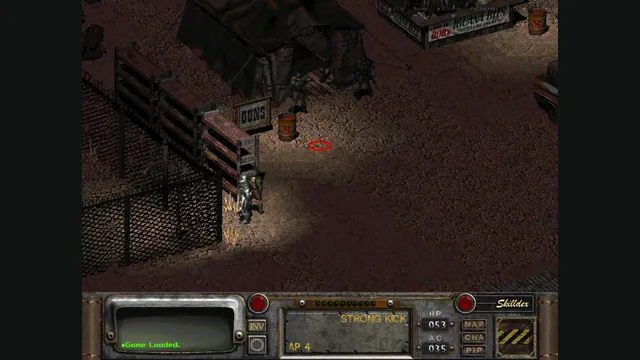
Rerun Reactor creator screenshot showing Fallout 2; the project also supports a separate Fallout installation.
Image credits ↗Both classic Fallouts in one local-file browser launcher, with save backups and touch controls.
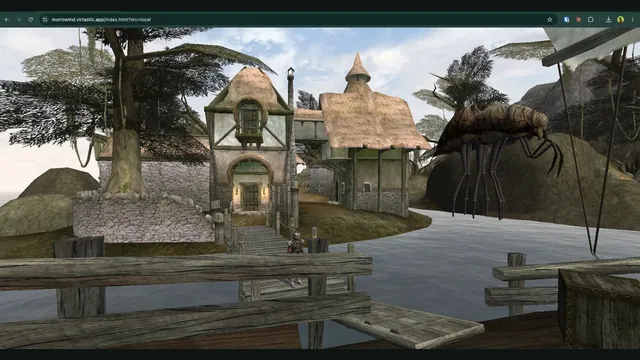
OpenMW-Web creator screenshot of Seyda Neen.
Image credits ↗OpenMW in the browser; the current hosted world requires an invite and sign-in.