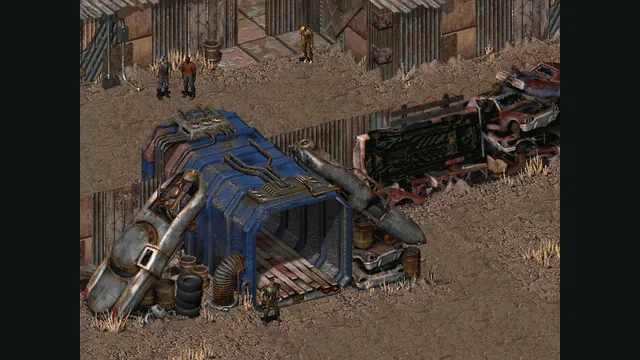
Fallout original-game reference from its Steam store; not a Community Edition capture.
Image credits ↗A native reimplementation of Fallout with desktop and mobile packages.
Original files requiredDownload
Both classic Fallouts in one local-file browser launcher, with save backups and touch controls.
 PlayYour game files required
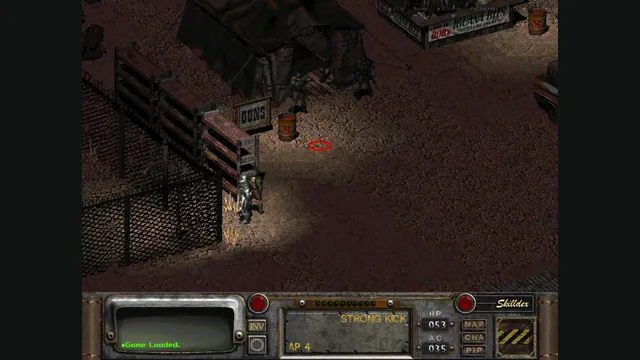
Rerun Reactor creator screenshot showing Fallout 2; the project also supports a separate Fallout installation.
Game imagery remains copyright its respective rights holders. Image published by the linked source for Rerun Reactor; no transferable license is inferred.
Source & attribution ↗View image ↗Rerun Reactor wraps the Fallout Community Edition engines. It detects the game you import, keeps Fallout and Fallout 2 separate, and offers a browser save manager. It does not supply the games.
The original Fallout builds a character-driven adventure around a post-nuclear world. Its SPECIAL system makes the person you create part of how you approach encounters: character strengths and weaknesses shape the available options. It rewards attention to decisions and character development rather than treating every problem as a shooting challenge.
Rerun Reactor covers both Fallout and Fallout 2, using their separate Community Edition engines. Choose the game you own and want to continue; a sequel's files, patches or character rules are not interchangeable with the first game's.
The launcher accepts an installation folder, a ZIP or supported disc images. Bring master.dat and critter.dat with the supporting data folder from the same game. On a phone, preparing the ZIP on a computer and transferring it to Files gives the picker a straightforward input. A CUE needs its accompanying BIN; it is only the disc's table of contents.
The site copies game data into this browser's storage without uploading it. No account is required. You can keep both games installed, with their data and saves separated in the launcher.
Rerun Reactor · getting started with Fallout 1 and 2Rerun Reactor · launcher and save archive
For an original Fallout 2 CD installation, the launcher offers a guided update to version 1.02. Its patch picker accepts patch000.dat or a ZIP containing it. The Restoration Project has a separate installer and requires starting a new game; it changes maps and scripts, so loading an old vanilla save is not a reliable compatibility test.
These patch routes apply to Fallout 2. They are not updates for Fallout 1, and the handbook's Fallout 2 mechanics tables should not be used as a guide to the first game's rules.
Importing game data deliberately skips desktop saves. Use the save archive to move those separately and keep the same patch and mod setup. Export a backup for each game before clearing site data or changing devices. Safari and Chrome on the same phone still have separate storage.
Touch input includes map gestures and interface controls, but inventory, barter and targeted skills remain more demanding than ordinary movement. Try those interactions early, before deciding whether the phone is comfortable for a full playthrough.
Rerun Reactor · getting started with Fallout 1 and 2Rerun Reactor · launcher and save archive
Import your own Fallout or Fallout 2 install folder, ZIP, or supported disc image. Keep master.dat and critter.dat together with the data folder. For Fallout 2, patch000.dat is strongly recommended; do not mix files from the two games.
Creator-reported · Project guideChoose the folder, ZIP or disc-image route, keep the page open while it imports, correct missing-file warnings, then select the game and Start. A ZIP transferred to Files is the suggested phone setup.
Creator-reported · Project guideThe project supports desktop and mobile browsers, with Safari and Chrome receiving the most testing. Phone inventory, barter and skill targeting still require precision.
Creator-reported · Project guideThe mobile layout provides touch actions plus pinch and pan for the map. Prepare the installation ZIP on a computer if importing on a phone.
Creator-reported · Project guideFallout and Fallout 2 use separate installations and save sets. Fallout 2 supports a bring-your-own Restoration Project ZIP; its mechanics documentation is not a Fallout 1 guide.
Creator-reported · Project guideExport separate save backups for Fallout and Fallout 2. The ZIP uses SAVEGAME/SLOT## folders and can be transferred between this launcher and a compatible desktop install. Reimporting game data preserves saves; Erase everything removes both data and saves, so export first.
Creator-reported · Project guideFallout 2’s original 1.0 disc version has serious bugs; use a properly patched copy. The Restoration Project needs a new game, and its setup does not apply to Fallout 1.
Creator-reported · Project guideFallout original-game reference from its Steam store; not a Community Edition capture.
Image credits ↗A native reimplementation of Fallout with desktop and mobile packages.
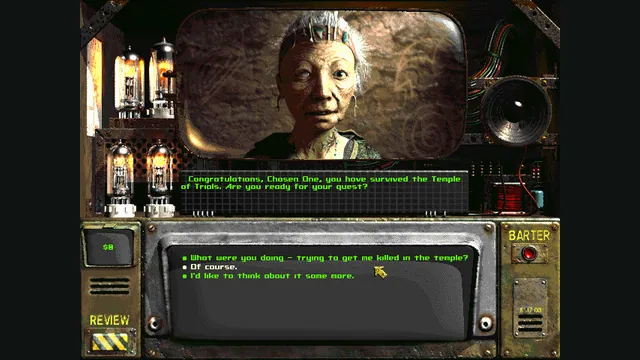
Fallout 2 original-game conversation reference from Steam; not a Community Edition capture.
Image credits ↗A native reimplementation of Fallout 2 with desktop and mobile packages.
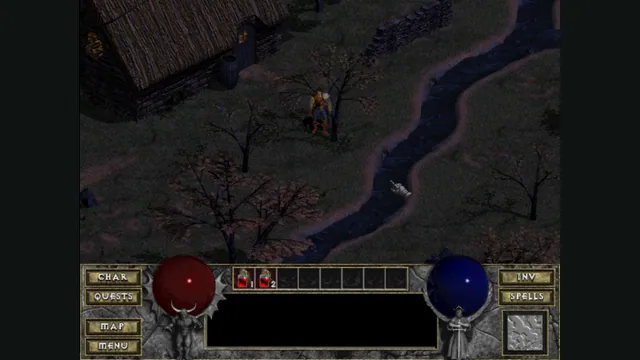
DiabloWeb browser capture in Tristram using the freely supplied shareware demo.
Image credits ↗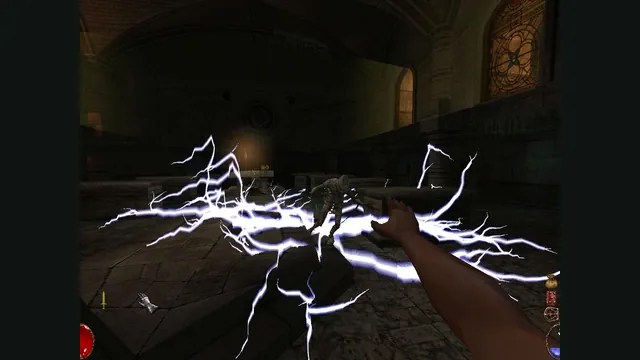
Arx Fatalis gameplay reference; not a capture of the linked project.
Image credits ↗An Arx Libertatis web demo with local saves and the original interaction scheme.
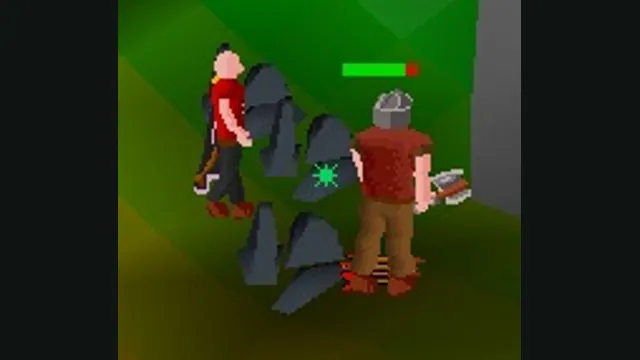
RuneScape Classic original-game screenshot reference; not a capture of the linked project.
Image credits ↗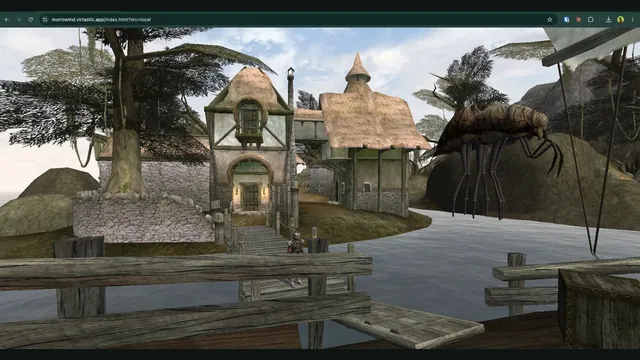
OpenMW-Web creator screenshot of Seyda Neen.
Image credits ↗OpenMW in the browser; the current hosted world requires an invite and sign-in.