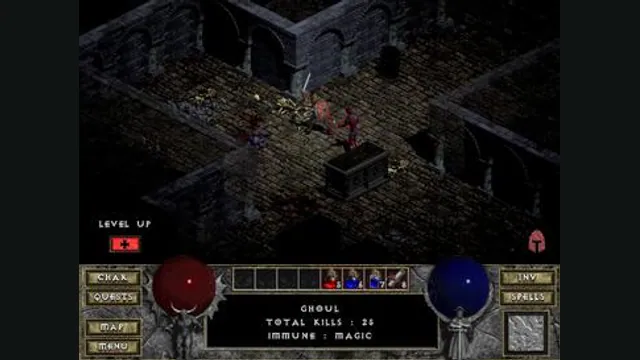
Diablo gameplay reference; not a browser or DevilutionX capture, and not a Hellfire scene.
Image credits ↗A maintained Diablo and Hellfire port with a shareware option.
Original files requiredSetup
Play the shareware build or import your own full-game MPQ.
 PlayDemo or your game files
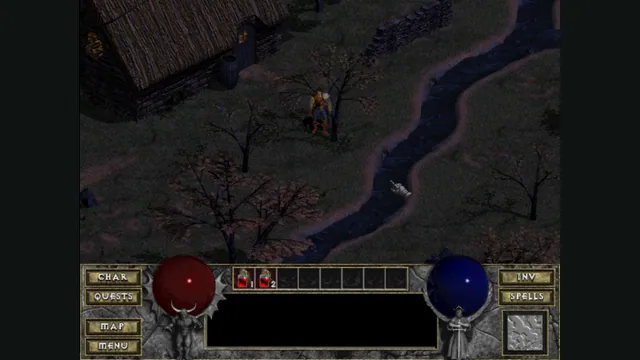
DiabloWeb browser capture in Tristram using the freely supplied shareware demo.
Diablo © Blizzard Entertainment. Playable capture of d07RiV’s DiabloWeb shareware route. No retail game files were used.
Source & attribution ↗View image ↗d07RiV adapted Devilution to WebAssembly and browser event handling. The project hosts the shareware spawn.mpq and documents importing DIABDAT.MPQ for the full game.
Try a hosted Diablo demo, import DIABDAT.MPQ for the retail game, or use native DevilutionX for Hellfire and its controller scheme.
Read Diablo guideClear demo and retail choices plus documented save import, export and storage recovery.
A separate port with expansion-data support and a documented controller scheme.
Diablo begins in the troubled town of Tristram and draws you into the cathedral above its underground labyrinth. The original game offers Warrior, Rogue and Sorcerer characters, with different abilities, equipment and approaches to combat. New gear and changing dungeon layouts make the next descent an opportunity to improve a character as well as uncover more of the story.
The setting gives the game a focused rhythm: a small town above, a dangerous labyrinth below, and an increasing sense of what lies at its bottom. This is the first Diablo, not Diablo II or the later games built around different classes and systems.
d07RiV's DiabloWeb adapts the reconstructed Devilution engine to WebAssembly. Its included shareware lets you play the Warrior through the first two dungeon floors. It is an opening dungeon run, with Rogue and Sorcerer reserved for the retail game.
Supplying DIABDAT.MPQ from your own Diablo copy adds those two character choices and the rest of the base game's dungeon beyond the demo boundary. A store bundle containing Hellfire does not make that expansion part of this client's setup; the retail input here is Diablo's base-game archive.
DiabloWeb · READMEDiabloWeb engine · shareware dungeon boundaryDiabloWeb engine · shareware class selection
The retail archive and your character are separate files. Importing DIABDAT.MPQ supplies game content; a save carries your progress. Moving only the archive to another browser will not bring the character with it.
Before switching devices, export the save and keep its original backup until the destination loads the expected character. The save controls below explain the .sv import and export steps for this client.
This is the earlier DiabloWeb client. JohnImril's Diablo Web builds on that work with a newer browser interface and storage management, while DevilutionX is another project with its own feature set. Choose between their specific setup and save workflows rather than treating their shared Diablo ancestry as identical support.
The hosted shareware route supplies spawn.mpq. The full game needs your own DIABDAT.MPQ from Diablo.
Creator-reported · Project guideOpen the linked web build and choose the shareware route or your own full-game archive.
Creator-reported · Project guideThe README explicitly includes mobile phones; exact browsers are unspecified.
Creator-reported · Project guideThe shareware route lets you play the Warrior through the first two dungeon floors. Rogue, Sorcerer and the deeper dungeon require your own retail DIABDAT.MPQ. Hellfire is a separate expansion and is not included by importing the base-game archive.
Creator-reported · Project guideSaves stay in IndexedDB in this browser profile. Once a save exists, open Manage Saves to download it or choose Upload Save to restore a .sv file. On a fresh profile, the main file picker also accepts a .sv file before starting the game.
Creator-reported · Project guideExport save files before clearing this site’s browser data. The storage implementation falls back to memory when IndexedDB is unavailable, so progress will not persist in that fallback.
Creator-reported · Project guideDiablo gameplay reference; not a browser or DevilutionX capture, and not a Hellfire scene.
Image credits ↗A maintained Diablo and Hellfire port with a shareware option.
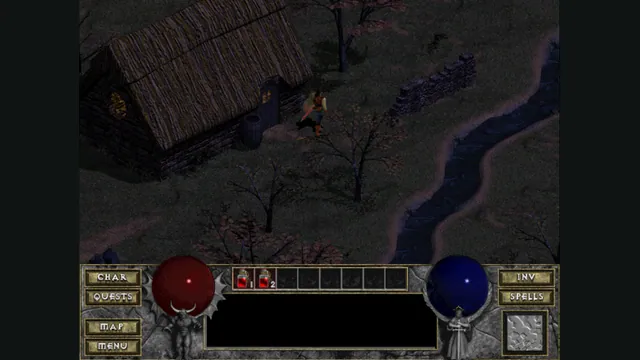
Diablo Web by JohnImril creator screenshot.
Image credits ↗A modernized client with shareware, MPQ import and save export.
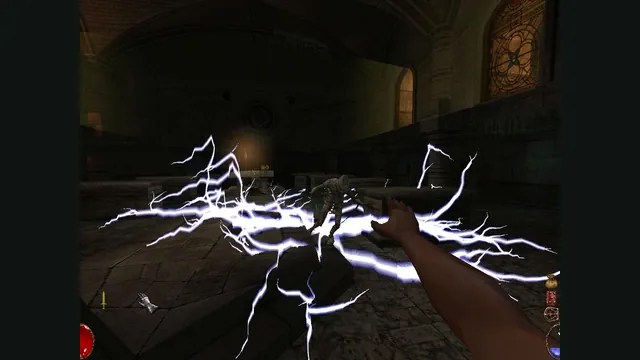
Arx Fatalis gameplay reference; not a capture of the linked project.
Image credits ↗An Arx Libertatis web demo with local saves and the original interaction scheme.
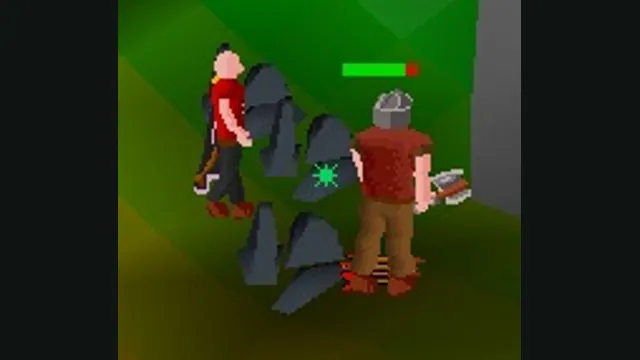
RuneScape Classic original-game screenshot reference; not a capture of the linked project.
Image credits ↗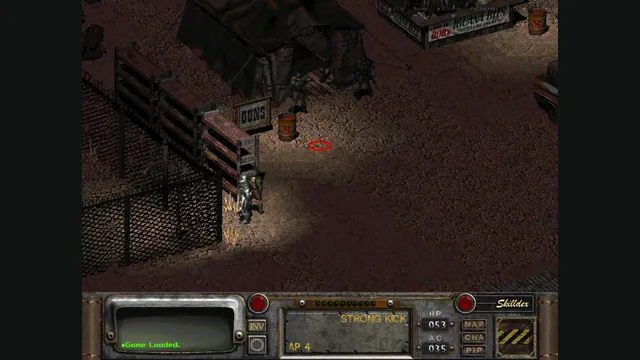
Rerun Reactor creator screenshot showing Fallout 2; the project also supports a separate Fallout installation.
Image credits ↗Both classic Fallouts in one local-file browser launcher, with save backups and touch controls.
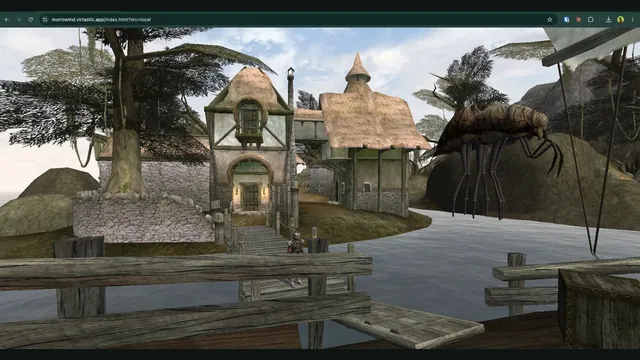
OpenMW-Web creator screenshot of Seyda Neen.
Image credits ↗OpenMW in the browser; the current hosted world requires an invite and sign-in.