Plan the next move in your browser
Build a base, manage a civilization or take turns with a squad. Choose a hosted start or a project that uses your own game files.
Build and command
Start with the creator’s instructions for the hosted game, then check how matches and saves work.
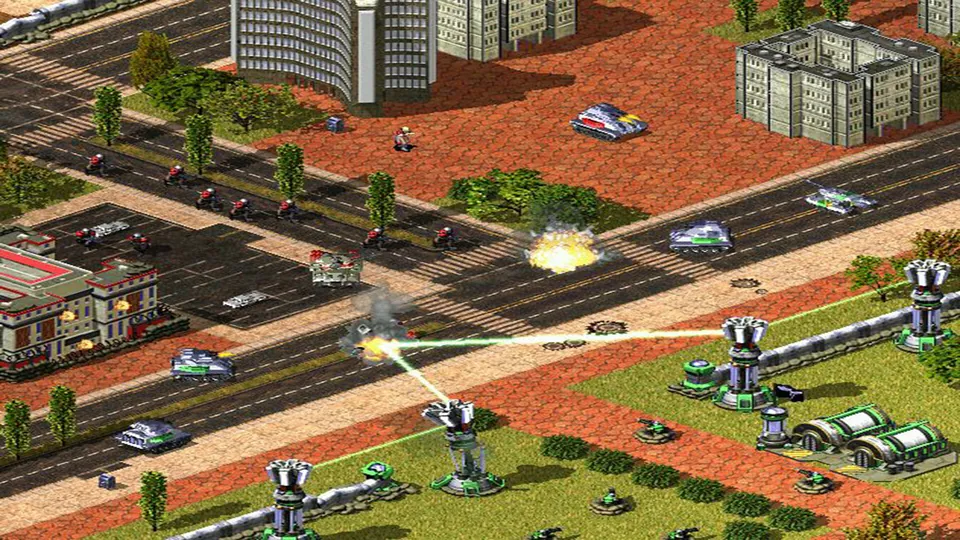
Red Alert 2 publisher screenshot. Original-game reference; not a Chrono Divide capture.
Image credits ↗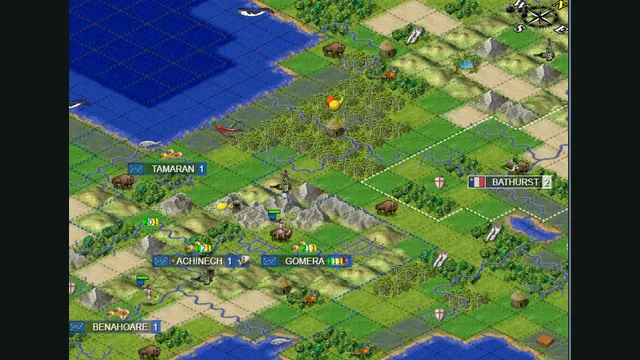
Map excerpt from the Freeciv-web community server’s published 2021 screenshot. It illustrates the project, not a current session or compatibility test.
Image credits ↗Freeciv’s open-source empire-building game in a browser, with solo, online and hotseat routes.
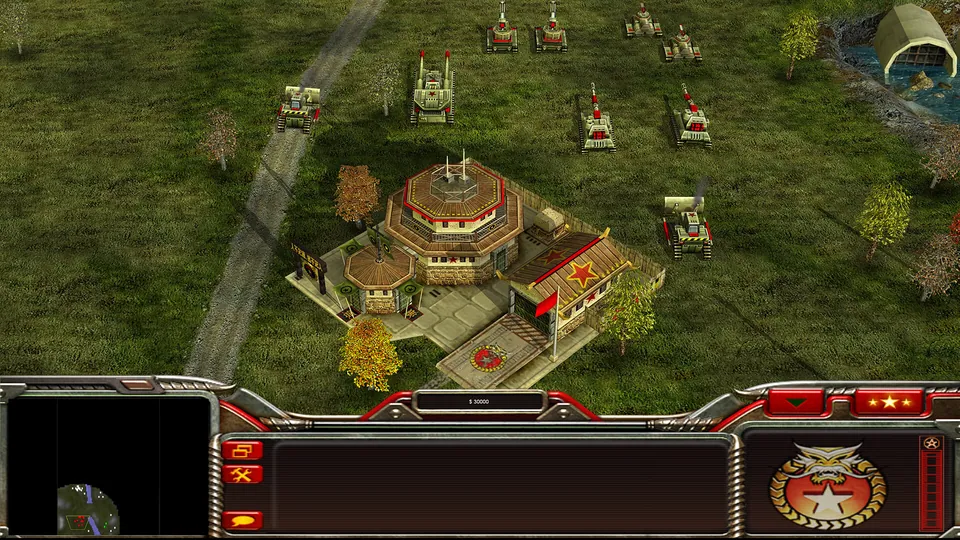
Generals Zero Hour publisher screenshot. Original-game reference; not a GeneralsX capture.
Image credits ↗Tactical campaigns
Long campaigns make saves and required editions especially important. Read setup before importing your files.
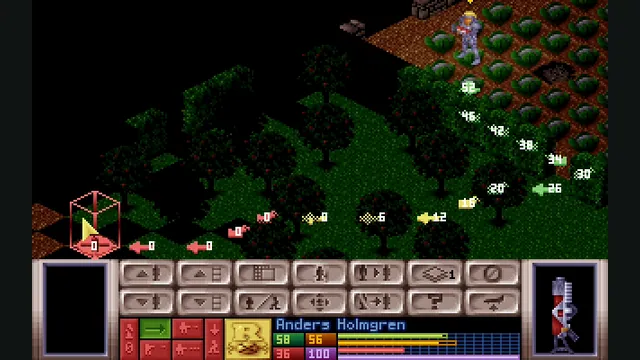
OpenXcom engine screenshot reference showing tactical movement preview; not a capture of the WebAssembly build.
Image credits ↗OpenXcom’s alien-defense campaign with local game files, persistent saves and offline caching.
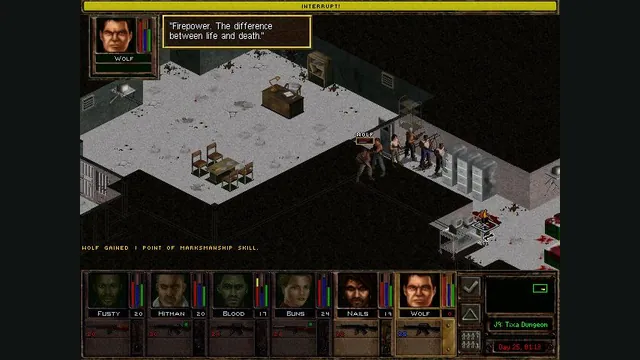
Jagged Alliance 2 Gold publisher screenshot reference; not a capture of the browser port.
Image credits ↗JA2 Gold’s tactical campaign through Stracciatella, using your own Data folder.
Scroll to compare every column →
| Project | Where it runs | Getting started |
|---|---|---|
| Command & Conquer: Red Alert 2Chrono Divide | Browser | Setup & version details |
| FreecivFreeciv-web community server | Browser | No extra game files Setup & version details |
| Command & Conquer: Generals Zero HourGeneralsX | Browser | Your own game files Setup & version details |
| X-COM: UFO DefenseOpenXcomWASM | Browser | Your own game files Setup & version details |
| Jagged Alliance 2Virtastic JA2-Web | Browser | Your own game files Setup & version details |
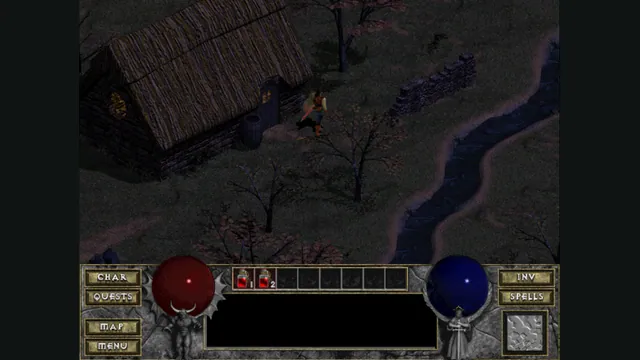
Back up browser game saves and check the restored game
Save inside the game, export a separate backup, then import and load it before removing the original. Confirm the restored character, map or level inside the game.
Read guide : Back up your browser savesProject image · credits