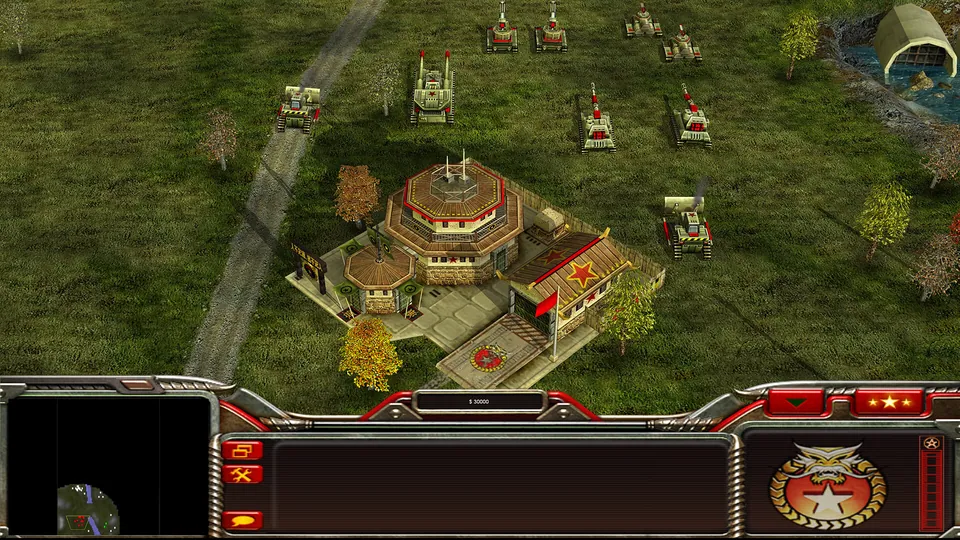
Generals Zero Hour publisher screenshot. Original-game reference; not a GeneralsX capture.
Image credits ↗Generals Zero Hour in a WebGPU browser, using your own installed game files.
Original files requiredPlay
Red Alert 2 multiplayer rebuilt with web technologies.
 PlayCheck file requirements
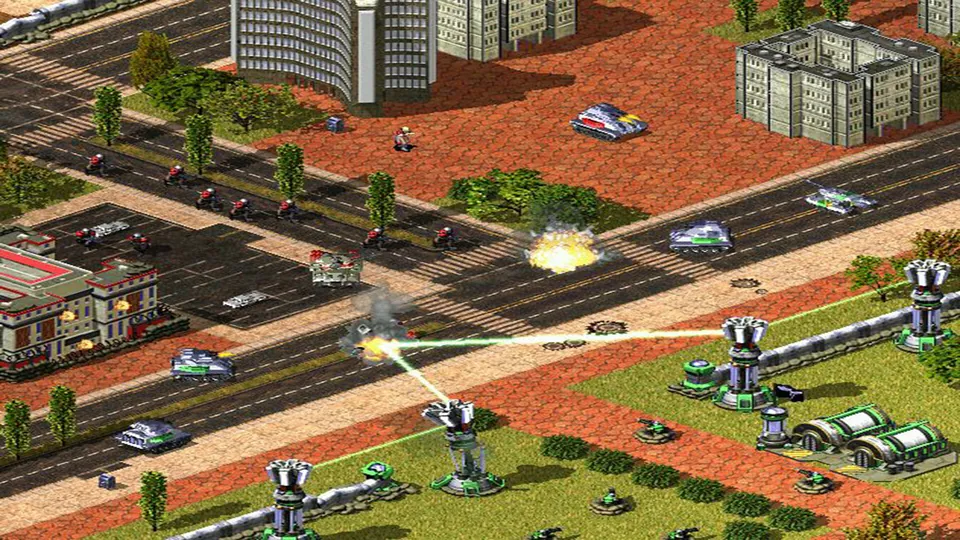
Red Alert 2 publisher screenshot. Original-game reference; not a Chrono Divide capture.
Command & Conquer: Red Alert 2 © Electronic Arts. This website is not endorsed by or affiliated with EA or its licensors.
Source & attribution ↗View image ↗Chrono Divide is a fan-made replacement client aiming for vanilla Red Alert 2 feature parity. The creator documents a playable beta with multiplayer and original maps; beta status does not imply that every original mode is complete.
Choose Red Alert 2 multiplayer, an owned Zero Hour installation, or OpenRA’s revised earlier games.
Read Command & Conquer guideGeneralsX Web reads your installed game through a WebGPU browser.
OpenRA provides its own Tiberian Dawn, Red Alert and Dune 2000 rulesets.
Red Alert 2's real-time strategy format puts the wider battlefield in your hands: buildings, an economy and groups of units all compete for your attention. A match asks you to make decisions while the opponent is acting too. The attraction is that a familiar map can produce a different contest as each side changes its timing and approach.
Chrono Divide's goal is the original vanilla Red Alert 2 engine. Its base-game focus is worth distinguishing from a promise to include every expansion, campaign or modification associated with the wider Command & Conquer series.
Chrono Divide · features and requirementsChrono Divide · client patch notes
Chrono Divide reimplements the game using web technologies, so the client starts without a separate browser plugin. The project describes working multiplayer and the original maps, while retaining beta status and an ongoing goal of engine feature parity.
The client adds a choice between classic left-click commands and modern right-click commands, plus match replays. That makes the control setting worth checking first: use the scheme you expect before a busy match makes a mistaken command costly.
Recent client updates document a global account system, regional nicknames and party invitations from the Quick Match lobby. The region and nickname screens therefore serve different jobs: your account identifies you across regions, while a nickname belongs to the region in which you play.
The client-server connection model avoids the manual port-forwarding setup of older peer-to-peer arrangements. Use Play Beta on the official site and follow the current client's setup prompts; the website's development changelog is the useful place to check changes to lobbies and matchmaking.
Chrono Divide · features and requirementsChrono Divide · client patch notes
The creator lists mobile and tablet access, but also publishes a minimum 1024×768 display and recommends current 64-bit browsers. A larger screen makes the battlefield and command interface easier to read together. For performance, the project's requirements advise choosing another supported browser over Firefox.
Use Play Beta on the official Chrono Divide site and follow its client setup.
Creator-reported · Project guideThe creator lists current Chrome, Edge, Safari and Firefox plus phone/tablet support. A 64-bit operating system and browser, 4 GB RAM and at least a 1024×768 display are the published minimums.
Creator-reported · Project guideChoose classic left-click commands or modern right-click commands in the client’s control options.
Creator-reported · Project guideThe official page documents working multiplayer using a client-server model.
Creator-reported · Project guideThe creator recommends avoiding Firefox for better performance.
Creator-reported · Project guideGenerals Zero Hour publisher screenshot. Original-game reference; not a GeneralsX capture.
Image credits ↗Generals Zero Hour in a WebGPU browser, using your own installed game files.
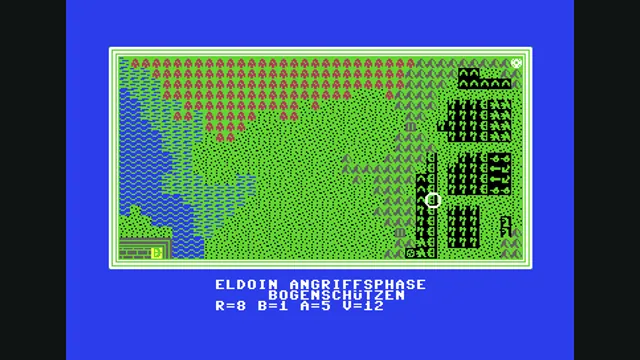
Weltendämmerung creator demonstration, gameplay frame 4 of the supplied GIF; served as a static still.
Image credits ↗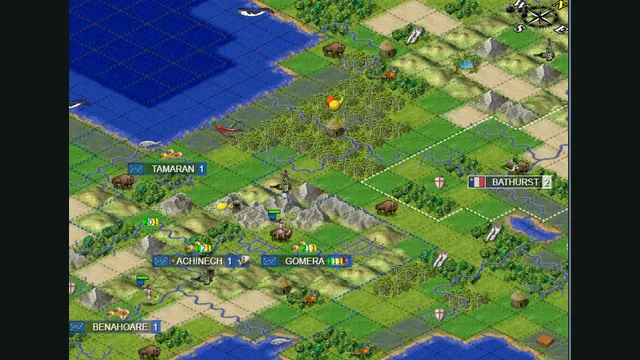
Map excerpt from the Freeciv-web community server’s published 2021 screenshot. It illustrates the project, not a current session or compatibility test.
Image credits ↗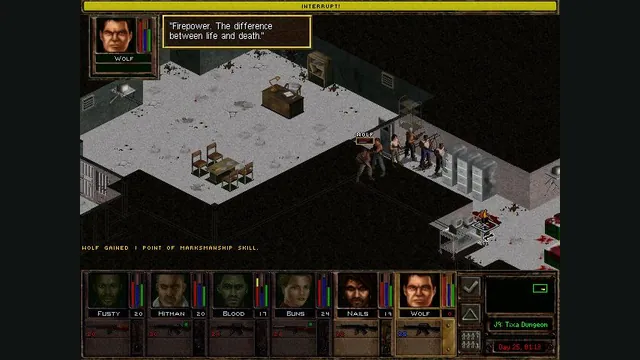
Jagged Alliance 2 Gold publisher screenshot reference; not a capture of the browser port.
Image credits ↗JA2 Gold’s tactical campaign through Stracciatella, using your own Data folder.