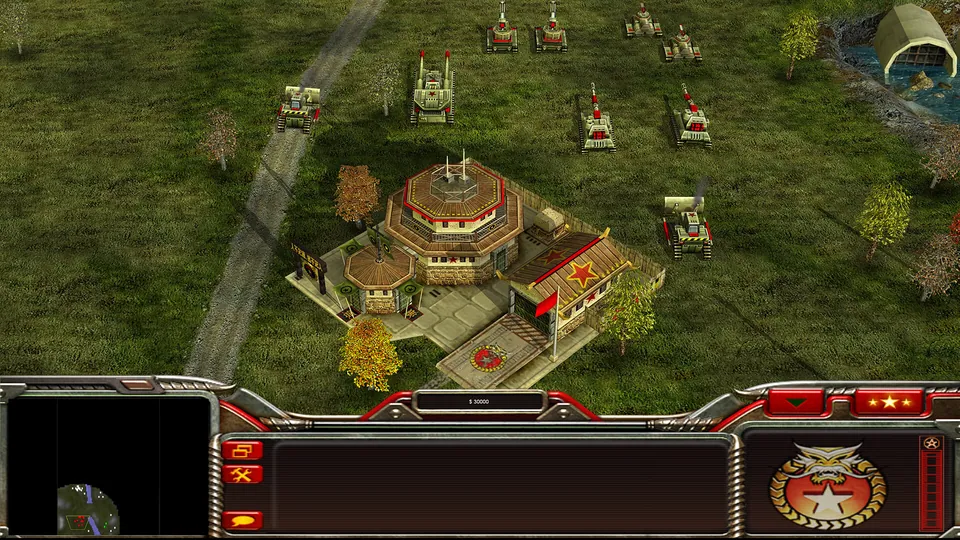
Generals Zero Hour publisher screenshot. Original-game reference; not a GeneralsX capture.
Image credits ↗Generals Zero Hour in a WebGPU browser, using your own installed game files.
Original files requiredPlay
Classic Westwood real-time strategy games reimagined in a modern native engine.
 SetupFree assets available
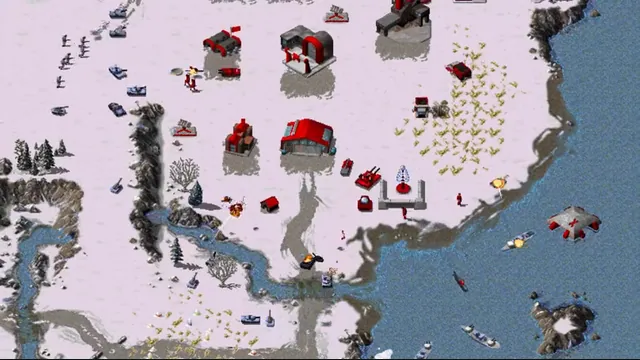
OpenRA creator footage still showing its Red Alert ruleset. Other included rulesets have different units and settings.
OpenRA Developers, official Red Alert demonstration. Command & Conquer: Red Alert imagery © Electronic Arts. This website is not endorsed by or affiliated with EA or its licensors.
Source & attribution ↗View image ↗Classic Westwood real-time strategy games reimagined in a modern native engine. These are reimagined rulesets, not exact reproductions of the original games.
Choose Red Alert 2 multiplayer, an owned Zero Hour installation, or OpenRA’s revised earlier games.
Read Command & Conquer guideChrono Divide offers browser multiplayer with classic or modern command controls.
GeneralsX Web reads your installed game through a WebGPU browser.
OpenRA brings together three Westwood settings. Tiberian Dawn centers on a conflict around the dangerous resource Tiberium; Red Alert offers an alternate-history struggle across land, sea and air; Dune 2000 takes competing houses to the spice fields of Arrakis. The shared real-time strategy format makes them related, but their armies and environments give each a different character.
These are OpenRA’s interpretations of the games, with their own balance and interface decisions. They should not be treated as exact substitutes for the original executables. The project adds production queues, hotkeys, attack-move orders, unit stances and fog of war, and offers both classic left-click and right-click control schemes.
Replays and an observer interface also make it useful for following matches and learning from them. Tiberian Dawn emphasizes brisk play with multiple production queues, while the Red Alert mod offers a wide range of tactical unit combinations. The included Dune 2000 mod aims closer to the original experience.
Choose the native package for Windows, macOS or Linux, then open the mod you want to play. Its first-run process downloads or copies the relevant original assets. That asset step is separate from installing the open-source engine; the engine’s license does not turn the original artwork and sound into engine code.
For ordinary online matches, the project recommends the release channel. Playtests are separate versions, so coordinate with friends before installing a test build. OpenRA’s download page also distinguishes the supported packages from community packaging, which is useful when troubleshooting platform-specific installation problems.
The repository links mapping tools, a Mod SDK and the community resource center. Custom maps can alter rules, so choosing a map can also mean choosing a different style of match. Tiberian Sun remains a separate development effort rather than a fourth finished game bundled into this download. Install additional projects according to their own instructions and keep their scope separate from the three official mods.
The mods require original-game assets. OpenRA prompts you to download or copy the relevant assets on first launch; the engine license does not cover those game files.
Creator-reported · Project guideInstall a release for your operating system, select Red Alert, Tiberian Dawn or Dune 2000, and complete the mod-specific asset setup.
Creator-reported · Project guideWindows, macOS and Linux packages are available.
Creator-reported · Project guideThe release channel is recommended by the project for online multiplayer; playtests use a separate version.
Creator-reported · Project guideThese are reimagined rulesets, not exact reproductions of the original games.
Creator-reported · Project guideGenerals Zero Hour publisher screenshot. Original-game reference; not a GeneralsX capture.
Image credits ↗Generals Zero Hour in a WebGPU browser, using your own installed game files.
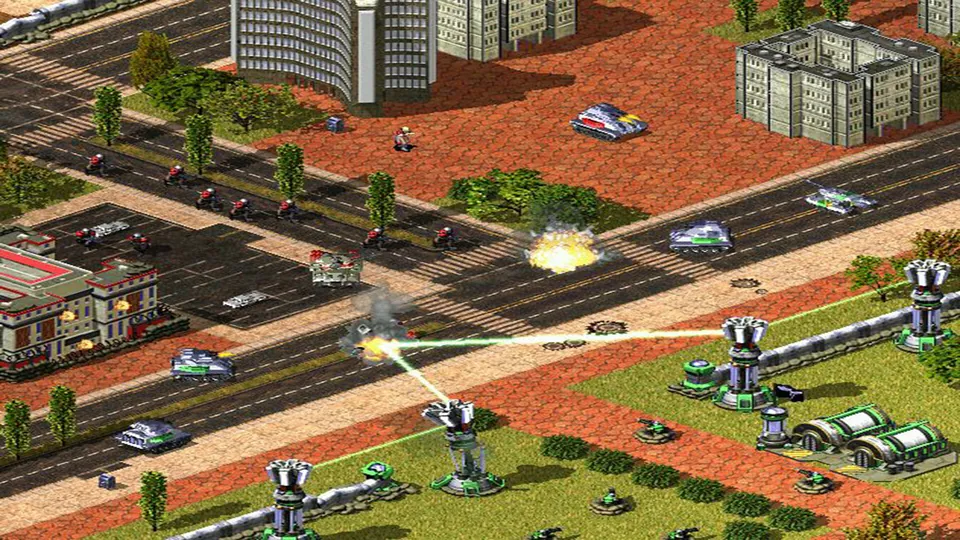
Red Alert 2 publisher screenshot. Original-game reference; not a Chrono Divide capture.
Image credits ↗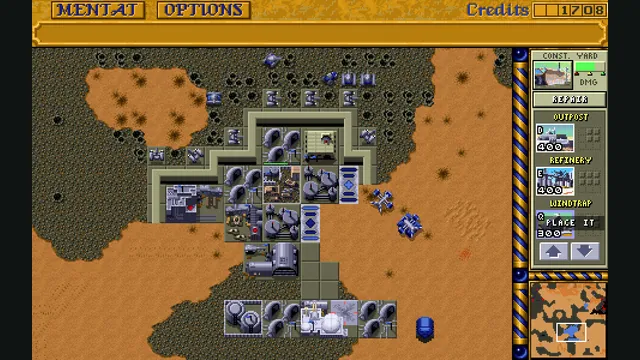
Dune Dynasty creator screenshot; the gameplay panel is cropped from the project’s four-panel showcase.
Image credits ↗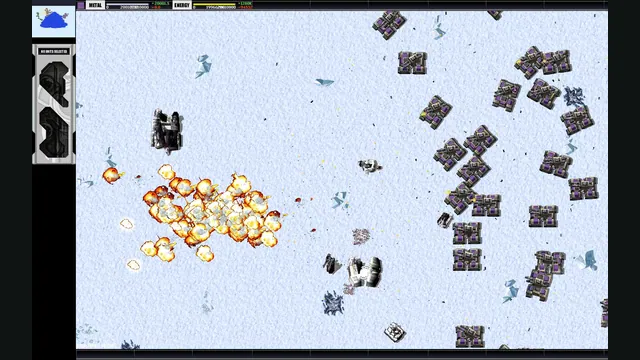
Total Annihilation gameplay reference; not a capture of the linked project.
Image credits ↗A replacement engine for Total Annihilation on modern desktop systems.