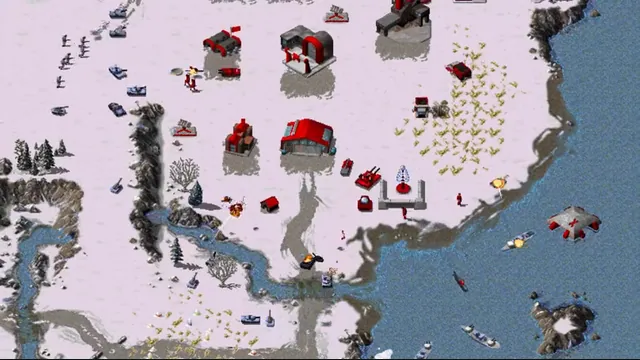
OpenRA creator footage still showing its Red Alert ruleset. Other included rulesets have different units and settings.
Image credits ↗Classic Westwood real-time strategy games reimagined in a modern native engine.
Free assets availableDownload
Dune II enhanced with modern controls, higher resolutions and multiplayer skirmishes.
 SetupYour game files required
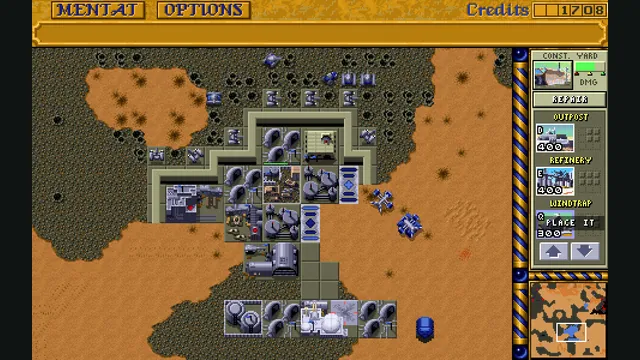
Dune Dynasty creator screenshot; the gameplay panel is cropped from the project’s four-panel showcase.
Game imagery remains copyright its respective rights holders. Image published at https://github.com/gameflorist/dunedynasty.
Source & attribution ↗View image ↗Dune II enhanced with modern controls, higher resolutions and multiplayer skirmishes. Platform packages have different dependencies and data locations. We have not run the provided setup scripts or assessed their security.
Dune Dynasty builds on OpenDUNE’s reverse-engineered Dune II engine. It keeps the original game as its foundation while adding the conveniences expected from later real-time strategy games. This continuation of the earlier Dune Dynasty project publishes native Windows, macOS and Linux packages.
Its biggest changes affect commanding an army: drag-select multiple units, queue production, assign control groups and set rally points. These tools reduce repeated individual orders, leaving more attention for the battlefield. They are also why Dynasty is a different choice from OpenDUNE’s closer reproduction of the original interface.
The project supports original gameplay and selected fan campaigns, plus skirmish and multiplayer matches for up to six human or computer players. Skirmishes add Fremen, Sardaukar and Mercenary factions, configurable alliances and generated maps. Credits, spice fields, worms and defeat conditions can be adjusted.
Optional enhancements can alter difficulty or rules. Brutal AI, regrowing fog of war and changed unit limits should be chosen deliberately, rather than mistaken for the untouched DOS balance. The README explains which changes are always active in multiplayer.
The menu bar, side panel and map have separate scaling controls, which is useful on high-density screens. The mouse wheel zooms the view, dragging with the right button pans, and right-click issues commands by default. Windows touchscreen users can choose left-click commands and pinch zoom.
Aspect-ratio correction is configurable because the original graphics were designed around older displays. The default automatic mode balances corrected menus with readable gameplay; change it according to the look you prefer instead of stretching the whole window externally.
Dune Dynasty requires the European 1.07 PAK data set. Its location depends on whether you use a regular package, macOS app or Linux Flatpak. Save files sit beside the active configuration directory, and original Dune II saves are supported. A configuration file beside the executable enables portable mode.
Music sources can be combined or disabled in Options and Extras. Additional soundtrack sets are separate resources, so their availability should not be confused with the contents of the engine download.
The *.PAK data files from the European v1.07 release of Dune II. The project’s static/general/data/FILELIST.TXT lists the full required set.
Creator-reported · Project guideDownload the platform package and put the original data in its data directory; the README gives separate Windows, macOS and Linux paths.
Creator-reported · Project guideWindows, macOS and Linux are documented. Windows touchscreen support does not establish phone support.
Creator-reported · Project guideSkirmish multiplayer supports up to six human or AI participants with configurable alliances.
Creator-reported · Project guidePlatform packages have different dependencies and data locations. We have not run the provided setup scripts or assessed their security.
Creator-reported · Project guideOpenRA creator footage still showing its Red Alert ruleset. Other included rulesets have different units and settings.
Image credits ↗Classic Westwood real-time strategy games reimagined in a modern native engine.
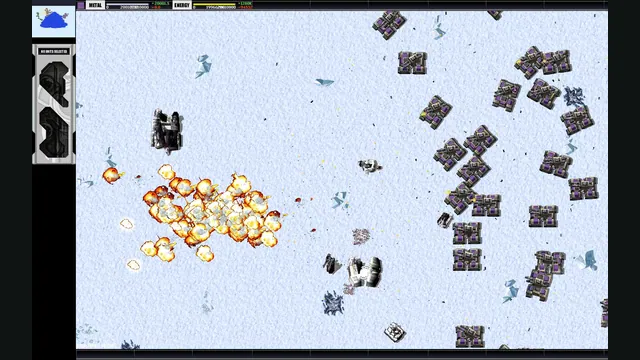
Total Annihilation gameplay reference; not a capture of the linked project.
Image credits ↗A replacement engine for Total Annihilation on modern desktop systems.
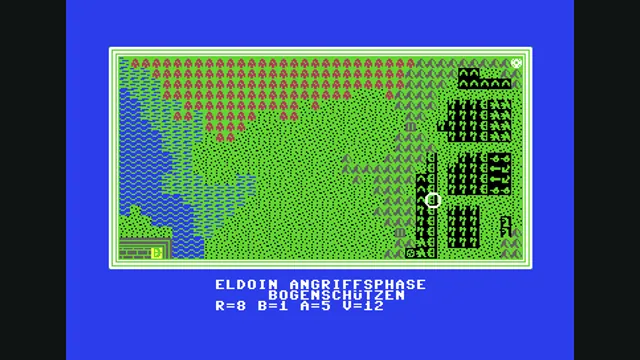
Weltendämmerung creator demonstration, gameplay frame 4 of the supplied GIF; served as a static still.
Image credits ↗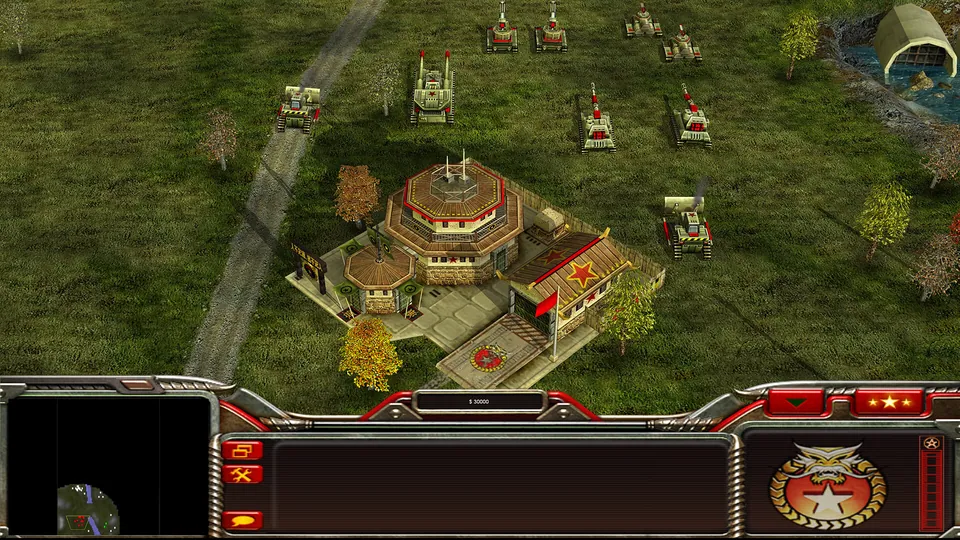
Generals Zero Hour publisher screenshot. Original-game reference; not a GeneralsX capture.
Image credits ↗Generals Zero Hour in a WebGPU browser, using your own installed game files.