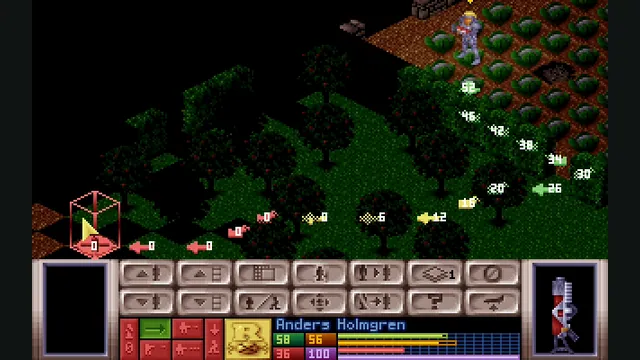
OpenXcom engine screenshot reference showing tactical movement preview; not a capture of the WebAssembly build.
Image credits ↗OpenXcom’s alien-defense campaign with local game files, persistent saves and offline caching.
PlayYour game files requiredOpenXcom engine screenshot reference showing tactical movement preview; not a capture of the WebAssembly build.
Game imagery remains copyright its respective rights holders. Image published at https://openxcom.org/screenshots/.
Source & attribution ↗View image ↗mrmrcoleman’s browser fork packages the OpenXcom engine for WebAssembly. The reviewed hosted setup specifically requests UFO Defense data; Terror from the Deep is not claimed for this route.
X-COM: UFO Defense combines the management of an anti-alien organisation with tactical missions at landing and crash sites. Researching alien technology and manufacturing equipment connects those missions to the larger defence effort. A recovered item or successful operation can change what your organisation can field next.
The appeal is the relationship between those scales. You are not simply winning a sequence of unrelated fights: the broader campaign gives the tactical decisions a continuing purpose. This entry concerns the original UFO Defense data set.
OpenXcomWASM compiles the OpenXcom engine for the web. It stores imported game data and saves locally and caches its static files for offline play after the first visit. The creator documents periodic save synchronisation to browser storage, along with export and import for transferring progress.
The game data is separate from the engine. Supply the UFO folder from your own copy; look for subfolders such as GEODATA, GEOGRAPH, MAPS and SOUND. Selecting that actual data directory is more useful than selecting a store launcher or shortcut.
OpenXcomWASM · engine and storage documentationOpenXcomWASM · file and save manager
The gear menu can export saves and import ZIP archives or individual .sav files. An imported save overwrites an existing one with the same name, so export your current set first if you want to preserve it. You can also restore a backup before starting the engine.
Reset All Data removes both the imported game files and the saved campaign. It is a fresh-install action, not merely a graphics reset. Keep an external save archive and the original game installation before using it.
The host supports current desktop browsers and recommends a mouse. This is OpenXcom's existing interface rather than a redesigned touchscreen campaign map, so a desktop is the clearer starting point for learning its controls. Once the files have been cached, offline access is useful, but browser storage still needs to remain intact.
OpenXcomWASM · browser guidanceOpenXcomWASM · engine and storage documentation
Provide the UFO/XCOM data folder from your own X-COM: UFO Defense copy, containing folders such as GEODATA, GEOGRAPH, MAPS and SOUND.
Creator-reported · Project guideDrop or choose the game-data folder and select Install Game Data. The import stores files in the browser; no server upload is required.
Creator-reported · Project guideThe host lists Chrome, Firefox, Edge and Safari. It recommends a desktop or laptop because X-COM expects mouse input; mobile is limited by that interface.
Creator-reported · Project guideThe original interface is mouse-oriented. The gear menu manages saved data and backup imports/exports.
Creator-reported · Project guidePlay X-COM: UFO Defense through OpenXcom. The hosted setup covers this game; Terror from the Deep is not included in this listing.
Creator-reported · Project guideSaves persist in IndexedDB. Use the gear menu to export backups or import a ZIP or individual .sav files; importing a matching filename overwrites that save. Export before resetting all data, which removes both installed game assets and saves.
Creator-reported · Project guideClearing browser site data removes the stored game files and saves. Export backups first.
Creator-reported · Project guideMade possible by mrmrcoleman.
OpenXcom engine screenshot reference showing tactical movement preview; not a capture of the WebAssembly build.
Image credits ↗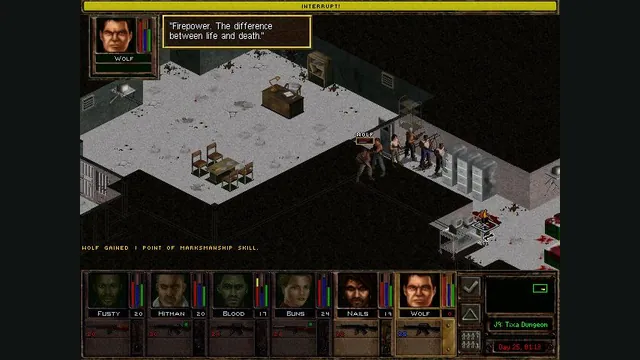
Jagged Alliance 2 Gold publisher screenshot reference; not a capture of the browser port.
Image credits ↗JA2 Gold’s tactical campaign through Stracciatella, using your own Data folder.
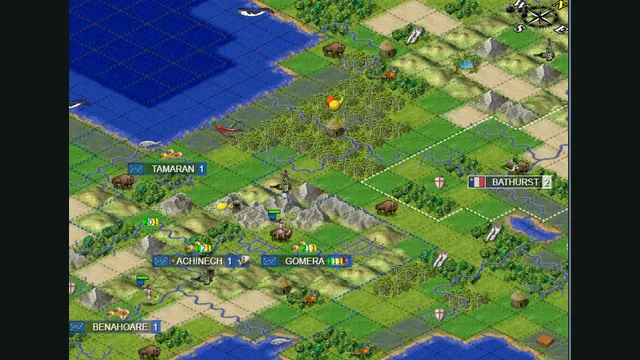
Map excerpt from the Freeciv-web community server’s published 2021 screenshot. It illustrates the project, not a current session or compatibility test.
Image credits ↗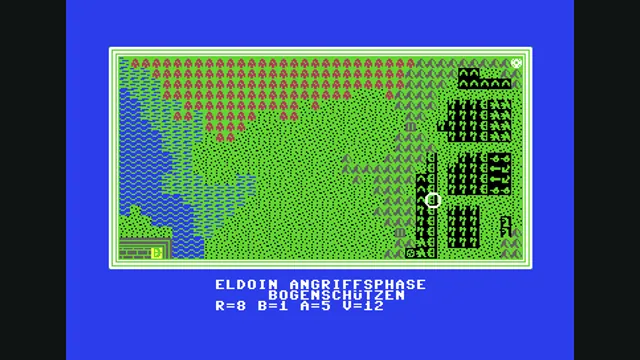
Weltendämmerung creator demonstration, gameplay frame 4 of the supplied GIF; served as a static still.
Image credits ↗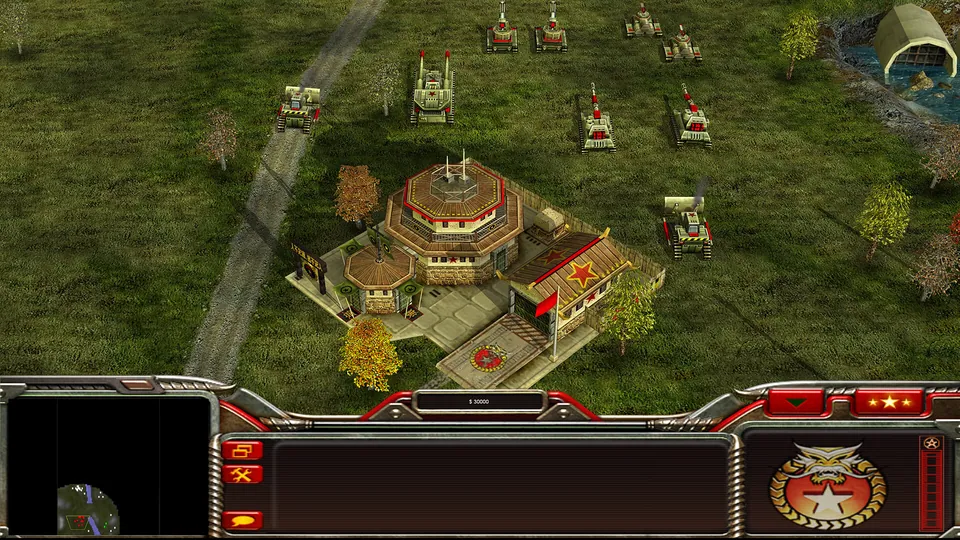
Generals Zero Hour publisher screenshot. Original-game reference; not a GeneralsX capture.
Image credits ↗Generals Zero Hour in a WebGPU browser, using your own installed game files.