New to Playable
New guides and additions to the library, ready for your next session.
· Player guide
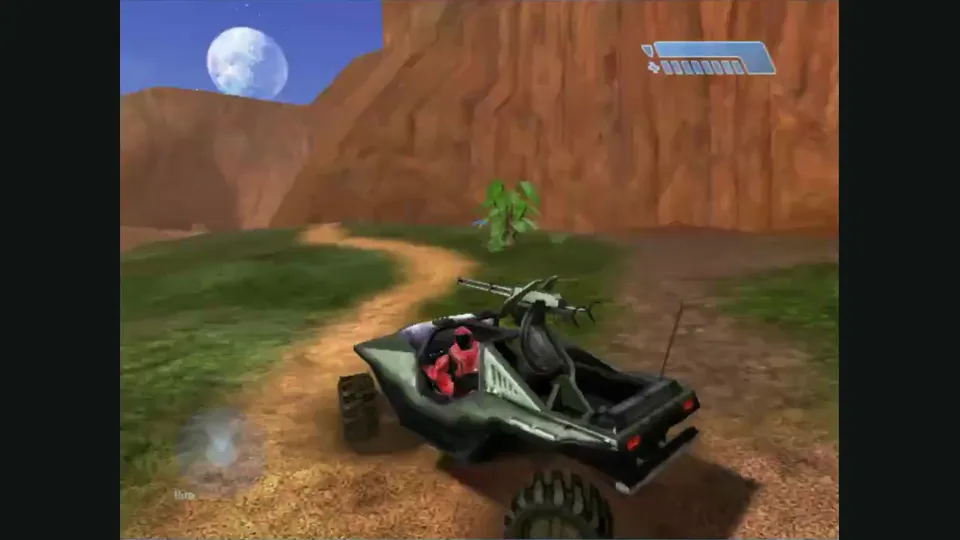
How to use a controller with a browser game
Pairing a controller is only the first step. The browser must expose it, and the specific game must map its sticks and buttons. Start with a project that documents gamepad support.
Read guide : Connect a controllerProject image · creditsConnect and activate a gamepad, choose a project with documented support, and check Halo CE and PrinceJS mappings before playing.
· Player guide
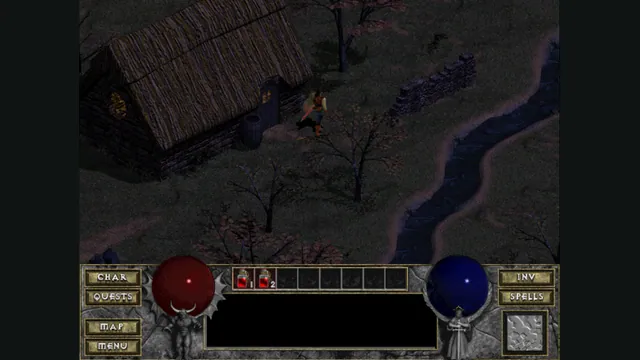
Back up browser game saves and check the restored game
Save inside the game, export a separate backup, then import and load it before removing the original. Confirm the restored character, map or level inside the game.
Read guide : Back up your browser savesProject image · creditsBack up browser saves with Diablo, WebXash and PrinceJS examples, plus an illustrated OpenTTD export and restore walkthrough.
· Player guide
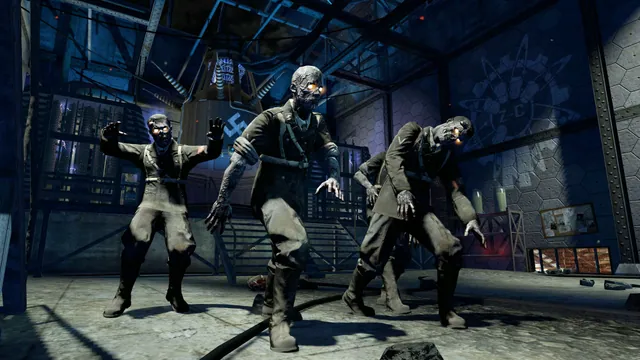
Call of Duty browser and native versions: Zombies or campaign?
Pick the exact game and mode before the project: browser Zombies, the original COD4 campaign and native Xbox 360 recompilations need different preparation.
Read guide : Choose a Call of Duty projectReference image · creditsAdded substantive version, setup, controls and save comparisons.
· Player guide
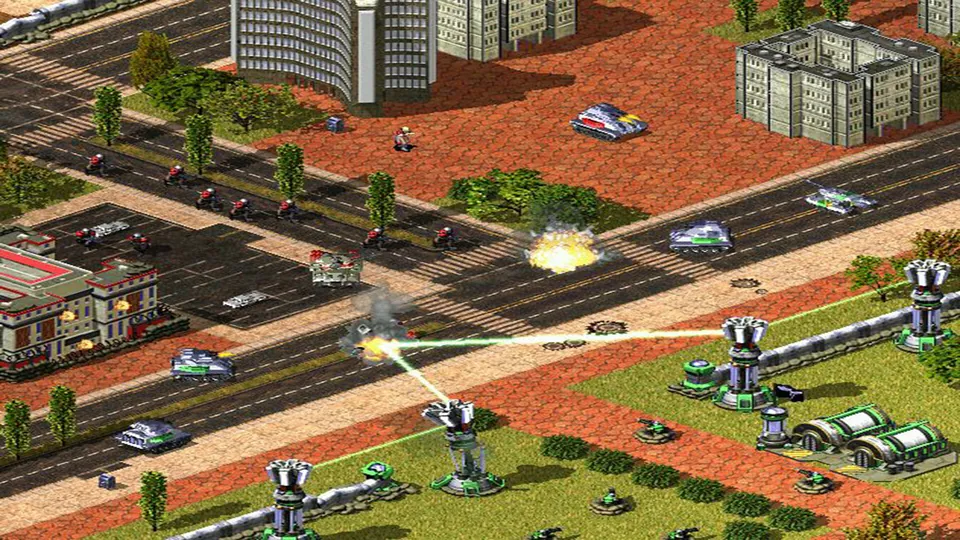
Command & Conquer: choose Chrono Divide, GeneralsX or OpenRA
Start with the game you want: Red Alert 2, Generals Zero Hour and OpenRA’s earlier Westwood games have different armies, rules and setup.
Read guide : Choose your Command & ConquerReference image · creditsAdded substantive version, setup, controls and save guidance.
· Player guide
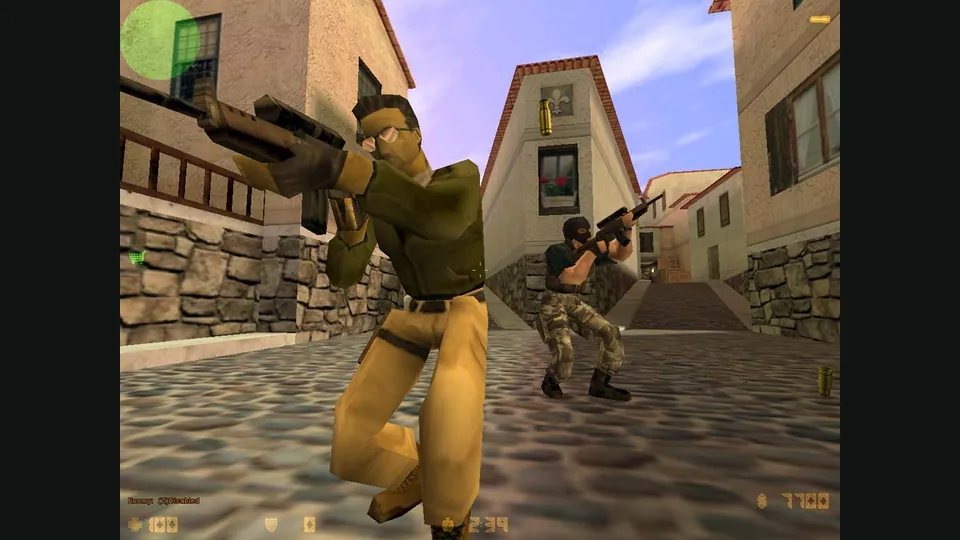
Counter-Strike in a browser: 1.6 matches, bunnyhop or surf?
Choose CSJS for a 1.6 match with the least preparation, WebXash for your own files and server, or a dedicated movement game for hopping and surfing.
Read guide : Choose your Counter-Strike sessionReference image · creditsChoose CSJS for live Counter-Strike 1.6 servers, enable optional voice, use phone touch controls, or prepare owned files for WebXash.
· Player guide
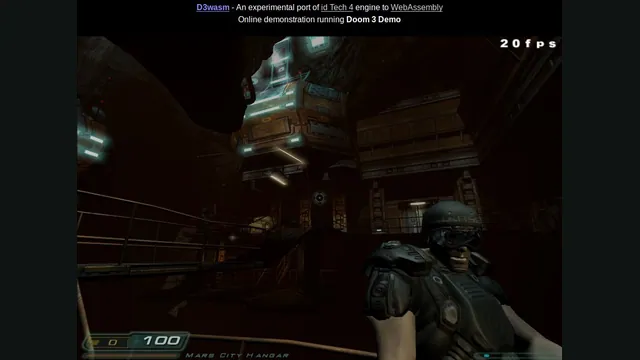
Doom in a browser or native port: WADs, demos and Doom 3
For classic Doom, choose a WAD launcher or a native port. For Doom 3, separate the browser demo from an owned retail installation.
Read guide : Choose a Doom versionProject image · creditsCompare Doom’s keyboard demo, D3Wasm’s Doom 3 demo and Quake multiplayer clients, including controls, downloads and save limits.
· Player guide
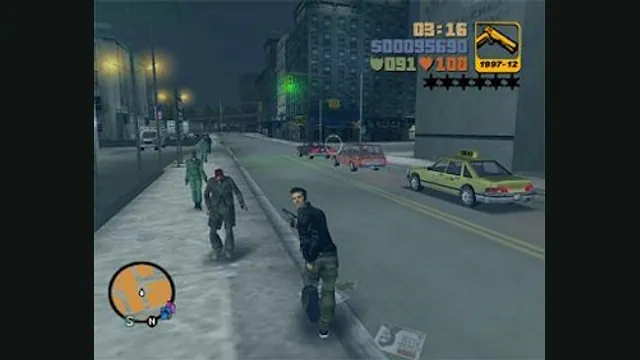
GTA projects compared: GTA III in a browser, LCS Recomp and Theft4
Start with the GTA installment you want. GTA III’s web host, the PSP-based Liberty City Stories port and GTA IV’s experimental iOS app use different data and save workflows.
Read guide : Choose a GTA projectReference image · creditsAdded substantive version, setup, controls and save guidance.
· Player guide
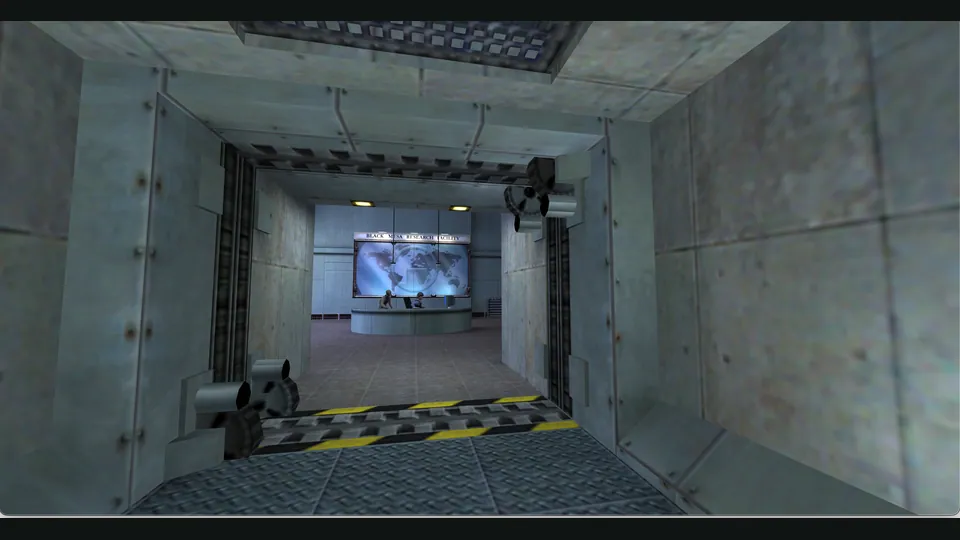
Half-Life in a browser: choose WebXash or Pixelsuft
WebXash offers the clearer owned-file and save workflow. Pixelsuft’s older launcher exposes separate data and filesystem choices for a more manual setup.
Read guide : Half-Life browser setupProject image · creditsAdded substantive version, setup, controls and save comparisons.
· Player guide
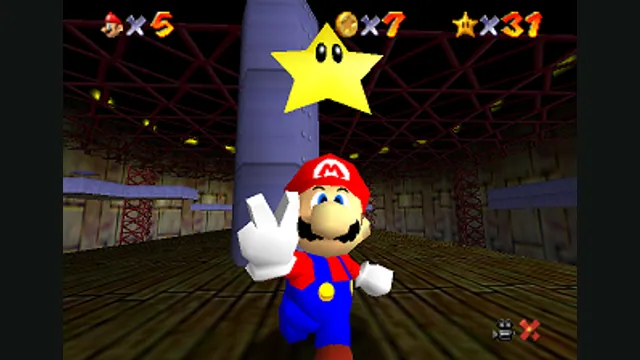
Mario platformer projects: choose SM64 co-op, Wonder Recomp or GalaxyPad
Start with the Mario game you want, then its project. SM64 co-op has native releases; Wonder and GalaxyPad ask you to build. Mario crossover mods still need their host game.
Read guide : Choose a Mario platformerReference image · creditsAdded substantive version, setup, controls and save guidance.
· Player guide
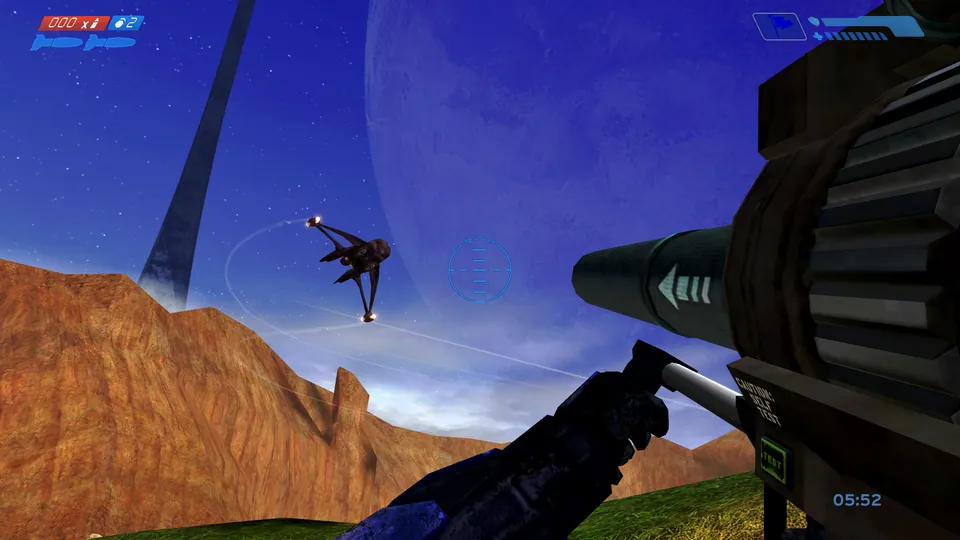
Browser games on a phone: touch controls, files and saves
Choose a project with an actual touch layout before downloading large game files. A game that draws on a phone screen may still need a keyboard, mouse or controller.
Read guide : Prepare for phone playReference image · creditsChoose a browser project with touch controls, prepare owned files and storage, and understand HCEMobile, CSJS, PrinceJS and Diablo limitations.
· Player guide
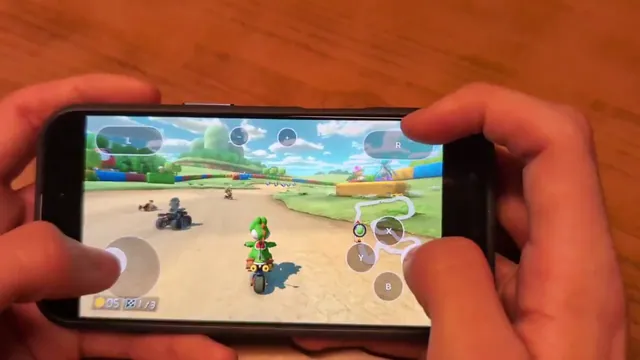
Mush8 brings Mario Kart 8 Deluxe to Apple devices: what setup involves
Mush8 is C22’s native Apple project for Mario Kart 8 Deluxe. It requires building with your own game dump and keys; it is not a browser game or a Mario Party port.
Read guide : Mush8 on Apple devicesProject image · creditsUnderstand Mush8’s native Apple build, Mario Kart 8 Deluxe base and 4.0.1 update files, iOS signing, controller options and LAN-play limits.
· Player guide
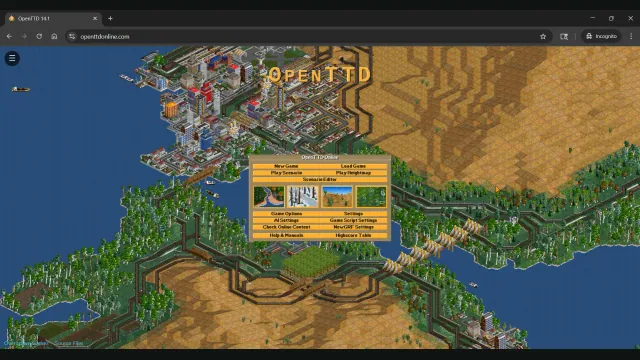
OpenTTD in a browser or on desktop: start a route and move your saves
OpenTTD Online offers a browser session with free assets and save transfers. Native OpenTTD adds the upstream desktop file and multiplayer workflow.
Read guide : Choose browser or native OpenTTDProject image · creditsAdded substantive version, setup, controls and save guidance.
· Player guide
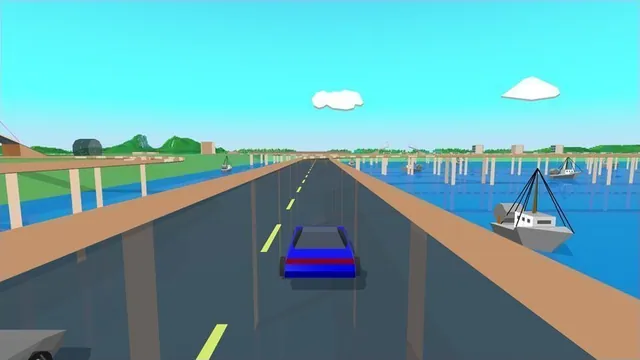
Port, recompilation, decompilation or emulator: what can you actually play?
The project label explains how a game was adapted. The Play, Download or Build route tells you what you can do with it today. Check both before choosing a version.
Read guide : Understand the project labelsProject image · creditsUnderstand browser ports, native recompilations, decompilation source, emulators, recreations and mashups, with real catalog examples and file requirements.
· Player guide
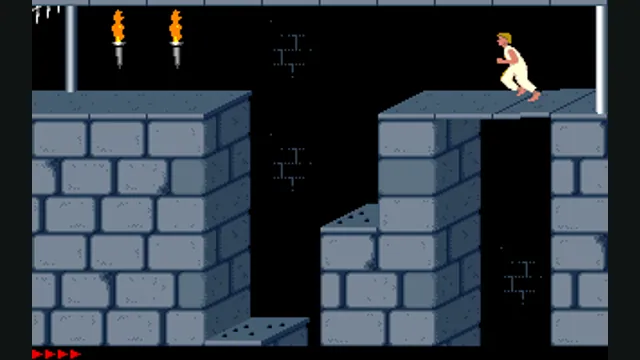
Prince of Persia: PrinceJS in a browser or SDLPoP on desktop?
PrinceJS starts in a browser and preserves level settings in a link. SDLPoP is an installed DOS-based port with exact-state quicksaves and replays.
Read guide : Choose PrinceJS or SDLPoPReference image · creditsAdded substantive version, setup, controls and save guidance.
· Player guide
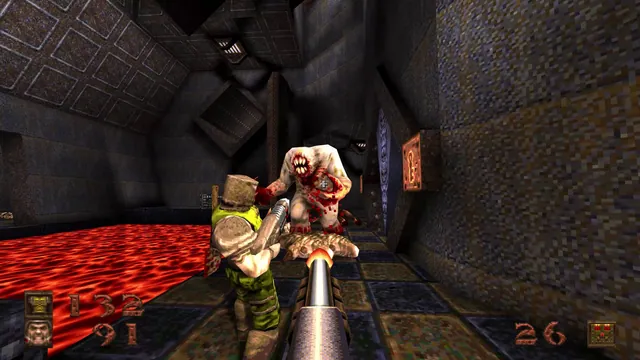
Quake browser versions: campaign, QuakeWorld or Quake III?
Choose a first-Quake campaign or an exact multiplayer host. Quake, Quake II and Quake III clients have different content and cannot share one session.
Read guide : Choose a Quake versionReference image · creditsAdded substantive version, setup, controls and save comparisons.
· Player guide

Sonic projects compared: Sonic 3 A.I.R., Mania and Unleashed
Use Sonic 3 A.I.R.’s official beta for a web app, or choose the native project for the Sonic game you own. Unleashed’s desktop and Android installations have different import and control workflows.
Read guide : Choose a Sonic projectProject image · creditsAdded substantive version, setup, controls and save guidance.
· Player guide
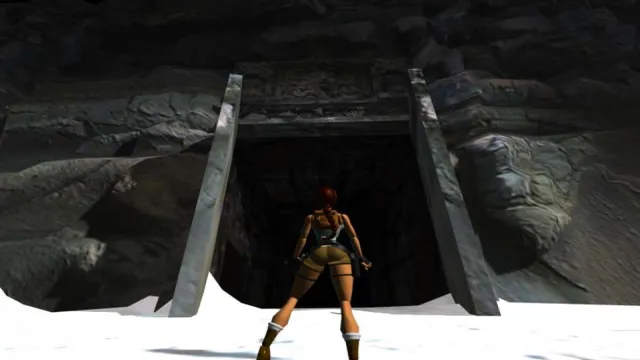
Tomb Raider: OpenLara’s browser demo or TRX for the full adventures?
Try a demo level in OpenLara, or prepare your owned Tomb Raider I–III files for an installed TRX adventure. The browser demo and trilogy engine have different scope.
Read guide : Choose OpenLara or TRXReference image · creditsAdded substantive version, setup, controls and save guidance.
· Player guide
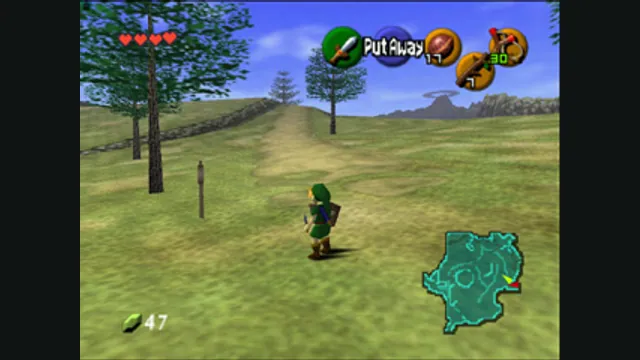
Zelda projects compared: Ocarina, Majora, Link’s Awakening and more
Choose the adventure first. Ocarina of Time, Majora’s Mask and later Zelda games need their own native projects and files. Zelda II’s unavailable browser host has a separately documented desktop fallback.
Read guide : Choose a Zelda projectReference image · creditsAdded substantive version, setup, controls and save guidance.
Dates describe changes to Playable, not the release date of the original game.