Tomb Raider: OpenLara’s browser demo or TRX for the full adventures?
Try a demo level in OpenLara, or prepare your owned Tomb Raider I–III files for an installed TRX adventure. The browser demo and trilogy engine have different scope.
By Playable · Written
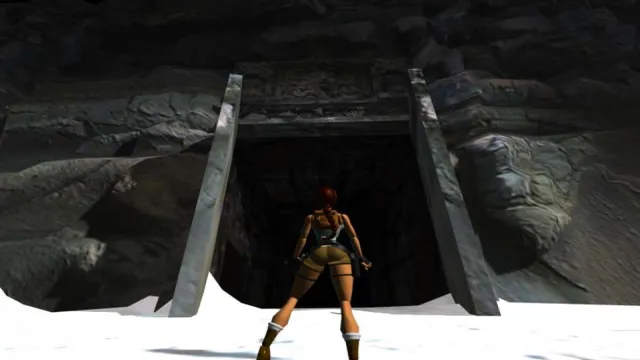
Choose a demo or an adventure
For a quick encounter with classic Lara movement, start with OpenLara's WebGL demo. For an installed adventure through games you own, choose TRX Community Edition. Both replace a classic engine, but their linked starting points have very different scope.
Swipe or scroll to compare all columns →
| Project | What you start with | Reason to choose it |
|---|---|---|
| OpenLara WebGL | The creator's included demo level | Try the engine in a browser before preparing a native setup. |
| TRX | Your original Tomb Raider I, II or III filesA TR1 PC demo is also offered. | Play the supported adventures with configurable controls, UI and rendering. |
TRX's creators report all three games playable from beginning to end. That claim stops at I–III: Tomb Raider IV is still in development. OpenLara's repository screenshots of later games do not expand the content supplied by its browser demo.
Try OpenLara and learn the controls
Follow the WebGL demo link in OpenLara's README using a WebGL-capable browser. The demo level is supplied; a standalone download is a separate link. For a full adventure from an owned installation, TRX offers the more explicit setup described below.
OpenLara's engine defines these default keyboard bindings. If you have already changed its settings, use your configured layout:
| Action | Input |
|---|---|
| Move / turn | Arrow keys |
| Jump / walk | Alt / Shift |
| Action / draw weapons | Ctrl / Space |
| Look / roll | C / A |
| Inventory | Esc |
Practice walking, turning and jumping before combining them near a drop. The engine's input definitions are the basis for these defaults; they do not establish a particular phone's touch layout.
Prepare the TRX game files
Use original TR1, TR2 or TR3 files from an owned Steam, GOG or disc installation. Keep each game's files separate. TRX's combined layout uses games/tr1/, games/tr2/ and games/tr3/, with game-specific subfolders.
- Windows installer: choose a destination, select your owned game packs or the TR1 PC demo, and let the installer remap the files.
- Windows/Linux archive: extract the combined package, then copy the original files into the matching hierarchy shown in the installation guide.
- macOS: copy
TRX.appfrom the disk image into Applications and run it once. For the full games, use Show Package Contents and place the files underContents/Resources/games/<game-id>/as the guide specifies.
Do not merge an old per-game installation into the new layout blindly. If TRX reports a legacy layout, back up saves, then use a fresh combined extraction and copy the owned data into the new game directories.
Set up TRX controls and options
In TRX, open Controls before committing to a long level. Keyboard and controller layouts are configurable, with two bindings per action. Set movement, walk, jump and action where you can reach them together; a comfortable action key matters for grabbing ledges as well as interacting.
Choose it for specific conveniences such as UI scaling, photo mode and adjustable draw distance. It is not an HD texture-pack system: the project FAQ says that support is not planned. Its supported platforms are Windows, Linux and macOS.
TRX remembers the last game or expansion selected. If it opens the demo when you wanted a full game, change the selection in the passport. A shortcut can choose a game explicitly with --mod tr1, --mod tr2 or --mod tr3. The creator's command-line guide lists the separate expansion identifiers.
Keep the right saves
OpenLara's web save slots live in the current browser profile's IndexedDB storage. Keep that profile and site's data if you want to return to them. The web save implementation does not turn those slots into a TRX save import.
For a bundled Windows/Linux TRX installation, the default save directory is saves/ beside the application; custom installations can override it with TRX_SAVES_DIR. Preserve the actual save directory before replacing the installation. Keep the original backup until a restored slot loads in the correct game.
For phone play, neither the linked OpenLara demo nor TRX supplies a confirmed mobile route in this comparison. PrinceJS offers documented touch controls if a classic traversal game on a phone is the priority.
Project reading
See the creators’ setup instructions and feature guides.
Tomb Raider I (1996) gameplay reference; not a capture of the linked project.
Image credits ↗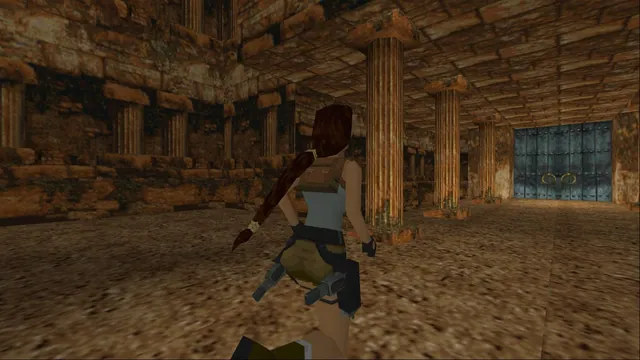
A combined native engine for the first three Tomb Raider games with configurable controls and rendering.
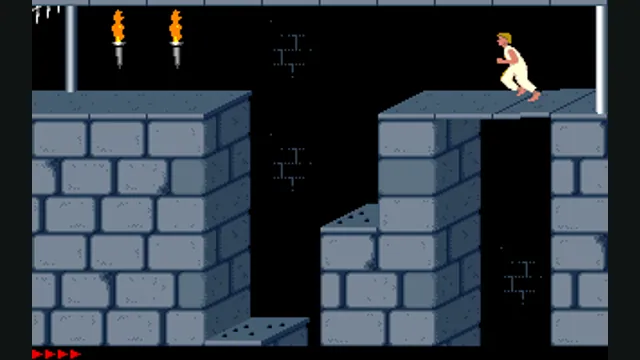
Prince of Persia: PrinceJS in a browser or SDLPoP on desktop?
PrinceJS starts in a browser and preserves level settings in a link. SDLPoP is an installed DOS-based port with exact-state quicksaves and replays.
Read guide : Choose PrinceJS or SDLPoPReference image · credits
Back up browser game saves and check the restored game
Save inside the game, export a separate backup, then import and load it before removing the original. Confirm the restored character, map or level inside the game.
Read guide : Back up your browser savesProject image · credits