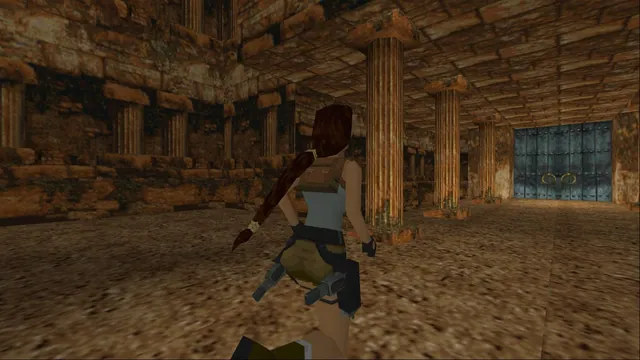
A combined native engine for the first three Tomb Raider games with configurable controls and rendering.
Demo availableDownload
Classic Tomb Raider exploration, rebuilt for a WebGL tab.
 PlayCheck file requirements
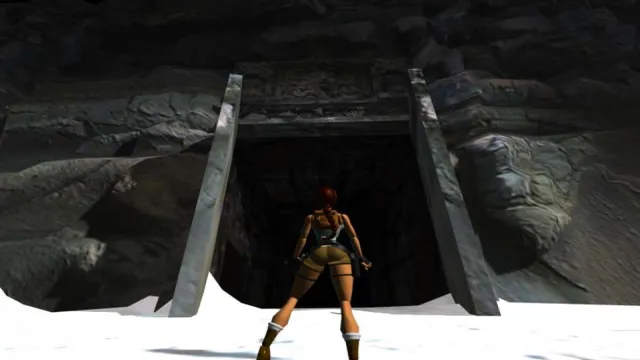
Tomb Raider I (1996) gameplay reference; not a capture of the linked project.
Tomb Raider I (1996) game imagery remains copyright its respective rights holders. Publisher-supplied screenshot from the linked official Steam store gallery.
Source & attribution ↗View image ↗OpenLara is an open-source engine for classic Tomb Raider. Its project page links to a WebGL build with a demo level, so you can try the engine from a browser before looking into the standalone version.
Try OpenLara’s hosted demo or prepare owned Tomb Raider I–III files for TRX.
Read Tomb Raider guideTRX runs the first three games with configurable controls and presentation.
The original Tomb Raider follows Lara Croft in a search for the pieces of the Scion. Its exploration mixes running, jumping, swimming and climbing with puzzles and combat. Getting through a room is often about understanding its shape and finding a route, which makes the spaces themselves as important as the enemies within them.
That background explains why a single Tomb Raider level can be a useful engine demonstration: it gives you a place to try movement and explore a three-dimensional environment without implying that an entire campaign is included.
Tomb Raider · original publisher descriptionOpenLara · README and WebGL demo
OpenLara is an open-source engine for classic Tomb Raider. The project's README links a WebGL build with a demo level and separately provides standalone releases. The browser launch is therefore a convenient way to try the engine; the desktop project and the hosted demonstration are distinct ways to use it.
Screenshots and work across the wider engine project should not be read as a list of levels supplied by this browser link. The specific browser offer described by the README is the included demo level. Use the project's own release documentation when considering a standalone version or further game data.
The web engine reads and writes save slots through IndexedDB, the browser's local site storage. Keep using the same browser profile if you want to return to those slots. Clearing the site's storage removes the local records; opening the same URL on another computer does not by itself transfer them. This is different from keeping a save file in the standalone game's directory.
The linked WebGL build includes a demo level. Requirements for additional levels are not confirmed here.
Creator-reported · Project guideOpen the creator’s WebGL build from the project page; the demo level is included.
Creator-reported · Project guideA WebGL-capable browser is needed. Mobile support is not confirmed.
Creator-reported · Project guideThe web engine stores save slots in IndexedDB in the current browser profile. Clearing this site’s storage removes those local slots.
Creator-reported · Project guideA combined native engine for the first three Tomb Raider games with configurable controls and rendering.
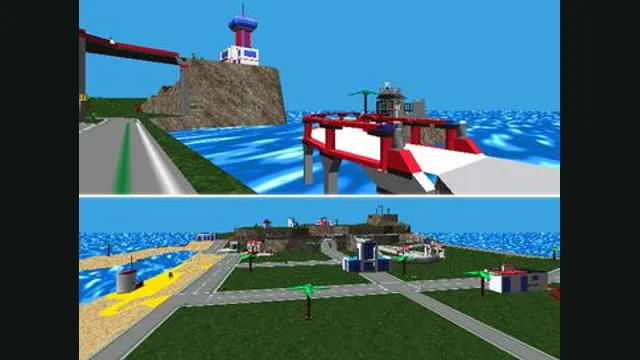
LEGO Island original-game screenshot reference; not a capture of the linked project.
Image credits ↗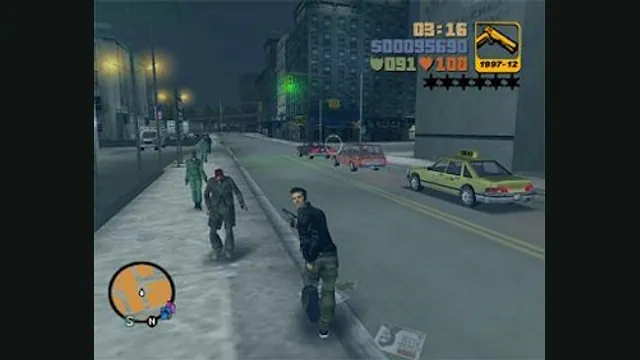
GTA III PC screenshot. Original-game reference; not a capture of the WASM Arcade host.
Image credits ↗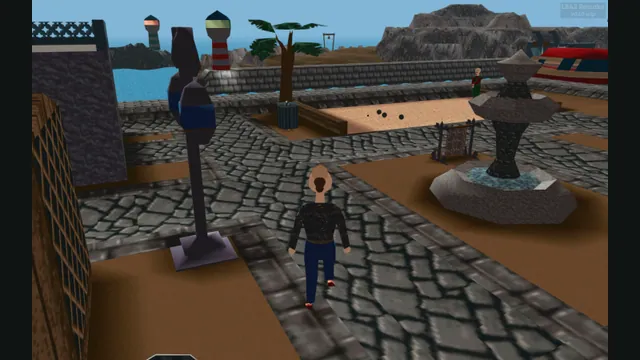
LBA2 Remake creator screenshot of Little Big Adventure 2; not an LBA1 scene.
Image credits ↗Explore Twinsen’s world in an unfinished browser reimplementation of Little Big Adventure.
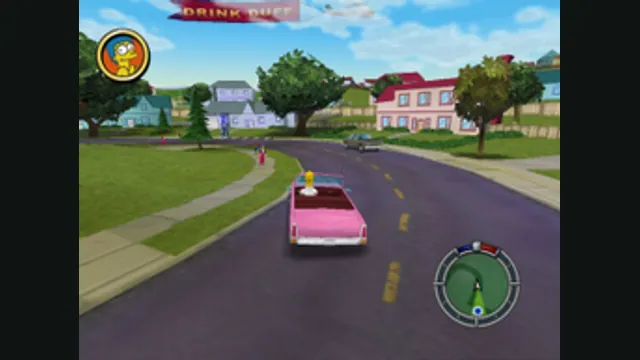
The Simpsons: Hit & Run original-game reference. Upper game panel cropped from the source comparison; the GTA III panel is excluded.
Image credits ↗