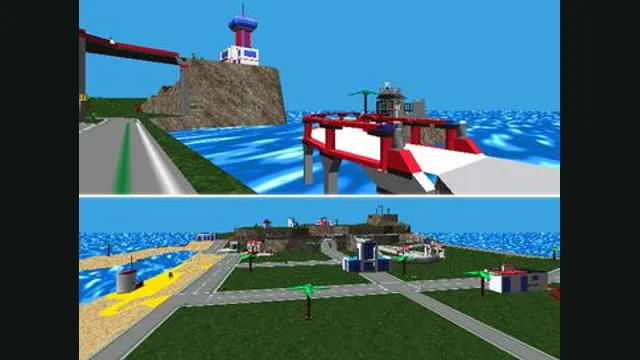
LEGO Island original-game screenshot reference; not a capture of the linked project.
Image credits ↗The Emscripten frontend for the community’s portable LEGO Island engine.
PlayCheck file requirementsLEGO Island original-game screenshot reference; not a capture of the linked project.
LEGO Island game imagery remains copyright its respective rights holders. Image credit and provenance: linked source page. No transferable license is inferred.
Source & attribution ↗View image ↗isle.pizza runs LEGO Island through the isle-portable browser port. Its frontend includes game configuration, touch input choices and a save editor for your local player slots.
The original LEGO Island is a small, explorable town whose residents, vehicles and activities are part of the attraction. You register at the Information Center, choose a character and head out to discover what the island offers. Building a vehicle is hands-on: select its parts, then change its paint and decals before taking it out.
The original manual describes activities such as assembling a dune buggy at the Octan station and racing a water jet. That mixture of wandering, conversations, construction and driving gives the island a different rhythm from a game built entirely around successive racing events.
isle.pizza brings LEGO Island to the web through isle-portable, a portable reconstruction based on the original game's decompilation. Its current configuration offers language and version choices, widescreen display, resolution settings and control improvements. The goal remains the familiar island and its activities, rather than a new sequel.
Game data streams as you explore. The creator describes an initial download of roughly 25 MB, with more arriving as needed. Configure Extras also offers Offline Play, which installs about 550 MB for a more complete local cache. These are different ways to obtain the same game's data, so a quick first visit need not begin with the full offline download.
isle.pizza · current player helpisle-portable · project goals
To make sure progress is saved, return to the Information Center and leave through its exit door. Reaching the main menu locks in the save. Closing the tab attempts a save, but the project explicitly describes that as best effort; it is a less reliable ending to a session.
The frontend also includes a save editor. Keep that separate from the normal in-game save routine: changing a slot's values is an editing operation, not a reason to skip returning to the main menu.
The browser version supports keyboard, gamepad and touch input. Keyboard players can use arrows or WASD; touch settings offer a virtual gamepad, arrow keys or mouse-style input. If the introduction is silent, use the mute control to unlock audio. Lowering the configured resolution is the project's suggested first response to lag. Use a current browser with WebAssembly multithreading support.
isle.pizza · current player helpisle.pizza · control configuration
Choose Configure to adjust input, or Run Game to start. Read Me opens the project’s instructions.
Creator-reported · Project guideConfigure offers arrow-key navigation or an optional WASD layout. On touch devices, choose Virtual Gamepad, Virtual Arrow Keys or Virtual Mouse.
Creator-reported · Project guideThe frontend keeps save slots in the browser’s private file storage. After playing, open the save editor and choose a slot to inspect your player name, character and scores.
Creator-reported · Project guideLEGO Island original-game screenshot reference; not a capture of the linked project.
Image credits ↗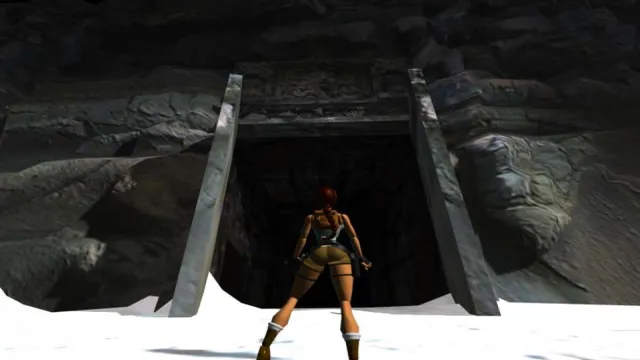
Tomb Raider I (1996) gameplay reference; not a capture of the linked project.
Image credits ↗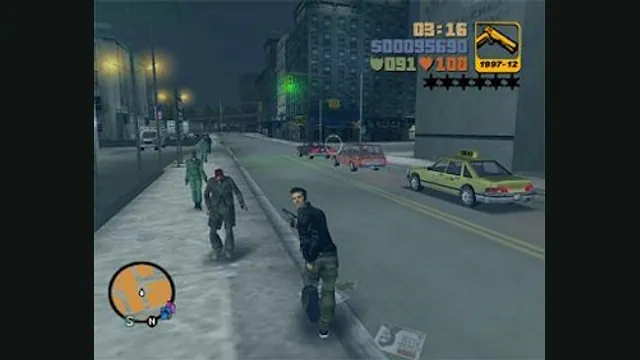
GTA III PC screenshot. Original-game reference; not a capture of the WASM Arcade host.
Image credits ↗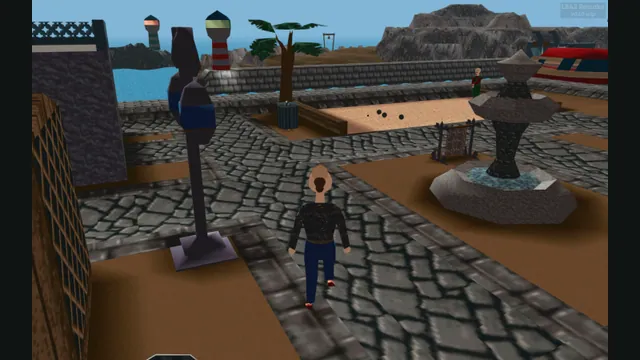
LBA2 Remake creator screenshot of Little Big Adventure 2; not an LBA1 scene.
Image credits ↗Explore Twinsen’s world in an unfinished browser reimplementation of Little Big Adventure.
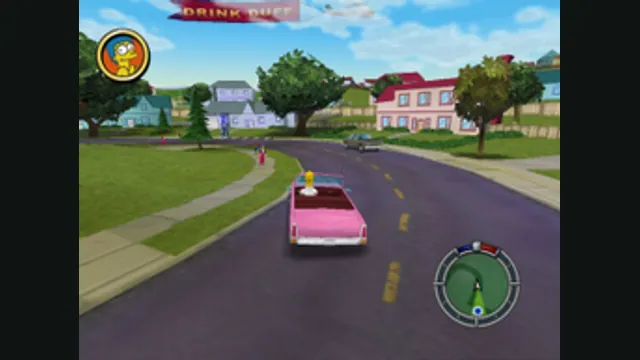
The Simpsons: Hit & Run original-game reference. Upper game panel cropped from the source comparison; the GTA III panel is excluded.
Image credits ↗