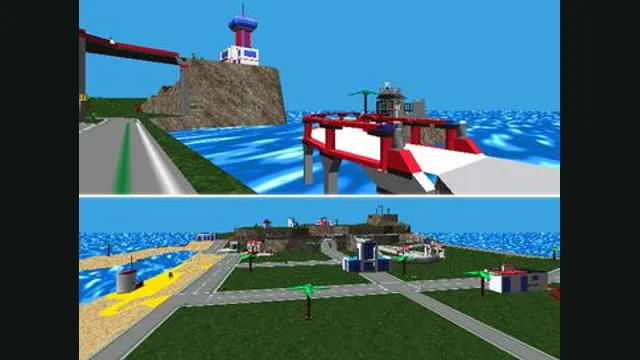
LEGO Island original-game screenshot reference; not a capture of the linked project.
Image credits ↗LEGO Island’s decompilation adapted for modern platforms.
SetupYour game files requiredLEGO Island original-game screenshot reference; not a capture of the linked project.
LEGO Island game imagery remains copyright its respective rights holders. Image credit and provenance: linked source page. No transferable license is inferred.
Source & attribution ↗View image ↗The portable engine targets the English 1.1 version and provides a guided installer. Continuous builds track ongoing development, so the project notes that regressions are possible.
LEGO Island combines first-person exploration with building vehicles and choosing how to spend time around the island. It has a story, but it is also designed as a place to experiment. Playing as Pepper Roni and building a police helicopter can lead into the Brickster’s escape, giving the free-roaming toy-like setting a more directed adventure.
That balance is the original game’s appeal: constructing something and discovering what it lets you do can be as important as following the story. The portable project aims to preserve that existing game, rather than offering a new island or a sequel.
LEGO Island, portable starts from the decompilation of the English 1.1 release. Its goal is to preserve the original game while removing its dependence on old Windows components. That is an important distinction from a remake: the project prioritizes compatibility rather than changing the core gameplay or rewriting systems merely to modernize them.
It supports light modding through extensions. Those additions sit alongside a preservation-focused base, so choose an extension deliberately rather than assuming a new feature is part of every installation. The native project and its web target also have different launch and file workflows.
An existing copy of LEGO Island is required. The project’s guided installer walks through supported platforms and uses the continuous builds published from its main development branch. Follow that guide for the required game files and package instead of expecting the application download to contain the island’s data.
Desktop targets include Windows, Intel and Apple silicon macOS, and x86-64 and ARM64 Linux. The project also lists mobile, console and web targets, but their installation paths are separate. A supported architecture in the table does not mean that another platform’s binary can be copied over and launched.
The port replaces Windows-only systems with cross-platform equivalents for input, audio, configuration and rendering. Its renderer choices include modern SDL3 GPU backends and older OpenGL or software routes. These changes explain how an old Windows title can run on a different operating system without making the game a different adventure.
For a player, the useful outcome is access through a local application appropriate to the device. For contributors, the same project offers source builds and extension work. The source-build instructions use CMake; ordinary users should begin with the guided installer.
The provided builds track current development rather than a frozen final release. The maintainers explicitly warn that occasional regressions are possible. If an update causes a problem, report the exact platform and build through the project’s issue route. Keep your original game copy separate from the downloaded program so you can follow a revised installation guide without losing the source data.
An existing copy of LEGO Island.
Creator-reported · Project guideUse the repository’s linked guided installer for your platform and supply your original data.
Creator-reported · Project guideLEGO Island original-game screenshot reference; not a capture of the linked project.
Image credits ↗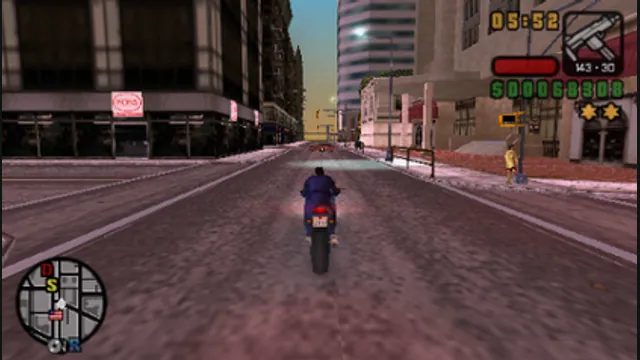
Grand Theft Auto: Liberty City Stories original-game screenshot reference; not a capture of the linked project.
Image credits ↗The PSP game recompiled with a documented US-version setup.
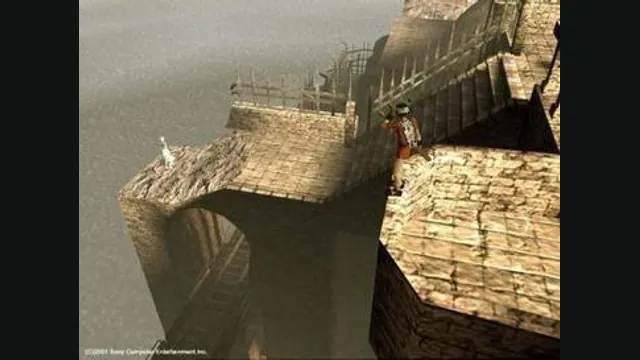
ICO original-game screenshot reference; not a capture of the linked project.
Image credits ↗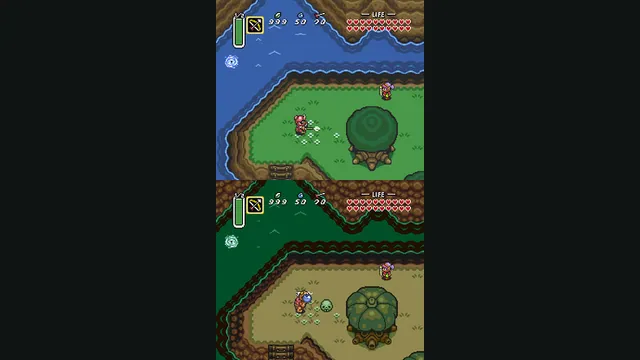
The Legend of Zelda: A Link to the Past original-game screenshot reference; not a capture of the linked project.
Image credits ↗A C reimplementation of A Link to the Past.