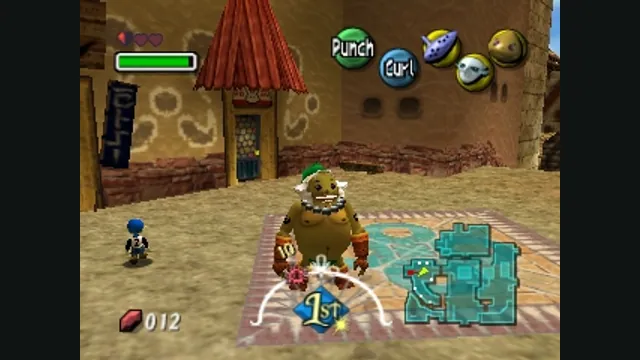
The Legend of Zelda: Majora’s Mask original-game screenshot reference; not a capture of the linked project.
Image credits ↗Majora’s Mask with RT64 rendering and a mod loader.
Original files requiredSetup
A C reimplementation of A Link to the Past.
 SetupYour game files required
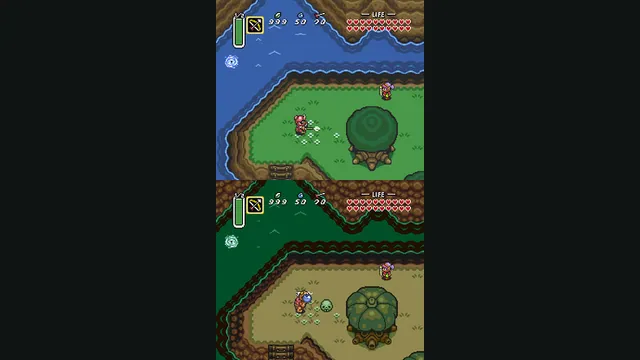
The Legend of Zelda: A Link to the Past original-game screenshot reference; not a capture of the linked project.
The Legend of Zelda: A Link to the Past game imagery remains copyright its respective rights holders. Image credit and provenance: linked source page. No transferable license is inferred.
Source & attribution ↗View image ↗The project reconstructs the original game and uses optimized PPU and DSP components from LakeSnes. It extracts levels and images from the player’s ROM before play.
Match the Nintendo 64 adventures and later Zelda editions to their own native project, game data and control setup.
Read Zelda adventures guideShip of Harkinian offers native packages with ROM validation and configurable controls.
Zelda64Recomp imports the North American ROM and adds optional dual-stick camera and autosave.
LAS Recomp offers vanilla or randomizer play from your own version 1.0.0 files, with beta limitations.
A Link to the Past is the Super Nintendo adventure in which Link sets out to rescue Zelda and stop Ganon’s return. Dungeons and the items found along the journey are central to its appeal: the Hookshot, Pegasus Boots and Master Sword expand what Link can do as the adventure develops. It suits players who enjoy learning how a space works, solving its obstacles and returning with a more capable hero.
Zelda3 reconstructs this game. Its widescreen settings, snapshots and debugging tools are additions around that original adventure, so you can choose how much convenience to introduce into a playthrough.
Zelda3 is a reverse-engineered implementation of The Legend of Zelda: A Link to the Past. The maintainer describes the original adventure as playable from beginning to end. It uses assets extracted from your ROM, then runs the reconstructed game code with rendering and audio components derived from LakeSnes.
This project has an unusually close connection between play and verification. It can run the original machine code alongside the new implementation and compare their memory state after each frame. That mode is useful for development; it is not a requirement for an ordinary session once the game assets have been extracted.
Options go beyond the original SNES display: basic widescreen, shaders, a higher-resolution Mode 7 map and MSU-1 audio support are documented. Item switching and a set of bug fixes also change the experience around the original adventure. Configure the features you want in zelda3.ini rather than assuming every screenshot reflects the default settings.
Snapshots preserve both state and controller-input history. That makes it possible to replay a saved sequence, including at accelerated speed. For someone interested in practicing or comparing behavior, these tools are a distinct reason to explore Zelda3 rather than a simple executable wrapper.
The README currently asks players to build it themselves. Its Windows path uses a US ROM named zelda3.sfc, Python, TCC and SDL2. The extraction step creates zelda3_assets.dat; after extraction, the ROM is no longer needed for ordinary play. Other platforms and compilers have separate build instructions.
Keep the generated data file with the application and configuration. Downloading the source archive alone does not supply the game, and the README’s self-build instructions should be followed before expecting a playable program.
Arrow keys move, Enter maps to Start, and the default action mapping uses X, Z, S and A for the SNES face buttons. These bindings can be changed in zelda3.ini. Alt + Enter toggles fullscreen.
The additional shortcuts include cheats and debugging actions as well as ordinary play controls. F1–F10 load snapshots, Shift plus those keys saves them, and Ctrl plus those keys replays input. W fills health and magic, while Tab enables turbo. Familiarize yourself with this layer so a stray shortcut does not alter a run you wanted to play normally.
Your own ROM for the resource-extraction step.
Creator-reported · Project guideExtract the game resources using the README instructions, then run the built application.
Creator-reported · Project guideThe Legend of Zelda: Majora’s Mask original-game screenshot reference; not a capture of the linked project.
Image credits ↗Majora’s Mask with RT64 rendering and a mod loader.
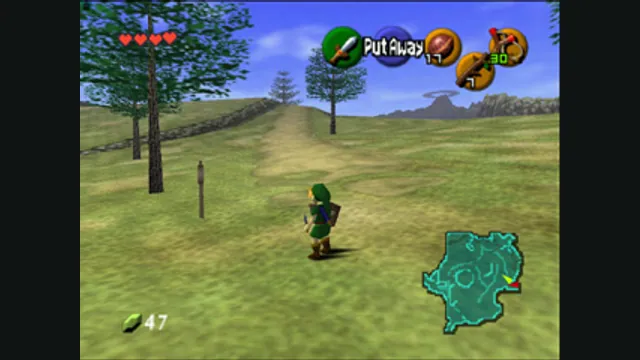
The Legend of Zelda: Ocarina of Time gameplay reference; not a capture of the linked project.
Image credits ↗A native Ocarina of Time port with its own ROM compatibility checker.
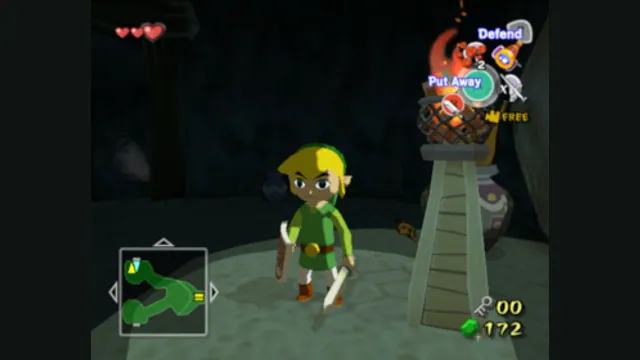
The Legend of Zelda: The Wind Waker original-game screenshot reference; not a capture of the linked project.
Image credits ↗A GameCube recompilation with desktop and Apple-device routes.
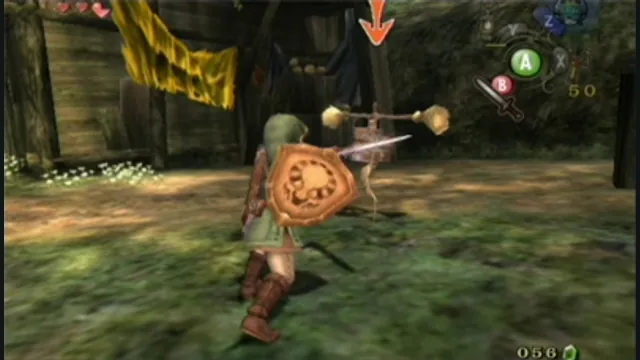
The Legend of Zelda: Twilight Princess original-game screenshot reference; not a capture of the linked project.
Image credits ↗Twilight Princess with native rendering and customization.