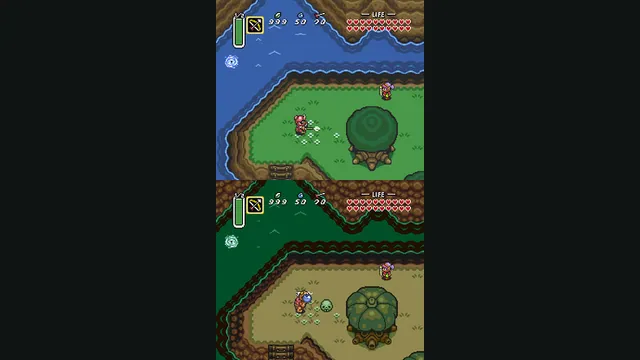
The Legend of Zelda: A Link to the Past original-game screenshot reference; not a capture of the linked project.
Image credits ↗A C reimplementation of A Link to the Past.
Original files requiredSetup
A native Ocarina of Time port with its own ROM compatibility checker.
 SetupYour game files required
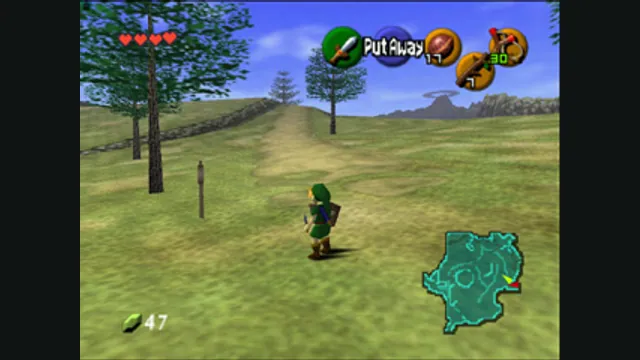
The Legend of Zelda: Ocarina of Time gameplay reference; not a capture of the linked project.
The Legend of Zelda: Ocarina of Time game imagery remains copyright its respective rights holders. Image credit and provenance: linked source page. No transferable license is inferred.
Source & attribution ↗View image ↗Ship of Harkinian starts from a supported game dump and builds its local assets. Its quick-start instructions cover executable launch and per-platform save/configuration locations.
Match the Nintendo 64 adventures and later Zelda editions to their own native project, game data and control setup.
Read Zelda adventures guideZelda64Recomp imports the North American ROM and adds optional dual-stick camera and autosave.
LAS Recomp offers vanilla or randomizer play from your own version 1.0.0 files, with beta limitations.
Ocarina of Time follows Link across Hyrule and through time in a quest to stop Ganondorf. Weapons and items are tools for solving puzzles as well as fighting enemies, while bosses test how well you understand what the adventure has taught you. The draw is that combination of exploration, puzzle solving and action; Ship of Harkinian provides a new way to configure and run that original adventure.
Ship of Harkinian runs Ocarina of Time using the game’s decompiled code and a modern platform library. The project extracts the assets from your supported ROM into its own local archive, then uses those assets with the native application. You are choosing a dedicated Ocarina of Time port, with its own settings, shortcuts and mod format.
The difference becomes especially useful when configuring the experience. Graphics backends can be selected for the host computer, keyboard controls are documented directly, and custom asset packs have a dedicated mods folder. These are features of Ship itself; a texture pack or other optional modification remains a separate addition.
Start with the project’s ROM compatibility checker or compare your dump’s SHA-1 against its supported-hash list. A filename alone is not enough to identify the required revision. Once the dump matches, download the release for your operating system and let the application process the game assets when prompted. No copyrighted game assets are supplied with Ship.
Windows uses soh.exe, Linux uses an AppImage and macOS uses soh.app. On Linux, the AppImage may first need execute permission. The asset-conversion step is part of setup; it is different from downloading a ready-made copy of the game.
The default keyboard scheme uses WASD for the analog stick, arrow keys for the C buttons, X for A and C for B. Escape opens the menu, while F11 toggles fullscreen. Save-state shortcuts use F5 to save, F6 to change state and F7 to load, so learn those bindings before experimenting with an existing adventure.
Custom assets are packaged as .otr archives and placed in the mods folder. Keep a clear distinction between those optional packs and the .o2r archive generated from your game. Linux normally stores saves and settings under ~/.local/share/soh/, with documented overrides for a local folder or SHIP_HOME.
DirectX 11 is the Windows default; OpenGL is available across platforms and Metal on macOS. Changing the backend requires restarting the application. If a graphics problem prevents normal startup, the README explains the corresponding configuration-file setting. Continuous-integration downloads are explicitly for playtesting and may crash, so use the ordinary Releases route for your first installation.
A supported Ocarina of Time ROM dump; verify compatibility with ship.equipment.
Creator-reported · Project guideVerify your dump, get the platform release, launch it and select the ROM when prompted.
Creator-reported · Project guideThe Legend of Zelda: A Link to the Past original-game screenshot reference; not a capture of the linked project.
Image credits ↗A C reimplementation of A Link to the Past.
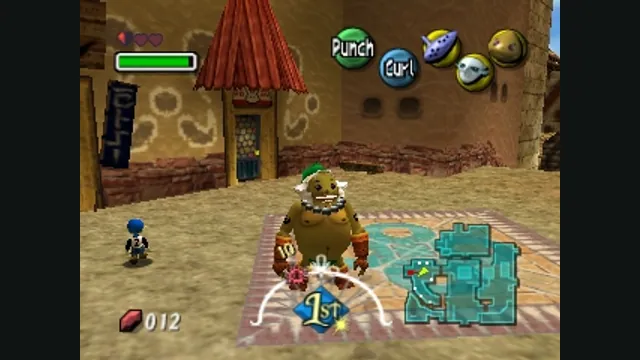
The Legend of Zelda: Majora’s Mask original-game screenshot reference; not a capture of the linked project.
Image credits ↗Majora’s Mask with RT64 rendering and a mod loader.
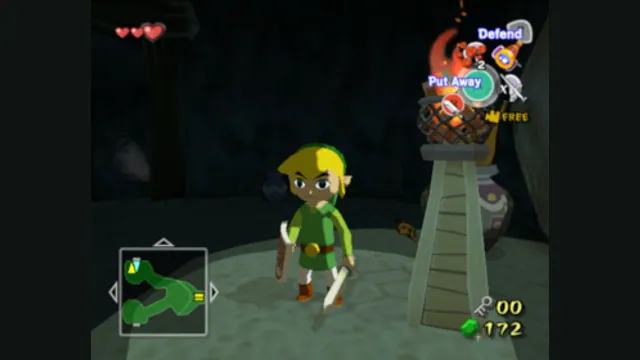
The Legend of Zelda: The Wind Waker original-game screenshot reference; not a capture of the linked project.
Image credits ↗A GameCube recompilation with desktop and Apple-device routes.
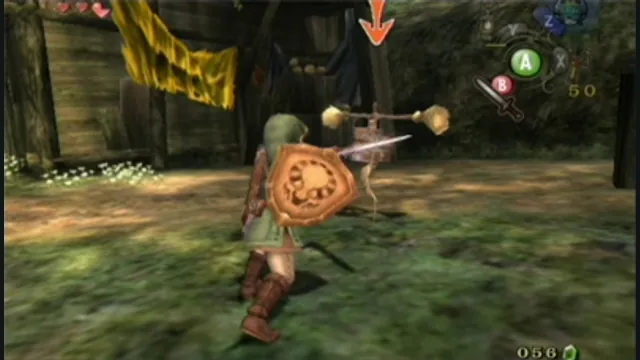
The Legend of Zelda: Twilight Princess original-game screenshot reference; not a capture of the linked project.
Image credits ↗Twilight Princess with native rendering and customization.