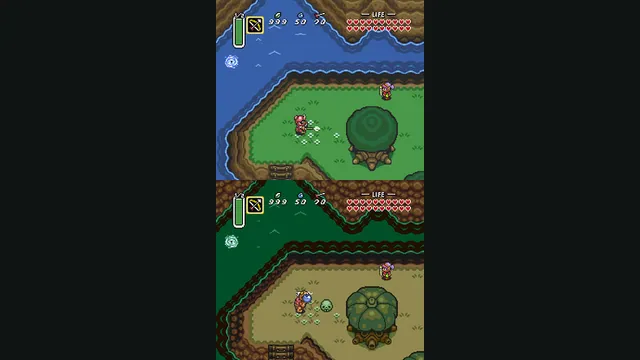
The Legend of Zelda: A Link to the Past original-game screenshot reference; not a capture of the linked project.
Image credits ↗A C reimplementation of A Link to the Past.
Original files requiredSetup
Majora’s Mask with RT64 rendering and a mod loader.
 SetupYour game files required
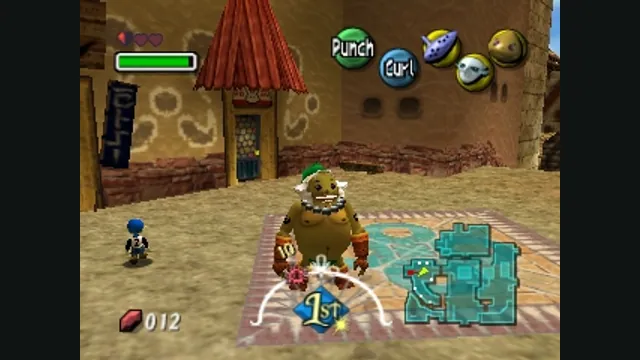
The Legend of Zelda: Majora’s Mask original-game screenshot reference; not a capture of the linked project.
The Legend of Zelda: Majora's Mask game imagery remains copyright its respective rights holders. Image credit and provenance: linked source page. No transferable license is inferred.
Source & attribution ↗View image ↗Zelda64Recomp recompiles the N64 program and supplies graphics and usability enhancements. Ocarina of Time is described as future work and is not counted as supported here.
Match the Nintendo 64 adventures and later Zelda editions to their own native project, game data and control setup.
Read Zelda adventures guideShip of Harkinian offers native packages with ROM validation and configurable controls.
LAS Recomp offers vanilla or randomizer play from your own version 1.0.0 files, with beta limitations.
Majora’s Mask sends Link through the same three days and nights repeatedly. Instead of treating time as scenery, the adventure makes it the structure for exploration and encounters with its characters. Learning the world across those repetitions gives the quest its distinctive rhythm. Masks add another layer to Link’s identity, including transformations such as the Goron form.
Zelda64Recomp currently targets the North American N64 release of Majora’s Mask. Ocarina of Time is planned work, not a second game you can select today. The application loads assets from your own ROM, so you can start from a release download without compiling the program or extracting those assets in a separate tool.
Its RT64 renderer supports higher frame rates and wide aspect ratios while retaining the original N64 effects. The frame-rate setting changes presentation rather than gameplay speed. For an experience closer to the console, you can keep the original frame rate; for a wide monitor, the HUD can remain within a centered 16:9 area.
The optional dual-analog mode puts camera control on the right stick. C-button mappings can remain there for playing the ocarina, but the project asks you to map those buttons elsewhere as well. That distinction keeps the camera option from consuming item controls you still need.
Supported motion-sensing controllers can aim first-person items such as the bow with gyro input. Controller-mapping software may intercept those sensors, so the project recommends trying native controller support first. Steam Deck uses a separate route: configure its gyro as mouse input in Steam’s controller settings.
Autosaving is designed around Majora’s Mask’s existing save system: the automatic save replaces the prior autosave or owl save. You can disable it if you prefer the original behavior. The project documents separate save directories for Windows, Linux and macOS, plus a portable.txt option that keeps saves, settings and mods beside the executable.
The built-in mod menu accepts manually downloaded mods and texture packs. Drag a mod onto the window before starting the game or use Install Mods, then enable and configure it there. The listed randomizer is an optional mod, not the default adventure. Thunderstore’s separate mod manager is not supported.
The GPU must meet the documented Direct3D 12, Vulkan 1.2 or Metal requirements; x86-64 CPUs also need SSE4.1. Update graphics drivers before troubleshooting a startup crash. External frame-rate limiters and overlays can disrupt rendering, and very wide cutscenes may reveal animation quirks at the edges. The in-game frame-rate control is the appropriate first adjustment when investigating stutter.
Your own North American Majora’s Mask ROM.
Creator-reported · Project guideOpen the release and choose the ROM in the main menu; no separate asset extraction is required.
Creator-reported · Project guideThe Legend of Zelda: A Link to the Past original-game screenshot reference; not a capture of the linked project.
Image credits ↗A C reimplementation of A Link to the Past.
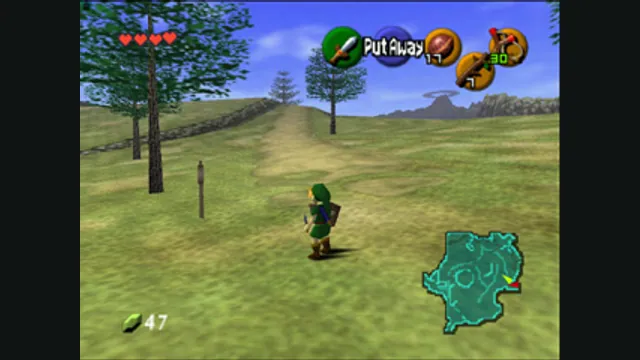
The Legend of Zelda: Ocarina of Time gameplay reference; not a capture of the linked project.
Image credits ↗A native Ocarina of Time port with its own ROM compatibility checker.
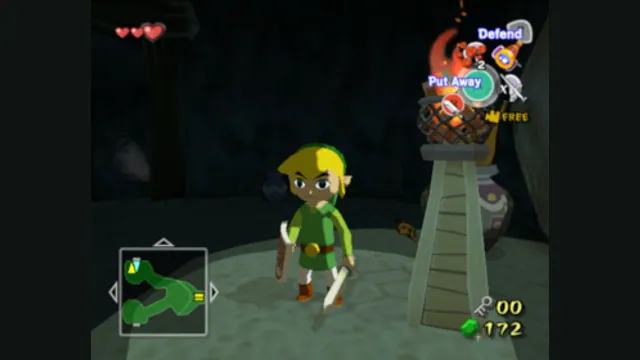
The Legend of Zelda: The Wind Waker original-game screenshot reference; not a capture of the linked project.
Image credits ↗A GameCube recompilation with desktop and Apple-device routes.
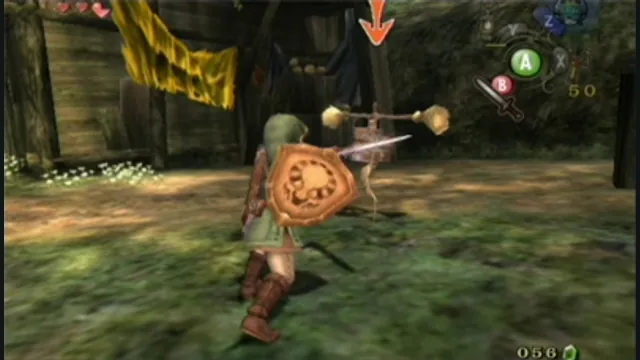
The Legend of Zelda: Twilight Princess original-game screenshot reference; not a capture of the linked project.
Image credits ↗Twilight Princess with native rendering and customization.