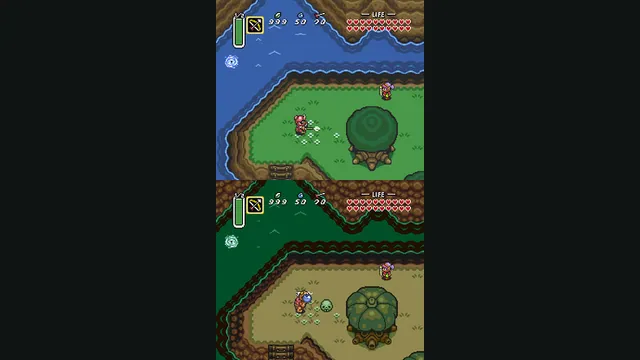
The Legend of Zelda: A Link to the Past original-game screenshot reference; not a capture of the linked project.
Image credits ↗A C reimplementation of A Link to the Past.
Original files requiredSetup
Native Windows, Mac and Linux builds of the Switch remake, with ultrawide and randomizer options.
 SetupYour game files required
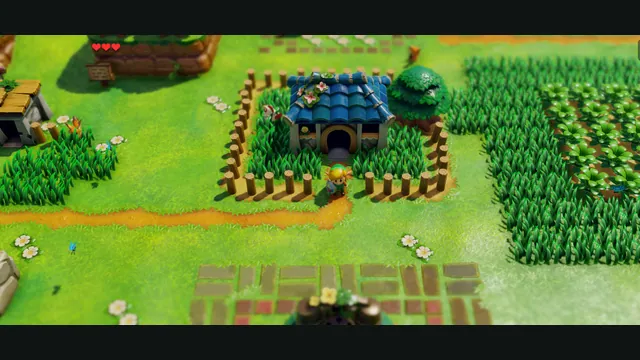
LASRecomp creator screenshot: Mabe Village in an ultrawide view. Project gameplay not independently tested.
Nintendo / Grezzo game imagery; screenshot published by peiikai / LASRecomp.
Source & attribution ↗View image ↗LAS Recomp statically recompiles the 2019 Switch version of Link’s Awakening into a native app using files you supply. Beta 4 provides desktop packages and performs the game-code setup locally on first launch. The project offers adjustable aspect ratios, remappable controls and an optional randomizer; experimental randomizer settings can still produce problems.
Match the Nintendo 64 adventures and later Zelda editions to their own native project, game data and control setup.
Read Zelda adventures guideShip of Harkinian offers native packages with ROM validation and configurable controls.
Zelda64Recomp imports the North American ROM and adds optional dual-stick camera and autosave.
Link’s Awakening places Link on Koholint Island, away from Hyrule, with the mystery of the Wind Fish at the center of the journey. Exploring the island and its trap-filled dungeons means learning how items, routes and characters fit together. The Switch remake gives that adventure a new visual presentation and rearranged music while retaining its strange setting.
This is the 2019 remake, not the original Game Boy version or a browser conversion of it. That identity determines both the required game files and the visual world you can expect.
LAS Recomp offers vanilla play and an integrated randomizer. Seeds can rearrange items, trade-quest rewards, entrances and other selected elements, with separate saves for each seed. Those options change the problem of finding a route through a familiar island, making them a different choice from an ordinary first playthrough.
Room-shuffle modes are especially experimental, and the creator warns that seeds can be unsolvable. Begin with vanilla or a restrained set of randomizer options if you want a clearer progression path. A seed identifier makes a setup reproducible; it does not certify that every generated world is completable.
The desktop packages require your own extracted Switch v1.0.0 files and perform game-code setup locally. No game assets or Nintendo fonts are bundled. Replacement fonts are available by default, with optional originals supplied from your own hardware.
Keyboard and controller controls are remappable, and F1 or Minus plus Plus opens the overlay. Keep a keyboard or mouse available because the README lists a controller problem on the start screen. Wider aspect ratios reveal more of the island but still have known lighting and shadow problems; the original 16:9 framing remains an option. The ARM Linux build is experimental, separate from the established desktop targets.
Your own extracted Link’s Awakening Nintendo Switch game files, version 1.0.0. No game code, artwork, assets or Nintendo fonts are included. Optional original fonts must also come from your own hardware.
Creator-reported · Project guideChoose the package for your operating system from the beta_4 release, open the app and select your extracted v1.0.0 game folder. First launch performs local setup and recompilation. Use vanilla mode or configure a randomizer seed after setup.
Creator-reported · Project guideApple silicon Mac with macOS 15+ and Metal; Windows 10+ x86-64 with AVX2 and Vulkan 1.3; Linux x86-64 with AVX2 and Vulkan 1.3. The Linux ARM64 package is experimental and was not tested on real hardware by the creator.
Creator-reported · Project guideRemappable keyboard and controller controls are documented. F1 or Minus + Plus opens the in-game overlay. The README still lists a start-screen controller issue; some setup may need keyboard or mouse.
Creator-reported · Project guideBeta software with known crashes, lighting and ultrawide rendering issues. Randomizer seeds can be unsolvable, especially with experimental room shuffle. Beta 4 also lists a bomb-refill labeling issue. Read release-specific fixes alongside the README rather than assuming every older issue remains.
Creator-reported · Project guideThe Legend of Zelda: A Link to the Past original-game screenshot reference; not a capture of the linked project.
Image credits ↗A C reimplementation of A Link to the Past.
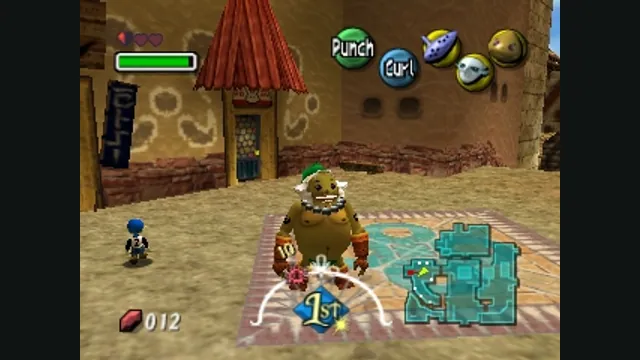
The Legend of Zelda: Majora’s Mask original-game screenshot reference; not a capture of the linked project.
Image credits ↗Majora’s Mask with RT64 rendering and a mod loader.
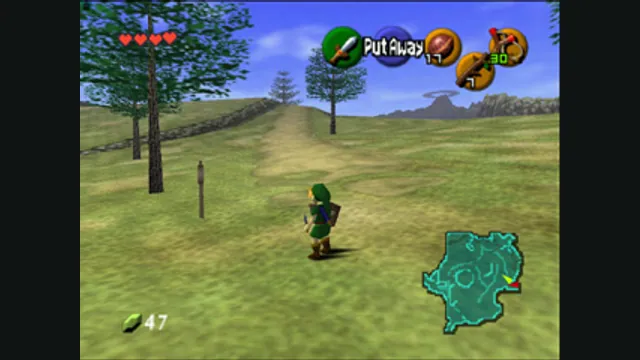
The Legend of Zelda: Ocarina of Time gameplay reference; not a capture of the linked project.
Image credits ↗A native Ocarina of Time port with its own ROM compatibility checker.
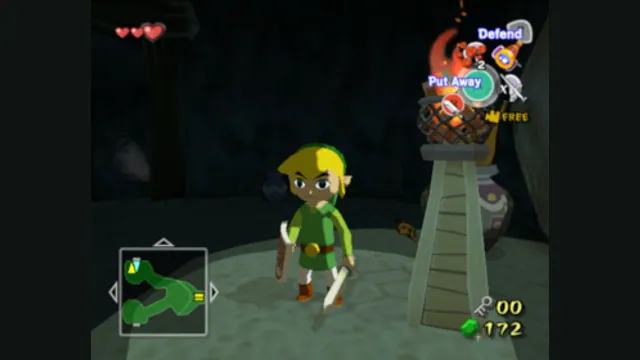
The Legend of Zelda: The Wind Waker original-game screenshot reference; not a capture of the linked project.
Image credits ↗A GameCube recompilation with desktop and Apple-device routes.