ICO
The PAL PS2 game brought to modern desktop and handheld targets.
 SetupYour game files required
Credits
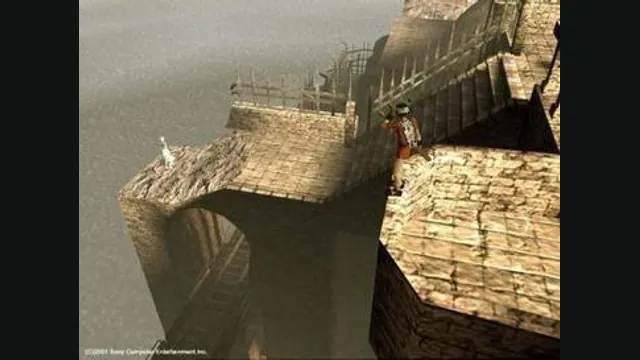
ICO original-game screenshot reference; not a capture of the linked project.
Ico game imagery remains copyright its respective rights holders. Image credit and provenance: linked source page. No transferable license is inferred.
Source & attribution ↗View image ↗About this version
ico-pc documents optional widescreen and sharper rendering while preserving the game’s original program. Platform support and input quirks should be checked against its current release notes.
- Project
- ico-pc
- Original game
- ICO
Keep ICO’s PAL presentation or adjust it
ico-pc runs the PAL PlayStation 2 game with optional sharper rendering, widescreen and other picture effects. Most visual extras start off, while the mouse camera starts enabled. The Original frame-rate choice is available if you want the console’s pacing rather than the port’s default freer presentation.
The new Options menu includes blur and glow controls, input choices and an analogue-stick fix. The latter addresses a particular original behavior: ICO runs in only eight directions, which can make a fully pushed modern stick produce walking at other angles. Enabling the fix allows running in any direction.
The PAL disc is a strict requirement
Use your own SCES-50760 PAL image. ISO, CHD and BIN/CUE inputs are accepted, but other regions and editions are not. First launch extracts about 1 GB of files; after that, the port uses its extracted copy instead of needing the disc image each time.
Windows and Linux can also find an image named Ico_PAL beside the executable, with the appropriate extension. On Windows that means the x64 folder. iPhone setup differs: through LiveContainer, the image must be placed in ICO’s Documents folder with the documented name, because that build has no first-run image picker.
Pick the package for your actual device
Windows, Linux, Steam Deck, ARM64 Linux and Android have separate packages. Linux requires a recent distribution, and Android requires a 64-bit device with Android 10 or newer. Intel Macs, 32-bit systems and Windows 7/8 are unsupported. Apple Silicon Mac and iPhone packages exist, but the maintainer explicitly lacks Apple hardware for testing.
On Steam Deck, run once in Desktop Mode to import the disc before adding the executable to Steam. Keep the game’s data directory when updating: it contains progress and settings, while the logs folder helps diagnose failures. For iPhone those files stay in the LiveContainer Documents folder; deleting the container is not a routine update step.
Before you play
Do I need the original game files?
Your own supported PAL ICO disc image.
Creator-reported · Project guideHow do I get started?
Use the platform setup and let the program read the game from your disc image.
Creator-reported · Project guide
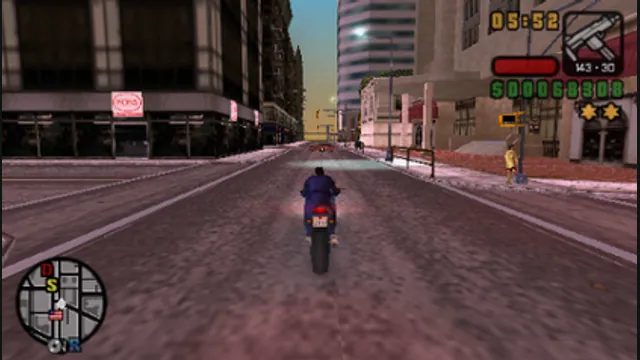
Grand Theft Auto: Liberty City Stories original-game screenshot reference; not a capture of the linked project.
Image credits ↗The PSP game recompiled with a documented US-version setup.
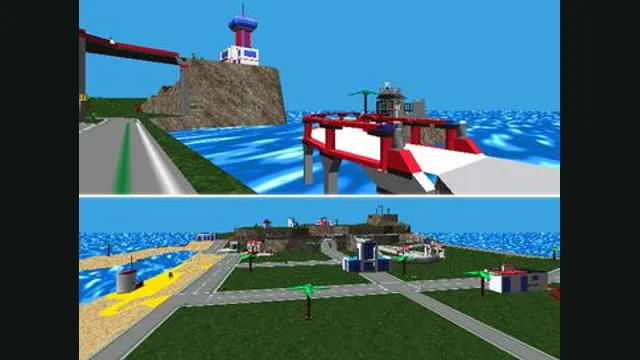
LEGO Island original-game screenshot reference; not a capture of the linked project.
Image credits ↗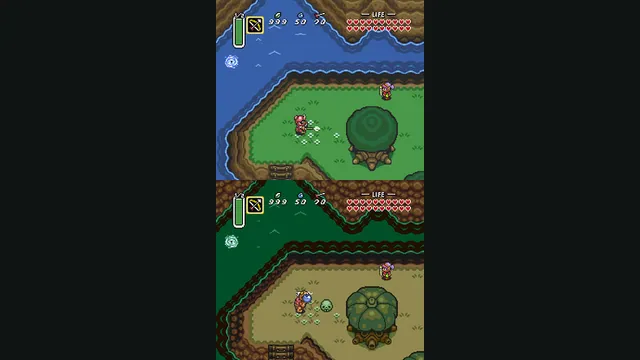
The Legend of Zelda: A Link to the Past original-game screenshot reference; not a capture of the linked project.
Image credits ↗A C reimplementation of A Link to the Past.