Grand Theft Auto: Liberty City Stories
The PSP game recompiled with a documented US-version setup.
 SetupYour game files required
Credits
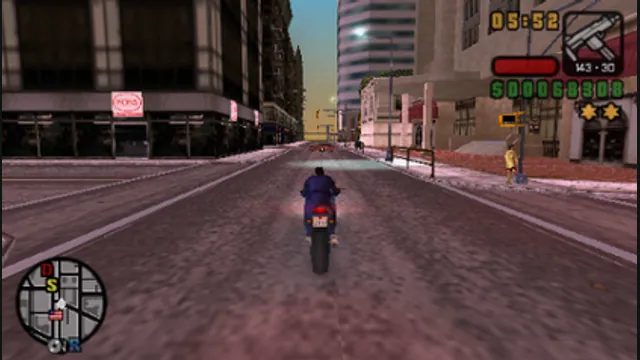
Grand Theft Auto: Liberty City Stories original-game screenshot reference; not a capture of the linked project.
Grand Theft Auto: Liberty City Stories game imagery remains copyright its respective rights holders. Image credit and provenance: linked source page. No transferable license is inferred.
Source & attribution ↗View image ↗About this version
LCS Recomp builds on PSPRecomp and keeps game data separate. The setup specifies the decrypted executable and disc folder, plus a configuration file for display and controls.
- Project
- LCS Recomp
- Original game
- Grand Theft Auto: Liberty City Stories
Compare your options
Grand Theft Auto
Compare GTA III’s separately maintained web host with native Liberty City Stories and the experimental Theft4 app for GTA IV.
Read Grand Theft Auto guide- GTA III in a desktop browser
WASM Arcade documents re3-based play, keyboard/gamepad input and local save exports; launch includes advertising.
- GTA IV on Apple mobile
An experimental signed iOS/iPadOS app using the exact Xbox 360 base and TU8, with a save-export workflow.
The PSP edition with PC input
LCS Recomp brings the PSP release of Liberty City Stories to a native PC program through PSPRecomp. Its input layer maps the handheld controls onto familiar mouse, keyboard and gamepad actions, covering both movement on foot and driving. The camera can follow mouse motion, while a separate recenter command puts it behind the character.
The supported game is US version 1.05, ULUS-10041. Setup needs the decrypted EBOOT.ELF together with the disc’s PSP_GAME folder. A random executable from a different region or update is not an equivalent input, and the port does not include those files.
Learn the on-foot and vehicle differences
WASD moves on foot; in a vehicle, W accelerates and S brakes. Space sprints on foot but becomes the handbrake when driving. Shift jumps on foot, while F or Enter enters and exits vehicles. Left click attacks or fires and right click aims on foot. The wheel changes weapons, then changes radio stations in a vehicle.
H or middle click recenters the camera and also serves the game’s weapon-pickup action. These shared bindings matter because a control can do something different after entering a car. The configuration file supports alternate keys and controller actions; change bindings there, then restart. F10 opens host settings and F11 toggles fullscreen.
Window size and render resolution are separate
LCSNative.ini controls both the window’s size and the internal rendering target. Each can use the PSP size, a scale, a custom resolution or the desktop. A larger window alone is therefore different from increasing the detail of the rendered image. Texture LOD bias provides another way to adjust distant texture sharpness.
Windows source builds use Visual Studio and LLVM. The Linux route uses Vulkan with SDL2 and has its own build and launch scripts. Follow the layout for your chosen package: release files go under game/, while source builds expect lcs/game/. Keeping those paths distinct avoids an apparently missing game after a successful extraction.
Before you play
Do I need the original game files?
US v1.05 (ULUS-10041): your EBOOT.ELF and PSP_GAME folder.
Creator-reported · Project guideHow do I get started?
Place the required files in the release’s game directory, then follow its Play instructions.
Creator-reported · Project guide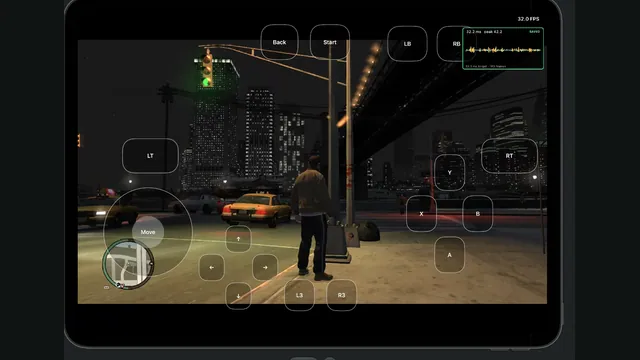
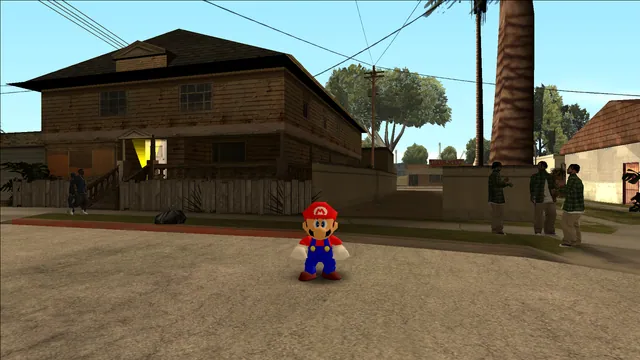
Mario’s original moves in San Andreas through an ASI plugin.
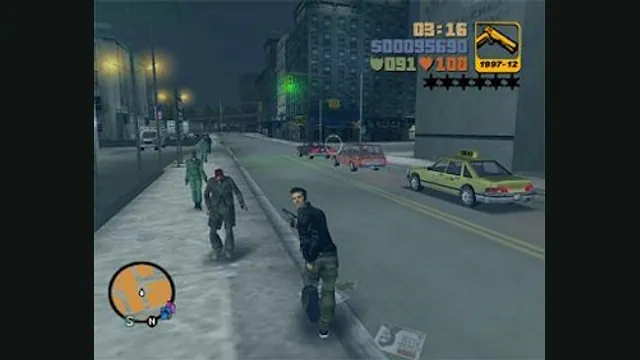
GTA III PC screenshot. Original-game reference; not a capture of the WASM Arcade host.
Image credits ↗
The Simpsons: Hit & Run original-game reference. Upper game panel cropped from the source comparison; the GTA III panel is excluded.
Image credits ↗