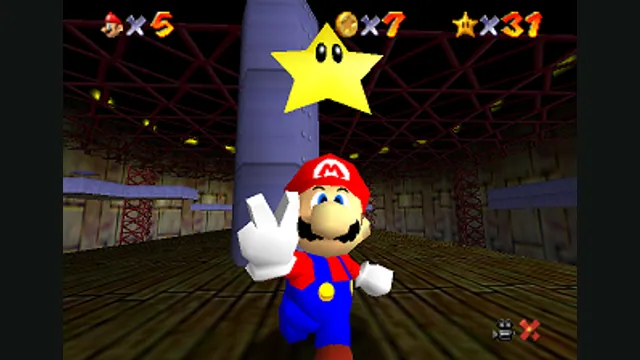
Super Mario 64 original-game screenshot reference; not a capture of the linked project.
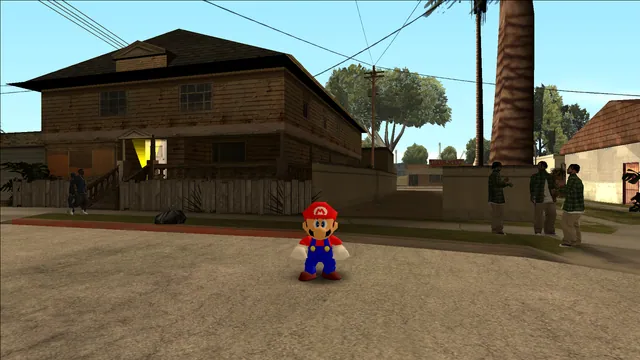
Image credits ↗Mario’s original moves in San Andreas through an ASI plugin.
 SetupYour game files required
sm64-san-andreas creator screenshot.
GTA: San Andreas × Super Mario 64 game imagery remains copyright its respective rights holders. Screenshot published by headshot2017 / sm64-san-andreas.
Source & attribution ↗View image ↗This libsm64 integration targets the original PC San Andreas. The README distinguishes that version from Definitive Edition and documents an ASI loader.
Choose native SM64 co-op, experimental Wonder or Galaxy builds, or a Mario mod for a game you already own.
Read Mario platformers guideNative online co-op synchronizes enemies and events, with public or private CoopNet rooms.
Build a personal native app with touch and controller input; bring the supported USA Wii image.
Source-build the Switch 1.0.0 project if you want to explore its experimental early-course progress.
Compare GTA III’s separately maintained web host with native Liberty City Stories and the experimental Theft4 app for GTA IV.
Read Grand Theft Auto guideWASM Arcade documents re3-based play, keyboard/gamepad input and local save exports; launch includes advertising.
A native route for the supported PSP US v1.05 edition, with configurable keyboard, mouse and controller input.
An experimental signed iOS/iPadOS app using the exact Xbox 360 base and TU8, with a save-export workflow.
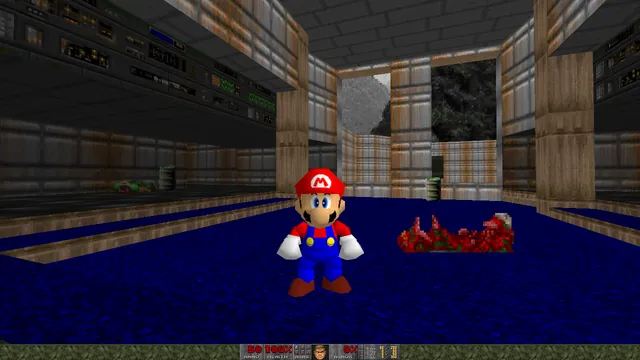
This ASI plugin brings libsm64 into the original PC version of GTA: San Andreas. Press M during play to switch between CJ and Mario. The contrast is the attraction: Mario’s movement code and character rendering are placed inside San Andreas’s environment, letting you approach a familiar world with a different playable character.
It is an integration into an installed game, not a standalone Mario adventure or a conversion of the Definitive Edition. The creator still labels it under development. Start by exploring the character switch in an ordinary session before treating it as a replacement for every scripted mission.
sm64-san-andreas · project documentationlibsm64 · character movement library
Install Silent’s ASI Loader, then extract the mod release into San Andreas’s scripts folder. Place your US Super Mario 64 ROM beside gta_sa.exe and name it sm64.us.z64. Both the ASI plugin route and the ROM path matter; putting the ROM only inside scripts does not follow the documented layout.
For the delisted Steam edition, the maintainer points to a downgrade to version 1.0. That instruction does not apply to the Definitive Edition, which is a different target. Release packages and development artifacts are separate download routes.
SilentPatchSA is recommended because it fixes Mario appearing flat-shaded outdoors, though the plugin does not require it to start. SkyGFX creates a different known conflict: excessive brightness and incorrectly drawn facial textures. The documented remedy is to disable dualPass in its INI files.
Those are specific compatibility notes for existing mods. Adding this plugin to a heavily modified installation can make it harder to identify the cause of a visual problem, so check the known interactions before changing several graphics mods at once.
Your own compatible San Andreas installation and US Super Mario 64 ROM.
Creator-reported · Project guideUse the documented ASI loader and place sm64.us.z64 next to gta_sa.exe.
Creator-reported · Project guideSuper Mario 64 original-game screenshot reference; not a capture of the linked project.
Image credits ↗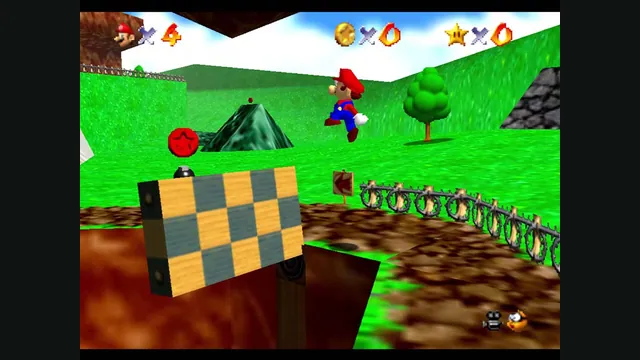
Original Super Mario 64 gameplay from Nintendo’s gallery, used as a source-game reference for ER Mario.
Image credits ↗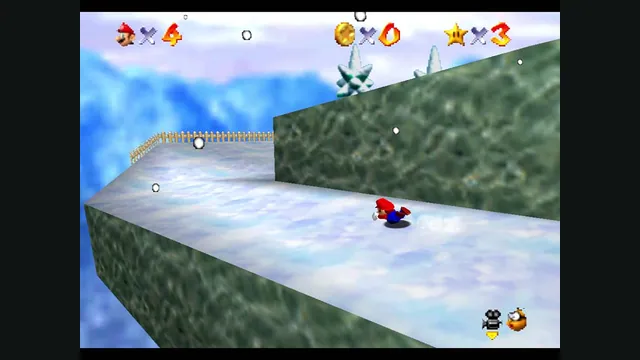
Original Super Mario 64 snow-course screenshot from Nintendo’s gallery, used as a source-game reference for G64.
Image credits ↗Super Mario 64 original-game screenshot reference; not a capture of the linked project.
Image credits ↗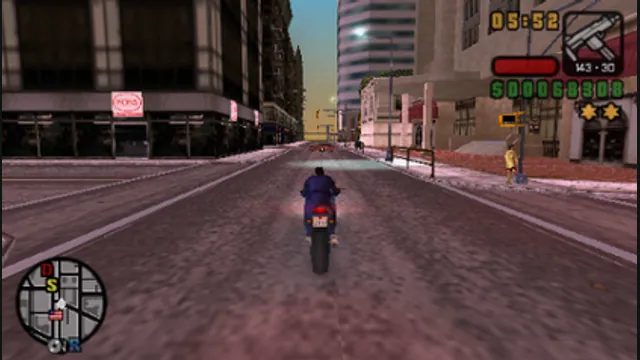
Grand Theft Auto: Liberty City Stories original-game screenshot reference; not a capture of the linked project.
Image credits ↗The PSP game recompiled with a documented US-version setup.
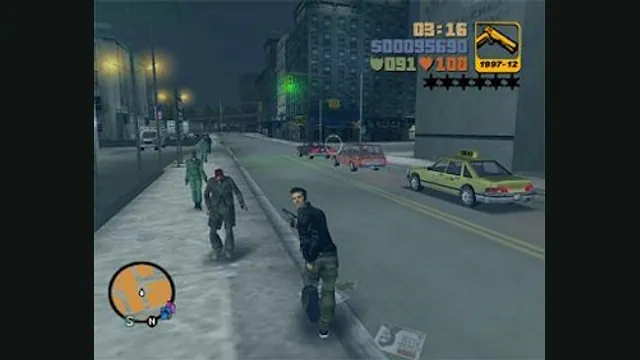
GTA III PC screenshot. Original-game reference; not a capture of the WASM Arcade host.
Image credits ↗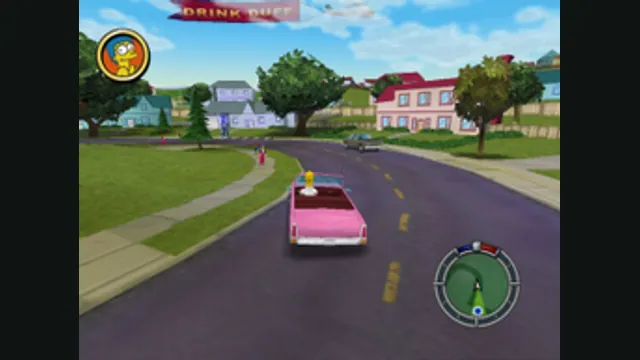
The Simpsons: Hit & Run original-game reference. Upper game panel cropped from the source comparison; the GTA III panel is excluded.
Image credits ↗