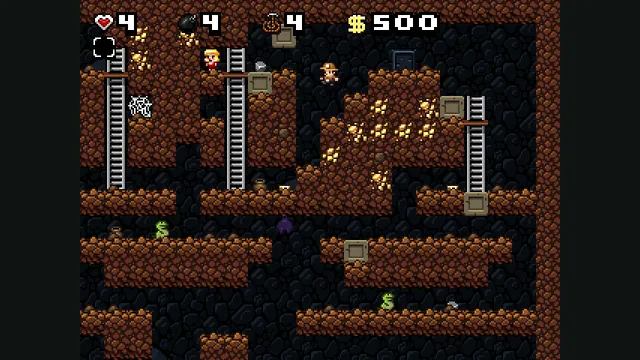
Spelunky Classic screenshot published by Derek Yu; reference image of the freeware original, not a capture of the HTML5 port or the HD remake.
Image credits ↗Derek Yu’s freeware Spelunky Classic, ported from GameMaker to HTML5 by Darius Kazemi.
An experimental native iPhone/iPad build based on MacioGalaxy and Petari, with touch and controller input.
 SetupYour game files required
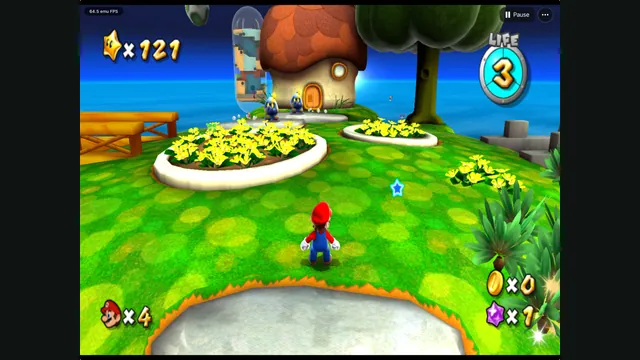
GalaxyPad creator screenshot: Mario exploring a grassy planet. HUD readings are not performance guarantees.
Nintendo game imagery; screenshot supplied by the GalaxyPad project owner, chrissotraidis.
Source & attribution ↗View image ↗GalaxyPad’s current New engine compiles decompiled Super Mario Galaxy code for ARM64 and renders through Metal. Its iPhone/iPad distribution is a PadMint build recipe, not a public IPA download. You build the app on an Apple silicon Mac and import your own supported Wii image. The old engine and Mac development app are separate from the current phone build.
Choose native SM64 co-op, experimental Wonder or Galaxy builds, or a Mario mod for a game you already own.
Read Mario platformers guideNative online co-op synchronizes enemies and events, with public or private CoopNet rooms.
Source-build the Switch 1.0.0 project if you want to explore its experimental early-course progress.
Super Mario Galaxy takes Mario’s rescue of Peach into space, with Rosalina’s Observatory and the search for stolen Power Stars giving the adventure its structure. Its planet-hopping premise makes movement and orientation part of the attraction: a new destination can change how you think about a familiar jump.
GalaxyPad concerns the first Galaxy’s Wii game data. Nintendo’s later two-game Switch collection is useful background on the adventures, but its second game and newer collection features are not included by this project.
The current iPhone and iPad route uses the New engine, built from MacioGalaxy and Petari’s reconstructed source and compiled for ARM64 with Metal rendering. The deprecated Old engine used a different recompilation and compatibility path. Old performance notes and setup instructions therefore do not automatically describe the current phone build.
The project supplies touch controls, editable layouts, controller mapping and gyro cursor support. Full-game completion remains unverified by the creator, so the experimental label is meaningful even when individual scenes run smoothly.
Build the phone app with PadMint on an Apple Silicon Mac using full Xcode, then import your own supported USA RMGE01 revision 0 WBFS through Game Data & Saves. The importer requires substantial free device space; ISO, split WBFS and other revisions are not interchangeable supported inputs. There is no public prebuilt IPA.
Movement and pointer aiming are separate. For a Pull Star, aim until the hand appears and hold A; the default right-shoulder mapping also supplies A so your thumb can remain on the aiming stick. Install updates over the same app with the same signing identity, and back up saves before changing that identity or uninstalling.
Your own Super Mario Galaxy USA RMGE01 revision 0 WBFS image. Other regions and revisions are not automatically compatible. No game image, assets, saves or keys are included.
Creator-reported · Project guideOn an Apple silicon Mac, install Xcode 26+ with its iOS platform and use PadMint 0.5.2+. Build and sideload the resulting IPA, then import your supported WBFS in Game Data & Saves. The README asks for about 20 GB free for building and at least 9 GiB on the device for import.
Creator-reported · Project guideThe maintained build targets iPhone and iPad; iOS/iPadOS 16+ is the configured deployment target, not a guarantee that every device was tested. The Mac app is a development route. No browser build or prebuilt IPA is provided.
Creator-reported · Project guideTouch controls, editable layouts, controller mappings and a gyro cursor are documented. The New engine steers Star Ball and Ray rides with the main stick.
Creator-reported · Project guideExperimental release; full-game completion is not verified by the maintainer. v0.2.1 changes menu responsiveness and pauses gameplay/audio while menus are open. Reported frame rates apply to the creator’s specific devices.
Creator-reported · Project guideSpelunky Classic screenshot published by Derek Yu; reference image of the freeware original, not a capture of the HTML5 port or the HD remake.
Image credits ↗Derek Yu’s freeware Spelunky Classic, ported from GameMaker to HTML5 by Darius Kazemi.
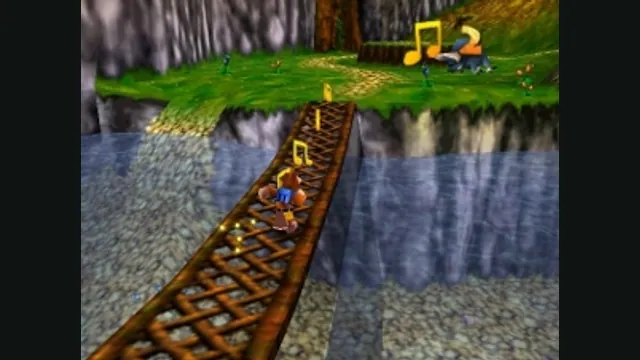
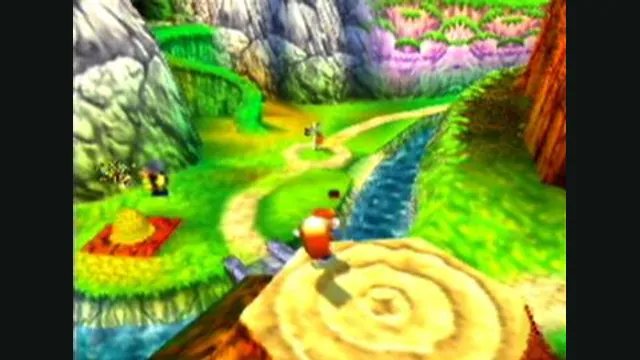
Banjo-Kazooie gameplay reference; not a capture of the linked project.
Image credits ↗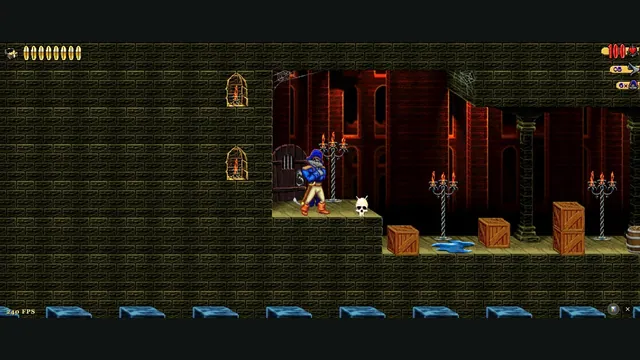
Claw Web creator screenshot from level 1.
Image credits ↗Captain Claw’s 14 levels, with widescreen play, gamepad support and browser saves.
Conker’s Bad Fur Day gameplay reference; not a capture of the linked project.
Image credits ↗The N64 game rebuilt around N64ModernRuntime and RT64.