Conker’s Bad Fur Day gameplay reference; not a capture of the linked project.
Image credits ↗The N64 game rebuilt around N64ModernRuntime and RT64.
Original files requiredSetup
Banjo-Kazooie through N64Recomp and RT64.
 SetupYour game files required
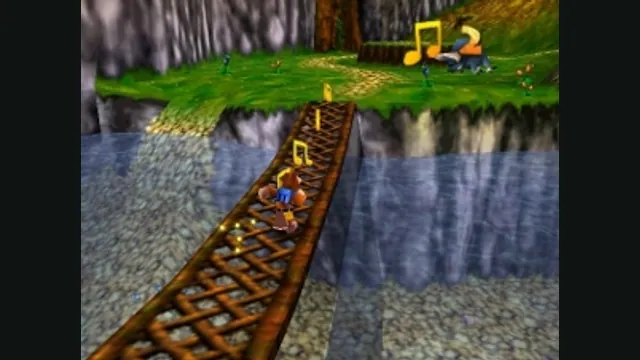
Banjo-Kazooie gameplay reference; not a capture of the linked project.
Banjo-Kazooie game imagery remains copyright its respective rights holders. Image credit and provenance: linked source page. No transferable license is inferred.
Source & attribution ↗View image ↗The native port adds display and input options through a modern runtime. Its README provides the ROM and GPU requirements alongside release and mod instructions.
BanjoRecomp adapts the N64 Banjo-Kazooie to a native application, with a particularly useful choice for repeat visits to its levels. Its optional note-saving behavior keeps collected notes when you leave a level or die, as later releases do. Turn that option off to restore the N64 note-score mechanic; the change takes effect when you return to Grunty’s Lair or restart.
The developers also account for Bottles’ puzzles: notes collected during demonstrations are not saved. That distinction matters to completion-focused players because the added convenience is designed to avoid the corresponding note-collection issue in the Xbox Live Arcade version.
The RT64 renderer supports high frame rates and widescreen while preserving effects such as the jigsaw transition and Bottles’ Moving Picture Game. Frame rate can follow your monitor or remain at the original rate without changing gameplay speed. Cutscenes can be constrained to their original framing or 16:9 to hide details that were never intended to appear outside the shot.
An optional dual-analog camera uses the right stick for finer view control. C-button actions assigned to that stick still work while crouching, letting the modern camera coexist with those original inputs. Controls, sound and graphics are configured through menus usable with a mouse, keyboard or controller.
The required game is the North American 1.0 N64 release. Select your own ROM in the main menu; compatible byte-order formats are converted automatically. BanjoRecomp is not a general emulator or a Banjo-Tooie launcher. It does not include game assets.
The built-in mod menu installs manually downloaded mods and texture packs. Drag files onto the window before starting or choose Install Mods, then enable them in the menu. The project does not support Thunderstore’s separate mod manager. Portable mode, enabled with portable.txt beside the executable, keeps settings, saves and mods together.
Check the documented Direct3D 12, Vulkan 1.2 or Metal requirements, plus SSE4.1 on x86-64 processors. If rendering stutters, use the in-game frame-rate control before applying an external limiter. Overlays can also interfere with rendering. Ray tracing remains a planned feature, so it should not be a reason to install the current build.
Your own supported Banjo-Kazooie ROM.
Creator-reported · Project guideUse the current release and import the ROM supported by its setup guide.
Creator-reported · Project guideConker’s Bad Fur Day gameplay reference; not a capture of the linked project.
Image credits ↗The N64 game rebuilt around N64ModernRuntime and RT64.
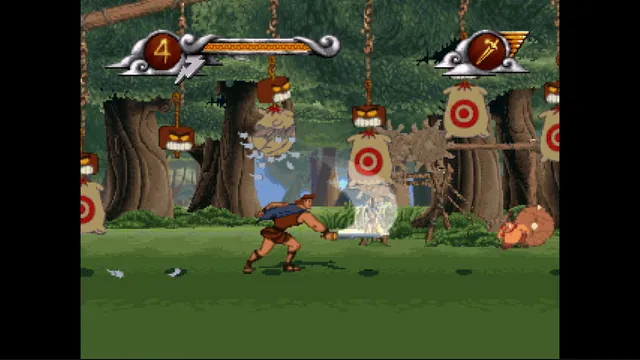
Disney's Hercules gameplay reference; not a capture of the linked project.
Image credits ↗The PlayStation action game recompiled for Windows and Linux.
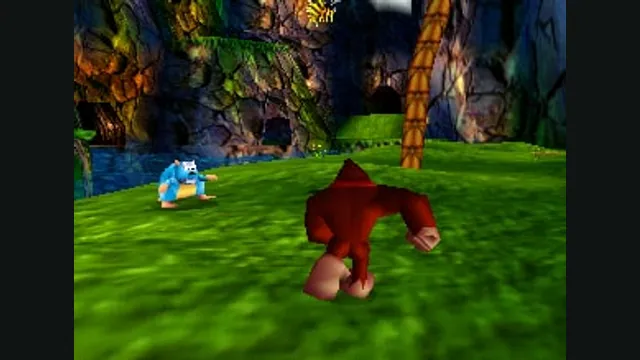
Donkey Kong 64 original-game screenshot reference; not a capture of the linked project.
Image credits ↗Duke Nukem II with widescreen presentation, quick saves and improved controller input.