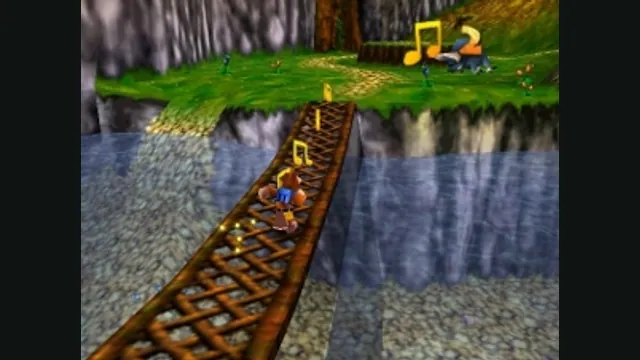
Banjo-Kazooie gameplay reference; not a capture of the linked project.
Image credits ↗The PlayStation action game recompiled for Windows and Linux.
 SetupYour game files required
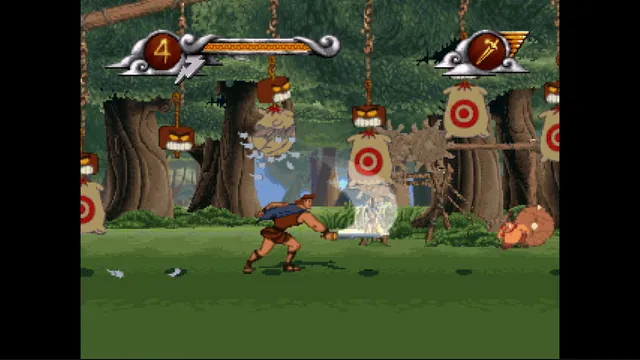
Disney's Hercules gameplay reference; not a capture of the linked project.
Disney's Hercules game imagery remains copyright its respective rights holders. Publisher-supplied screenshot from the linked official Steam store gallery.
Source & attribution ↗View image ↗The project targets five PAL language editions and documents widescreen, save states and presentation options. Its own files omit original game data.
Hercules Recompiled brings the PlayStation action game to Windows and Linux while retaining its game logic. It supports five PAL editions: English, French, German, Italian and Spanish. The launcher can go directly to a selected level, while the in-game menu switches between original and HD presentation, CRT effects and 4:3 or widescreen.
The widescreen option draws additional scenery and characters at the sides rather than stretching the center. The animation cadence remains the PAL game’s 25 pictures per second. On a 60-Hz display that can look uneven; a 50- or 100-Hz display presents each picture for an equal interval. The port does not claim interpolated high-frame-rate animation.
Extract the package into its own folder and select the CUE file from your PAL CUE/BIN dump. The launcher language selects the matching disc edition, so an English disc is not a substitute for the requested German version. US and Japanese discs are unsupported.
HD graphics are optional and separate from the main package. Current launcher versions fetch an available pack in the background after the first game; if one is unavailable for your disc, local generation can take hours and needs additional disk space. Original graphics remain usable while that work runs.
The arrow keys move, while X, S, Z and A map to the PlayStation face buttons. Esc opens a menu that pauses play and includes key rebinding; a controller can open the same menu with Select plus Start. Choose a comfortable mapping there rather than translating every console prompt mentally.
F7 opens twelve illustrated save-state slots, F8 rewinds and holding Tab fast-forwards. These shortcuts make returning to a tricky section more convenient, but they are separate actions with different effects: loading a state returns to the selected snapshot, while fast-forward simply speeds through the current sequence. The menu keeps graphical and input changes for later sessions.
Your own supported PAL Hercules disc.
Creator-reported · Project guideUse the launcher with your disc and choose the available language/presentation settings.
Creator-reported · Project guideBanjo-Kazooie gameplay reference; not a capture of the linked project.
Image credits ↗
Conker’s Bad Fur Day gameplay reference; not a capture of the linked project.
Image credits ↗The N64 game rebuilt around N64ModernRuntime and RT64.
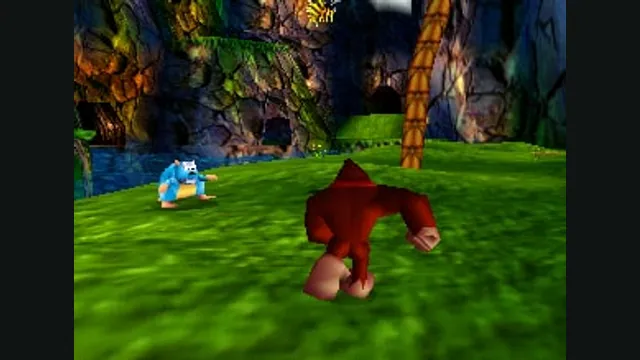
Donkey Kong 64 original-game screenshot reference; not a capture of the linked project.
Image credits ↗Duke Nukem II with widescreen presentation, quick saves and improved controller input.