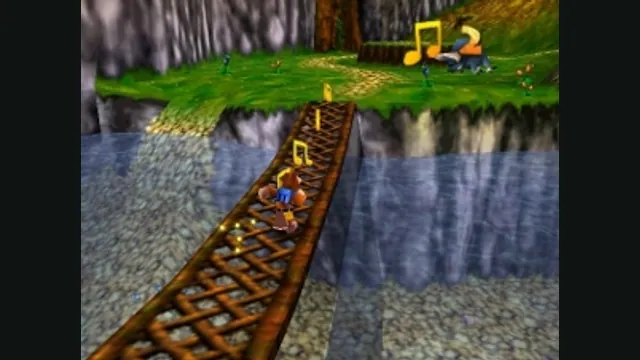
Banjo-Kazooie gameplay reference; not a capture of the linked project.
Image credits ↗Donkey Kong 64 with RT64 rendering and modern options.
 SetupYour game files required
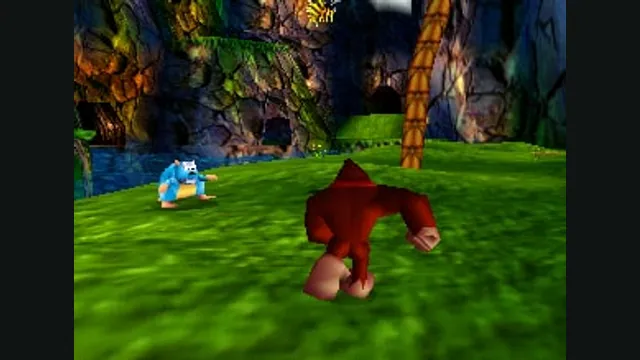
Donkey Kong 64 original-game screenshot reference; not a capture of the linked project.
Donkey Kong 64 game imagery remains copyright its respective rights holders. Image credit and provenance: linked source page. No transferable license is inferred.
Source & attribution ↗View image ↗The project recompiles the N64 game and supplies an enhanced native runtime. It explicitly excludes game assets and lists graphics requirements in its README.
Donkey Kong 64 takes the series into a 3D adventure about rescuing the Kong family and reclaiming Golden Bananas from King K. Rool. Donkey Kong, Diddy, Tiny, Lanky and Chunky bring different abilities to the journey, with tools such as Tiny’s Ponytail Twirl and Chunky’s Pineapple Launcher. The variety comes from using those different characters while working through the larger collection quest.
This background describes the original Nintendo 64 game. It should not be confused with a promise that a particular new mod, language or control feature is already supported by the recompilation.
DK64 Recompiled translates Donkey Kong 64 into a native application and uses RT64 to present the original N64 graphics with modern display options. The project focuses on retaining the game’s effects while allowing higher frame rates and wide aspect ratios. It does not include the game assets.
Its frame-rate setting can follow the monitor or remain at the original rate, without changing gameplay speed. On an ultrawide display you can keep the HUD within a centered 16:9 area. Very wide cutscenes may expose animation quirks at the sides, so the widest possible view is not necessarily the best framing for every scene.
The accepted base is the US N64 ROM. Other byte-order formats can be converted automatically if the actual game revision is correct, but this is not a general emulator that accepts arbitrary ROMs. The README treats modded-ROM and additional-language support as future project work.
Input mappings, graphics, sound and gameplay settings are available through a menu usable with mouse, keyboard or controller. Stick deadzones and aiming-axis inversion can be adjusted. Those settings are worth checking before a long session if the view or aiming does not respond as you expect.
Prebuilt releases are available, so a source build is not required to begin. The documented renderer requirements are Direct3D 12 Shader Model 6 or Vulkan 1.2, with an AVX-capable CPU. Update graphics drivers before investigating a startup crash.
On Steam Deck, the documented route adds the extracted Linux executable to Steam from Desktop Mode, then configures controls in Gaming Mode. Windows saves are stored under the local application-data DK64Recompiled folder; Linux uses ~/.config/DK64Recompiled/saves. Retain that folder when moving a playthrough.
The project flags Intel GPUs on Linux as a possible problem, and the prebuilt Linux binary may not work on every distribution. Its suggested alternatives include Steam Linux Runtime, Gamescope, a local build or the Windows build under Proton. These are troubleshooting routes, not interchangeable guarantees.
Overlays and external frame limiters may also interfere with rendering. Use the application’s own frame-rate slider first when isolating stutter, and keep optional overlays out of the initial comparison.
Your own supported Donkey Kong 64 ROM.
Creator-reported · Project guideCheck the supported ROM and GPU requirements, then use the current release.
Creator-reported · Project guideBanjo-Kazooie gameplay reference; not a capture of the linked project.
Image credits ↗
Conker’s Bad Fur Day gameplay reference; not a capture of the linked project.
Image credits ↗The N64 game rebuilt around N64ModernRuntime and RT64.
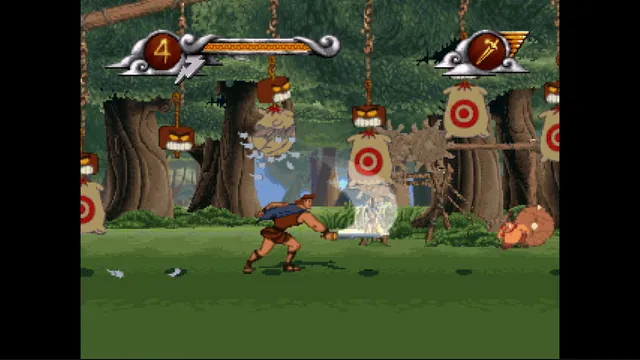
Disney's Hercules gameplay reference; not a capture of the linked project.
Image credits ↗The PlayStation action game recompiled for Windows and Linux.
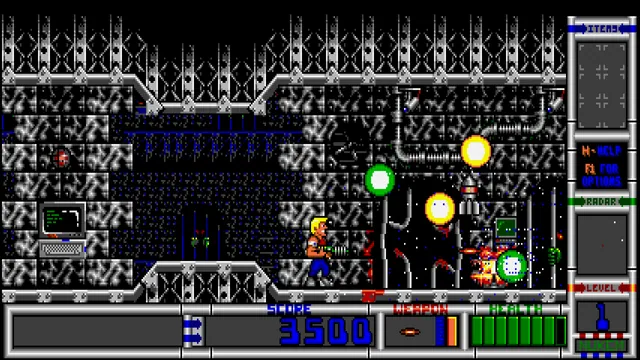
Duke Nukem II with widescreen presentation, quick saves and improved controller input.