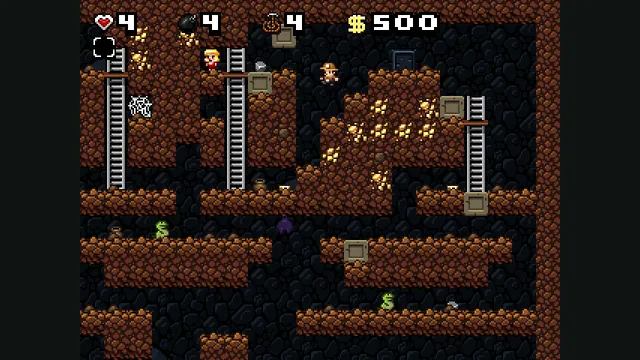
Spelunky Classic screenshot published by Derek Yu; reference image of the freeware original, not a capture of the HTML5 port or the HD remake.
Image credits ↗Derek Yu’s freeware Spelunky Classic, ported from GameMaker to HTML5 by Darius Kazemi.
Build an experimental native Wonder port from your own Switch 1.0.0 copy.
 SetupYour game files required
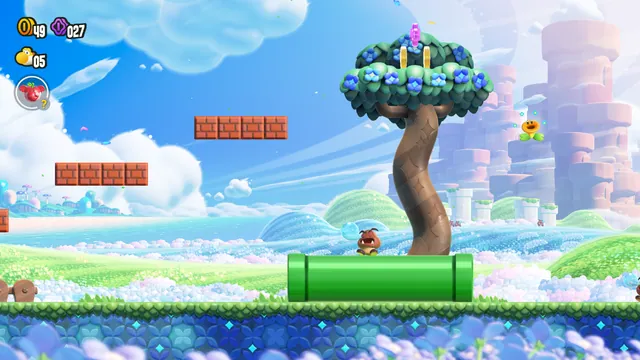
Creator-published course 1-1 screenshot from the macOS recompilation.
Super Mario Bros. Wonder imagery © Nintendo. Screenshot published by Projeto Belmante / BelmanteGu from the macOS recompilation; editorial excerpt, no transferable image license claimed.
Source & attribution ↗View image ↗Projeto Belmante’s static recompilation targets native macOS, Windows, Linux and Android builds. Early-game progress includes the opening, world map and course 1-1; rendering and performance work continues. Setup requires compiling the project with your own game data.
Choose native SM64 co-op, experimental Wonder or Galaxy builds, or a Mario mod for a game you already own.
Read Mario platformers guideNative online co-op synchronizes enemies and events, with public or private CoopNet rooms.
Build a personal native app with touch and controller input; bring the supported USA Wii image.
Super Mario Bros. Wonder takes Mario’s side-scrolling platforming to the Flower Kingdom. Wonder Flowers transform the course around the player, while badges add abilities that change how a level can be approached. New power-ups include an elephant form, bubbles that can defeat enemies or become stepping stones, and a drill for moving through ground or ceilings.
Those are features of Nintendo’s original game. They explain the appeal of the project’s target, but they do not establish how much of the full adventure this experimental recompilation has verified.
The project statically recompiles the game for native platforms. Its documented progress reaches the title screen, file and player selection, character selection, the opening world map and course 1-1. That is a useful playable milestone, not evidence of a completed campaign or every original mode.
Its performance notes also separate headless tests from visible play. Menu and course tests can run at 60 FPS without display rendering, while windowed gameplay has documented stretches around 35–40 FPS and visual glitches. A headless test result is not a promise of smooth play on your screen.
There is no ready-to-play release binary. The source workflow needs an owned version 1.0.0 game dump, including the main and SDK executable files and RomFS data, plus your own required keys and firmware resources. The preparation process translates code and shaders and builds the local runtime; the source repository does not supply the commercial game.
Apple Silicon macOS and Windows with Vulkan 1.3 are documented targets. Android also requires ARM64 and Vulkan 1.3, with the Galaxy S23 documented as a tested device. Linux x86-64 with Vulkan 1.3 is also documented; on a Wayland desktop its window uses XWayland.
Super Mario Wonder Recomp · project documentationWonder Recomp · Linux target and current limitations
The Android interface provides a floating movement stick, A for jumping and Y for dashing; moving the stick fully also activates dash. Bluetooth or USB controllers can hide the touch overlay. Android remains experimental, with documented rendering bugs and performance work still in progress.
Your own legally dumped Nintendo Switch copy of Super Mario Bros. Wonder 1.0.0 (title ID 010015100B514000), plus your own keys and firmware. Extract the base game’s ExeFS, including main and sdk, and RomFS. Game data and generated builds are not included.
Creator-reported · Project guideBuild from source using the repository guide; no ready-made release is published. macOS uses Xcode command line tools, CMake/Ninja, SDL3, Vulkan/MoltenVK and Python. Windows uses Visual Studio Build Tools/clang and the Vulkan SDK. Android builds use the Android SDK and NDK 28.2 on macOS or Linux.
The creator reports native builds on Apple Silicon macOS, Windows 10/11 x86-64 with Vulkan 1.3 (RTX 3050 and Intel GPUs), and arm64 Android with Vulkan 1.3 (Galaxy S23 / Snapdragon 8 Gen 2). Android remains experimental with rendering and performance issues. Linux x86-64 with Vulkan 1.3 is now a documented target, using XWayland on Wayland desktops. There is no browser version.
Creator-reported · Project guideKeyboard and SDL gamepad input are documented for the desktop build. Android offers an on-screen stick and buttons, including A to jump and Y to dash, plus Bluetooth or USB controllers; touch controls hide while a controller is in use.
Creator-reported · Project guideThe creator reports working title and selection screens, the opening, world map and course 1-1. This is an in-development port; a complete retail-game playthrough is not confirmed.
Creator-reported · Project guideExpect rendering glitches and uneven performance. The creator lists a Windows crash after character selection, Android rendering work and a simulation that speeds up above 60 fps. Headless frame-rate figures are not a promise for normal play.
Creator-reported · Project guideMade possible by Projeto Belmante / BelmanteGu.
Spelunky Classic screenshot published by Derek Yu; reference image of the freeware original, not a capture of the HTML5 port or the HD remake.
Image credits ↗Derek Yu’s freeware Spelunky Classic, ported from GameMaker to HTML5 by Darius Kazemi.
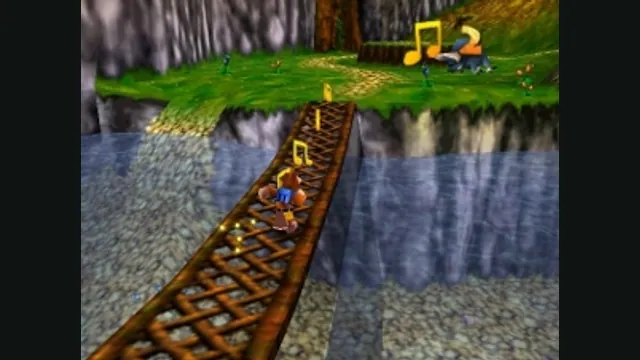
Banjo-Kazooie gameplay reference; not a capture of the linked project.
Image credits ↗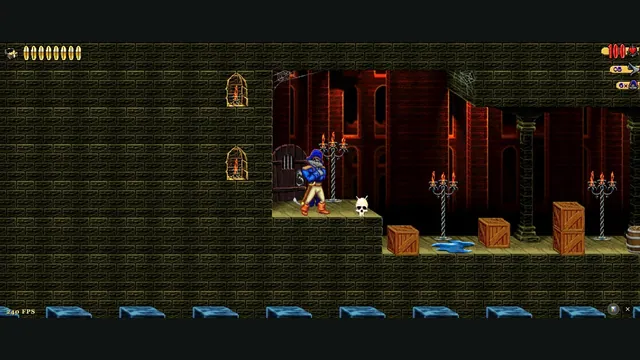
Claw Web creator screenshot from level 1.
Image credits ↗Captain Claw’s 14 levels, with widescreen play, gamepad support and browser saves.
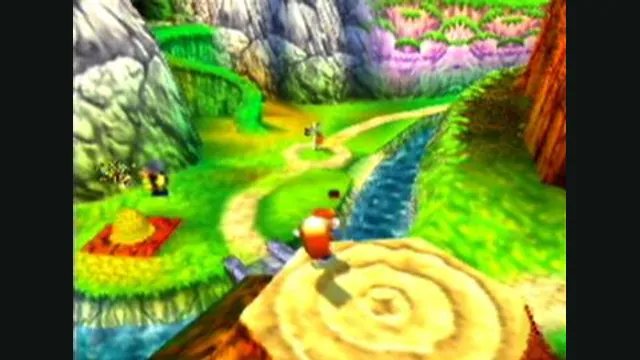
Conker’s Bad Fur Day gameplay reference; not a capture of the linked project.
Image credits ↗The N64 game rebuilt around N64ModernRuntime and RT64.