Mario platformer projects: choose SM64 co-op, Wonder Recomp or GalaxyPad
Start with the Mario game you want, then its project. SM64 co-op has native releases; Wonder and GalaxyPad ask you to build. Mario crossover mods still need their host game.
By Playable · Written
Choose the game and project
Choose sm64coopdx to share Super Mario 64’s worlds with friends. Choose GalaxyPad if you want to prepare a native iPhone or iPad app for Super Mario Galaxy. Wonder Recomp is an earlier source-build project for a different game, with documented progress through the opening and course 1-1.
These three projects run as installed applications. A Mario character inside Halo, Doom or Minecraft is a separate kind of experience: the surrounding game and its installation still matter.
Swipe or scroll to compare all columns →
| Game and project | Preparation | Reason to choose it |
|---|---|---|
| Super Mario 64 · sm64coopdx | Native release; your own SM64 .z64 ROM | Online co-op with synchronized enemies and level events, plus Lua mods |
| Super Mario Bros. Wonder · Wonder Recomp | Compile from source with your own Switch 1.0.0 data, keys and firmware | Explore an experimental native Wonder buildEarly-course progress; rendering and stability work continues. |
| Super Mario Galaxy · GalaxyPad | Build on an Apple Silicon Mac, sign the app, then import your USA revision 0 WBFS | Galaxy with touch, controller and pointer controls on iPhone or iPadExperimental; full-game completion remains open. |
Share Super Mario 64 with friends
sm64coopdx’s useful difference is a shared world: another player can interact with the enemies and events you see. Its Lua mods can change the session further, so agree on ordinary star collecting or a particular mod before inviting a group. The official site directs players to the native release and asks them to drag their own .z64 ROM onto its window.
- Download the release for your operating system through the sm64coopdx project listing, open it and supply your ROM.
- Use the N64 and Extras controls menus to review your bindings before starting a room. The v1.5.1 release adds reset buttons for both.
- Choose Host → CoopNet. An empty password creates a public lobby; set a password for a private session.
- Friends use Join → Public Lobbies or the private-lobby choice that matches your room.
CoopNet avoids configuring a direct server on your home network. Direct Connection is another option with separate networking requirements; it is not necessary just to create a private CoopNet room. Discord invitations need Game Activity enabled and do not send while you appear offline. The hosting guide explains those alternatives.
If you are updating a Linux or Mac installation to v1.5.1, the release notes specifically require a manual update to replace the application and updater.
Prepare an early Wonder build
Wonder Recomp targets the Switch game’s 1.0.0 base release. Prepare its ExeFS and RomFS from your own copy, with your own keys and firmware, before following the source build. A Nintendo 64 ROM or Galaxy disc image cannot supply this data. The build guide separates extraction, code recompilation, shader translation and the final platform build.
The creator now documents Apple Silicon macOS, Windows, Linux x86-64 and Android arm64. Linux uses Vulkan 1.3; Android remains experimental. Desktop keyboard and gamepad input are documented, while Android adds an on-screen stick, A to jump and Y to dash. Touch controls hide when a Bluetooth or USB controller is in use.
The useful expectation is an early native build reaching the opening, map and course 1-1. Rendering issues and a reported Windows crash after character selection remain in the project’s current limitations. Raising the display rate above 60 does not provide a normal unlocked mode: the creator warns that it changes game speed.
Build GalaxyPad for iPhone or iPad
GalaxyPad’s current iPhone/iPad route uses its New engine, based on MacioGalaxy and Petari. Its older engine and Mac development tools have a different setup. For a phone or tablet, use the current PadMint installation guide.
- On an Apple Silicon Mac, prepare full Xcode 26 or later with the iOS platform and about 20 GB of build space.
- In PadMint 0.5.2 or later, choose GalaxyPad → iPhone / iPad. It builds your personal IPA; the project does not provide a ready-made public IPA.
- Sign and install that IPA using the documented sideloading workflow.
- In GalaxyPad, open Game Data & Saves → Import or Reimport Game Data. Select your own USA
RMGE01revision 0 single-file WBFS and allow at least 9 GiB free on the device.
Galaxy’s pointer has a job separate from movement. For a Pull Star, aim until the hand appears and hold A. The default controller mapping also puts A on the right shoulder so your thumb can keep aiming. The New engine uses the main stick for Star Ball and Ray rides; older tilt-stick instructions describe the deprecated engine. See the control guide before changing layouts.
Update in place with the same signing tool, Apple ID and app identifier. Deleting the app can remove local progress. Keep a backup before changing that installation boundary, using the project’s save guidance.
Mario inside another game
For Mario’s movement inside a game you already own, start with the host game. G64 adds Mario to 64-bit Garry’s Mod on Windows; SMC64 targets Halo CE in the Steam Master Chief Collection. Neither is a standalone Super Mario 64 campaign. The libsm64 project supplies Mario’s movement and rendering for use inside other engines.
The same distinction applies to sm64-san-andreas, gzdoom-sm64 and ER Mario: choose them for a crossover in San Andreas, Doom or Elden Ring. Their base-game and Mario-file requirements belong to each mod. Retro64 is a separate unfinished Minecraft mod source project.
For racing, the Mush8 guide covers Mario Kart 8 Deluxe on Apple devices. Its Switch files, controls and multiplayer setup do not apply to these platformers. For another adventure, compare the different game editions and setups in the Zelda project guide.
Project reading
See the creators’ setup instructions and feature guides.
- Coop Deluxe · release and ROM import ↗
- sm64coopdx · co-op and modding ↗
- sm64coopdx · hosting and joining ↗
- sm64coopdx · v1.5.1 update notes ↗
- Wonder Recomp · platforms and current scope ↗
- Wonder Recomp · source-build workflow ↗
- GalaxyPad · installation and game import ↗
- GalaxyPad · engine, controls and save guidance ↗
- libsm64 · Mario inside other engines ↗
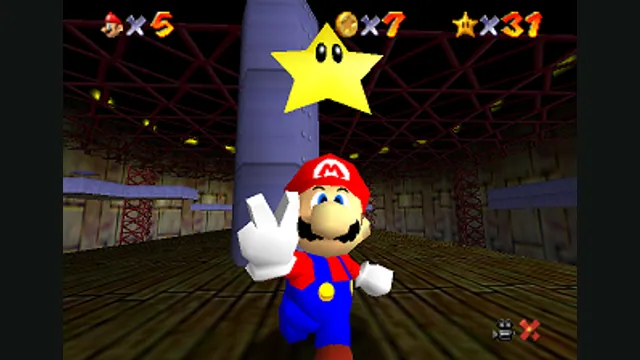
Super Mario 64 original-game screenshot reference; not a capture of the linked project.
Image credits ↗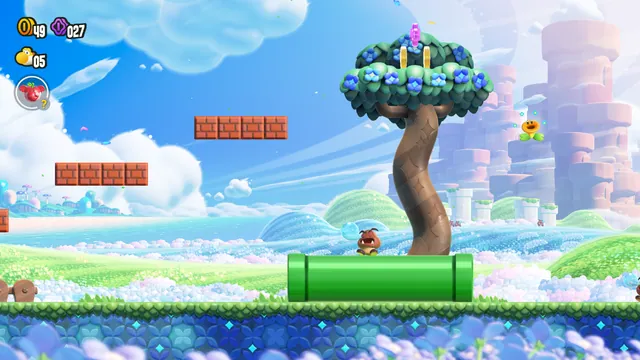
Build an experimental native Wonder port from your own Switch 1.0.0 copy.
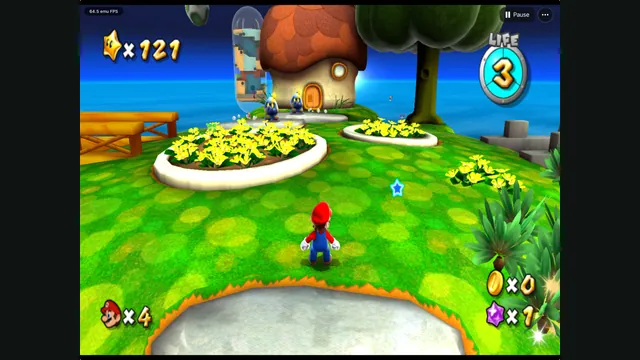
GalaxyPad creator screenshot: Mario exploring a grassy planet. HUD readings are not performance guarantees.
Image credits ↗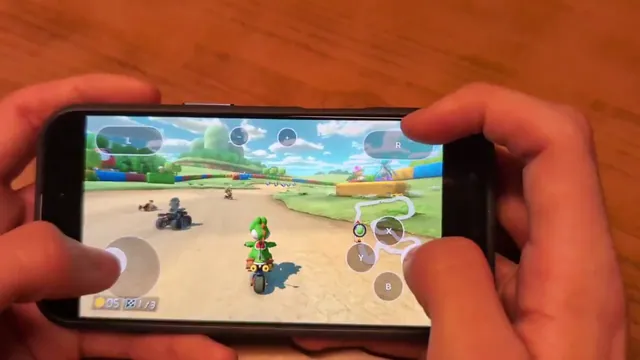
Mush8 brings Mario Kart 8 Deluxe to Apple devices: what setup involves
Mush8 is C22’s native Apple project for Mario Kart 8 Deluxe. It requires building with your own game dump and keys; it is not a browser game or a Mario Party port.
Read guide : Mush8 on Apple devicesProject image · credits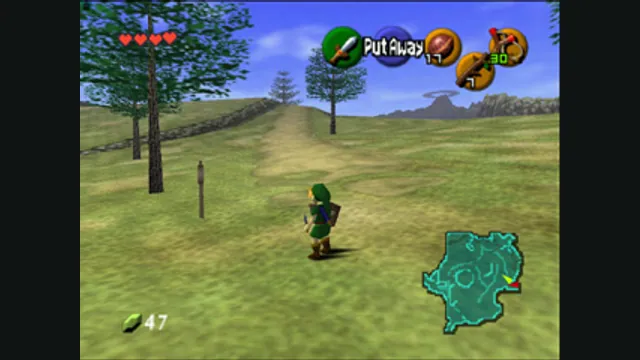
Zelda projects compared: Ocarina, Majora, Link’s Awakening and more
Choose the adventure first. Ocarina of Time, Majora’s Mask and later Zelda games need their own native projects and files. Zelda II’s unavailable browser host has a separately documented desktop fallback.
Read guide : Choose a Zelda projectReference image · credits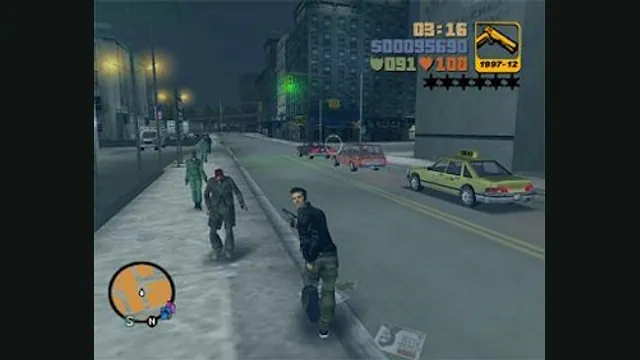
GTA projects compared: GTA III in a browser, LCS Recomp and Theft4
Start with the GTA installment you want. GTA III’s web host, the PSP-based Liberty City Stories port and GTA IV’s experimental iOS app use different data and save workflows.
Read guide : Choose a GTA projectReference image · credits