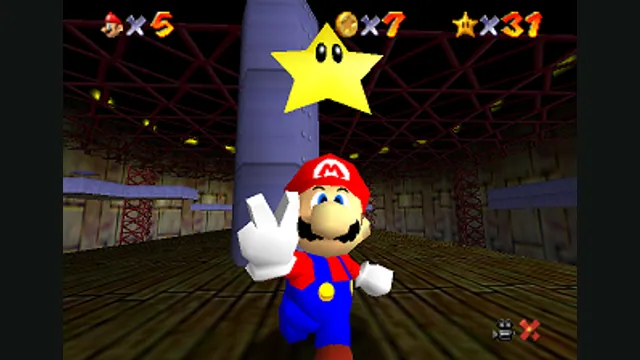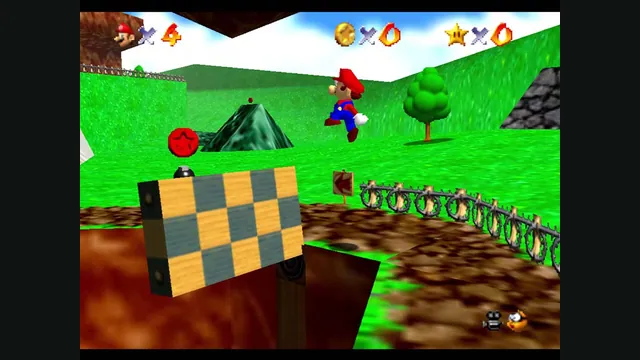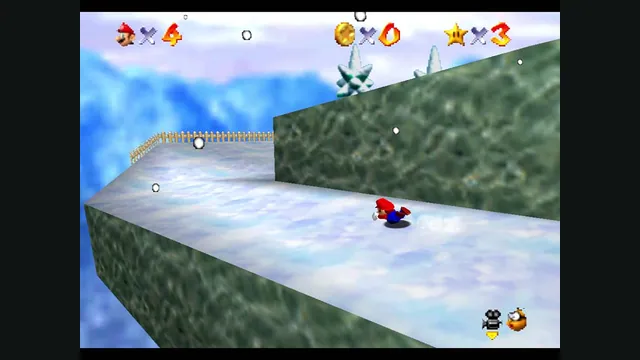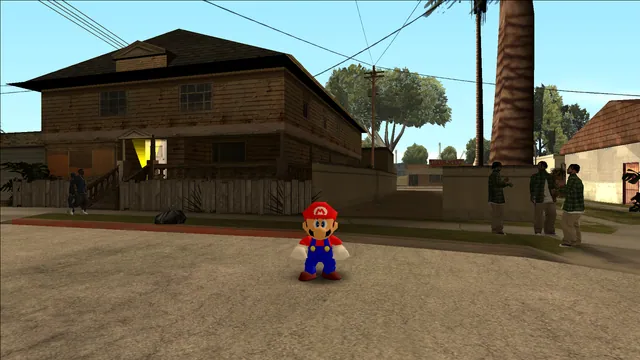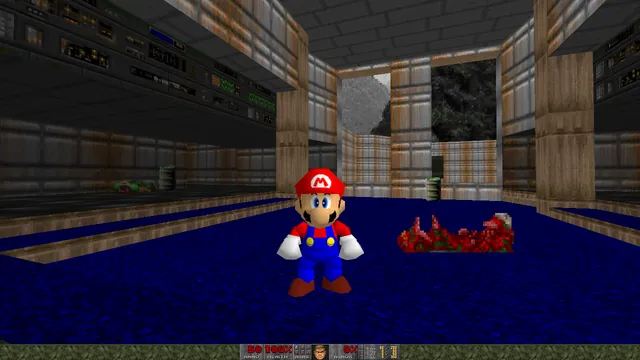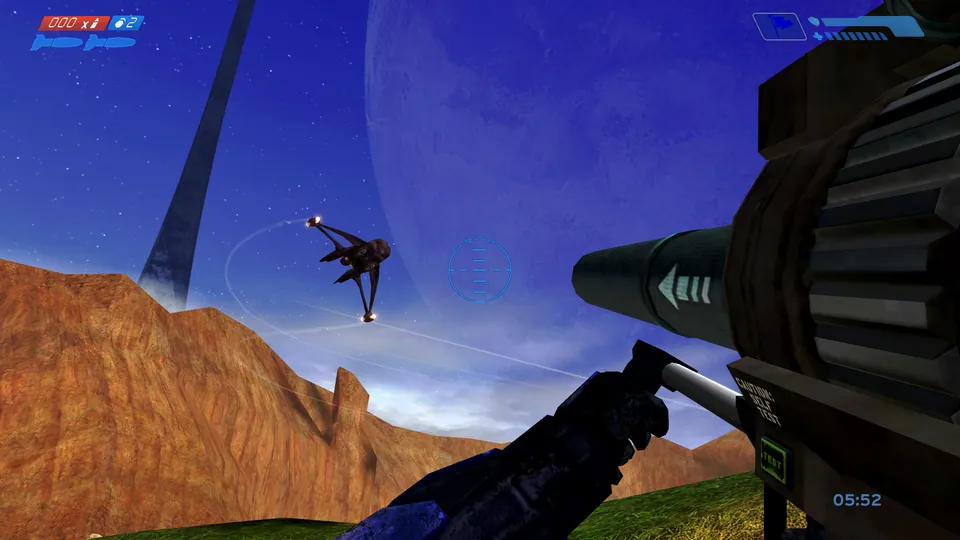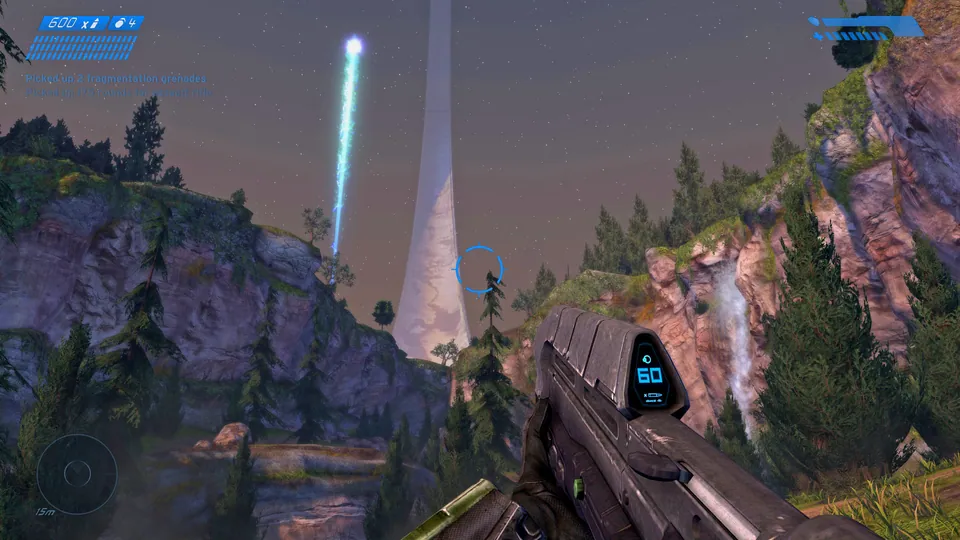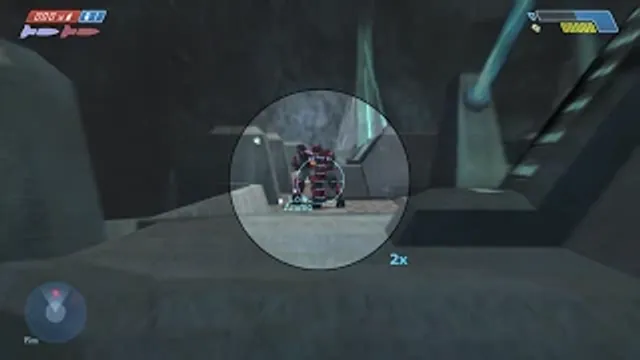
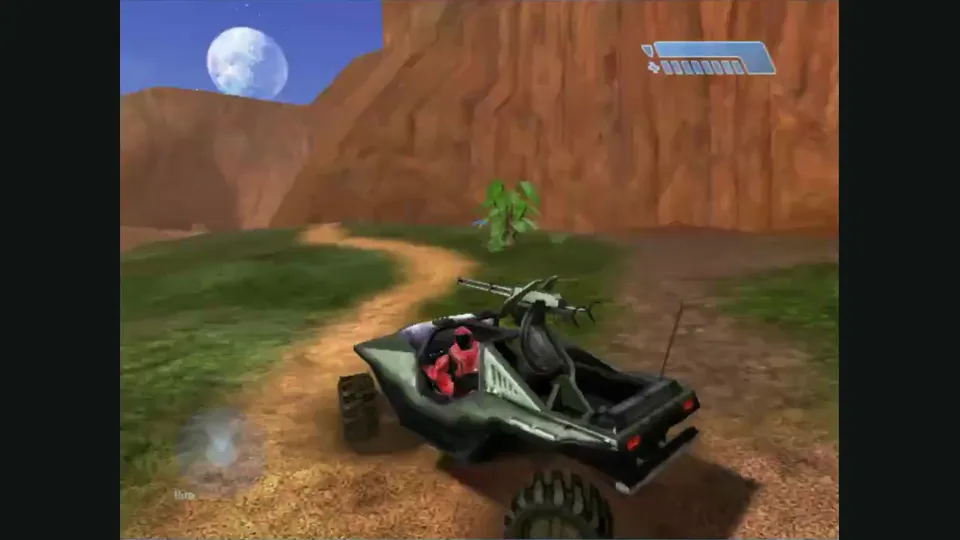
Mitchell Hynes Web gameplay, from the creator’s launch demonstration at approximately 1:52. Gameplay area cropped from the published video.
Image credits ↗Halo’s Xbox campaign and invite-based multiplayer, with your own disc image.
A LibSM64 crossover mod for the Steam MCC edition of Halo CE.
SetupYour game files requiredSMC64 creator preview frame showing Mario inside Halo CE gameplay.
Halo CE × Super Mario 64 game imagery remains copyright its respective rights holders. Image credit and provenance: linked source page. No transferable license is inferred.
Source & attribution ↗View image ↗KodyJKing’s SMC64 puts LibSM64 into Halo CE inside Halo: The Master Chief Collection on Steam. Install the packaged mod using its included README; it is separate from the Xbox Halo browser ports.
Choose native SM64 co-op, experimental Wonder or Galaxy builds, or a Mario mod for a game you already own.
Read Mario platformers guideNative online co-op synchronizes enemies and events, with public or private CoopNet rooms.
Build a personal native app with touch and controller input; bring the supported USA Wii image.
Source-build the Switch 1.0.0 project if you want to explore its experimental early-course progress.
SMC64 integrates LibSM64 with Halo CE in the Steam version of Halo: The Master Chief Collection. The host is MCC, so this is a mod installed into an existing Windows game rather than a separate Halo executable. LibSM64 supplies a way to bring Mario’s movement and rendering into another engine; it does not import an entire Super Mario 64 campaign.
The project’s creator demonstration is the useful introduction to the crossover. For installation, use the README shipped with the chosen release, because the repository’s main page largely describes developer tools and packaging.
SMC64 · project documentationlibsm64 · character movement library
The packaged instructions place the release contents under the Halo The Master Chief Collection directory. They also require the matching maps package; back up existing Halo CE maps first if you want to restore them without downloading them again.
Put your own SM64 ROM at MCC/Binaries/Win64/baserom.us.z64 within that installation. Start MCC without Easy Anti-Cheat, as the mod’s usage instructions require. The Spark loader then loads the mod DLLs at startup. These steps are for the packaged mod; the repository’s run_launcher.ps1 workflow instead assumes MCC is already running.
SMC64 · packaged installation instructionsSMC64 · project documentation
The included uninstall guide restores the replaced audio-loader DLL and removes Spark, with an optional removal of the mods directory. The Halo CE maps can be restored from your backup or through Steam’s file-integrity verification.
Keeping that backup is particularly useful when trying updated map packages. It separates experimenting with SMC64 from maintaining a working base MCC installation, without assuming every later MCC update will use the same mod package.
Use the Steam version of Halo: The Master Chief Collection with Halo CE. Follow the README inside the chosen release package for that version’s complete installation requirements.
Creator-reported · Project guideDownload a release package and follow its included README. The repository’s build and launcher scripts are developer tools; running the developer launcher requires MCC to be running.
Creator-reported · Project guideThe repository documents Windows tooling and Win64 packaging for the MCC mod.
Creator-reported · Project guideSMC64 is a LibSM64 mod for Halo CE in MCC on Steam. It is not a standalone Halo or Super Mario 64 browser game.
Creator-reported · Project guide