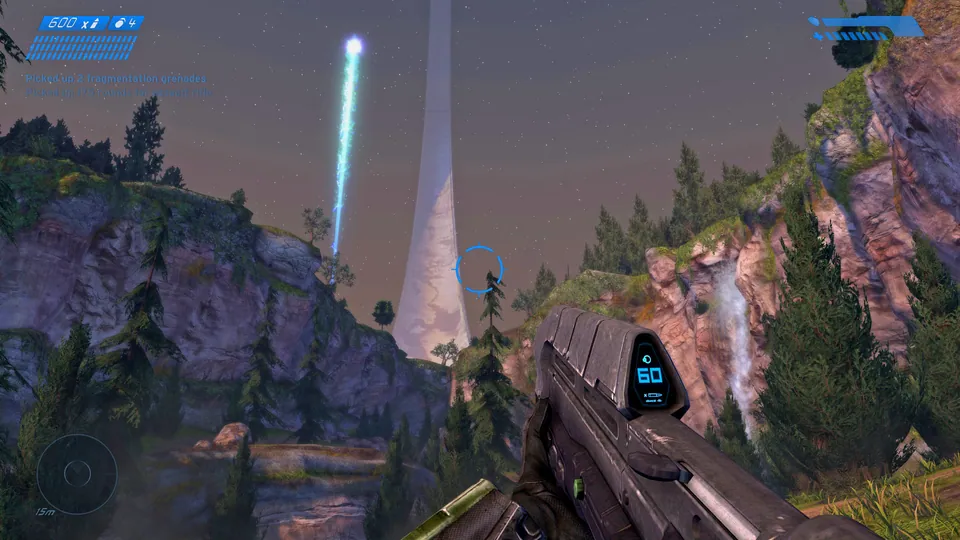
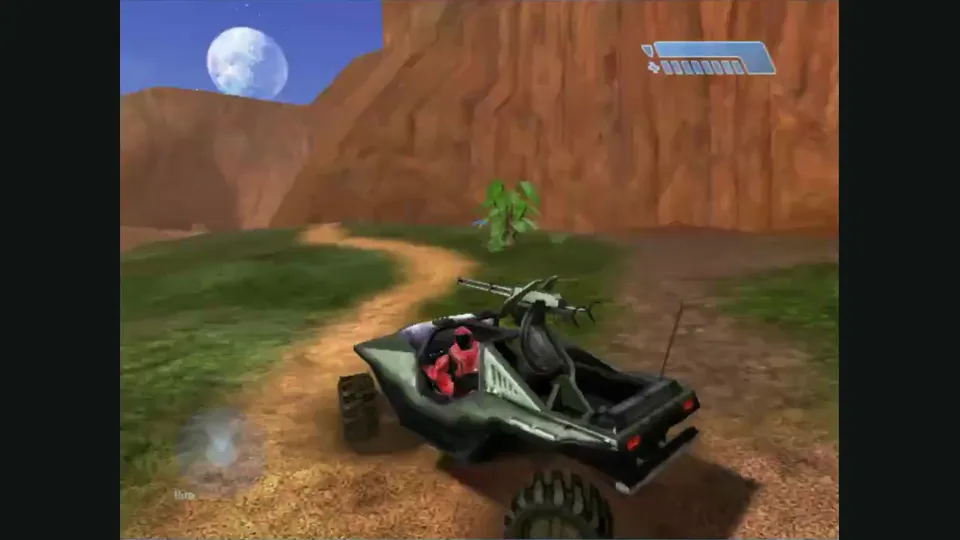
OpenCE documents Linux, Windows, Android and web targets based on the Xbox build 2342 decompilation. This entry is for the upstream project and its native releases, separate from independently hosted web clients.
OpenCE brings the Xbox version of Halo: Combat Evolved to Windows, Linux, Android and the web through a native port of its decompilation. This is a different starting point from the original Windows release: the project retains Xbox campaign and split-screen foundations while adding desktop input, platform-specific rendering and new networking.
Choose a release build for playing. Debug builds deliberately stop at failed assertions to help diagnose problems, so they are a poor choice for a normal campaign session. New builds arrive frequently; the release archive retains several earlier versions if an update introduces trouble.
The campaign menu can continue a profile’s saved game or start a reached level at a chosen difficulty. Two people can also start the Xbox-style campaign in local split screen. That co-op session chooses a level and difficulty rather than continuing one person’s single-player save. A keyboard-and-mouse player can share a machine with a second player using a gamepad.
On desktop, movement uses WASD and aiming uses the mouse. F performs a melee attack, right mouse or G throws a grenade, and E handles interactions, weapon pickups and vehicles. Actions can have two bindings. Network matches also support additional local players joining with controllers, which gives this port an unusual combination of desktop controls and shared-screen play.
Supply an image of your own Xbox disc as an ISO or XISO; OpenCE does not include the maps. The first-run importer extracts them beside the desktop executable, into Android’s app storage, or into the website’s browser storage. The browser import is local and does not upload the image. Clearing that site’s storage removes the imported browser data.
Desktop builds use OpenGL 4.5, Android uses OpenGL ES 3 on arm64, and the web build requires WebGL 2 in a supported desktop browser. These are separate launch paths. A successful native installation does not establish that the same machine’s browser configuration will run the web version.
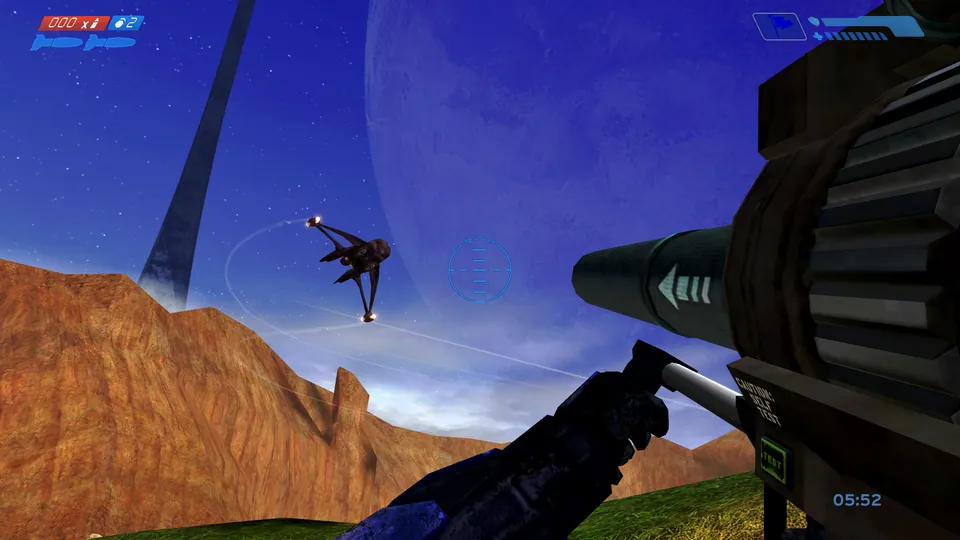
The project documents system-link games, internet invites and native/browser connections using its new networking. Its menus and networking are still changing, however. The desktop documentation identifies PC-style menu screens whose lists or settings are not yet connected; the Xbox menu option is the fallback for starting every game type.
Save compatibility needs particular care: the documentation says saved games from older port builds do not work with newer ones. Keep a separate copy before updating if preserving a campaign matters. Treat the current release’s multiplayer instructions and platform notes as the starting point for arranging a session, rather than assuming compatibility with another Halo port.