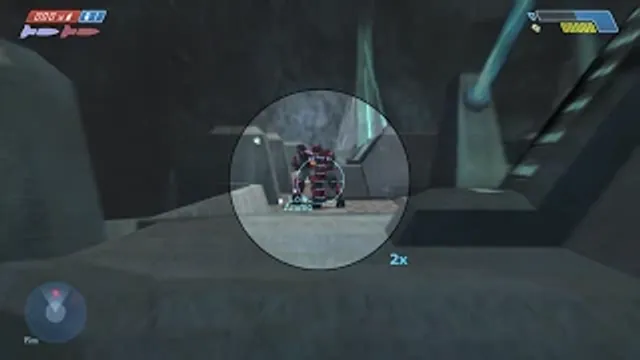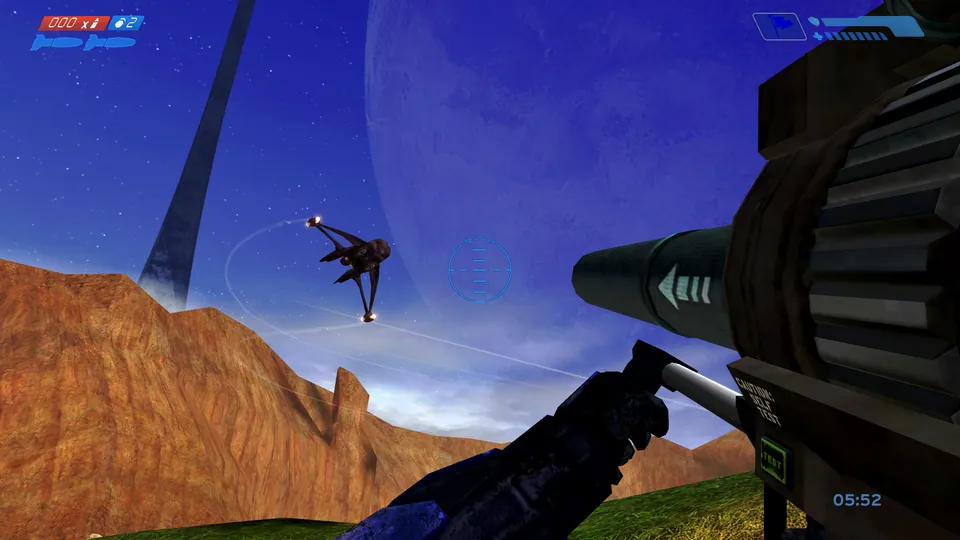
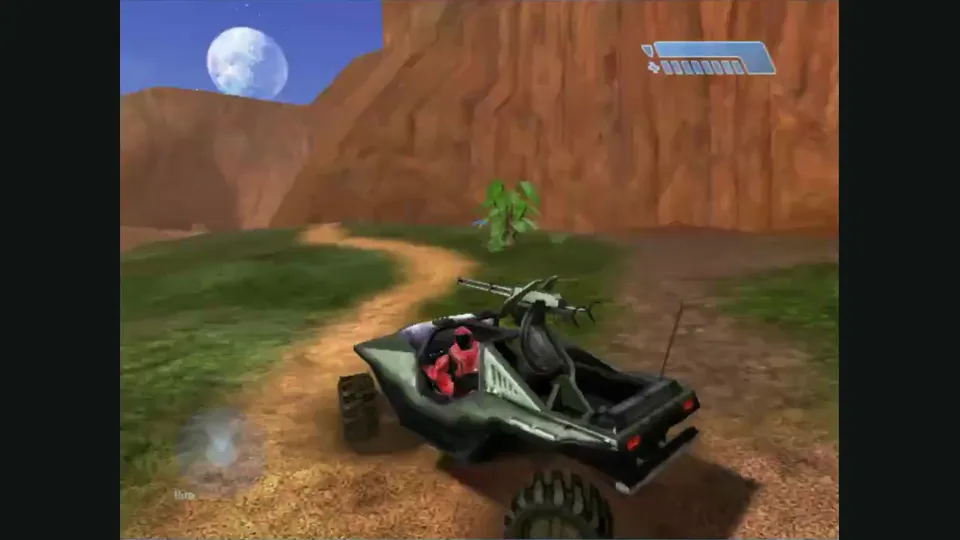
Mitchell Hynes Web gameplay, from the creator’s launch demonstration at approximately 1:52. Gameplay area cropped from the published video.
Image credits ↗Halo’s Xbox campaign and invite-based multiplayer, with your own disc image.
A build-your-own Halo client for iPhone, iPad and Mac.
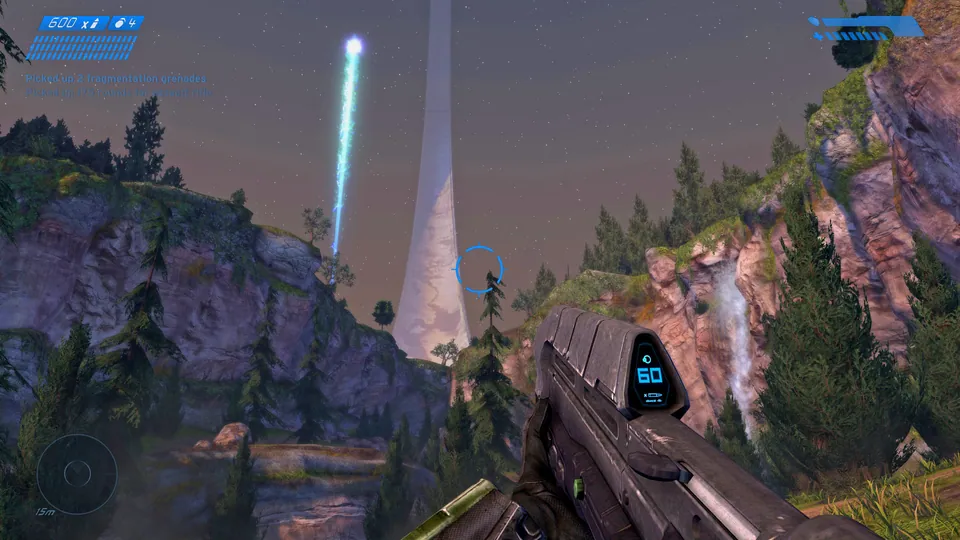
SetupYour game files requiredHalo: Combat Evolved Anniversary publisher screenshot. Reference image of the remastered edition; not a capture of this project.
Halo: Combat Evolved © Microsoft Corporation. Playable game guide was created under Microsoft’s Game Content Usage Rules using assets from Halo: Combat Evolved, and it is not endorsed by or affiliated with Microsoft.
Source & attribution ↗View image ↗Previously listed as projectreach, the current README calls this HaloPad. It explicitly says there is no app to download; building and installing the client is part of setup.
Halo: Combat Evolved puts the Master Chief and Cortana on a mysterious ringworld after a crash landing. The campaign begins with surviving the Covenant assault and helping the remaining humans, then follows the discovery of what Halo actually does. Its ten missions give the shooting a continuing science-fiction story. HaloPad’s Xbox route brings that original campaign to its host platforms; it does not import Anniversary’s remastered graphics or MCC’s progression system.
Xbox Game Studios · original campaign description in Anniversary
HaloPad is the current name of Project Reach. Its Xbox edition offers the original campaign and OpenCE multiplayer, while the optional PC Custom Edition route is for community servers and LAN. They are separate choices at launch, keep their own saves and cannot play matches with each other. The Xbox edition is the recommended starting point because it needs one disc image.
The project documents OpenCE matches of up to 128 players and Custom Edition servers shared with PC players. Those are different networking systems, not a single combined lobby. Custom maps can be imported, but Windows DLL mods such as Chimera, OpenSauce and HAC2 do not load.
There is no public ready-made HaloPad app download. An Apple Silicon Mac can build it through PadMint, while a personal GitHub workflow can build the Xbox edition from another computer. iPhone and iPad installation then requires signing. Custom Edition additionally needs an Apple Silicon Mac, the original installer, a Halo PC product key and Wine.
For Xbox play, add an original-Xbox Halo ISO or XISO inside the installed app. Halo Anniversary, MCC and the retail PC executable are not substitutes. Import copies roughly 2 GB of maps, after which the source image can be removed from the device. USA NTSC is the tested disc choice; broader region claims come from upstream.
The touch overlay can be moved and resized, with adjustable look speed. Connect a controller before opening HaloPad for the most reliable behavior. On Mac, Custom Edition releases the pointer with Escape; the Xbox edition uses F12. Halo’s Button 6 pickup prompt maps to RB on a controller.
Install updates over the existing app with the same signing identity. Deleting it first also deletes imported maps, profiles and saves. Multiplayer peers need compatible engine network versions, and a changed engine may require restarting a campaign level. First appearances of maps or effects can hitch, some Xbox textures differ and reconnecting a controller can still cause trouble.
Your own Halo Xbox copy; see the current disc requirements.
Creator-reported · Project guideFollow Build and install in the repository before adding your disc. Do not expect an App Store or ready-made download.
Creator-reported · Project guide