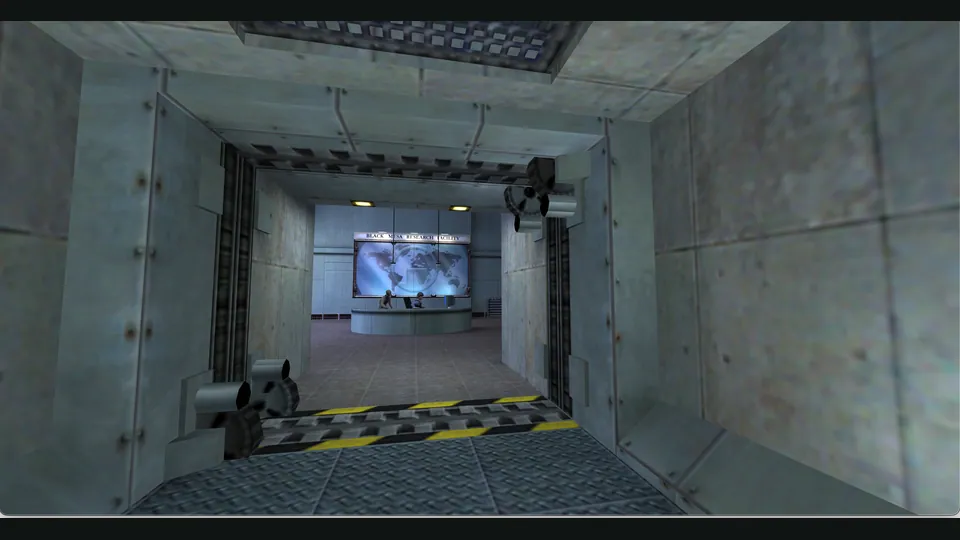
WebXash creator screenshot showing Half-Life: Day One. Browser chrome cropped; not a Counter-Strike match.
Image credits ↗Classic Counter-Strike matches through a live browser server list.
 PlayCheck file requirements
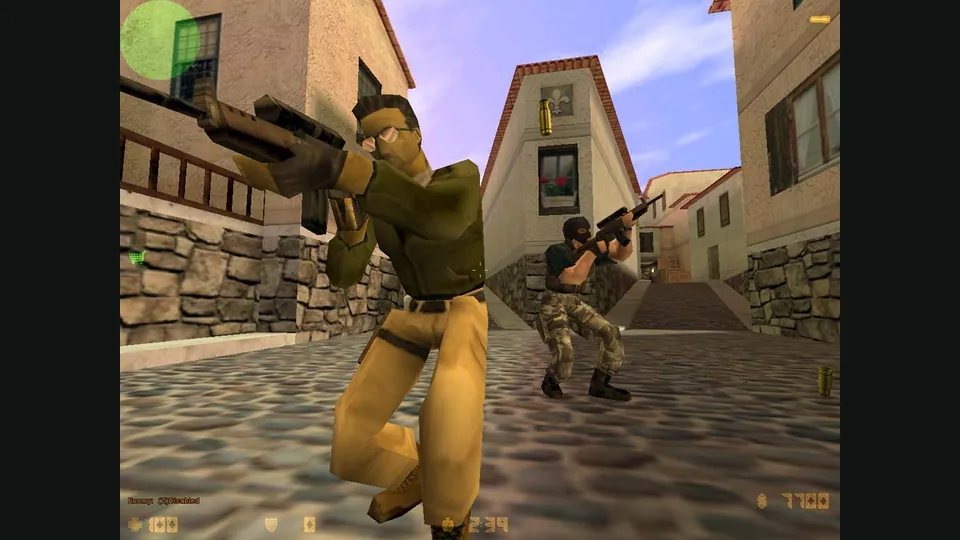
Counter-Strike publisher screenshot. Original-game reference; not the CSJS browser build.
Counter-Strike © Valve Corporation. This independent guide is not endorsed by Valve.
Source & attribution ↗View image ↗Join Counter-Strike 1.6 servers through LK’s CSJS browser client, built on Xash3D FWGS. Choose a live match, enter a player name and optionally enable push-to-talk voice. Phone players use the engine’s touch interface.
Choose CSJS for a 1.6 match, WebXash for your own files and compatible server, or the separate bunnyhop and surf games for timed movement.
Read Counter-Strike guideImport your own valve/cstrike folders and connect to a known WebSocket-compatible server.
Source-style hopping, selectable movement styles and records for desktop keyboard-and-mouse play.
Solo ramps, route viewing and repeatable practice positions before chasing a timed finish.
Counter-Strike is built around teams completing objectives: supporting a teammate and securing the route to a hostage or objective matter alongside individual aim. Its weapon choices add another decision. A fast, inexpensive close-range gun asks for a different approach from a costly sniper rifle with a small margin for a missed shot.
The CSJS weapon guide describes the original 1.6 arsenal, including armor effects, penetration, alternate firing modes and handling. Use it to understand a weapon's job rather than choosing only by its headline damage. Those mechanics explain why learning a map and the right engagement distance remains useful even when the client starts in a browser.
LK's CSJS pairs its Xash3D FWGS browser client with a live server list and shared scoreboard. Quick play suits an immediate match; the server browser gives you more control over the map or room you enter.
Community operators can set a server's maps, rules and capacity. Compatible custom content must be available to both the server and browser client. Consequently, the server you choose matters: CSJS is an entry point to individual matches, rather than one fixed playlist with identical rules everywhere.
Enter a player name when joining. Voice chat is optional and belongs to the server you enter. If you enable it, select a microphone in the join dialog and approve the browser's microphone request; hold K to speak and release it to mute. You can join without granting microphone access, which is useful when you simply want to learn a map or check the controls first.
Phone players join the same server list as desktop players, rather than a separate simplified edition. The engine supplies touch movement, aiming and action controls, while landscape fullscreen depends on what the mobile browser permits.
Select a live server or Quick play, enter a player name and join. Voice is optional; you can enter a match without enabling the microphone.
Creator-reported · Project guideCSJS detects touch devices and enables Xash3D’s touch interface. It requests landscape fullscreen where the browser allows it; mobile and desktop use the same server list.
Creator-reported · Project guideDesktop defaults: WASD moves and the mouse aims; left/right mouse buttons perform primary/secondary attacks. Space jumps, Ctrl crouches, Shift walks, R reloads and E uses. B opens buying, M chooses a team, Q returns to the last weapon, the mouse wheel changes weapons and Tab shows scores. Saved or custom bindings can differ. On phones, use the touch interface and rotate to landscape.
Creator-reported · Project guideThe creator advertises multiplayer servers, voice chat and custom server hosting.
Creator-reported · Project guideCSJS focuses on Counter-Strike 1.6 multiplayer servers. The related Quake III and Jedi Academy links launch separate games.
Creator-reported · Project guideWebXash creator screenshot showing Half-Life: Day One. Browser chrome cropped; not a Counter-Strike match.
Image credits ↗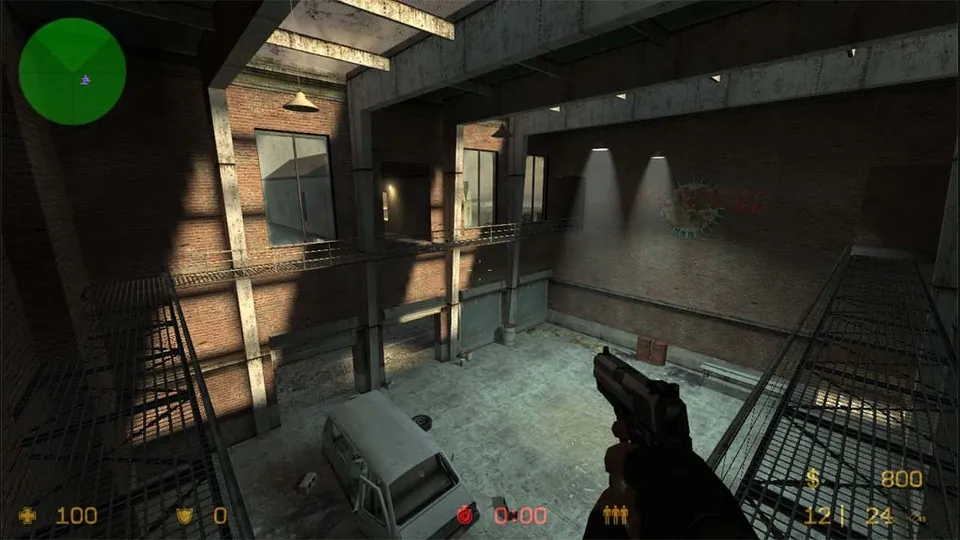
Counter-Strike: Source publisher screenshot. Original-game reference; does not depict the linked movement recreation.
Image credits ↗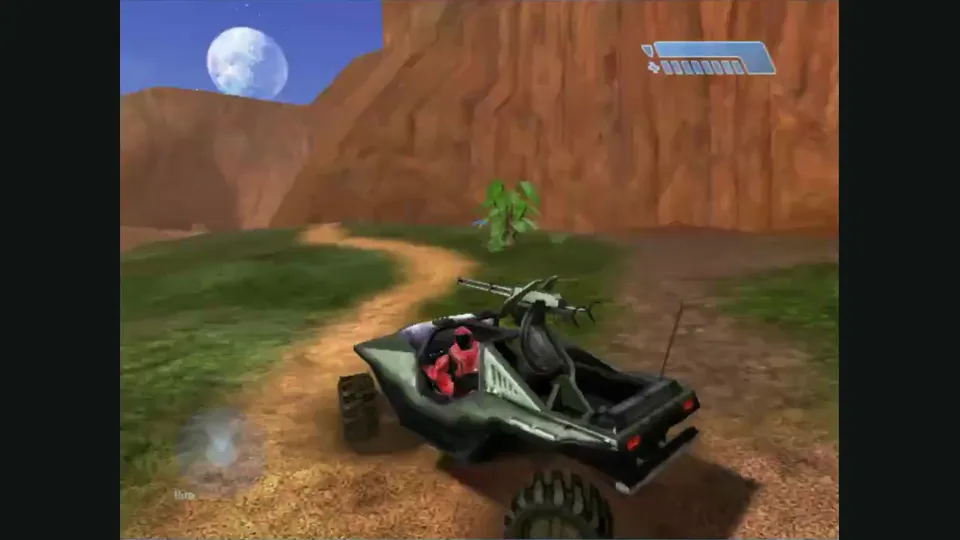
Mitchell Hynes Web gameplay, from the creator’s launch demonstration at approximately 1:52. Gameplay area cropped from the published video.
Image credits ↗Halo’s Xbox campaign and invite-based multiplayer, with your own disc image.

Doom publisher gameplay reference from the current DOOM + DOOM II gallery; not a capture of the linked port.
Image credits ↗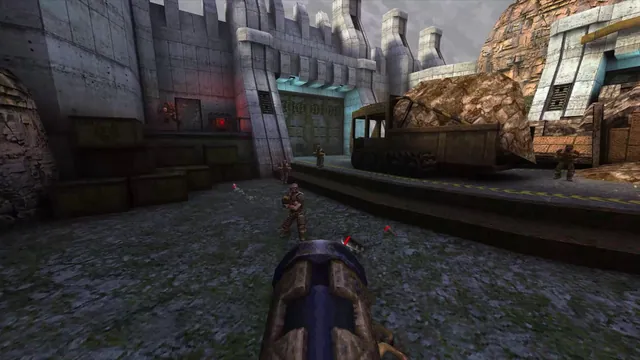
Quake publisher gameplay reference from the current enhanced-edition gallery; not a QuakeWorld or NetQuake session.
Image credits ↗