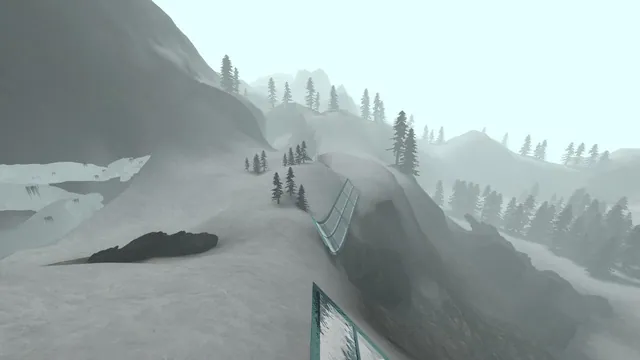
Surfd creator preview of the Boreas surf map; a map view, not a recorded run.
Image credits ↗Source-style bunnyhop maps, ghosts, replays and online servers.
 Play
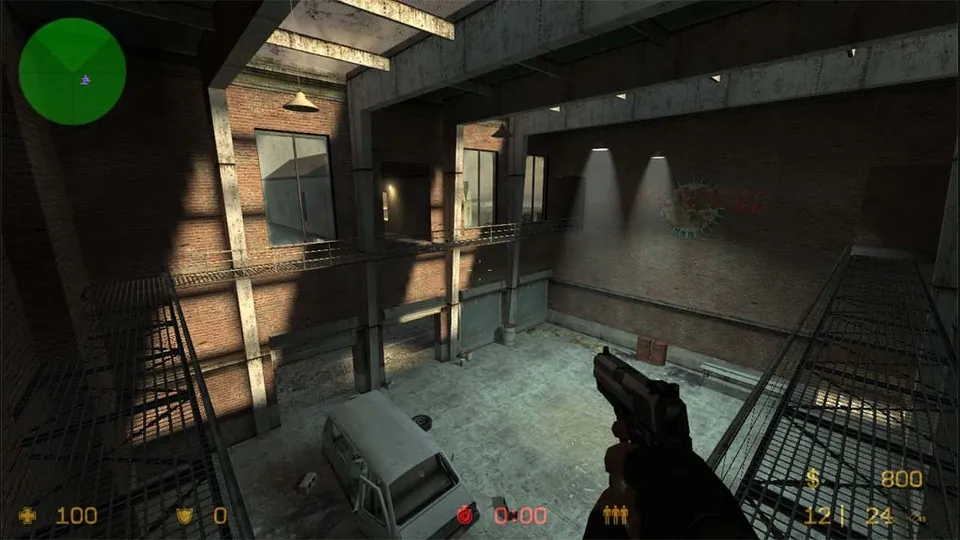
PlayCounter-Strike: Source publisher screenshot. Original-game reference; does not depict the linked movement recreation.
Counter-Strike: Source © Valve Corporation. This independent guide is not endorsed by Valve.
Source & attribution ↗View image ↗This project focuses on CS:S movement and timed bhop runs rather than the tactical shooter. Its creator describes 100-tick movement, verified leaderboards, multiple movement styles and map voting.
Choose CSJS for a 1.6 match, WebXash for your own files and compatible server, or the separate bunnyhop and surf games for timed movement.
Read Counter-Strike guideA live server list, optional voice and explicit desktop/phone input avoid manual file and server preparation.
Import your own valve/cstrike folders and connect to a known WebSocket-compatible server.
Solo ramps, route viewing and repeatable practice positions before chasing a timed finish.
Bunnyhop.lol takes the movement side of Counter-Strike: Source and makes it the whole challenge. Instead of winning a gunfight, you try to carry speed across a course, finish cleanly and improve your time. The creator describes Source-style 100-tick movement, with distinct movement styles and separate records for each.
A short course can reward a long practice session: cleaner turns and better landings change a run even when the route itself is familiar. That makes it a good fit for players who enjoy repeating a skill and comparing their own attempts, rather than progressing through a story.
The browser game offers maps, ghosts, replays, online servers and map voting. A guest can begin without linking an account. The server gives you other runners and chat, while the timed course still gives each player an individual goal.
Movement style matters when comparing results. A personal best in one style does not become the record in another. Choose the style you intend to learn before using a ghost or leaderboard time as your benchmark.
Choose a map and style, then leave the green start zone to begin timing. Reach the red end zone to finish. Hold jump for automatic hopping; in the air, release W and pair A with a left mouse turn or D with a right turn. R restarts and F3 changes style, with rebinding available.
Use a current desktop browser with WebGL 2 and a keyboard and mouse. The project excludes phone and tablet play. On larger maps, lower the graphics preset if the display struggles; smooth feedback makes it easier to judge a turn.
Link Discord or an email account if you want progress to follow you across devices. MP4 replay exports are videos of completed runs, useful for watching a line or sharing an attempt; they are not save files that restore you to a position in the course.
The creator offers direct browser play without an extra-file step.
Creator-reported · Project guideStart as a guest, choose a map and movement style, then leave the green start zone to begin the timer. Reach the red end zone to finish.
Creator-reported · Project guideUse current desktop Chrome, Edge, Firefox or Safari with WebGL 2 and a keyboard and mouse. The creator explicitly excludes phones and tablets from play.
Creator-reported · Project guideHold jump for autohop. In the air, release W and pair A with a left mouse turn or D with a right turn. R restarts, F3 changes style, and keys can be rebound.
Creator-reported · Project guideOnline servers with chat and map votes are documented.
Creator-reported · Project guideLink Discord or an email account to keep progress across devices. Personal bests and leaderboards are separate for each movement style. Replay MP4 exports are videos of runs, not restorable game saves.
Creator-reported · Project guideLarge maps can need more graphics power. Use the graphics presets in Settings on slower computers.
Creator-reported · Project guideSurfd creator preview of the Boreas surf map; a map view, not a recorded run.
Image credits ↗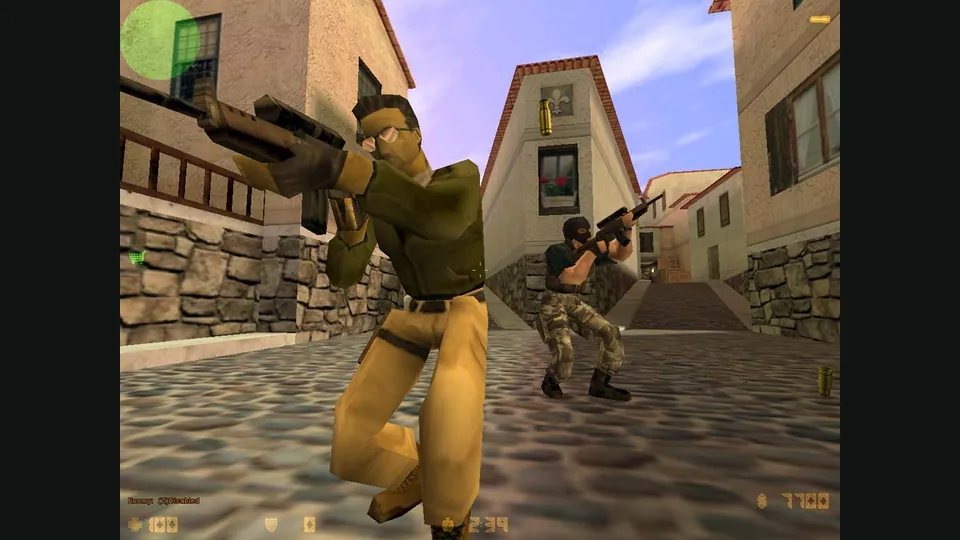
Counter-Strike publisher screenshot. Original-game reference; not the CSJS browser build.
Image credits ↗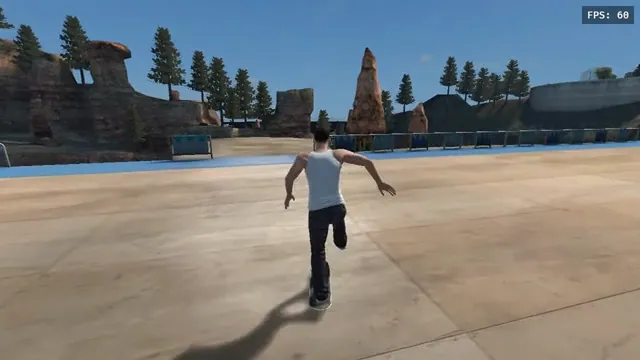
aaddpp browser fan game: a skater pushes through the outdoor park. Captured from this project, not the native recompile.
Image credits ↗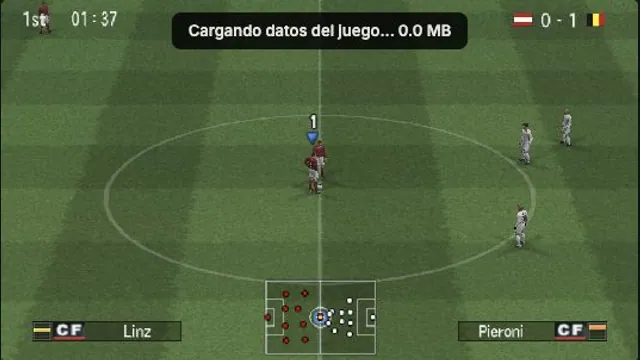
OptiJuegos PES 6 PSP browser build, captured in a local Austria–Belgium match on October 15, 2026. A rendering observation, not a full-game or compatibility test.
Image credits ↗PES 6’s PSP edition, with browser saves, controller mapping and an online lobby.
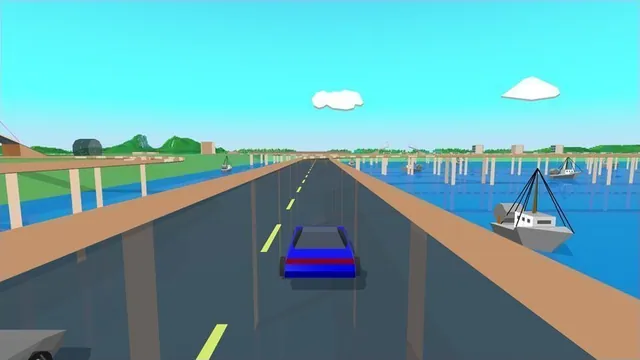
Stunts HD creator screenshot, cropped from the upper-right driving panel of the project montage.
Image credits ↗Stunts 1.1 translated from your own copy, with an HD browser renderer and the original driving physics.