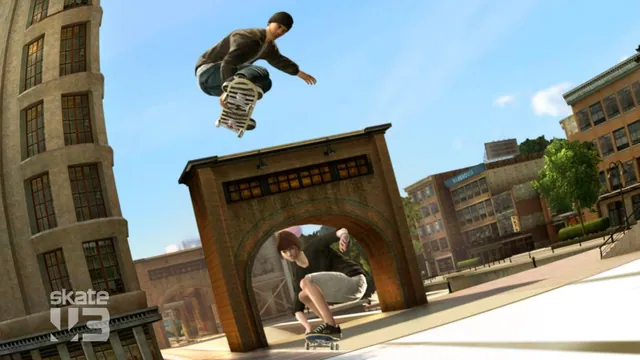
Original Skate 3 publisher screenshot, used as a source-game reference for the Rust browser recreation.
Image credits ↗A separate browser fan game that streams data from your converted copy.
 PlayYour game files required
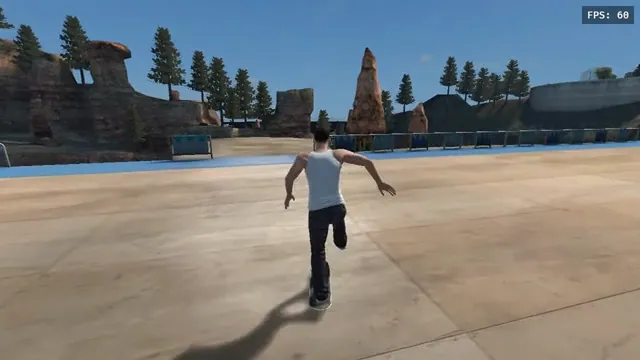
aaddpp browser fan game: a skater pushes through the outdoor park. Captured from this project, not the native recompile.
Skate 3 game imagery © Electronic Arts and respective rights holders. aaddpp browser fan game. Capture by Playable. Playable is not endorsed by or affiliated with EA or its licensors.
Source & attribution ↗View image ↗Push through the park, build speed and flick into tricks in this browser fan game inspired by Skate 3. Bring your own converted game files to get started.
Start with Skate3Recomp for desktop disc import, use the phone-specific ports for mobile installation, and reserve the browser fan game for already converted data.
Read Skate guideA release-based ISO installer and controller input; Windows is the maintainer’s most-tested platform.
The native app can extract your own disc image and Title Update 3 on the phone.
A gamepad-led Windows experiment for tricks and maps, with unfinished original-game parity.
The original Skate 3 takes place in Port Carverton, where districts, plazas and skateparks provide places to find a line and refine a trick. Its broader career centers on building a skate team and brand, with Skate.School offering a place to practice the stick-based controls before heading into the city.
Those are features of the original commercial game. The browser fan build's control layout puts steering on one stick and Flick It movements on the other, with world selection and player settings in its own frontend. Its menus should not be read as a promise that the whole original career has been reproduced.
EA · Skate 3 game featuresaaddpp · controls and frontend source
The aaddpp host streams game data from your own copy of Skate 3 after it has been converted for this fan project. That preparation is separate from choosing controls or a world: a raw ISO is not the documented input, and the public launcher provides no disc-to-data conversion walkthrough.
For already prepared data, the frontend documents SERVE.bat on the computer holding it and an ONLINE → Game Server panel for that server’s address or a compatible hosted game-data ZIP. The connection steps below apply after conversion. If you only have a disc image, you still need this project’s conversion tools and instructions before those steps can help.
aaddpp · Skate browser launcheraaddpp · controls and frontend source
The keyboard layout substitutes keys for both sticks, including the right-stick Flick It movements. A gamepad keeps steering and tricks on separate sticks. Open PLAYER → Controls to compare the full mappings before practicing a line; Esc returns you to the pause menu.
WebGPU is a startup requirement, so lowering graphics quality cannot repair a browser that lacks it. The launcher points to current Chrome, Edge or Brave. Once that requirement is met, Lite Mode trades texture detail and shadows for lower memory use.
Keep the downloaded data while experimenting with control or graphics preferences. Clearing the cache makes the next session fetch maps and game data again; the separate settings reset is for saved options.
aaddpp · controls and frontend sourceaaddpp · browser runtime requirements
Use your own converted copy of Skate 3, prepared for this fan project, served from the computer holding that data or supplied as a compatible hosted game-data ZIP. A raw disc image is not the documented input. The public launcher does not include a disc-to-data conversion walkthrough.
Creator-reported · Project guideWith this project’s converted data already prepared, run SERVE.bat on the computer holding it and open the address it prints. In ONLINE → Game Server, enter that server address or a compatible hosted game-data ZIP URL, choose Use this server, then Re-check. These steps connect prepared data; they do not convert an ISO.
Creator-reported · Project guideThe launcher requires WebGPU and recommends current Chrome, Edge or Brave when it is unavailable. Use the HTTPS host; browser graphics support and memory still limit which devices can run it.
Creator-reported · Project guideUse a gamepad’s right stick for Flick It tricks and A/Cross to push. Without a controller, WASD acts as the left stick, arrows as the right stick and Space as A. Esc pauses; PLAYER → Controls shows the full mapping.
Creator-reported · Project guideEveryone opens the same host and chooses the same world. In the pause menu’s ONLINE section, host a session, find a session on that server or join with the host’s code.
Creator-reported · Project guideLite Mode lowers texture detail and removes shadows to reduce memory use. Saved Downloads removes cached maps and game data so they download again; Delete Local Settings clears saved options.
Creator-reported · Project guideOriginal Skate 3 publisher screenshot, used as a source-game reference for the Rust browser recreation.
Image credits ↗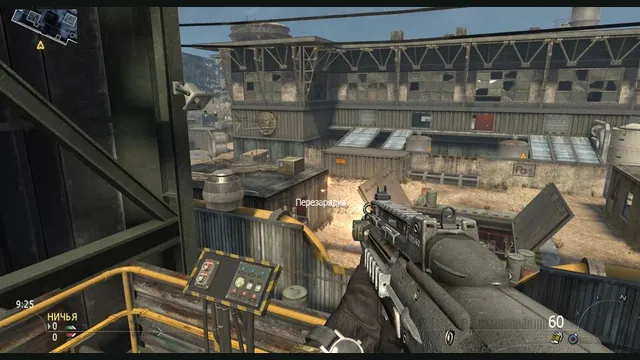
2010 Rust Rewrite creator screenshot of its shooter portion; does not show the skating or Minecraft components.
Image credits ↗Skating, MW2 combat and a Minecraft world in one IW4L-based project.
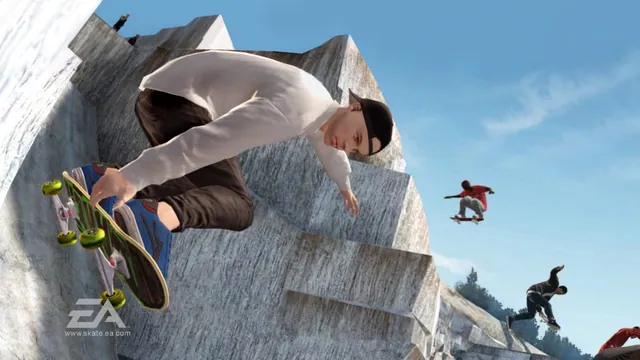
Original Skate 3 publisher screenshot, used as a source-game reference for SkateGM.
Image credits ↗Skate 3 board physics, tricks and scoring on Garry’s Mod maps.
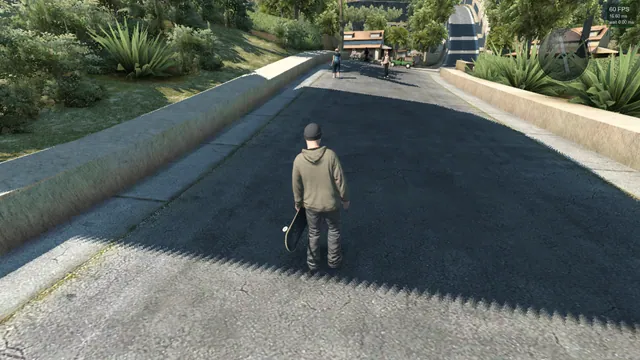
Skate3Recomp native renderer, from SK91no’s shadow-rendering issue report. Historical project screenshot; the reported shadow limitation is not a claim about the latest release.
Image credits ↗The Xbox 360 skating game rebuilt for Windows, Linux and macOS.
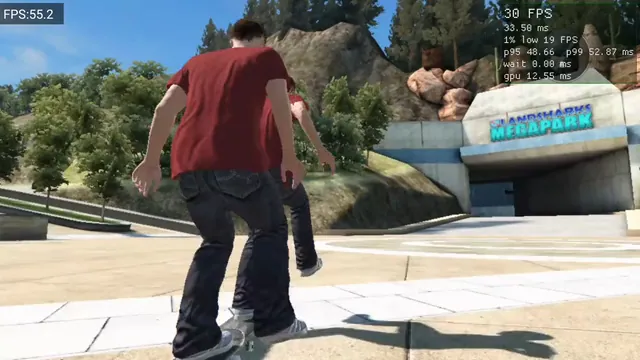
Skate 3 Android v0.2.0 running on Retroid Pocket 5, from OrangeSherbert’s frame-pacing issue report. Historical project capture, not a performance guarantee.
Image credits ↗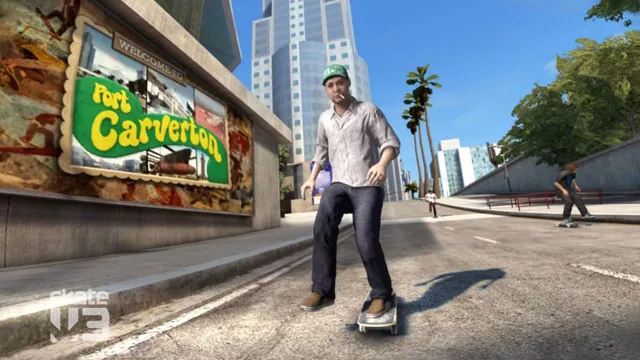
Skate 3 publisher screenshot. Original-game reference, not a capture of any listed port or engine rewrite.
Image credits ↗Skate 3 publisher screenshot. Original-game reference, not a capture of any listed port or engine rewrite.
Image credits ↗A Rust/Bevy skating engine built on years of reverse-engineering work.
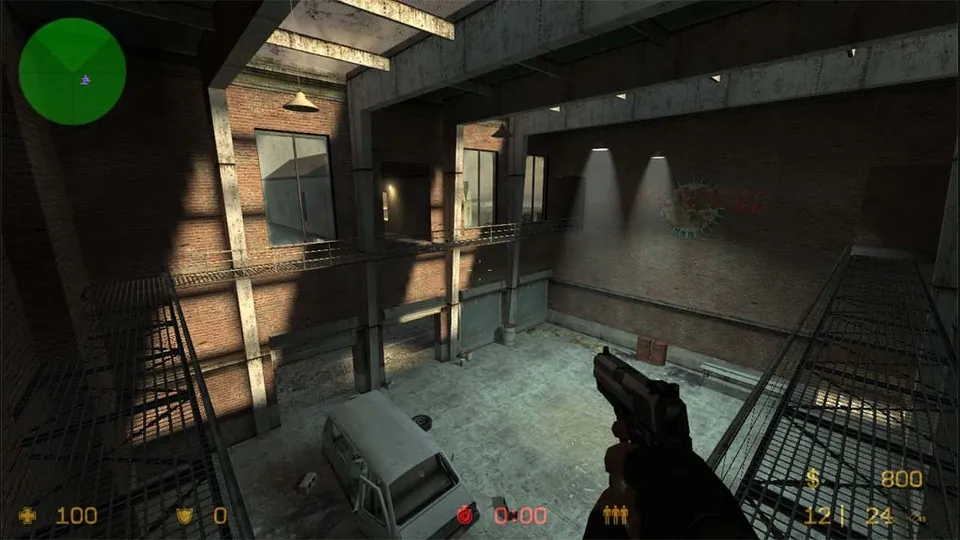
Counter-Strike: Source publisher screenshot. Original-game reference; does not depict the linked movement recreation.
Image credits ↗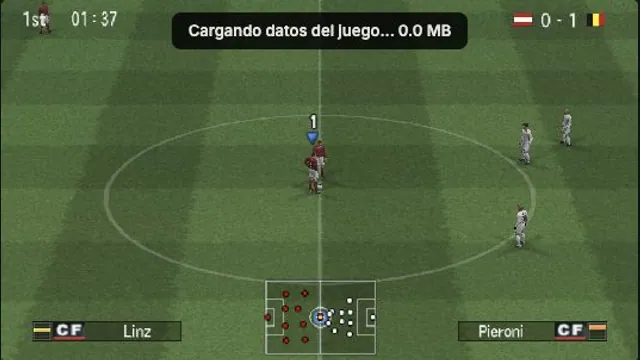
OptiJuegos PES 6 PSP browser build, captured in a local Austria–Belgium match on October 15, 2026. A rendering observation, not a full-game or compatibility test.
Image credits ↗PES 6’s PSP edition, with browser saves, controller mapping and an online lobby.
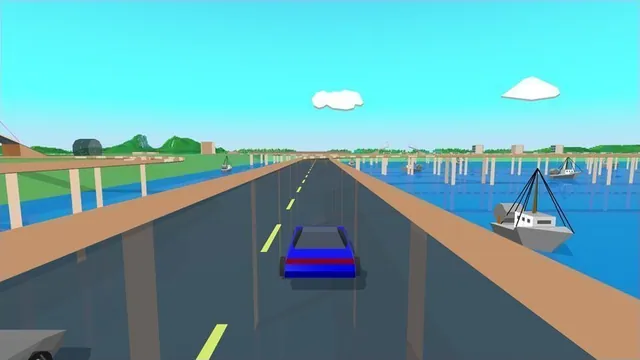
Stunts HD creator screenshot, cropped from the upper-right driving panel of the project montage.
Image credits ↗Stunts 1.1 translated from your own copy, with an HD browser renderer and the original driving physics.
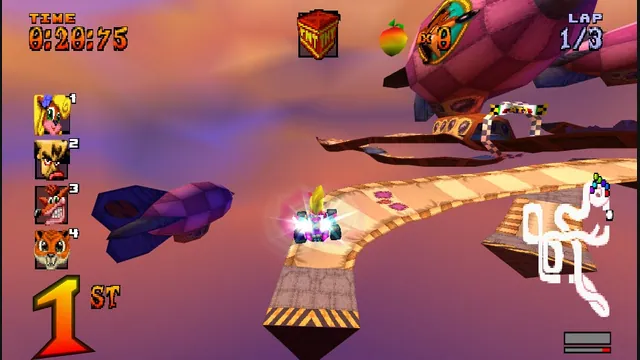
High Octane project screenshot; the source does not identify its build platform.
Image credits ↗The PS1 kart racer with widescreen, remappable controls and browser save backups.