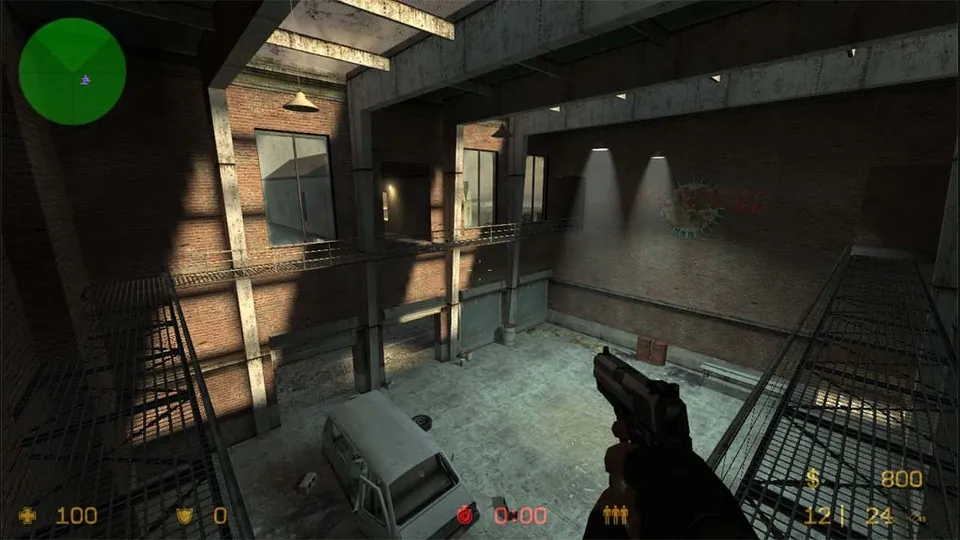
Counter-Strike: Source publisher screenshot. Original-game reference; does not depict the linked movement recreation.
Image credits ↗PES 6’s PSP edition, with browser saves, controller mapping and an online lobby.
 Play
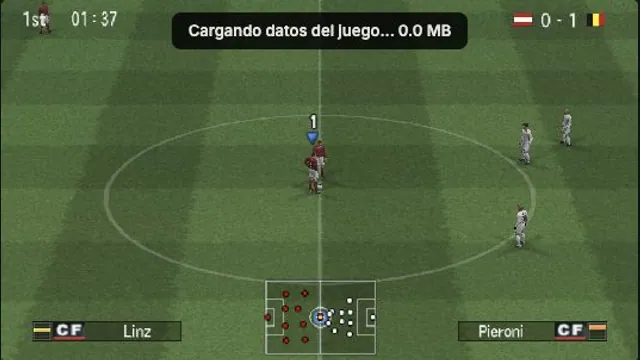
PlayOptiJuegos PES 6 PSP browser build, captured in a local Austria–Belgium match on October 15, 2026. A rendering observation, not a full-game or compatibility test.
Pro Evolution Soccer 6 © Konami. OptiJuegos browser build; local editorial screenshot. No endorsement implied.
Source & attribution ↗View image ↗OptiJuegos explicitly identifies this as the PSP version of Pro Evolution Soccer 6 recompiled for the browser. The launcher offers original Spanish commentary, an Argentine commentary option and a lighter mode without commentary. Those options do not imply parity with the PC or PlayStation 2 editions.
This is the PSP version of Pro Evolution Soccer 6. Its portable-console controls and saved-data format matter when choosing a controller or bringing in an option file; the PC and PlayStation 2 editions are different starting points.
The launcher offers original Spanish commentary, Mariano Closs commentary, or a lighter option without commentary. It also adds online room controls around the game's Inalámbrico menu: create a player name there, then choose a room on the page. Private rooms can be shared by link.
The host's Liga MX 2007 update adds a separate team-selection tab for 18 Mexican clubs. That changes the available roster; it is distinct from choosing a commentary voice. Try the lighter no-commentary launch first if loading is the immediate obstacle, then choose the audio presentation you prefer.
Open Controles to assign keyboard or gamepad buttons. If a connected pad is missing, press a button while the page has focus. Touch controls can appear automatically on a touchscreen.
Partidas imports a ZIP or PSP/SAVEDATA folder and exports a backup through Descargar todo. Reload after importing if the game is already running. These files stay in this browser. Start with the original 30 FPS setting; the 60 FPS option is experimental. The optional full-data preload is about 300 MB, so leave it off if you prefer loading as you play.
The page offers graphics and frame-rate choices but still describes mobile performance work as ongoing. Begin with the original frame rate, check a match, and only then raise demanding options. A working touch layout does not establish that every phone can sustain the same match speed.
The launcher streams its resources automatically. Its optional full-game preload is described as roughly 300 MB; no local game-file import is required by the reviewed start flow.
Creator-reported · Project guideUse one of the three Jugar buttons inside the game panel: original Spanish commentary, Mariano Closs commentary, or the lighter no-commentary option. Advertising around the panel is separate from the game.
Creator-reported · Project guideThe page provides automatic touch controls and graphics settings, but its update notes say mobile frame-rate improvements are still in progress.
Creator-reported · Project guideThe reviewed default keyboard map uses arrows for the D-pad, X for Cross/confirm, D for Circle, A for Square, W for Triangle and Space for Start. The Controls panel can remap keyboard and gamepad buttons.
Creator-reported · Project guideThe Online panel offers room creation and joining with WebRTC connection settings and a relay. Successful peer-to-peer play has not been tested.
Creator-reported · Project guideThe project labels the game as the PSP edition, with commentary choices and a Liga MX 2007 update.
Creator-reported · Project guideThe Partidas panel manages saves. Settings and game data are stored in this browser; clearing site data can remove local progress.
Creator-reported · Project guideMobile performance remains a work in progress. The game’s own Jugar controls do not require a browser extension; avoid confusing them with adjacent advertising.
Creator-reported · Project guideCounter-Strike: Source publisher screenshot. Original-game reference; does not depict the linked movement recreation.
Image credits ↗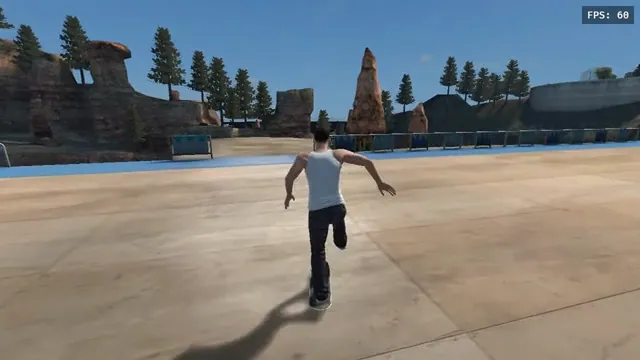
aaddpp browser fan game: a skater pushes through the outdoor park. Captured from this project, not the native recompile.
Image credits ↗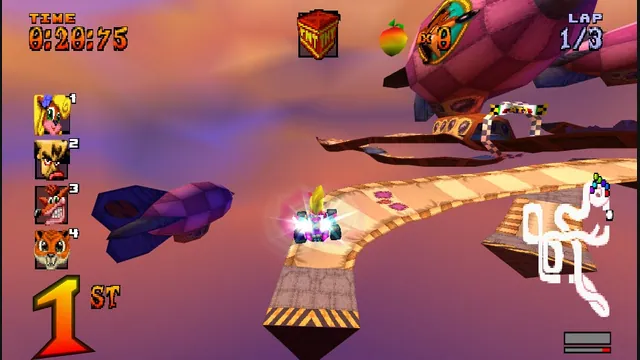
High Octane project screenshot; the source does not identify its build platform.
Image credits ↗The PS1 kart racer with widescreen, remappable controls and browser save backups.
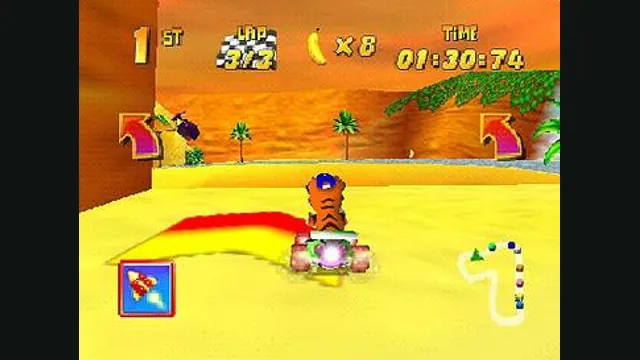
Diddy Kong Racing original-game screenshot reference; not a capture of the linked project.
Image credits ↗Diddy Kong Racing with WebGPU, split-screen and local ROM loading.