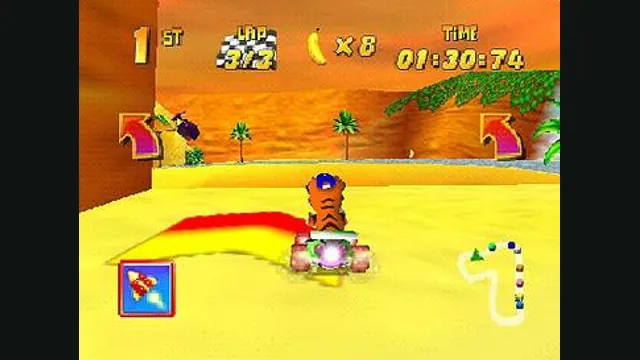
Diddy Kong Racing original-game screenshot reference; not a capture of the linked project.
Image credits ↗Diddy Kong Racing with WebGPU, split-screen and local ROM loading.
PlayYour game files requiredDiddy Kong Racing original-game screenshot reference; not a capture of the linked project.
Diddy Kong Racing game imagery remains copyright its respective rights holders. Image credit and provenance: linked source page. No transferable license is inferred.
Source & attribution ↗View image ↗Golden Balloon builds on the community decompilation with a modern renderer and browser shell. Its hosted browser build is a distinct project from DKR-R. The browser supports local play; the repository’s online room feature belongs to native packages.
Diddy Kong Racing is Rare's 1997 Nintendo 64 kart racer. Golden Balloon's documented game routes include Adventure, individual tracks, Time Trial, bosses, trophy series and challenges. That gives a returning player several reasons to revisit a course: advance an adventure, win a series or work on a record.
The controls also reflect the game's different vehicles. Steering is distinct from plane pitch, and hopping or power-sliding is an action to learn alongside acceleration and braking. An analogue stick gives finer steering control than a keyboard's all-or-nothing direction keys.
Golden Balloon · source port and platform limitsGolden Balloon · browser controls, ROMs and backups
Golden Balloon builds on the community decompilation. Its Restored presentation is the recommended starting point; Pure keeps the original 4:3 look, while Remastered remains unfinished. Higher presentation frame rates and interpolation do not speed up the simulation, physics or lap timers.
The web build needs WebGPU and has no WebGL fallback. Current Chrome or Edge is the recommended route. If performance suffers, reduce supersampling before adding more visual effects; rendering above the window's resolution costs additional graphics work.
Golden Balloon · source port and platform limitsGolden Balloon · browser controls, ROMs and backups
Bring a US 1.1 or European 1.1 ROM in .z64, .v64 or .n64 format. Other revisions are recognised but refused. The supplied ROM checker can identify a copy locally without uploading it.
The browser supports solo play and two-to-four-player local split-screen with additional controllers. The online-room beta belongs to native desktop packages; it is not available in the published browser build. On a keyboard, X accelerates, Z brakes, Space hops or slides and Shift uses an item.
Golden Balloon · source port and platform limitsGolden Balloon · browser controls, ROMs and backups
The launcher exports adventure progress as a .mdkr-save backup or raw EEPROM, while Controller Pak ghosts use a separate .mdkr-paks bundle. Download both if both matter to you. Raw emulator .mpk imports are not supported. Keeping only the adventure backup can leave a carefully earned ghost collection behind when changing browsers.
Use your own US 1.1 or European 1.1 ROM as .z64, .v64 or .n64. US 1.0, EU 1.0 and Japanese revisions are not supported. The ROM is read locally, not uploaded.
Creator-reported · Project guideSelect the ROM, keep Restored presentation for the recommended path, then Play here. Lower supersampling if rendering is too heavy.
Creator-reported · Project guideRequires WebGPU with no WebGL fallback. Current Chrome or Edge is recommended. The launcher also provides phone/tablet touch controls; other WebGPU browsers are capability-checked.
Creator-reported · Project guideArrows/WASD steer, X accelerates, Z brakes, Space hops or drifts, Shift uses an item and Enter pauses. Gamepads are supported, and touch controls appear on phones/tablets.
Creator-reported · Project guideThe published browser build is local-only. Two to four players can use split-screen with additional controllers; the native online-room feature is not a browser feature.
Creator-reported · Project guideThe host describes Adventure, Tracks, Time Trial, bosses, trophy series and challenges, with optional presentation changes.
Creator-reported · Project guideProgress and ghosts persist locally. In Stored data, download the .mdkr-save progress backup and the separate .mdkr-paks ghost Controller Pak backup. Restore each with its matching import control. Progress import also accepts a 512-byte EEPROM file; raw emulator .mpk ghost files are unsupported.
Creator-reported · Project guideRemastered presentation remains work in progress. Rumble depends on the browser/controller, and raw emulator .mpk imports are not supported.
Creator-reported · Project guideMade possible by akratch.
Diddy Kong Racing original-game screenshot reference; not a capture of the linked project.
Image credits ↗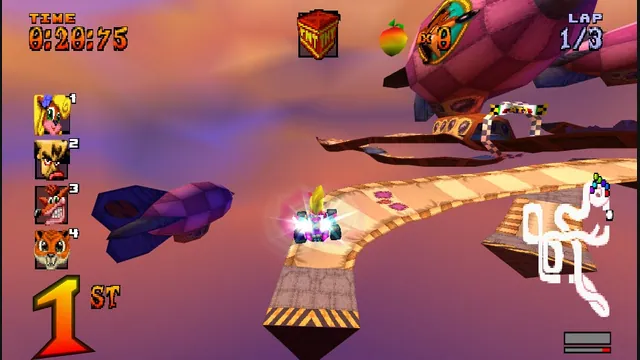
High Octane project screenshot; the source does not identify its build platform.
Image credits ↗The PS1 kart racer with widescreen, remappable controls and browser save backups.
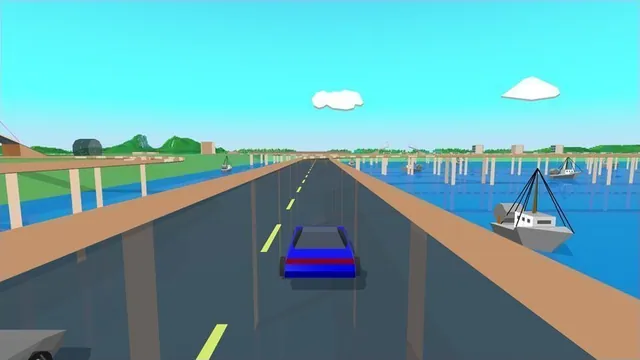
Stunts HD creator screenshot, cropped from the upper-right driving panel of the project montage.
Image credits ↗Stunts 1.1 translated from your own copy, with an HD browser renderer and the original driving physics.
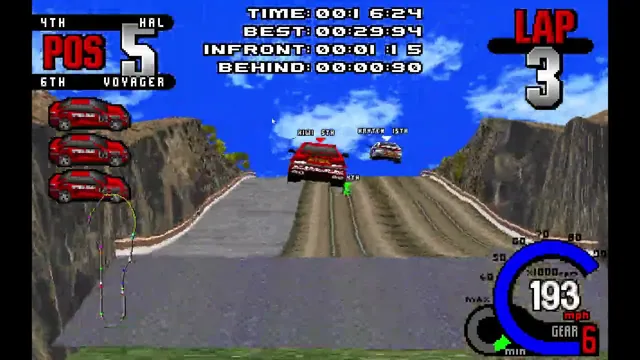
Creator video preview of the Whiplash browser port; a static gameplay still.
Image credits ↗A freeware demo in the browser, with an import route for the full game.
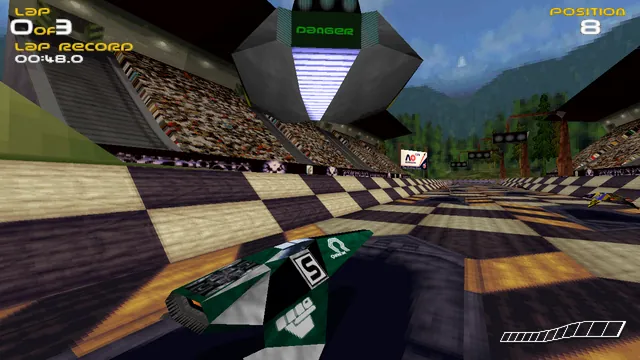
PhobosLab creator screenshot of the wipEout Rewrite. It shows this implementation, not a later commercial remaster.
Image credits ↗