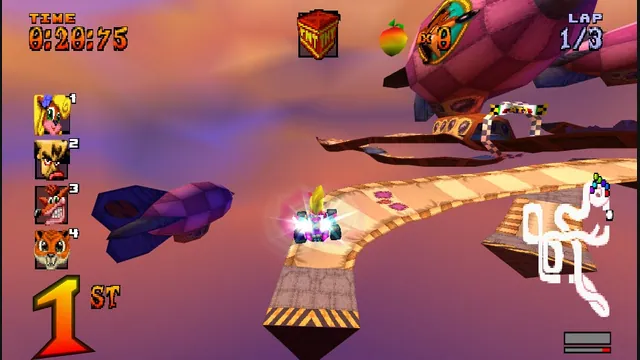
High Octane project screenshot; the source does not identify its build platform.
Image credits ↗The PS1 kart racer with widescreen, remappable controls and browser save backups.
Original files requiredPlay
A freeware demo in the browser, with an import route for the full game.
 PlayDemo or your game files
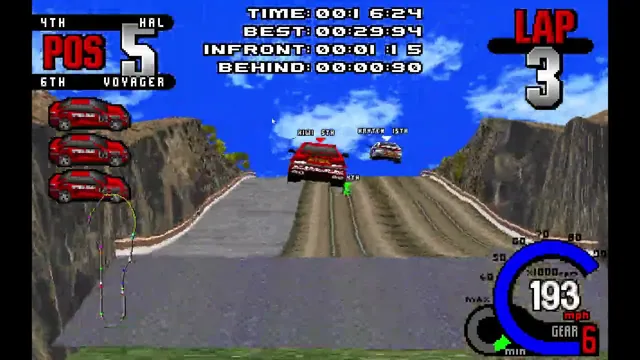
Creator video preview of the Whiplash browser port; a static gameplay still.
Whiplash / Fatal Racing game imagery remains copyright its respective rights holders. Image credit and provenance: linked source page. No transferable license is inferred.
Source & attribution ↗View image ↗ROLLER reconstructs the 1995 racing game for modern systems and offers both browser and native builds. The browser route bundles a freeware demo; full-game use depends on a player-owned retail image.
Fatal Racing, also released as Whiplash, builds its racing around loops, corkscrews and jumps as well as competition with other cars. The original game's presentation emphasizes contact, aggressive rivals and tracks whose changes in height make the next section part of the challenge. Choosing a car involves a balance between handling and acceleration, rather than simply selecting the highest top speed.
That describes the original game's appeal. The browser demo and an imported retail copy are different amounts of that game; the original marketing's complete track collection should not be mistaken for the contents of the demo.
Fatal Racing · original game presentation archiveROLLER · project and demo documentation
ROLLER reconstructs the 1995 game for modern systems and provides a browser build. You can start with the bundled freeware demo or import data from your own retail disc. This gives the project two useful entry points: try the game before preparing files, or use a copy you already own to go beyond the demo.
The import accepts disc-image workflows, including a CUE with its associated BIN and audio files. Keep the related files together; selecting only the small CUE descriptor is not equivalent to supplying the disc data it references. Follow the launcher's supported selection flow for an ISO or a multi-file disc image.
ROLLER · project and demo documentationROLLER · web import, input and persistence implementation
The web shell provides touch input and a motion-control option. Tilt controls depend on the browser granting motion permission; if permission is denied, the shell returns to touch input. On a phone, use landscape orientation so the game and driving controls have room. A rejected motion request is therefore a reason to choose the touch layout, not to repeatedly force the same permission prompt.
The browser shell uses persistent local storage for game configuration, replays and custom tracks. Those records are separate from selecting the retail game data. Staying in the same browser profile preserves that local context; deleting site data can remove it. Treat a browser-data cleanup as a deliberate reset, rather than a routine step for switching from the demo to your own disc.
Play the bundled freeware demo, or import a disc image from your own retail copy. ISO images are accepted; for CUE/BIN, select the CUE and every BIN/audio file it references together.
Creator-reported · Project guideFollow Play in your browser in the project README, then choose the demo or your own retail import.
Creator-reported · Project guideThe web frontend includes a phone mode for touch devices and asks for landscape orientation. Tilt steering depends on browser motion-sensor access.
Creator-reported · Project guidePhone mode offers tilt or touch steering. The frontend requests motion permission where the browser requires it for tilt input.
Creator-reported · Project guideThe browser build stores configuration, replays and custom tracks in IndexedDB-backed local storage. These stay in the browser profile and are separate from the imported retail game data.
Creator-reported · Project guideIf a CUE/BIN import finds no game data, select the CUE and all its referenced files together. Selecting only one part of the disc image is insufficient.
Creator-reported · Project guideHigh Octane project screenshot; the source does not identify its build platform.
Image credits ↗The PS1 kart racer with widescreen, remappable controls and browser save backups.
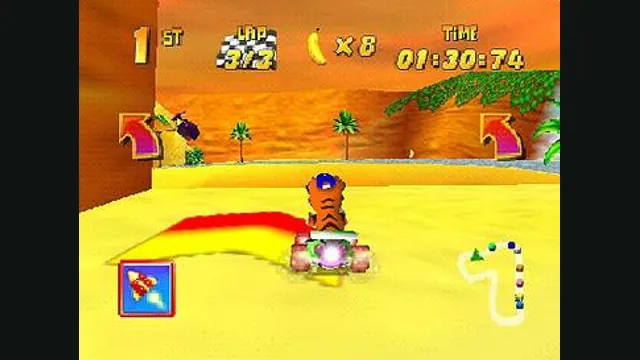
Diddy Kong Racing original-game screenshot reference; not a capture of the linked project.
Image credits ↗Diddy Kong Racing with WebGPU, split-screen and local ROM loading.
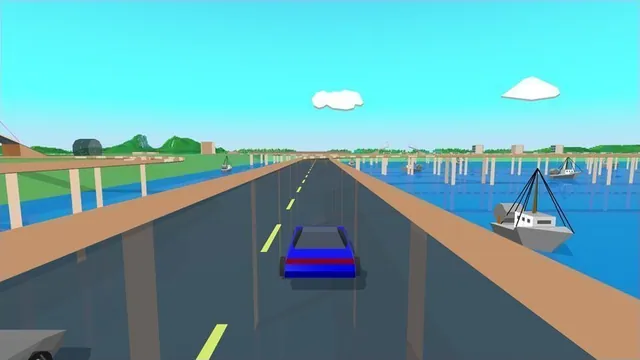
Stunts HD creator screenshot, cropped from the upper-right driving panel of the project montage.
Image credits ↗Stunts 1.1 translated from your own copy, with an HD browser renderer and the original driving physics.
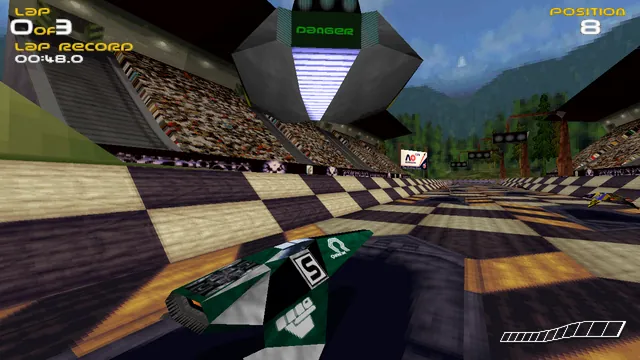
PhobosLab creator screenshot of the wipEout Rewrite. It shows this implementation, not a later commercial remaster.
Image credits ↗