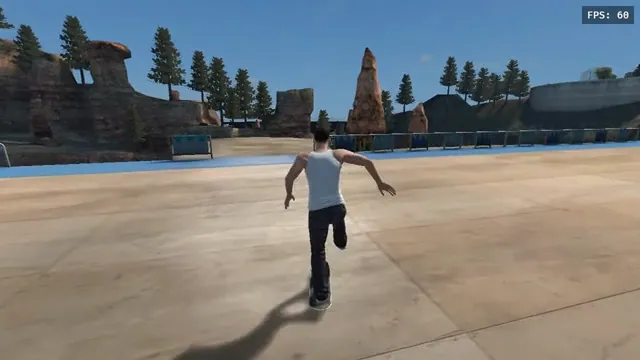
aaddpp browser fan game: a skater pushes through the outdoor park. Captured from this project, not the native recompile.
Image credits ↗A separate browser fan game that streams data from your converted copy.
Original files requiredPlay
The Xbox 360 skating game rebuilt for Windows, Linux and macOS.
 SetupYour game files required
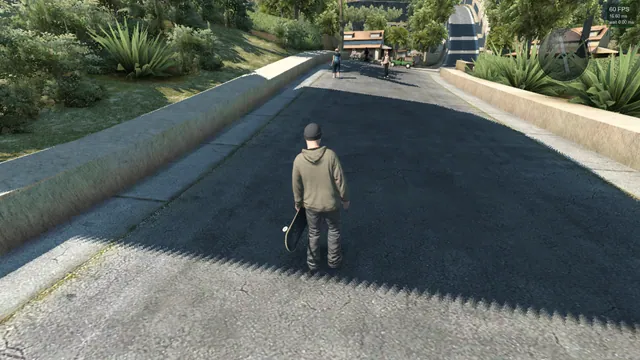
Skate3Recomp native renderer, from SK91no’s shadow-rendering issue report. Historical project screenshot; the reported shadow limitation is not a claim about the latest release.
Skate 3 game imagery © Electronic Arts and respective rights holders. Screenshot by SK91no, published in Skate3Recomp issue #85. Playable is not endorsed by or affiliated with EA or its licensors.
Source & attribution ↗View image ↗Revisit Skate 3 on Windows, Linux or macOS with a native port of the Xbox 360 game. The newer renderer is still experimental, so expect visual issues.
Start with Skate3Recomp for desktop disc import, use the phone-specific ports for mobile installation, and reserve the browser fan game for already converted data.
Read Skate guideConnect a compatible converted copy through Game Server; the public launcher supplies no converter.
The native app can extract your own disc image and Title Update 3 on the phone.
A gamepad-led Windows experiment for tricks and maps, with unfinished original-game parity.
Skate 3 places its skating challenges in Port Carverton, with activities such as Own the Lot and Hall of Meat alongside tools for making your own moments. Skate.School introduces the moves, the object dropper changes a spot’s possibilities, and the Replay Editor lets you revisit a trick after landing it. That combination rewards practicing a line as much as simply moving on to the next challenge.
Skate3Recomp brings the Xbox 360 version of Skate 3 to a local application on Windows, Linux and macOS. Its native renderer handles the skating world as well as menus, the HUD, replays, photos and the skater and park editors. That makes this a different starting point from a hosted browser build: installation, graphics settings and saved progress belong to the application on your computer.
The renderer introduced in version 2.0 draws through Direct3D 12 or Vulkan. Optional visual settings include antialiasing, longer draw distances, lighting enhancements and ultrawide output. Ultrawide expands the view of the world while keeping menus centered; it also increases the amount your GPU has to draw.
An Xbox controller is the maintainer’s preferred input. PlayStation, Switch and generic controllers use the SDL backend; Linux and macOS already use it by default, while Windows offers a backend selection. This matters for a game built around two analog sticks: the keyboard option maps movement to WASD and the right stick to mouse movement rather than turning the game into a conventional keyboard sports title.
Open settings with Escape or RB + Start. Keyboard input must first be enabled, so connect your controller before expecting the keyboard to operate the game. The documentation lists the complete keyboard mapping for players who want to try it.
The release installer extracts files from your own Xbox 360 ISO. DLC is separate: supported package files must come from your own purchased content and go in a documented dlc folder. The application download does not include the retail game.
A saves folder beside the executable moves saved-game storage there, but existing progress must be copied manually. An empty portable.txt instead keeps all user data alongside the program. On macOS, keep the app and its containing folder together because the game stores its data there.
The native renderer remains early. The maintainer lists skater-customization problems, incomplete Hall of Meat bone highlights and visual differences in park editing, alongside occasional streaming flicker. F5 switches between native and emulated rendering, giving you a useful comparison when a scene breaks. Windows receives the most testing; the macOS ARM build is explicitly experimental.
Files from your own Xbox 360 copy of Skate 3 are required.
Creator-reported · Project guideRead the platform-specific instructions, obtain a release from the project, and use its installer with your game files.
Creator-reported · Project guideWindows, Linux and macOS are documented.
Creator-reported · Project guideXbox controls are the main input method. PlayStation, Switch and generic controllers use the SDL backend; keyboard input can be enabled in settings. Escape or RB + Start opens settings.
Creator-reported · Project guideWindows saves default to %APPDATA%\skate3. A saves folder beside the executable switches saved games there; existing saves must be copied manually. portable.txt makes all user data portable. On macOS, keep the app’s containing folder together with its saves and settings.
Creator-reported · Project guideThe native renderer is still early; check current release notes before upgrading.
Creator-reported · Project guideaaddpp browser fan game: a skater pushes through the outdoor park. Captured from this project, not the native recompile.
Image credits ↗A separate browser fan game that streams data from your converted copy.
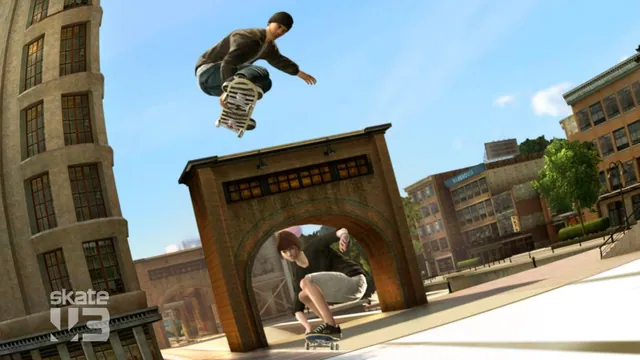
Original Skate 3 publisher screenshot, used as a source-game reference for the Rust browser recreation.
Image credits ↗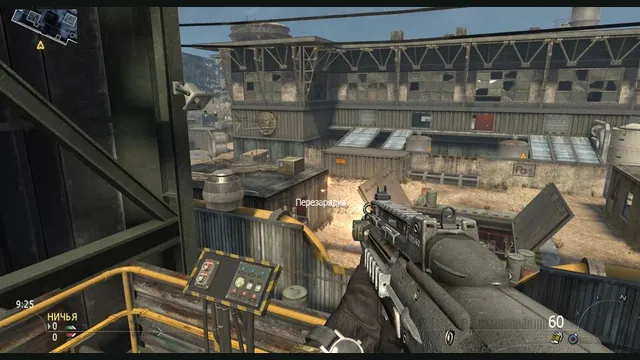
2010 Rust Rewrite creator screenshot of its shooter portion; does not show the skating or Minecraft components.
Image credits ↗Skating, MW2 combat and a Minecraft world in one IW4L-based project.
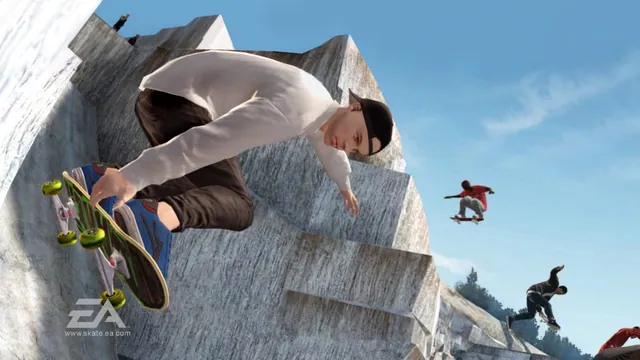
Original Skate 3 publisher screenshot, used as a source-game reference for SkateGM.
Image credits ↗Skate 3 board physics, tricks and scoring on Garry’s Mod maps.
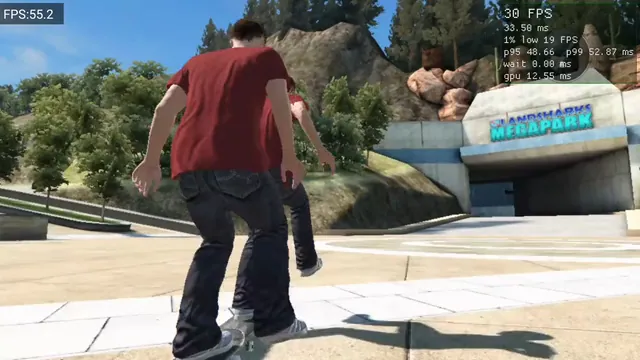
Skate 3 Android v0.2.0 running on Retroid Pocket 5, from OrangeSherbert’s frame-pacing issue report. Historical project capture, not a performance guarantee.
Image credits ↗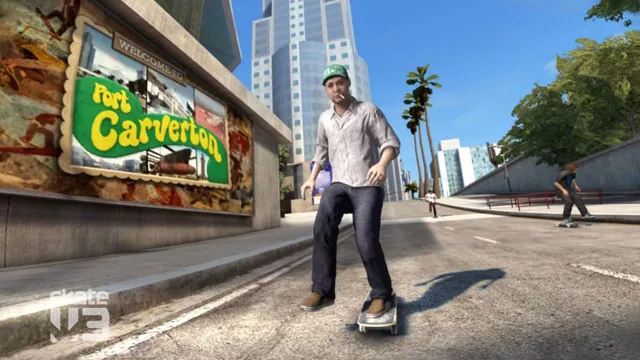
Skate 3 publisher screenshot. Original-game reference, not a capture of any listed port or engine rewrite.
Image credits ↗Skate 3 publisher screenshot. Original-game reference, not a capture of any listed port or engine rewrite.
Image credits ↗A Rust/Bevy skating engine built on years of reverse-engineering work.
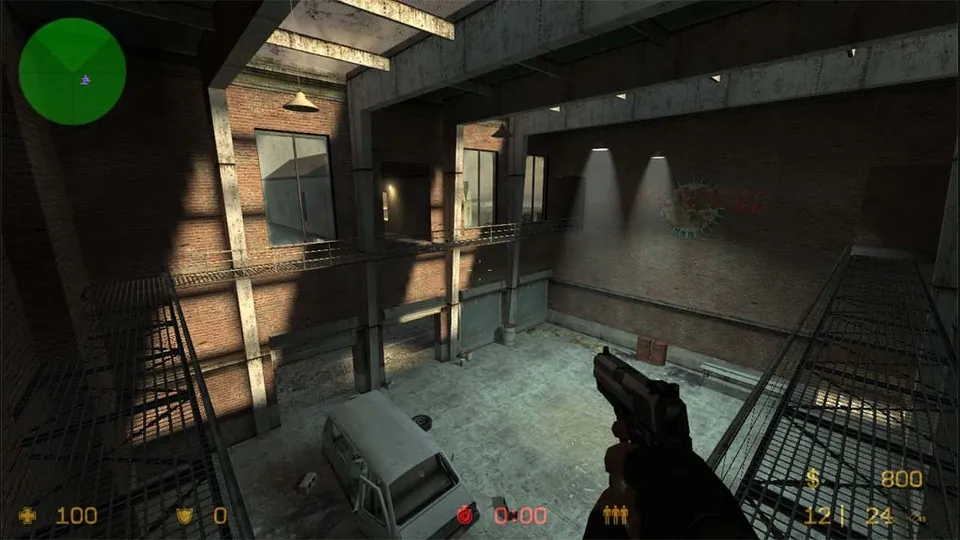
Counter-Strike: Source publisher screenshot. Original-game reference; does not depict the linked movement recreation.
Image credits ↗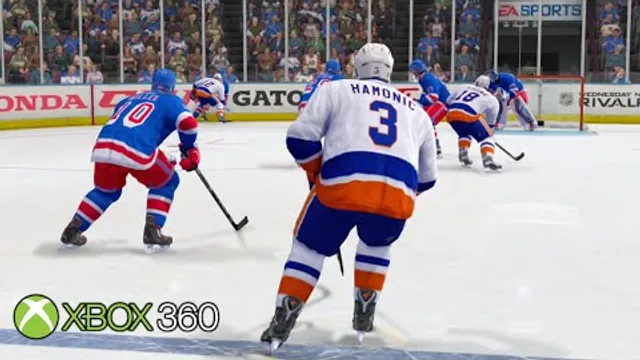
NHL Legacy Edition Xbox 360 gameplay thumbnail by BenedictPlays. Original-game reference for NHL Legacy Recomp.
Image credits ↗Xbox 360 hockey translated into a native Windows application.
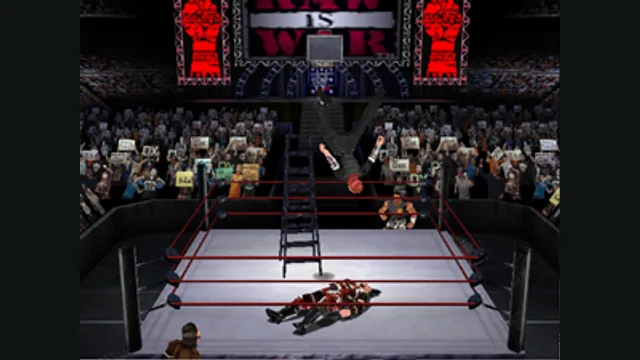
WWF No Mercy original Nintendo 64 gameplay reference; not the Quest standalone project.
Image credits ↗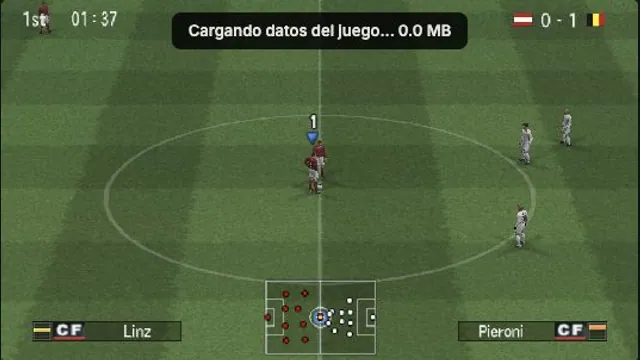
OptiJuegos PES 6 PSP browser build, captured in a local Austria–Belgium match on October 15, 2026. A rendering observation, not a full-game or compatibility test.
Image credits ↗PES 6’s PSP edition, with browser saves, controller mapping and an online lobby.