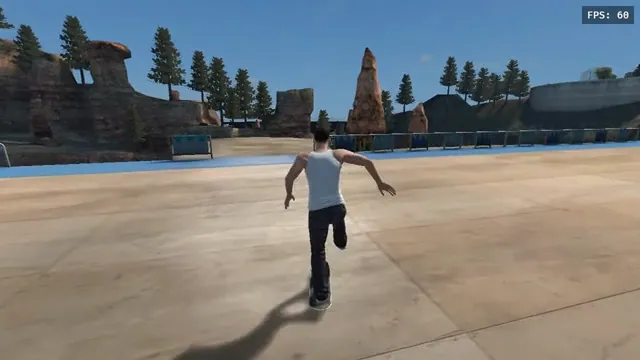
aaddpp browser fan game: a skater pushes through the outdoor park. Captured from this project, not the native recompile.
Image credits ↗A separate browser fan game that streams data from your converted copy.
Original files requiredPlay
An iOS setup project for the native recompilation.
 SetupYour game files required
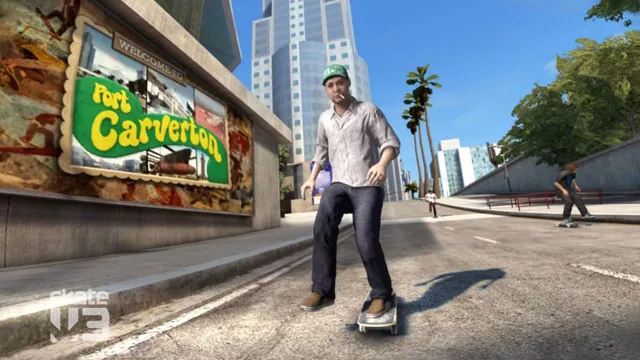
Skate 3 publisher screenshot. Original-game reference, not a capture of any listed port or engine rewrite.
Skate 3 game imagery remains copyright its respective rights holders. Image credit and provenance: linked source page. No transferable license is inferred.
Source & attribution ↗View image ↗Bring Skate 3 to your iPhone with a sideloaded app or a Mac source build. Sign with your own Apple ID, then import your game files and Title Update 3.
Start with Skate3Recomp for desktop disc import, use the phone-specific ports for mobile installation, and reserve the browser fan game for already converted data.
Read Skate guideA release-based ISO installer and controller input; Windows is the maintainer’s most-tested platform.
Connect a compatible converted copy through Game Server; the public launcher supplies no converter.
The native app can extract your own disc image and Title Update 3 on the phone.
A gamepad-led Windows experiment for tricks and maps, with unfinished original-game parity.
The original Skate 3 gives its skating room to breathe in Port Carverton. Skate.School teaches stick skills, while challenges and career progression supply goals beyond a clean landing. Revisiting a spot invites a more confident run. The iOS adaptation has separate compatibility requirements; original online competitions do not establish the same service on a phone.
Skate 3 for iOS adapts the recompilation to Apple’s mobile platform. The project offers an unsigned IPA for sideloading as well as a build script that prepares the app on your Mac from your own disc image. The latter checks tools, extracts data, recompiles, signs and installs; it is a development workflow rather than a browser launcher.
On-screen controls appear when no controller is attached, making a gamepad optional in the documented setup. The creator reports performance on particular iPhones, but that is different from a guarantee for every device, graphics setting or busy scene.
The app supplies neither the original disc content nor its required title update. After first launching the app, place your extracted game files in the Skate 3 game folder in Files. The expected contents include default.xex and data, taking roughly 6 GB.
Title Update 3 is a separate required input. Copy the correct update into the app’s Documents area and select it in the update installer. The project explains that its code was built against that update and that the former in-app download route does not work on iOS. Having the disc files alone is therefore insufficient.
The sideloaded IPA is signed with your own Apple ID. The project documents a seven-day refresh cycle for free-account signing, so an app that stops opening after that interval may need its signature refreshed rather than a fresh game-data import.
Building from source needs full Xcode on a Mac, CMake and Ninja, the engine checkout with its submodules and space for extracted data and generated code. The script adjusts parallel build work to available memory. Choose the prebuilt-app or source route first, then follow its own instructions; installing the app and providing the game are separate steps in either case.
Supply extracted files from your own Xbox 360 Skate 3 disc and Title Update 3. Neither is included in the app.
Creator-reported · Project guideChoose the unsigned IPA and a supported sideloading tool, or build from source on a Mac. Sign with your own Apple ID, then import the game files and Title Update 3.
Creator-reported · Project guideSee the creator’s platform-specific instructions. Native installation/building is required; this is not a mobile browser game.
Creator-reported · Project guideaaddpp browser fan game: a skater pushes through the outdoor park. Captured from this project, not the native recompile.
Image credits ↗A separate browser fan game that streams data from your converted copy.
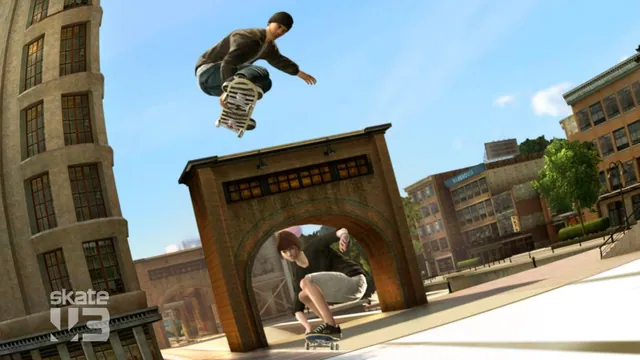
Original Skate 3 publisher screenshot, used as a source-game reference for the Rust browser recreation.
Image credits ↗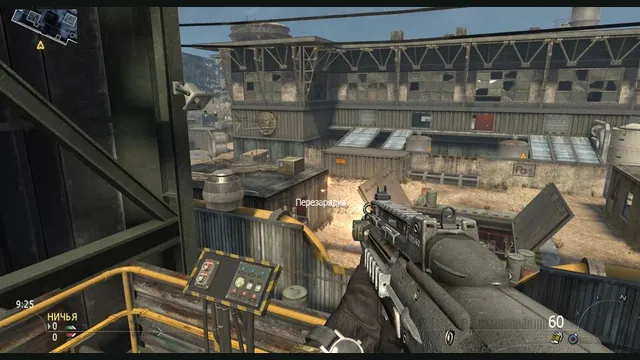
2010 Rust Rewrite creator screenshot of its shooter portion; does not show the skating or Minecraft components.
Image credits ↗Skating, MW2 combat and a Minecraft world in one IW4L-based project.
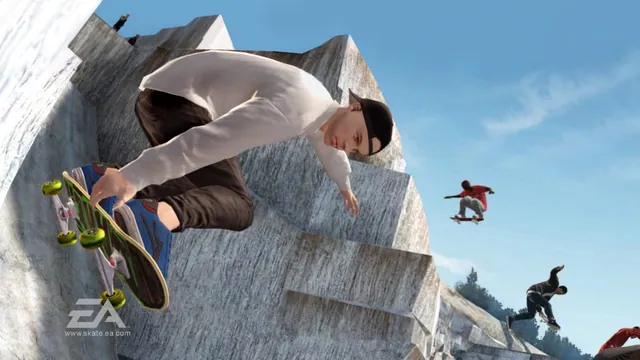
Original Skate 3 publisher screenshot, used as a source-game reference for SkateGM.
Image credits ↗Skate 3 board physics, tricks and scoring on Garry’s Mod maps.
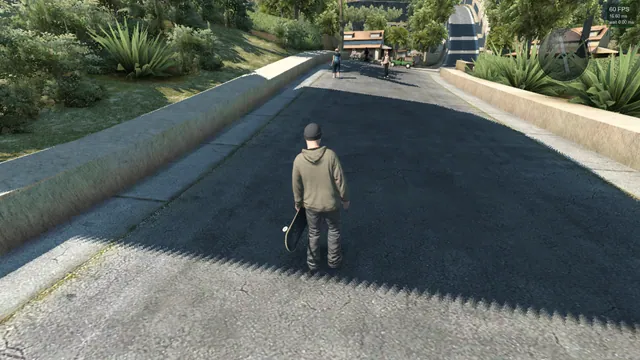
Skate3Recomp native renderer, from SK91no’s shadow-rendering issue report. Historical project screenshot; the reported shadow limitation is not a claim about the latest release.
Image credits ↗The Xbox 360 skating game rebuilt for Windows, Linux and macOS.
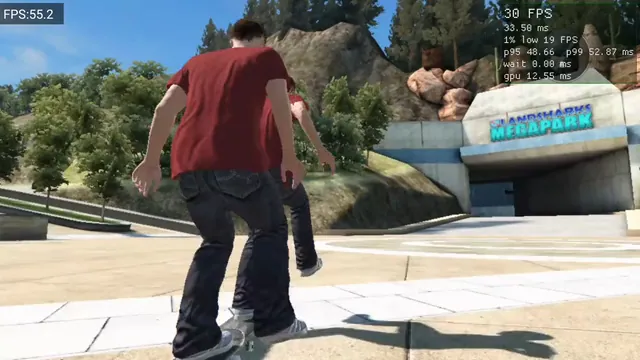
Skate 3 Android v0.2.0 running on Retroid Pocket 5, from OrangeSherbert’s frame-pacing issue report. Historical project capture, not a performance guarantee.
Image credits ↗Skate 3 publisher screenshot. Original-game reference, not a capture of any listed port or engine rewrite.
Image credits ↗A Rust/Bevy skating engine built on years of reverse-engineering work.
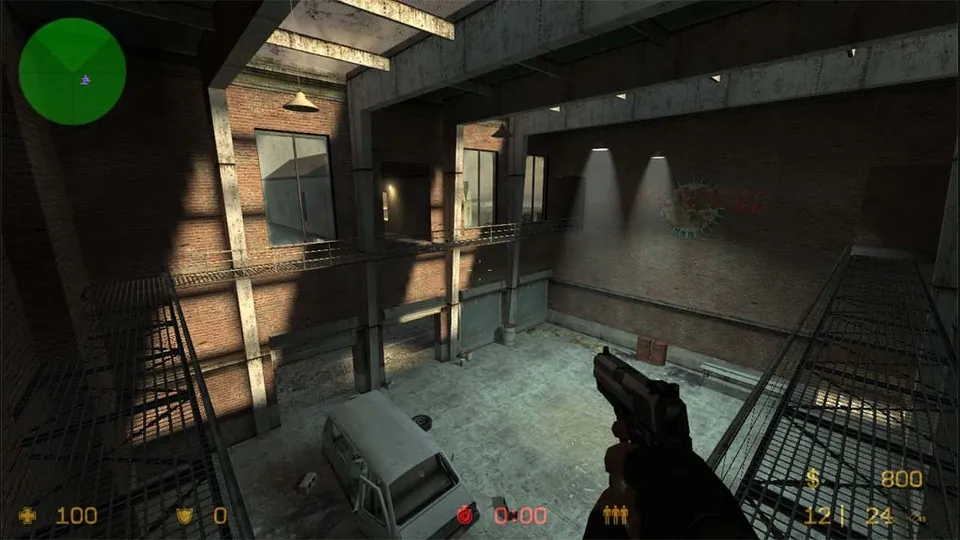
Counter-Strike: Source publisher screenshot. Original-game reference; does not depict the linked movement recreation.
Image credits ↗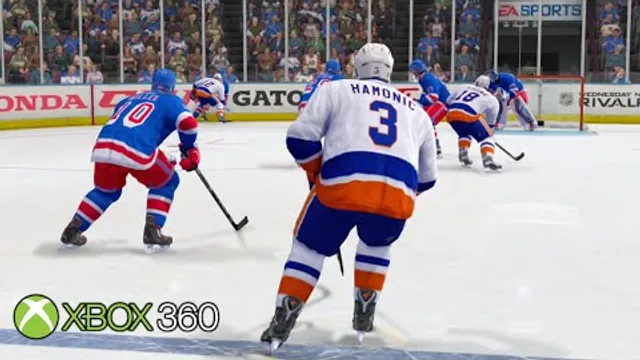
NHL Legacy Edition Xbox 360 gameplay thumbnail by BenedictPlays. Original-game reference for NHL Legacy Recomp.
Image credits ↗Xbox 360 hockey translated into a native Windows application.
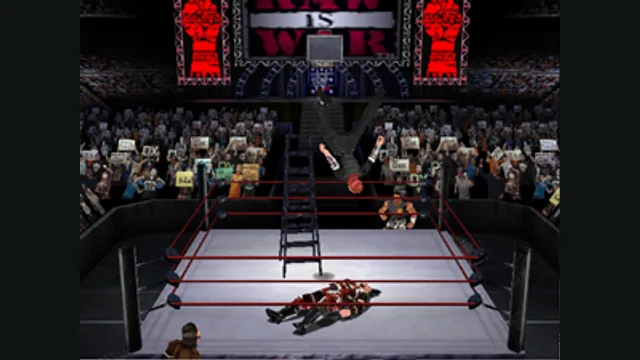
WWF No Mercy original Nintendo 64 gameplay reference; not the Quest standalone project.
Image credits ↗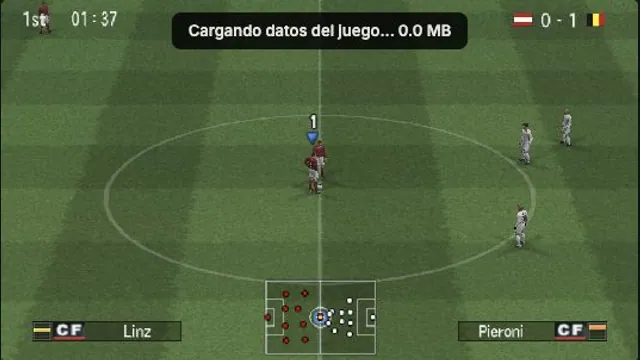
OptiJuegos PES 6 PSP browser build, captured in a local Austria–Belgium match on October 15, 2026. A rendering observation, not a full-game or compatibility test.
Image credits ↗PES 6’s PSP edition, with browser saves, controller mapping and an online lobby.