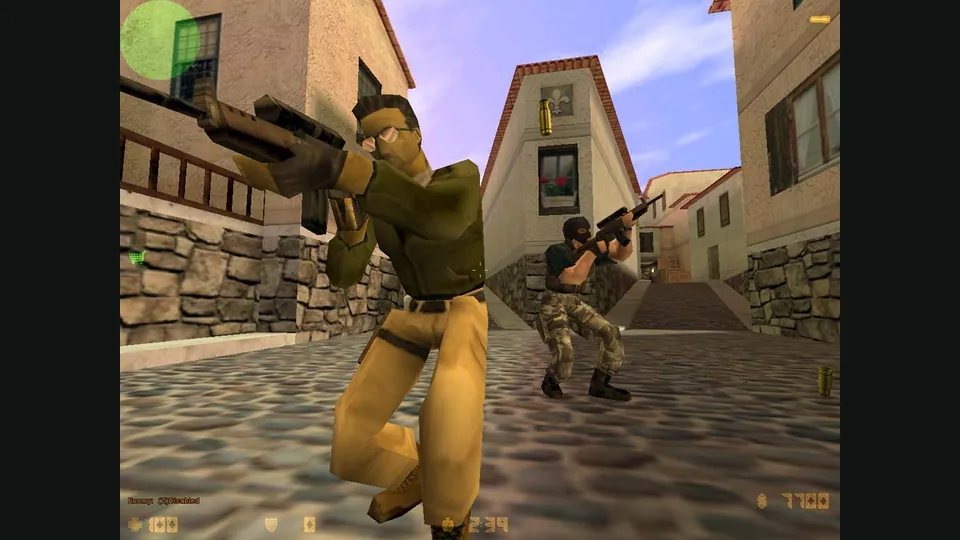
Counter-Strike publisher screenshot. Original-game reference; not the CSJS browser build.
Image credits ↗Load your own Steam folders into a configurable Xash3D browser client.
 PlayYour game files required
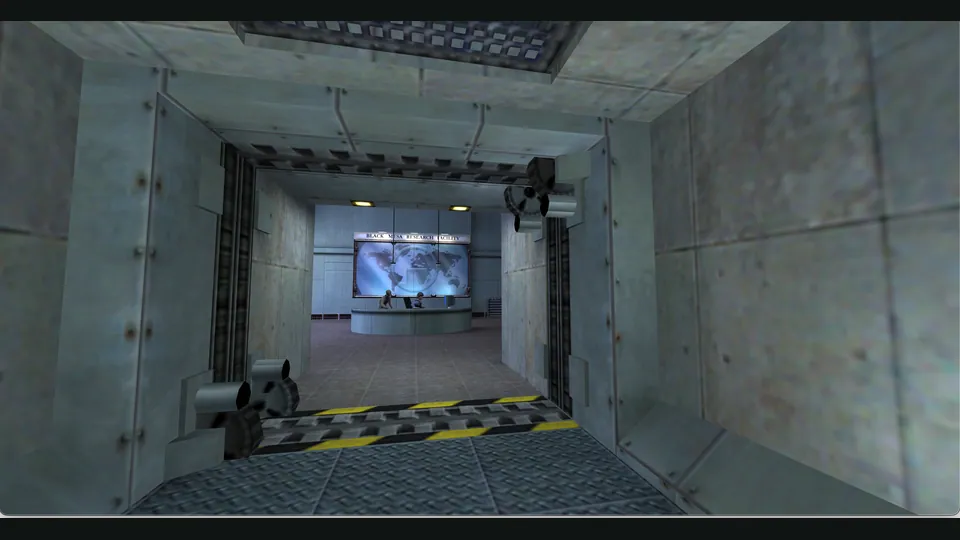
WebXash creator screenshot showing Half-Life: Day One. Browser chrome cropped; not a Counter-Strike match.
Half-Life © Valve Corporation. This independent guide is not endorsed by Valve.
Source & attribution ↗View image ↗WebXash wraps Xash3D-FWGS WebAssembly with folder/ZIP selection and launch options. It differs from the curated CSJS server client: users provide their files and configure a game or mod.
Choose CSJS for a 1.6 match, WebXash for your own files and compatible server, or the separate bunnyhop and surf games for timed movement.
Read Counter-Strike guideA live server list, optional voice and explicit desktop/phone input avoid manual file and server preparation.
Source-style hopping, selectable movement styles and records for desktop keyboard-and-mouse play.
Solo ramps, route viewing and repeatable practice positions before chasing a timed finish.
Compare two Xash browser frontends by owned-file preparation, storage and server setup.
Read Half-Life guideThe older em-xash launcher exposes local ZIP, server-data and filesystem options.
Half-Life and Counter-Strike share an engine lineage but offer different reasons to play. Valve describes Half-Life around action and adventure, with thinking and survival alongside shooting. Counter-Strike turns toward team objectives, where cooperating with your side and handling its mission shape a round.
WebXash is the client that loads the game you supply. Choosing Half-Life, Counter-Strike or a supported mod therefore changes the experience; the browser frontend is not a single curated game mode.
Valve · Half-Life publisher descriptionValve · Counter-Strike publisher descriptionWebXash · file, multiplayer and save documentation
WebXash is x8BitRain's frontend for Xash3D-FWGS WebAssembly. Supply the root containing your valve or cstrike folder, or a ZIP with those directories at its root. A mod folder belongs beside valve; set its game launch option before selecting files. Only Xash-compatible mods are suitable.
Folder selection reads your installation without writing into it. Saves instead go to IndexedDB, grouped by game or mod, and the save manager can download them. It also works with ZIP-loaded games but is disabled for Counter-Strike 1.6. Export the saves you want to keep before clearing site storage.
Multiplayer requires the documented WebSocket server and its address, normally using port 27016. Enter that address before launch, then find the server under Multiplayer and LAN Game, including for an internet connection. Automatic internet server discovery is unavailable.
The creator recommends keyboard and mouse and points mobile players toward native Xash ports. Browser shortcuts also matter: Ctrl+W can close the tab, and the README recommends fullscreen. Check the input setup before relying on a crouch-and-move combination.
Your own valve and/or cstrike folders from a legitimate game installation, supplied as a folder or correctly structured ZIP.
Creator-reported · Project guideSupply the game root or a correctly structured ZIP, then select the game/mod. Set mod launch options before loading.
The FAQ says this port needs a keyboard and mouse for proper play; it recommends native Xash ports for mobile.
Creator-reported · Project guideInternet/LAN play needs the documented WebSocket server and a manually entered address. Automatic Internet server discovery is unavailable.
Creator-reported · Project guideThe save manager stores game/mod saves in IndexedDB and can download them. It is disabled for CS 1.6.
Creator-reported · Project guideCtrl+W can close the browser tab; the creator recommends fullscreen. Unsupported Xash mods may fail.
Creator-reported · Project guideMade possible by x8BitRain (WebXash frontend).
Counter-Strike publisher screenshot. Original-game reference; not the CSJS browser build.
Image credits ↗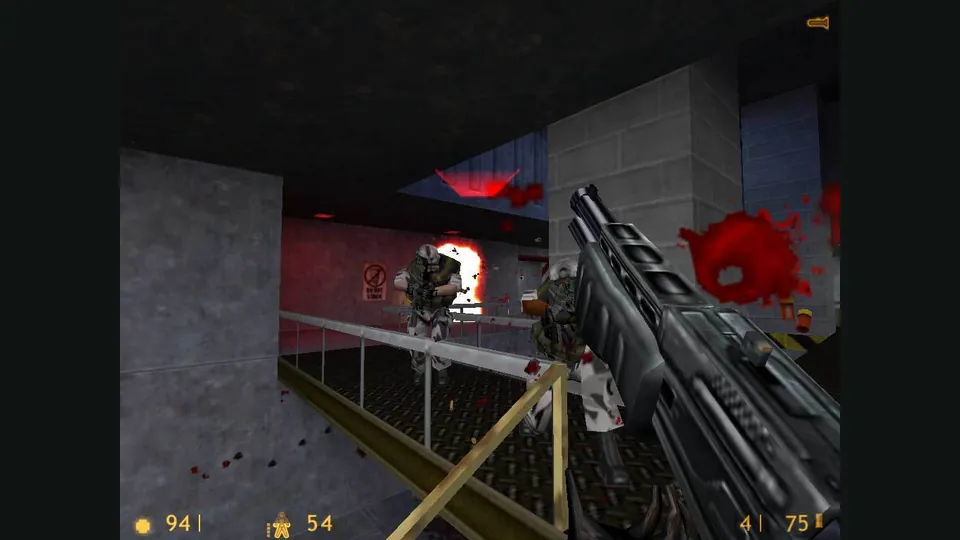
Half-Life publisher screenshot. Original-game reference; not a capture of the Pixelsuft browser client.
Image credits ↗An older Xash3D browser client with selectable game-data and save storage.
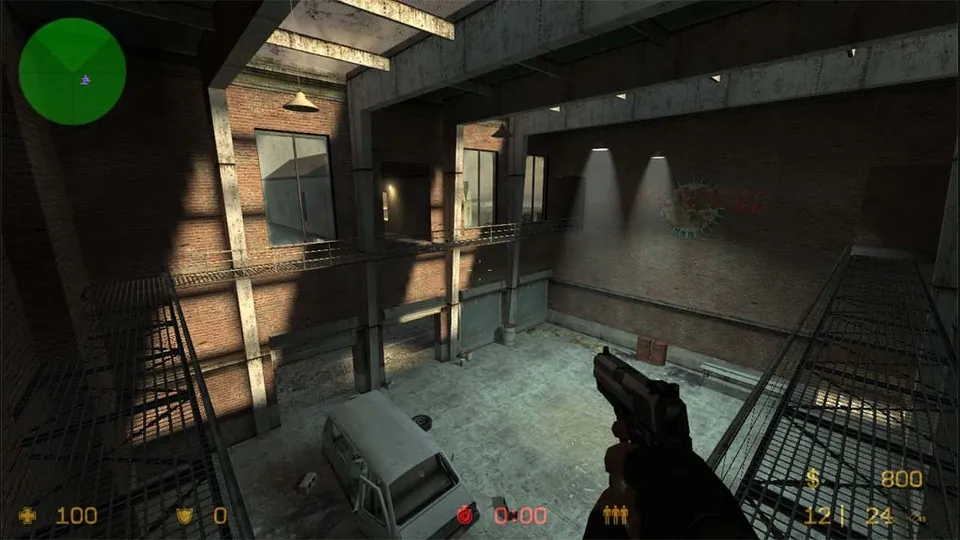
Counter-Strike: Source publisher screenshot. Original-game reference; does not depict the linked movement recreation.
Image credits ↗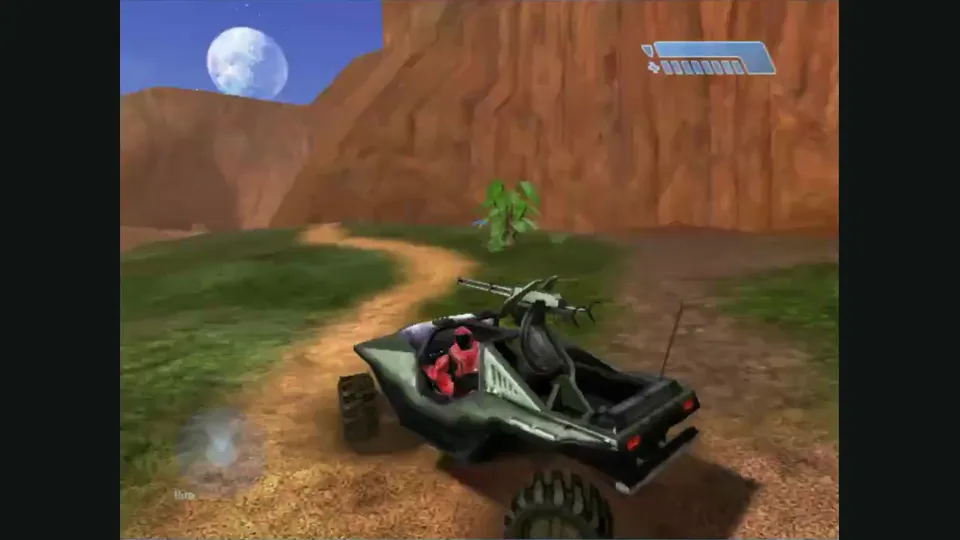
Mitchell Hynes Web gameplay, from the creator’s launch demonstration at approximately 1:52. Gameplay area cropped from the published video.
Image credits ↗Halo’s Xbox campaign and invite-based multiplayer, with your own disc image.

Doom publisher gameplay reference from the current DOOM + DOOM II gallery; not a capture of the linked port.
Image credits ↗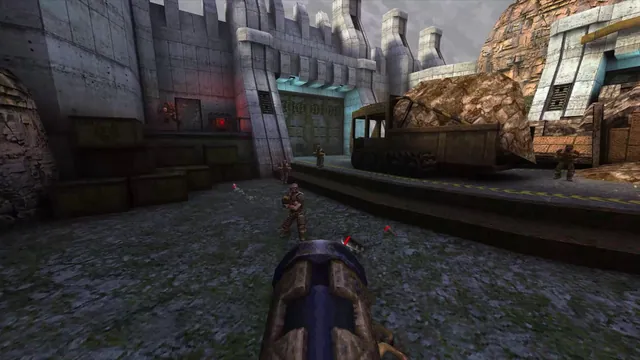
Quake publisher gameplay reference from the current enhanced-edition gallery; not a QuakeWorld or NetQuake session.
Image credits ↗