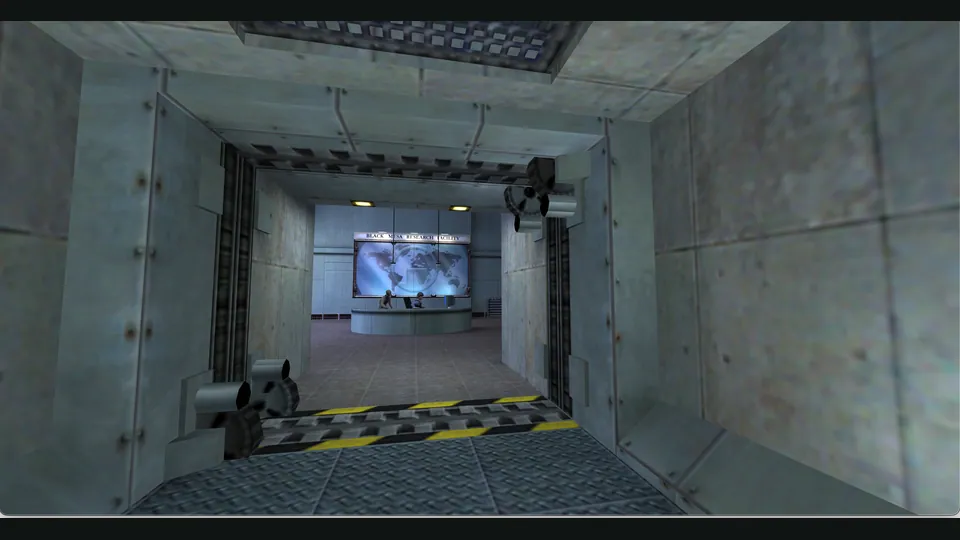
WebXash creator screenshot showing Half-Life: Day One. Browser chrome cropped; not a Counter-Strike match.
Image credits ↗An older Xash3D browser client with selectable game-data and save storage.
 PlayFree assets available
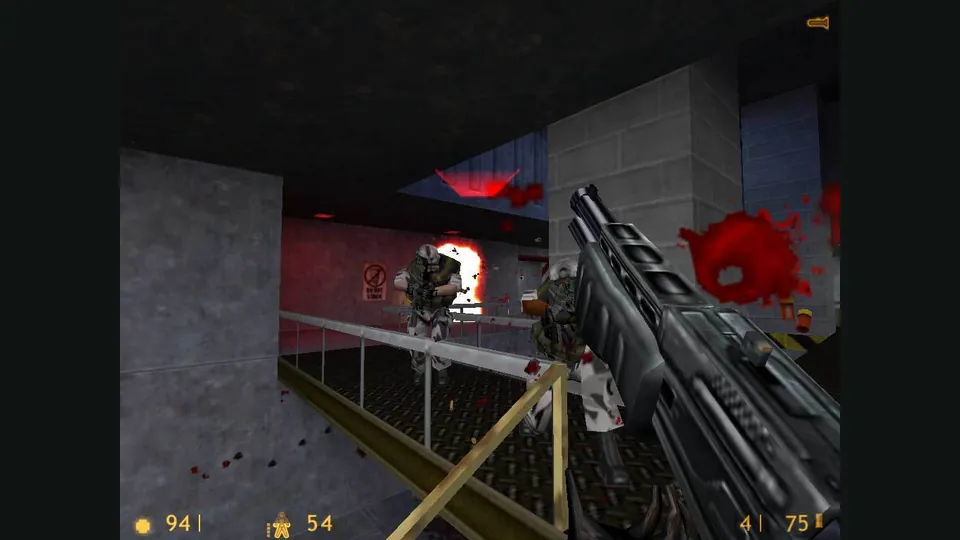
Half-Life publisher screenshot. Original-game reference; not a capture of the Pixelsuft browser client.
Half-Life © Valve Corporation. Independent guide; no endorsement implied.
Source & attribution ↗View image ↗Pixelsuft’s repository identifies this as an Emscripten Xash port with Half-Life mods. Its hosted client exposes memory sizing and several data-loading options. It is a distinct client from x8BitRain’s WebXash; source age and a working landing page do not prove current campaign or multiplayer reliability.
Compare two Xash browser frontends by owned-file preparation, storage and server setup.
Read Half-Life guideThe folder/ZIP frontend includes a save manager for Half-Life and supported mods.
Valve’s original Half-Life combines first-person combat with an unfolding science-fiction adventure. The publisher describes a world in which surviving requires thinking as well as shooting. That mixture makes the journey between encounters part of the game: you are working through spaces and situations rather than selecting isolated combat arenas.
This page concerns Pixelsuft’s browser build of Xash. The original game’s reputation and feature list provide background; they do not establish which campaigns or modifications this particular browser package supports.
Pixelsuft describes the project as an Emscripten port of Xash with Half-Life modifications. The launch page exposes the engine’s configuration directly, including memory, game-data loading and storage choices. It is better suited to someone comfortable choosing those options than to a guided game library with a documented campaign picker.
Pixelsuft · em-xash READMEPixelsuft · Xash data and filesystem launcher
The detailed launcher can load a local ZIP or use a configured data server. Its Emscripten data route can cache files in IndexedDB, while the server-ZIP route is labelled slower and uncached. Loading an archive and retaining your progress are separate decisions: the filesystem menu also offers IndexedDB, LocalStorage and RAM-only operation.
Choose a persistent filesystem if you intend to return, and follow the launcher's instruction to exit the game correctly when using IndexedDB. RAM-only mode keeps the session temporary; LocalStorage is explicitly labelled as sometimes lacking space. Keep your original data archive separately rather than treating the browser cache as its only copy.
Game Options offers server packages, server ZIPs and a local ZIP file. The local option can use files from your own game copy; availability and provenance of hosted packages were not established.
Creator-reported · Project guideSet the memory size on the landing page and choose Start. In Game Options select a data source and a storage backend before launching.
Creator-reported · Project guideThe runtime exposes Lock/hide mouse pointer and Resize canvas options; full control mappings were not reviewed.
Creator-reported · Project guideThe client offers IndexedDB, LocalStorage or temporary RAM. Its UI says IndexedDB changes require a correct exit and LocalStorage may run out of space.
Creator-reported · Project guideThe reviewed repository revision is from June 2021. The launcher and configuration were checked, not a completed game load.
Creator-reported · Project guideMade possible by Pixelsuft.
WebXash creator screenshot showing Half-Life: Day One. Browser chrome cropped; not a Counter-Strike match.
Image credits ↗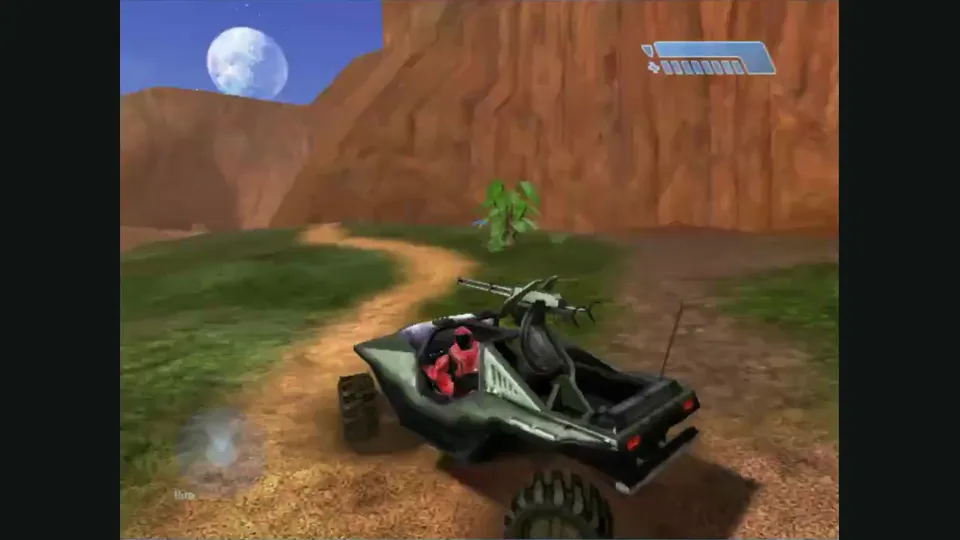
Mitchell Hynes Web gameplay, from the creator’s launch demonstration at approximately 1:52. Gameplay area cropped from the published video.
Image credits ↗Halo’s Xbox campaign and invite-based multiplayer, with your own disc image.

Doom publisher gameplay reference from the current DOOM + DOOM II gallery; not a capture of the linked port.
Image credits ↗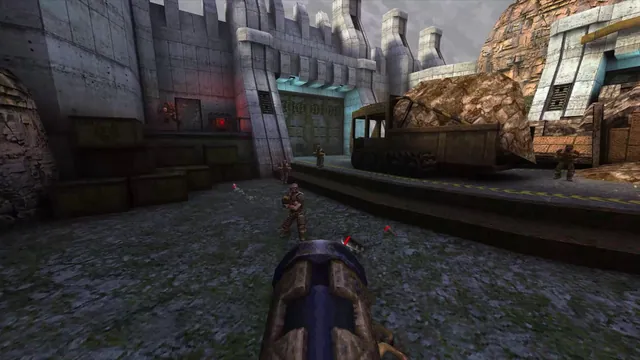
Quake publisher gameplay reference from the current enhanced-edition gallery; not a QuakeWorld or NetQuake session.
Image credits ↗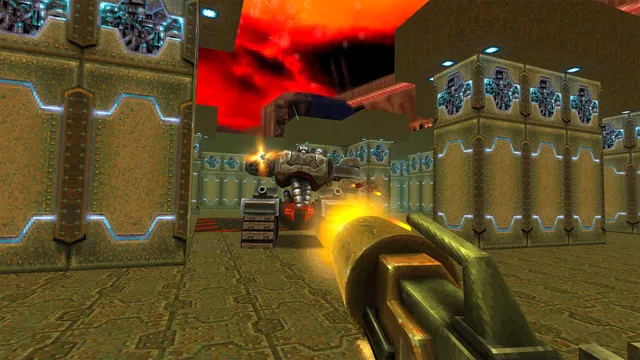
Quake II publisher gameplay reference from the current enhanced-edition gallery; not the browser build.
Image credits ↗