Half-Life in a browser: choose WebXash or Pixelsuft
WebXash offers the clearer owned-file and save workflow. Pixelsuft’s older launcher exposes separate data and filesystem choices for a more manual setup.
By Playable · Written
Choose a Half-Life frontend
Choose WebXash when you have a legitimate Half-Life installation and want a browser frontend with folder selection and downloadable saves. Pixelsuft’s em-xash exposes older data-loading and filesystem options; it is a more manual choice. Both are Xash-based projects for the original Half-Life generation, not Half-Life 2 or a promise that every GoldSrc mod works.
Swipe or scroll to compare all columns →
| Project | Best reason to choose it | Prepare first |
|---|---|---|
| WebXash | Owned files with a dedicated save manager | A root folder or ZIP containing valve; keyboard and mouse |
| Pixelsuft em-xash | Explicit data-source and storage choices | A compatible local ZIP and a persistent filesystem choice |
For immediate Counter-Strike server browsing, use the separate CSJS setup guide. WebXash’s Counter-Strike option and CSJS’s curated server client share a lineage, but have different preparation and networking.
Prepare the game and mod folders
In WebXash, select Open game folder and choose the parent containing valve, then select the game directory. With Open ZIP, preserve valve at the archive root. For a supported expansion or mod, keep its directory beside valve and set the matching option, such as -game bshift, before loading.
Your files determine the content available. The engine and launcher do not supply a retail license or turn a demo into the full campaign. Check the engine’s incompatible-mod list before preparing an expansion or total conversion: custom engine features, client libraries and missing source can prevent support.
Keep WebXash saves recoverable
WebXash reads the selected installation; it does not write saves back into it. Its save manager keeps progress in IndexedDB, grouped by game/mod, and lets you download selected saves. ZIP-loaded games use the same mechanism. Export before clearing site data. The manager is disabled for Counter-Strike 1.6. These details are in the WebXash save instructions.
Keep your original installation separately from exported saves. Reopen the same game/mod when continuing; the file selector remembering a folder is not a backup of either its contents or your progress. The save and backup guide explains this distinction.
Pixelsuft: data and storage choices
Pixelsuft’s detailed launcher separates game data source from filesystem. Choose Local ZIP file for a compatible archive you already have. For progress you want to retain, choose IndexedDB and follow the instruction to exit correctly; None (in RAM) makes the session temporary. LocalStorage is explicitly marked as potentially too small.
The server-package option can cache data, while the server-ZIP option is labelled uncached. Those choices concern loading, not a promise of persistent saves. This older frontend’s sparse project documentation does not provide WebXash’s folder/import walkthrough. Choose WebXash if that preparation is the part you need help with; do not transfer its save-manager instructions to Pixelsuft.
Controls, servers and native fallback
WebXash requires keyboard and mouse for proper play. Use fullscreen and check in-game bindings: the browser can intercept Ctrl+W and close a tab. The creator directs phone players toward native Xash ports. A working phone launcher alone is not a usable touch-control scheme.
For WebXash multiplayer, enter a compatible server’s WebSocket address before launch, then use Multiplayer → LAN Game, even over the internet. Automatic internet discovery is unavailable. Use the client’s server instructions rather than a native server address alone.
If the browser client fails on your game or mod, retain the files and use the original native installation. Valve’s Half-Life is the original game product; browser-specific mod limitations should not be treated as a fault in that installation. Preserve exported progress separately, since selecting a different engine is not a guaranteed save conversion.
Project reading
See the creators’ setup instructions and feature guides.
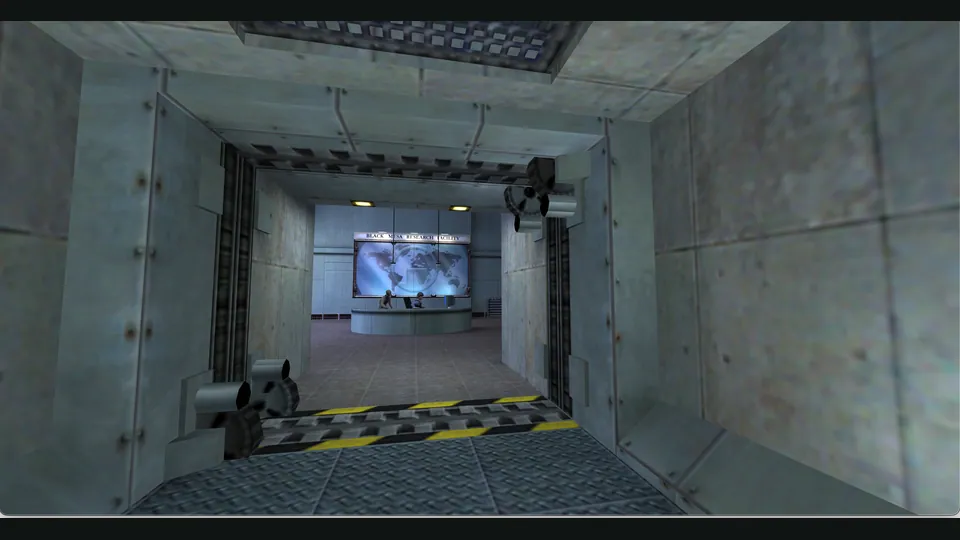
WebXash creator screenshot showing Half-Life: Day One. Browser chrome cropped; not a Counter-Strike match.
Image credits ↗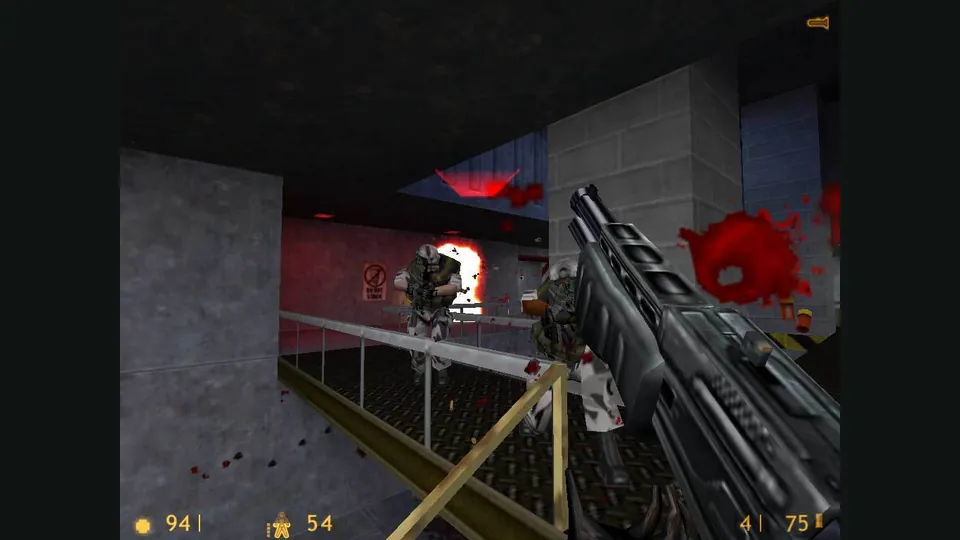
Half-Life publisher screenshot. Original-game reference; not a capture of the Pixelsuft browser client.
Image credits ↗An older Xash3D browser client with selectable game-data and save storage.
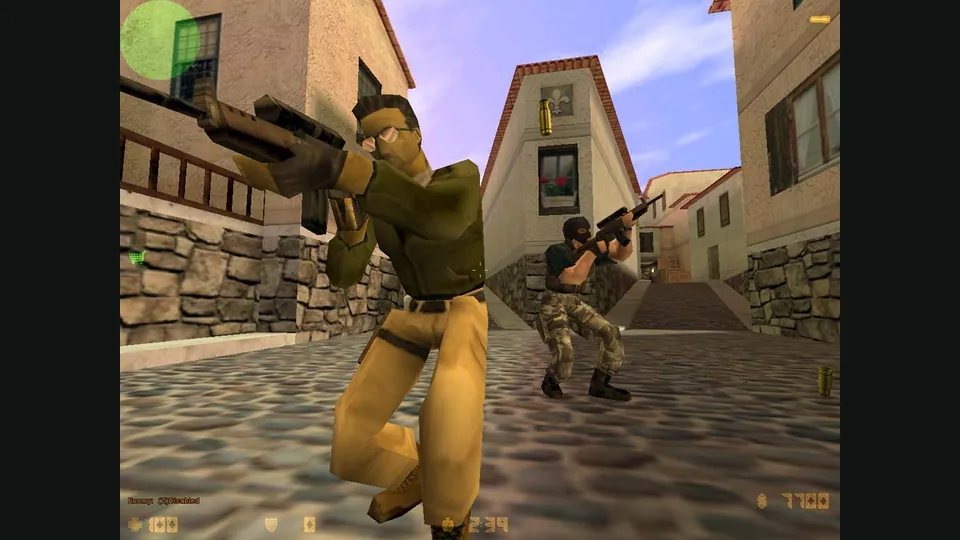
Counter-Strike in a browser: 1.6 matches, bunnyhop or surf?
Choose CSJS for a 1.6 match with the least preparation, WebXash for your own files and server, or a dedicated movement game for hopping and surfing.
Read guide : Choose your Counter-Strike sessionReference image · credits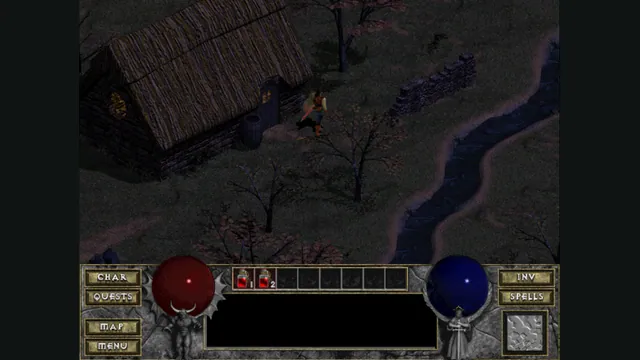
Back up browser game saves and check the restored game
Save inside the game, export a separate backup, then import and load it before removing the original. Confirm the restored character, map or level inside the game.
Read guide : Back up your browser savesProject image · credits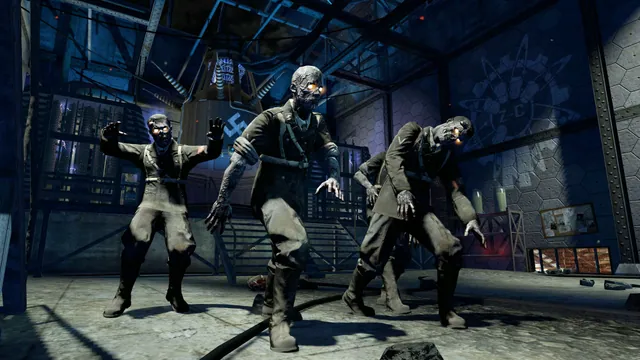
Call of Duty browser and native versions: Zombies or campaign?
Pick the exact game and mode before the project: browser Zombies, the original COD4 campaign and native Xbox 360 recompilations need different preparation.
Read guide : Choose a Call of Duty projectReference image · credits