Call of Duty browser and native versions: Zombies or campaign?
Pick the exact game and mode before the project: browser Zombies, the original COD4 campaign and native Xbox 360 recompilations need different preparation.
By Playable · Written
Choose the exact game and mode
Choose the exact game and mode first. vel.gg’s BO1 Zombies and the Nacht der Untoten fan remake are browser Zombies projects. KisakCOD Web targets the original 2007 Modern Warfare campaign. Call of Duty 3 and Modern Warfare 2 (2009) have separate native projects with different file requirements.
Swipe or scroll to compare all columns →
| Project | Choose it for | Main constraint |
|---|---|---|
| BO1 Zombies / vel.gg | Zombies with Classic or Counter-Strike weapon rules | Selected maps/modes on this host; not the Black Ops campaign |
| Nacht fan remake | A focused solo or two-to-four-player co-op session | Desktop play; separate from BO1’s version of the map |
| KisakCOD Web | COD4’s campaign and Mile High Club | Own original Steam installation; no ISO import |
| MW2 Recompiled | The 2009 Xbox 360 game as a native PC application | Matching owned disc data, Windows/Linux and a controller |
Set up BO1 Zombies
Open vel.gg’s BO1 Zombies launcher. Enter a player name, select Single player or Multiplayer, choose the gun rules and graphics, then continue with Choose map. Pick an enabled map, such as Kino der Toten or Five. Multiplayer uses this host’s lobby invitation. Low graphics removes shadows and reduces resolution.
Classic keeps Black Ops guns. Counter-Strike changes the guns, recoil and movement; it also changes useful keys. Both use WASD/mouse, left mouse to fire, R to reload, Space to jump and Escape for the menu. Classic uses F to interact, Shift to sprint and C to toggle crouch; Counter-Strike uses E, Shift to walk and held Ctrl to crouch. Saved rebindings can differ. The shipped input mappings document the distinction.
Choose the rules before the map: the launcher’s map rules can disable Counter-Strike for a map, and Hell mode requires Classic. This browser project’s name does not include the Black Ops story campaign or establish that every retail Zombies feature is present.
Nacht: a separate co-op remake
The Nacht der Untoten fan remake offers Play solo or Host co-op. A host shares the invite link with up to three friends, then starts the session. Guests use that link or paste it into Join co-op. It is a separate remake; a BO1 lobby or map selection cannot join it.
Use WASD to move, Shift to sprint and Space to jump. Mouse buttons fire/aim; R reloads, F interacts, E knives and G throws a grenade. Q or 1/2 swaps weapons. Click Play to capture the mouse; Escape releases it.
The creator’s compatibility guide recommends current desktop Chrome, Edge or Firefox. A controller activates with a button press and has settings under Options → Controller. Phones and tablets receive a scores page and computer-play link, not the desktop game. Choose Low graphics if the remake is too slow.
COD4: import the Steam campaign
KisakCOD Web is for Call of Duty 4: Modern Warfare (2007). Its documented scope is the story campaign plus Mile High Club; multiplayer remains a plan. Neither Modern Warfare Remastered nor a later game sharing the Modern Warfare name is the requested data source.
- Locate your own original COD4 Steam installation.
- Open the KisakCOD Web host and select those files.
- Select the parts to install, wait for copying, then choose Play.
The README specifically rejects ISO files. Self-hosting additionally needs the documented isolation headers for threading; it is not necessary for the hosted route. The maintainer warns that this is a new port with bugs. Keep the original installation available as the campaign fallback, and keep any progress before clearing browser data; this project does not provide a documented save-export procedure.
COD3 and MW2 as native games
CoD3Recomp translates the Xbox 360 Call of Duty 3 executable into a native Windows application. Run its release and let the first-run setup read your owned disc image, copy an extracted folder, or use that folder in place. Its README reports all fifteen levels loading and playing, while retaining a development warning. That is broader than a first-level demo, but not a promise of a faultless playthrough.
CoD3Recomp maps movement to WASD, mouse buttons to fire/aim, E/R to use/reload, Space to jump and C to crouch. Escape pauses and releases the mouse. F11 opens its settings; a connected pad also works. Saves live in saves/ beside the executable.
MW2 Recompiled instead needs the Xbox 360 2009 game, version 1.0.557 (USA/Europe). Choose the Steam or LAN release for Windows/Linux, extract it and run mw2-launcher → INSTALL GAME with your own disc data. The launcher applies title update 6; then choose campaign or multiplayer. Prepare a Vulkan 1.2 GPU, 8 GB of disk space and a controller: keyboard input only covers menus.
Its project guide describes private matches/system link, no public matchmaking or ranked playlists, and untested Special Ops. Use the same build as friends. The creator warns about the unchanged 2009 network code, so keep online sessions to trusted players. Back up the native saves/ folder beside the executables. These are native routes; neither is a phone browser alternative.
Experiments and unavailable builds
IW4L has a different purpose from MW2 Recompiled. Its Rust/Bevy runtime reads your owned PC MW2 installation to explore multiplayer maps, fight bots and record demos. The Windows release finds Steam data or uses a shortcut to a non-Steam installation. Gameplay remains incomplete and peers need the same build. Choose it for experimentation, not as a substitute for the console campaign port. Its README and run guide explain the implemented features.
KisakBlack is a Windows source project for Black Ops’ multiplayer executable. Its build instructions require Visual Studio, CMake, the DirectX SDK and an owned Steam installation. It is a developer choice, not the BO1 Zombies browser launcher.
The cataloged Black Ops II browser project is withdrawn. It is not an alternate way into these BO1 sessions. If a listed host becomes unavailable, use the original game you own or a separately documented project for the exact edition; do not assume a mirror preserves its setup, saves or modes. For browser progress, read the save and backup guide before removing site data.
Project reading
See the creators’ setup instructions and feature guides.
- vel.gg · BO1 Zombies setup ↗
- vel.gg · Classic and Counter-Strike controls ↗
- Nacht fan remake · solo/co-op launcher ↗
- Nacht fan remake · device and controller help ↗
- KisakCOD Web · Steam-file campaign setup ↗
- CoD3Recomp · native setup and controls ↗
- MW2 Recompiled · editions, controller and matches ↗
- IW4L · experimental runtime ↗
- KisakBlack · Windows source build ↗
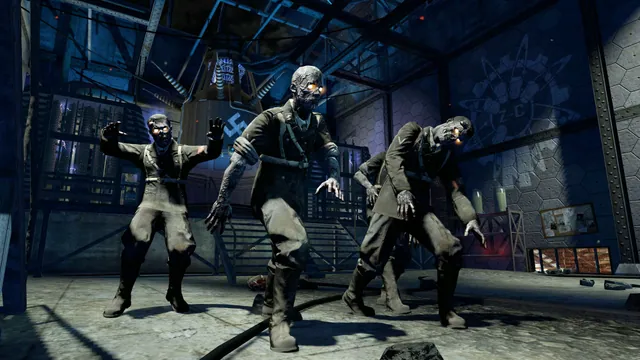
Black Ops Zombies: Rezurrection publisher screenshot. Original-game DLC reference; not the browser project or a promise that this map is playable there.
Image credits ↗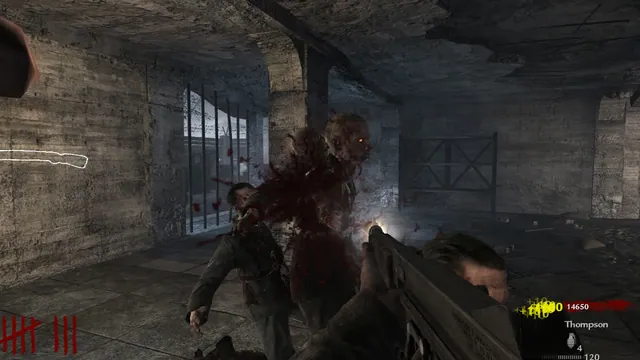
Creator’s gameplay preview still of the Nacht der Untoten browser project.
Image credits ↗Survive Nacht der Untoten solo or with up to three friends in a browser remake.
Call of Duty 4: Modern Warfare gameplay reference; not a capture of the linked project.
Image credits ↗The 2007 campaign in a browser, importing your Steam installation.
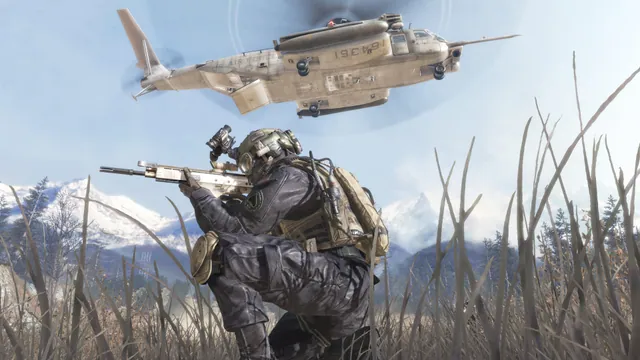
Call of Duty®: Modern Warfare® 2 (2009) gameplay reference; not a capture of the linked project.
Image credits ↗The Xbox 360 game’s executables translated for native PC play.
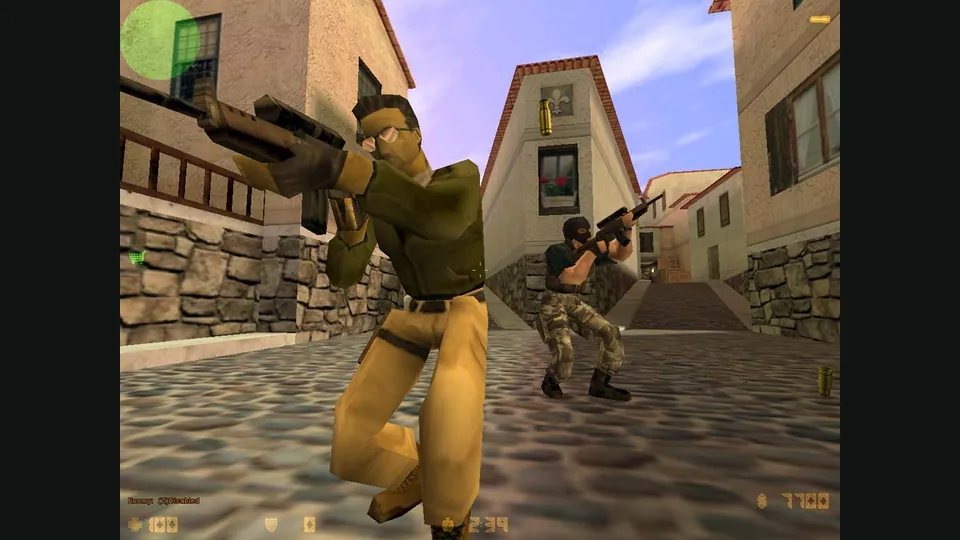
Counter-Strike in a browser: 1.6 matches, bunnyhop or surf?
Choose CSJS for a 1.6 match with the least preparation, WebXash for your own files and server, or a dedicated movement game for hopping and surfing.
Read guide : Choose your Counter-Strike sessionReference image · credits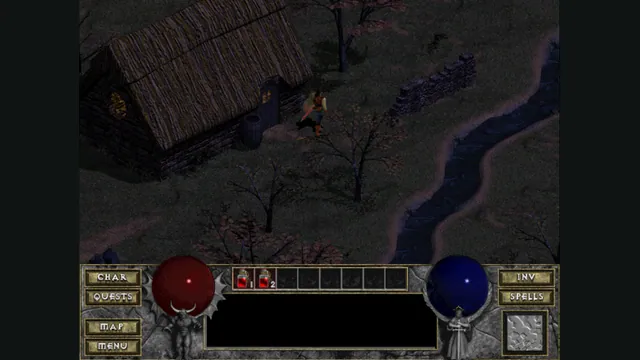
Back up browser game saves and check the restored game
Save inside the game, export a separate backup, then import and load it before removing the original. Confirm the restored character, map or level inside the game.
Read guide : Back up your browser savesProject image · credits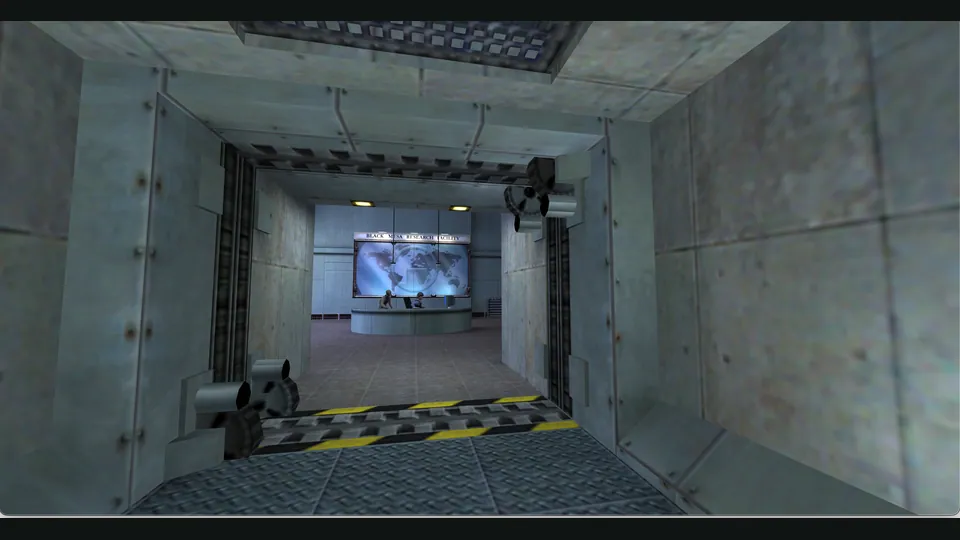
Half-Life in a browser: choose WebXash or Pixelsuft
WebXash offers the clearer owned-file and save workflow. Pixelsuft’s older launcher exposes separate data and filesystem choices for a more manual setup.
Read guide : Half-Life browser setupProject image · credits