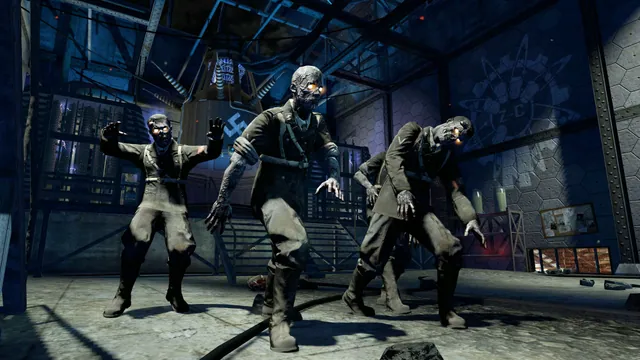
Black Ops Zombies: Rezurrection publisher screenshot. Original-game DLC reference; not the browser project or a promise that this map is playable there.
Image credits ↗Survive Nacht der Untoten solo or with up to three friends in a browser remake.
 PlayCheck file requirements
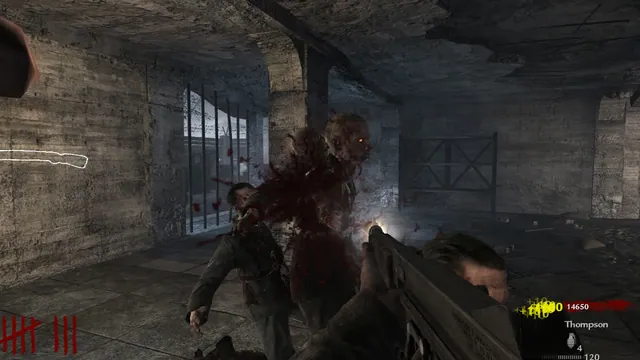
Creator’s gameplay preview still of the Nacht der Untoten browser project.
Nacht der Untoten game imagery remains copyright its respective rights holders. Image credit and provenance: linked source page. No transferable license is inferred.
Source & attribution ↗View image ↗This fan remake brings Nacht der Untoten to desktop browsers with keyboard, mouse or controller input. Start solo or share a co-op invite with up to three friends; it focuses on Zombies maps rather than the World at War campaign.
Browser Zombies, COD4’s Steam-file campaign and native console ports serve different sessions.
Read Call of Duty guideSelect Classic or Counter-Strike guns before a solo or lobby session.
Import your own Steam files for the story and Mile High Club.
Choose the Windows/Linux controller route with matching owned Xbox 360 data.
This browser fan remake focuses on Nacht der Untoten and Zombies play, rather than the World at War campaign. The launcher offers a solo route and a separate co-op setup for two to four players. That makes the first choice straightforward: start alone, or organize a small group before launching the shared session.
For co-op, the host creates an invite link, shares it with up to three friends and starts the game once the group is ready. The invitation is the useful connection detail to send; another player simply opening the site's home page is not the same as joining your hosted session.
The displayed desktop layout uses WASD to move, Shift to sprint and Space to jump. Left mouse fires and right mouse aims. Reload with R, interact with F, knife with E and throw a grenade with G. Learning the distinction between interaction and melee before starting avoids reaching for the wrong key when a situation becomes crowded.
Click Play to capture the mouse and use Escape to release it. A controller is activated by pressing one of its buttons; Options, then Controller provides its settings. Those are separate input paths, so choose and configure the one you intend to use before the session.
Nacht der Untoten · launch and co-op controlsNacht der Untoten · creator compatibility guide
The creator recommends current Chrome, Edge or Firefox on Windows, Mac or Linux. Safari receives less testing, while phones and tablets are directed to scores and a link for computer play. If graphics are slow, the creator's suggested adjustments are Low under Options and checking that hardware acceleration is enabled. This desktop-first guidance applies to this remake, independently of other browser Zombies projects.
Open the creator’s game page and follow its launch prompts.
Creator-reported · Project guideUse a computer with keyboard and mouse or a controller. The creator recommends current Chrome, Edge or Firefox on Windows, Mac or Linux. Phones and tablets show scores and a link to play on a computer; Safari receives less testing.
Creator-reported · Project guideWASD moves, Shift sprints, Space jumps, left/right mouse fires/aims, R reloads, F uses, E knifes and G throws a grenade. Press any gamepad button to activate a controller, then configure it under Options → Controller.
Creator-reported · Project guidePlay solo or host a two-to-four-player co-op session. Share the invite link with up to three friends, then start the co-op game.
Creator-reported · Project guideClick Play to capture the mouse; Escape releases it. If graphics are slow, choose Low under Options and check hardware acceleration. Press a gamepad button to activate it, then use Options → Controller for setup.
Creator-reported · Project guideBlack Ops Zombies: Rezurrection publisher screenshot. Original-game DLC reference; not the browser project or a promise that this map is playable there.
Image credits ↗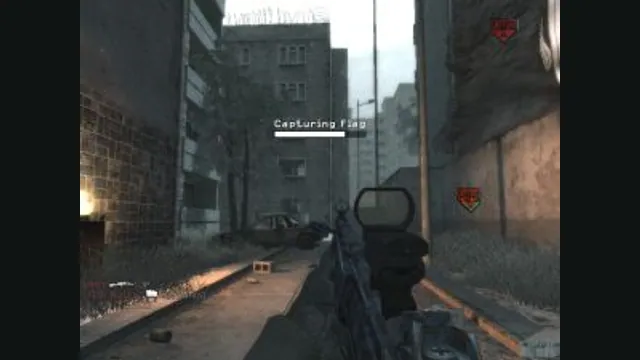
Call of Duty 4: Modern Warfare gameplay reference; not a capture of the linked project.
Image credits ↗The 2007 campaign in a browser, importing your Steam installation.
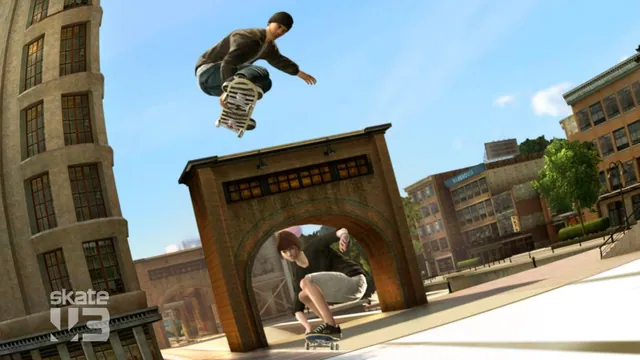
Original Skate 3 publisher screenshot, used as a source-game reference for the Rust browser recreation.
Image credits ↗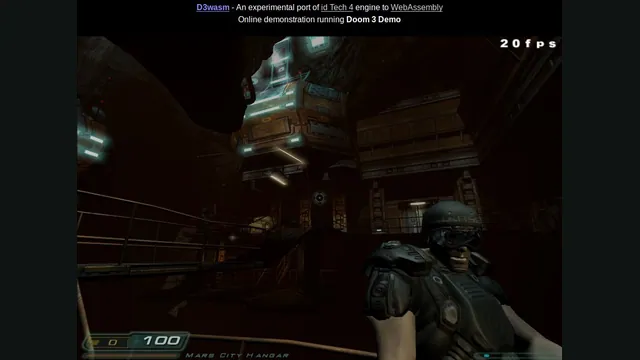
D3Wasm creator screenshot.
Image credits ↗