Doom 3
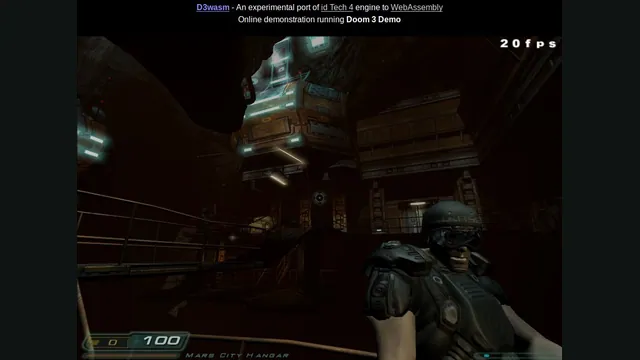
The Doom 3 demo running through a WebAssembly port of id Tech 4.
 PlayDemo or your game files
Credits
D3Wasm creator screenshot.
Doom 3 game imagery remains copyright its respective rights holders. Screenshot published by Gabriel Cuvillier / Continuation Labs / D3Wasm.
Source & attribution ↗View image ↗About this version
Gabriel Cuvillier’s experiment ports the engine rather than recreating a single room. The hosted example uses the demo; it is not the full retail game.
- Project
- D3Wasm
- Original game
- Doom 3
Compare your options
Doom
Classic WAD play, shared browser sessions and Doom 3 have different engines and file requirements.
Read Doom guide- Classic Doom in a browser
Choose owned WADs, shareware or Freedoom, with a documented touch layout.
- Keep the original DOS behavior
A native port for compatible classic content, old demos and saves.
- Play owned original Doom 3
Use original 1.3.1 data in a native port; BFG Edition files do not fit.
Doom 3 takes its time in the dark
The original Doom 3 places you inside a UAC research facility on Mars as a demonic invasion overwhelms it. Its enclosed spaces, darkness and horror setting give combat a different atmosphere from the abstract arenas and quick map-to-map movement of the earliest Doom games. Exploration and the next close-range encounter share the same corridors.
That is the game behind this port, but the hosted D3Wasm launch supplies the demo. It is a way to experience part of Doom 3 and its engine in a browser, rather than an included copy of the entire commercial campaign.
id Software · Doom 3 publisher descriptionD3Wasm · creator documentation and limitations
An id Tech 4 browser experiment
D3Wasm is Gabriel Cuvillier's experiment bringing the Doom 3 engine to WebAssembly and WebGL, using dhewm3 as its basis. The demo's data download is roughly 400 MB. The menu arrives after the first portion, while most of the remaining data continues loading; you can inspect the controls during that wait.
The full retail game requires a separate setup with your own data. Opening the hosted demo does not supply that commercial campaign.
Two browser-specific keys to remember
WASD is the default movement layout. The port uses Home for the menu and skipping sequences where the original game uses Escape, and Insert opens the console. Those substitutions are worth learning before play because the browser handles some keys differently from a native application.
The project stores saves and configuration in IndexedDB and caches downloaded data locally. Private browsing can prevent that persistence, so use a normal browser profile when you want to return to the same saves.
Use a desktop and expect an experimental renderer
Use a desktop for this build. The creator reports mobile performance limitations and no usable touch controls. Some visual effects differ from the original renderer, and the documented in-game brightness adjustment does not work. That matters in a game whose dark spaces are central to its presentation.
Before you play
Do I need the original game files?
The hosted route uses Doom 3 Demo data. Running the full game requires your own retail files and additional setup.
Creator-reported · Project guideHow do I get started?
Open the demo and allow its data to load into browser storage.
Creator-reported · Project guideWhich devices and browsers work?
The creator documents desktop browsers and says the mobile build lacks usable touch controls.
Creator-reported · Project guideWhat are the controls?
WASD; Home opens the menu and Insert opens the console.
Creator-reported · Project guideWhat is included in this version?
The hosted D3Wasm route is the Doom 3 demo. The full retail game is not included.
Creator-reported · Project guideHow do saves work?
Savegames and configuration use local IndexedDB. The creator warns that this storage does not work in private browsing.
Creator-reported · Project guideWhat should I know before playing?
Experimental demo. The creator documents missing effects and storage limitations; performance has not been retested here.
Creator-reported · Project guideKeep exploring
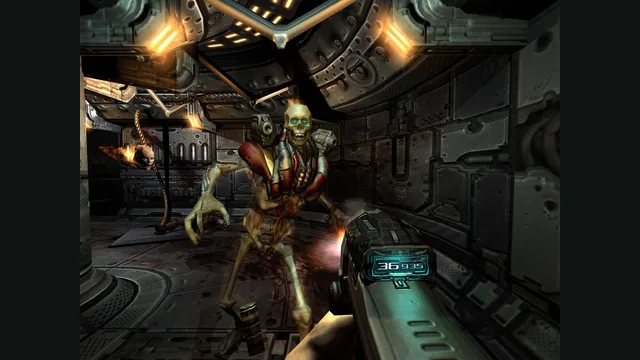

Doom publisher gameplay reference from the current DOOM + DOOM II gallery; not a capture of the linked port.
Image credits ↗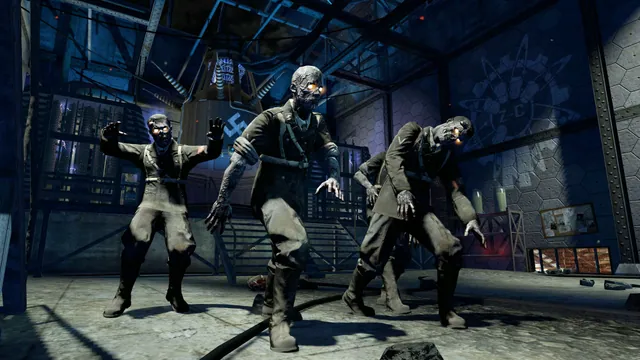
Black Ops Zombies: Rezurrection publisher screenshot. Original-game DLC reference; not the browser project or a promise that this map is playable there.
Image credits ↗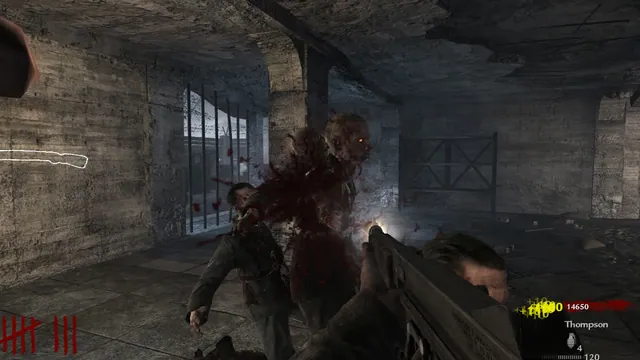
Creator’s gameplay preview still of the Nacht der Untoten browser project.
Image credits ↗Survive Nacht der Untoten solo or with up to three friends in a browser remake.
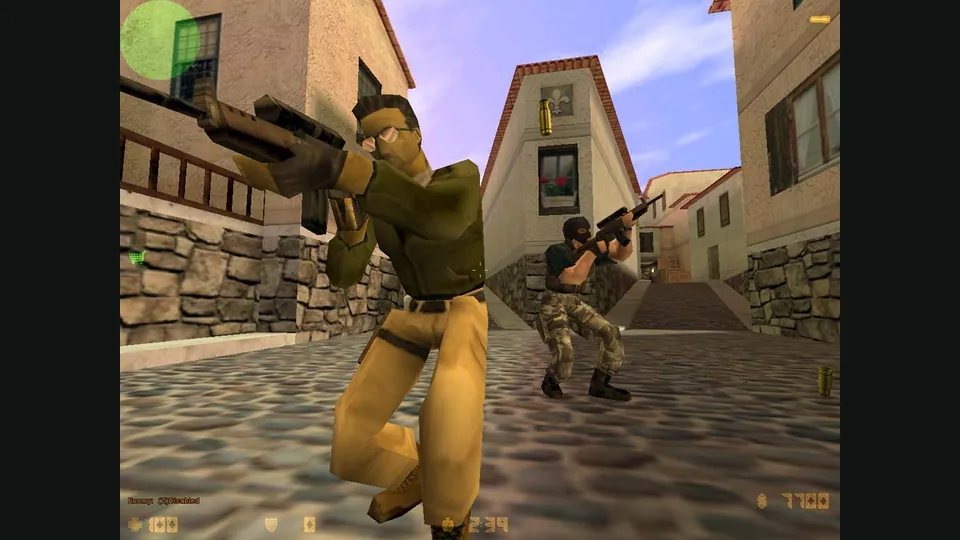
Counter-Strike publisher screenshot. Original-game reference; not the CSJS browser build.
Image credits ↗