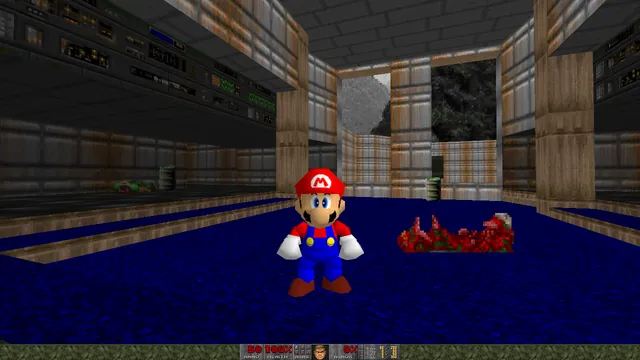
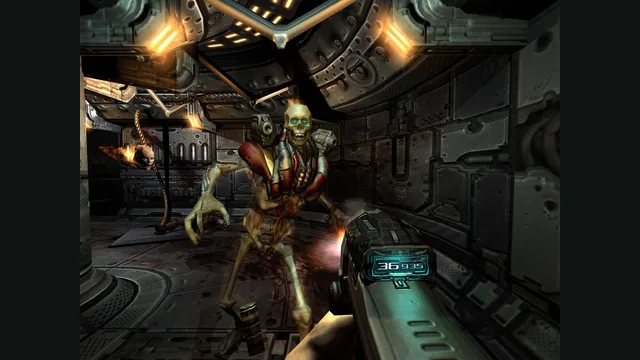
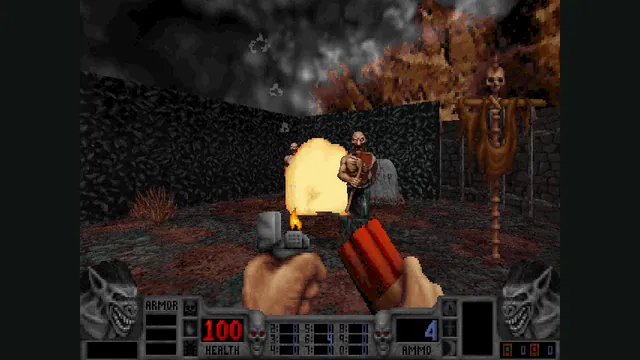
Doom publisher gameplay reference from the current DOOM + DOOM II gallery; not a capture of the linked port.
Image credits ↗Ports designed to preserve the original DOS behavior, including compatibility quirks.
SetupCheck file requirementsDoom publisher gameplay reference from the current DOOM + DOOM II gallery; not a capture of the linked port.
DOOM + DOOM II game imagery remains copyright its respective rights holders. Publisher-supplied screenshot from the linked official Steam store gallery.
Source & attribution ↗View image ↗Ports designed to preserve the original DOS behavior, including compatibility quirks. Original DOS bugs can be intentionally preserved. Total conversions may require -merge instead of the vanilla -file behavior.
Classic WAD play, shared browser sessions and Doom 3 have different engines and file requirements.
Read Doom guideChoose owned WADs, shareware or Freedoom, with a documented touch layout.
A desktop browser route into the later game without a retail-data setup.
Use original 1.3.1 data in a native port; BFG Edition files do not fit.
The original Doom casts you as the surviving marine facing an invasion from Hell. Doom II brings that invasion to Earth and adds enemies and weapons, including the Super Shotgun. Their first-person combat is the foundation preserved by Chocolate Doom. The current commercial Doom bundle also contains a separate enhanced engine and newer episodes; those additions are not all part of the original DOS rules that this port aims to reproduce.
Doom and Doom II · publisher descriptions of the original gamesChocolate Doom · project documentation
Chocolate Doom’s defining feature is fidelity to the DOS games. It aims to reproduce their display, input and behavior, including some bugs, instead of adding a new graphics style or redesigning the combat. The project also contains corresponding ports for Heretic, Hexen and Strife.
That makes it useful when you want an older level or recorded demo to behave as expected. Compatibility with DOS configuration, saves and demo files is a central goal. It is a different priority from a port designed around advanced rendering or expanded mod scripting.
The setup utility brings display, sound and input settings together in a menu-driven interface. Configure keyboard actions, mouse speed and buttons, or a gamepad before beginning. It can also launch a single-player level or start and join a network game.
The original configuration file and Chocolate Doom’s extra settings are stored separately. This lets the port preserve the old configuration format while still offering settings needed by a modern application. Editing the setup menus is usually clearer than guessing which configuration file owns a particular option.
Chocolate Doom · project documentationChocolate Doom · setup utility
The vanilla -file option does not support every old total conversion’s sprite arrangement. Chocolate Doom provides -merge to reproduce the merge those packages traditionally performed with utilities such as DEUSF, without changing the main IWAD on disk. Some conversions also need their accompanying DeHackEd patches.
Follow the conversion’s documented file set and the port’s examples. A WAD designed for a more advanced source port may depend on features outside Chocolate Doom’s preservation goals, so the Doom name alone is not a compatibility promise.
A behavior that looks wrong can be part of the DOS game being reproduced. The project maintains a NOT-BUGS explanation for intentional compatibility quirks, and the setup utility offers a small selection of compatibility switches. Choose those settings with the intended experience in mind: changing a quirk for convenience and reproducing an old demo exactly can be different objectives.
Chocolate Doom · project documentationChocolate Doom · setup utility
Install the matching release and use chocolate-setup to configure input and start a single-player or network game.
Creator-reported · Project guideThe checked release offers Windows packages and macOS builds.
Creator-reported · Project guideThe setup utility configures keyboard, mouse and gamepad/joystick input.
Creator-reported · Project guideThe setup utility can host or join a network game. Firewall or NAT configuration can affect connections.
Creator-reported · Project guideOriginal DOS bugs can be intentionally preserved. Total conversions may require -merge instead of the vanilla -file behavior.
Creator-reported · Project guideDoom publisher gameplay reference from the current DOOM + DOOM II gallery; not a capture of the linked port.
Image credits ↗Doom publisher gameplay reference from the current DOOM + DOOM II gallery; not a capture of the linked port.
Image credits ↗Load owned Doom WADs, or start with Doom shareware and Freedoom in the live v1 browser client.
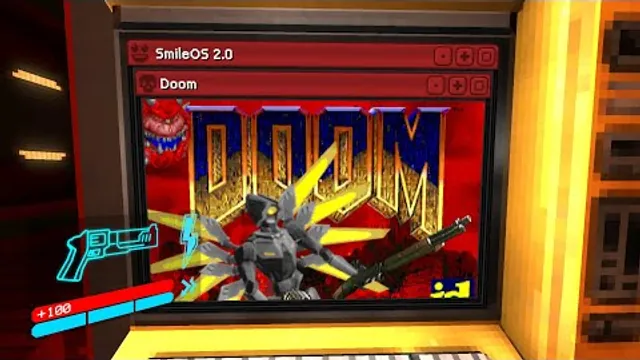
Squaresweets’ creator video thumbnail shows the DOOM window inside an ULTRAKILL terminal.
Image credits ↗Doom publisher gameplay reference from the current DOOM + DOOM II gallery; not a capture of the linked port.
Image credits ↗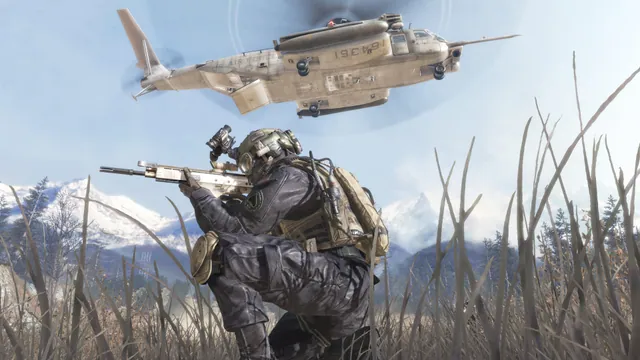
Call of Duty®: Modern Warfare® 2 (2009) gameplay reference; not a capture of the linked project.
Image credits ↗The Xbox 360 game’s executables translated for native PC play.
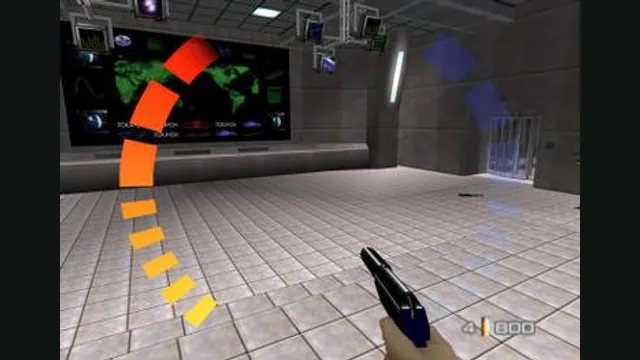
GoldenEye 007 original-game screenshot reference; not a capture of the linked project.
Image credits ↗