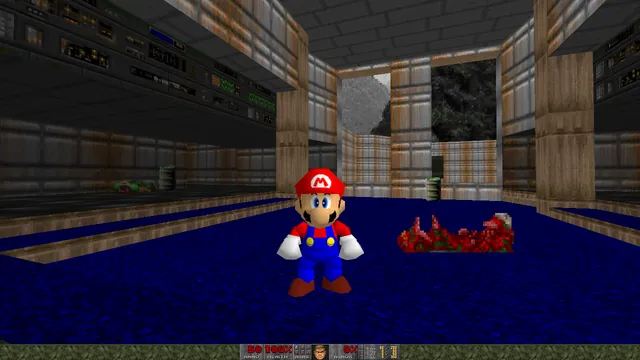
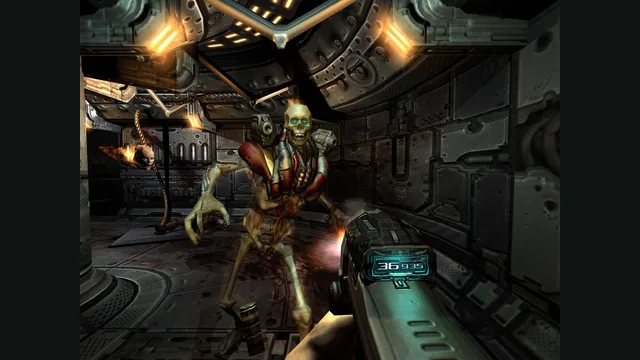
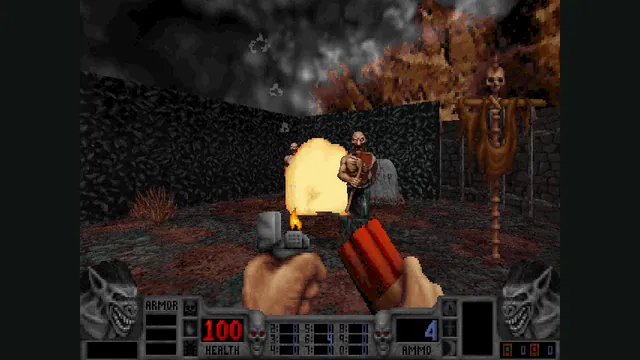
Doom publisher gameplay reference from the current DOOM + DOOM II gallery; not a capture of the linked port.
Image credits ↗Doom runs on ULTRAKILL’s shop terminals.
 SetupYour game files required
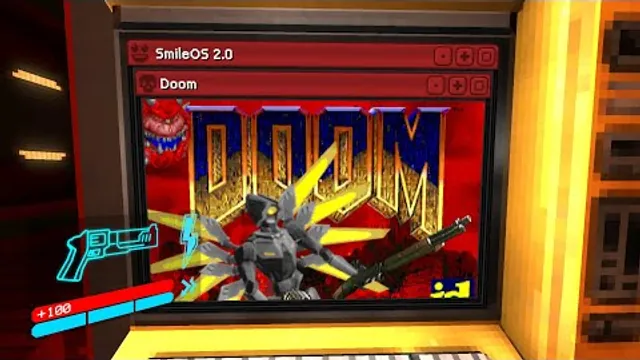
Squaresweets’ creator video thumbnail shows the DOOM window inside an ULTRAKILL terminal.
Video thumbnail by Squaresweets, linked from the project README. DOOM and ULTRAKILL artwork belongs to its respective rights holders.
Source & attribution ↗View image ↗UltraDoom is a BepInEx plugin that embeds Doom in the terminal interface. The creator documents a terminal toggle and separate WAD/soundfont setup.
Classic WAD play, shared browser sessions and Doom 3 have different engines and file requirements.
Read Doom guideChoose owned WADs, shareware or Freedoom, with a documented touch layout.
A native port for compatible classic content, old demos and saves.
A desktop browser route into the later game without a retail-data setup.
Use original 1.3.1 data in a native port; BFG Edition files do not fit.
UltraDoom puts Doom in ULTRAKILL’s shop terminals. Open or close it with the smile icon at the upper left of the terminal screen. This is a game-within-a-game interaction: you remain in ULTRAKILL’s space while a Doom session occupies the terminal display.
The mouse deliberately does not control Doom, allowing you to look away from the screen and walk away. The creator describes each terminal as having its own Doom instance, so the novelty is visiting those screens rather than replacing ULTRAKILL’s weapons, enemies or campaign with Doom content.
Install BepInEx before the plugin, then place the UltraDoom DLL in its plugins folder. The plugins/doom subfolder holds your legitimately sourced DOOM.WAD and the documented RLNDGM.SF2 soundfont. The optional ultradoom.wad adds texture swaps; the creator also allows the Doom shareware version for players without the full game.
Filenames and placement matter because the plugin expects that layout. Audio and the Doom data are separate inputs, so a working plugin loader does not mean both have been supplied correctly.
The creator describes the plugin as a quick project made for a video. Its documentation does not present it as a polished replacement for a standalone Doom port. Choose it for the terminal interaction, and keep ordinary Doom play separate when you need a fully documented controls or save workflow.
ULTRAKILL, a legitimate Doom WAD or shareware version, and the documented soundfont.
Creator-reported · Project guideInstall BepInEx, then follow the plugin and doom-folder layout in the README.
Creator-reported · Project guideDoom publisher gameplay reference from the current DOOM + DOOM II gallery; not a capture of the linked port.
Image credits ↗Doom publisher gameplay reference from the current DOOM + DOOM II gallery; not a capture of the linked port.
Image credits ↗Load owned Doom WADs, or start with Doom shareware and Freedoom in the live v1 browser client.
Doom publisher gameplay reference from the current DOOM + DOOM II gallery; not a capture of the linked port.
Image credits ↗Ports designed to preserve the original DOS behavior, including compatibility quirks.
Doom publisher gameplay reference from the current DOOM + DOOM II gallery; not a capture of the linked port.
Image credits ↗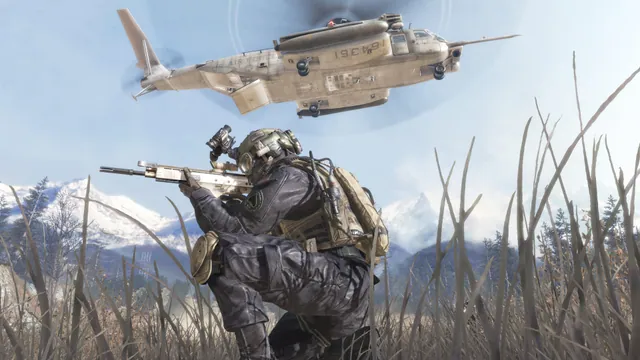
Call of Duty®: Modern Warfare® 2 (2009) gameplay reference; not a capture of the linked project.
Image credits ↗The Xbox 360 game’s executables translated for native PC play.
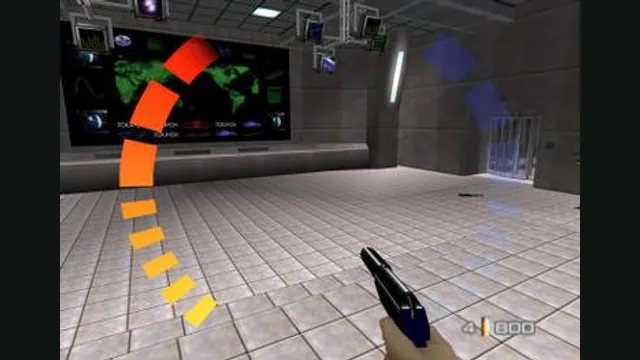
GoldenEye 007 original-game screenshot reference; not a capture of the linked project.
Image credits ↗